NFC Reader Writer - NFC tools para PC
Appeasy4
Descarga NFC Reader Writer - NFC tools en PC con GameLoop Emulator
NFC Reader Writer - NFC tools en PC
NFC Reader Writer - NFC tools, proveniente del desarrollador Appeasy4, se ejecuta en el sistema Android en el pasado.
Ahora, puedes jugar NFC Reader Writer - NFC tools en PC con GameLoop sin problemas.
Descárgalo en la biblioteca de GameLoop o en los resultados de búsqueda. No más mirar la batería o llamadas frustrantes en el momento equivocado nunca más.
Simplemente disfrute de NFC Reader Writer - NFC tools PC en la pantalla grande de forma gratuita!
NFC Reader Writer - NFC tools Introducción
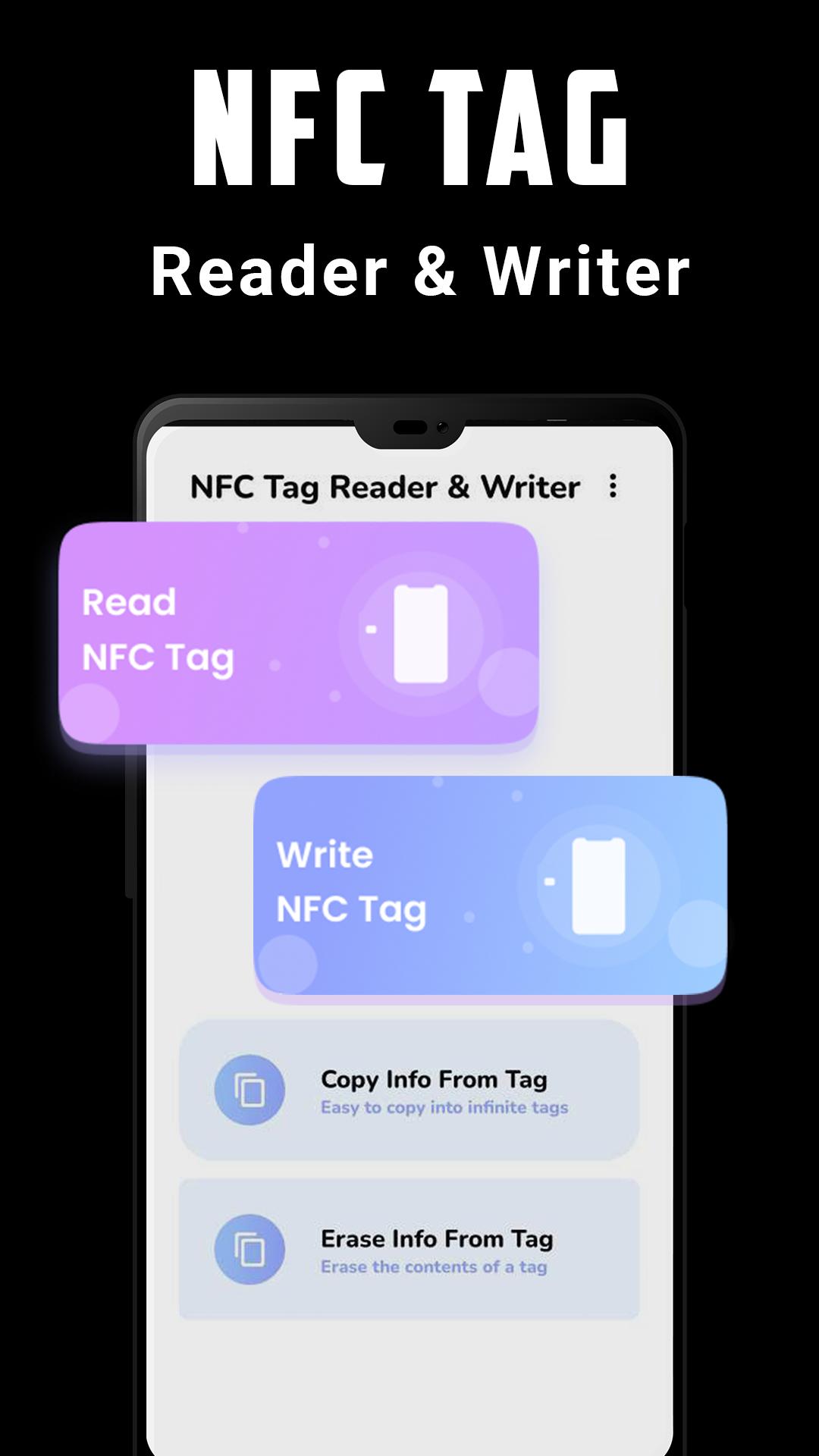
Read, write on your NFC tags and other compatible NFC chips with a simple and lightweight user interface.
To use NFC Reader, you have just to hold a tag or a card against the back of your device to read it. NFC Reader lets you to copy the content of the tag or to open the URI.
You can also manage the tags and cards previously scanned in the History section. To write and configure tasks on your NFC tag, you can search and download the app NFC Tools. Once your tasks have been configured correctly, simply pass your phone over your NFC tag to perform actions.
All you need to do is get your device close to an NFC chip to read the data on it or execute tasks. NFC Reader is a simple and efficient tool for letting you read contact-less tags on your smartphones and tablets. NFC Reader supports various tags like NDEF, RFID, FeliCa, ISO 14443, Mifare Classic 1k, MIFARE DESFire, MIFARE Ultralight, NTAG, ...
🎲Features of NFC Reader Writer - NFC tools:
✔️ Compatible with most famous tags.
✔️ Create new content with the included NFC data
✔️ Tap to Launch feature to execute content of NFC tags with a simple tap
✔️ View the existing contents of a tag information
✔️ Easy to use.
✔️ Very simple visual interface.
✔️ No internet connection required.
✔️ Can be used as a sample inventory manager tool
★ Which type of data you can store ?
• Plain Text
• Social media profile links
• YouTube links
• All other types of links
• Application data
• Phone Number
• SMS
• Contact information's
❗Requirements
1. NFC compatible phone
2. Enable the NFC function on your device
❓How to Write an NFC Tag?
1. Take a tag- which can be a paper, sticker, ring, or anything else that contains an NFC tag, and can set any task on it.
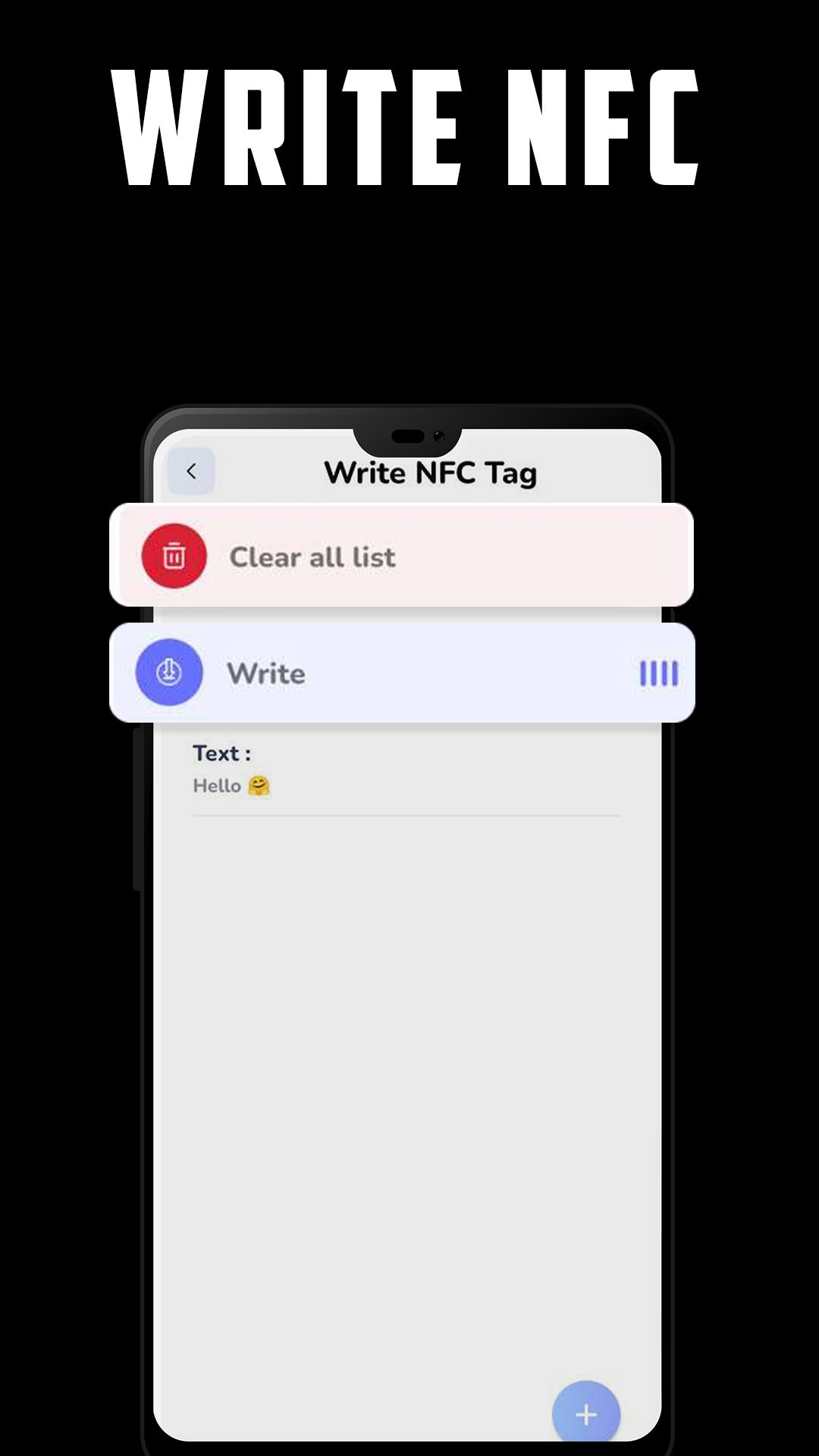
2. Go to write tag option in the menu, and start to add records to your NFC tag.
After you finish, just click on the write button, and put your NFC tag close to your smartphone, and WOW, now you have a new tag that contains tasks!
If you have a problem to read a tag, don't hesitate to contact me by email to help me to fix the problem. Your feedback and ideas to improve NFC Reader are also welcomed. Send me an email for that : appeasy4@gmail.com
Avance
Etiquetas
HerramientasInformación
Desarrollador
Appeasy4
La última versión
1.3
Última actualización
2022-11-12
Categoría
Herramientas
Disponible en
Google Play
Mostrar más
Cómo jugar NFC Reader Writer - NFC tools con GameLoop en PC
1. Descargue GameLoop desde el sitio web oficial, luego ejecute el archivo exe para instalar GameLoop.
2. Abra GameLoop y busque "NFC Reader Writer - NFC tools", busque NFC Reader Writer - NFC tools en los resultados de búsqueda y haga clic en "Instalar".
3. Disfruta jugando NFC Reader Writer - NFC tools en GameLoop.
Minimum requirements
OS
Windows 8.1 64-bit or Windows 10 64-bit
GPU
GTX 1050
CPU
i3-8300
Memory
8GB RAM
Storage
1GB available space
Recommended requirements
OS
Windows 8.1 64-bit or Windows 10 64-bit
GPU
GTX 1050
CPU
i3-9320
Memory
16GB RAM
Storage
1GB available space