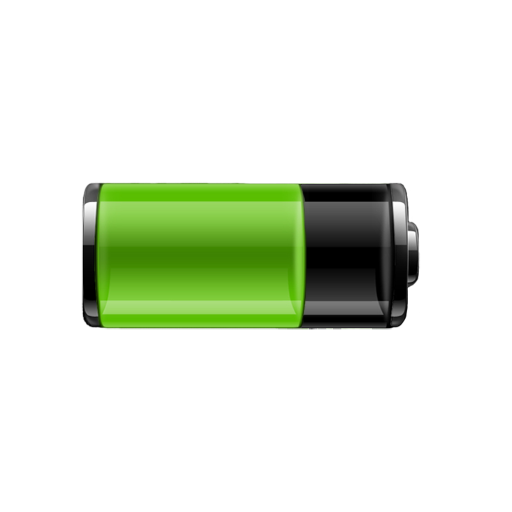
Battery Widget para PC
CodeSwitch
Descarga Battery Widget en PC con GameLoop Emulator
Battery Widget en PC
Battery Widget, proveniente del desarrollador CodeSwitch, se ejecuta en el sistema Android en el pasado.
Ahora, puedes jugar Battery Widget en PC con GameLoop sin problemas.
Descárgalo en la biblioteca de GameLoop o en los resultados de búsqueda. No más mirar la batería o llamadas frustrantes en el momento equivocado nunca más.
Simplemente disfrute de Battery Widget PC en la pantalla grande de forma gratuita!
Battery Widget Introducción
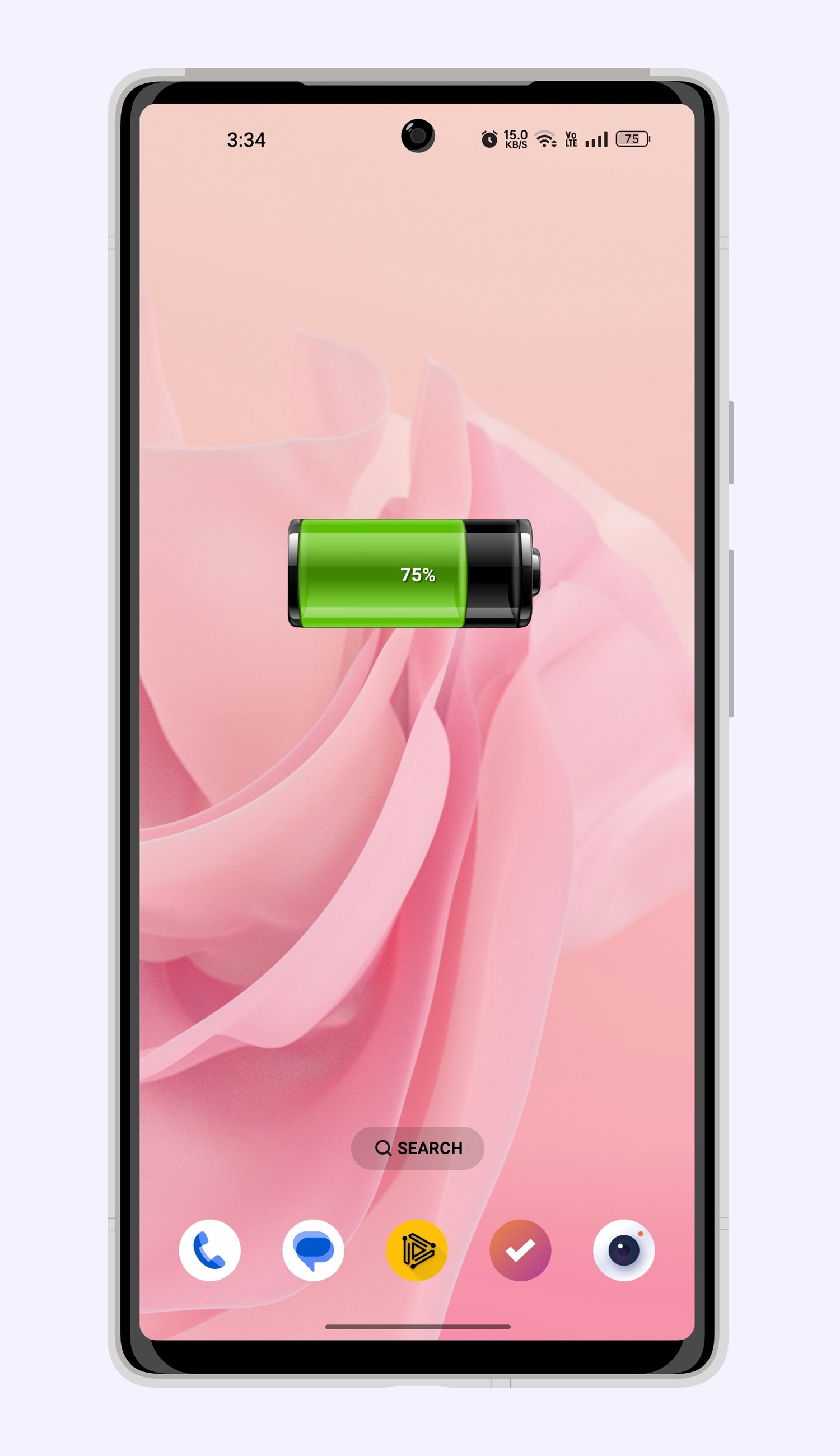
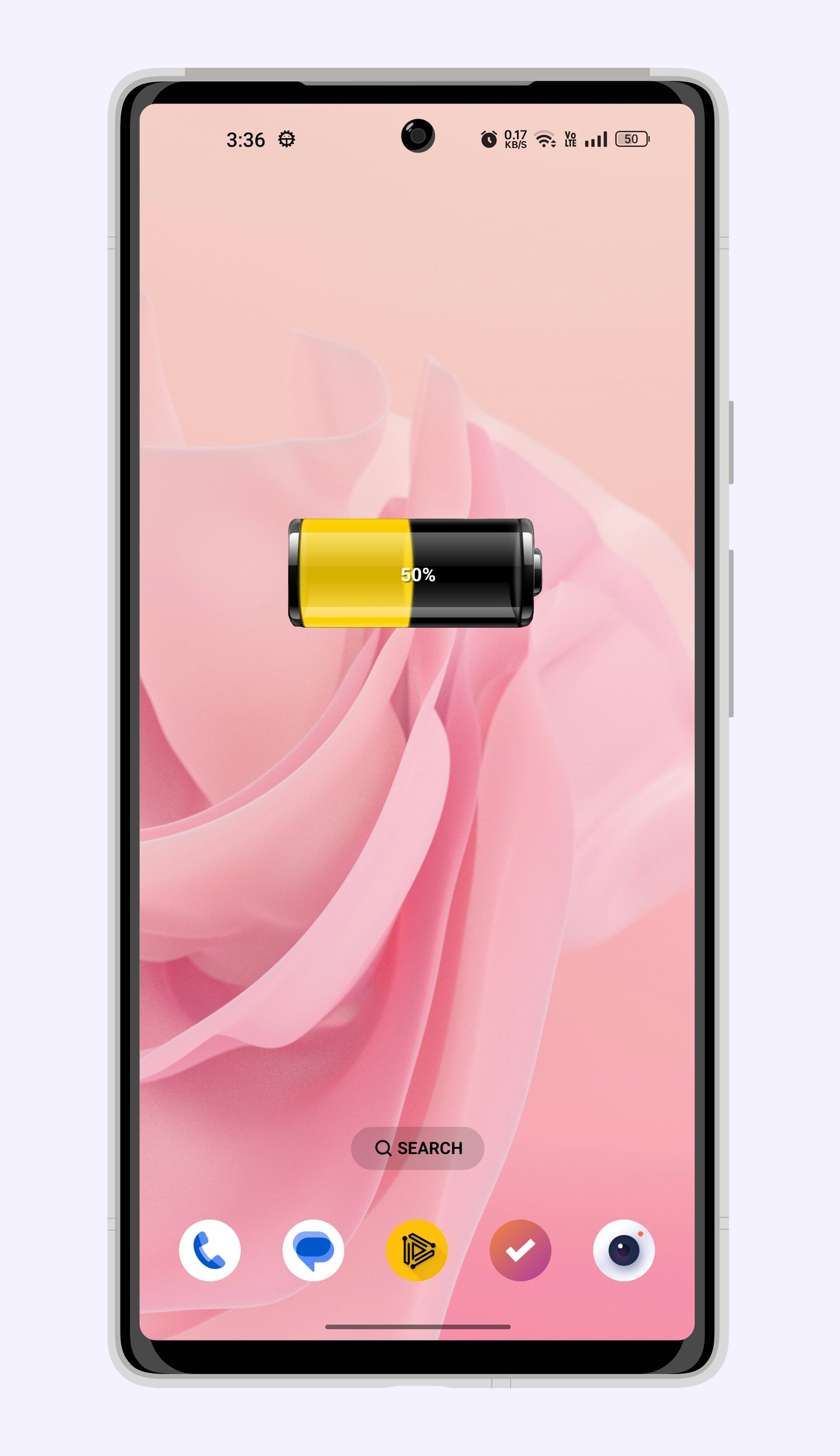
Battery Widget: Your Ultimate Battery Monitor, Always at a Glance!
Never wonder about your phone's power status again. Get precise, real-time battery level readings directly on your homescreen with Battery Widget. It's more than just a percentage; it's your window into complete battery health!
Tap on your Battery Widget to unlock a comprehensive dashboard of vital statistics:
Voltage: Keep an eye on your battery's electrical output.
Temperature: Monitor heat levels to prevent overheating and extend battery lifespan.
Health: Get a clear picture of your battery's overall condition and performance.
Battery Widget empowers you to understand and manage your device's power like never before. Stay informed, stay optimized, and keep your phone running efficiently with the essential insights provided by Battery Widget.
Important Note for Battery Widget Users:
For uninterrupted and accurate battery monitoring, please add Battery Widget to your task killer exclusion list. This ensures the widget functions optimally at all times.
Problems, Feedback, or Suggestions?
We're here to help! Reach out to us at:
support@codeswitch.in
Avance
Etiquetas
HerramientasInformación
Desarrollador
CodeSwitch
La última versión
4.0
Última actualización
2026-02-25
Categoría
Herramientas
Disponible en
Google Play
Mostrar más
Cómo jugar Battery Widget con GameLoop en PC
1. Descargue GameLoop desde el sitio web oficial, luego ejecute el archivo exe para instalar GameLoop.
2. Abra GameLoop y busque "Battery Widget", busque Battery Widget en los resultados de búsqueda y haga clic en "Instalar".
3. Disfruta jugando Battery Widget en GameLoop.
Minimum requirements
OS
Windows 8.1 64-bit or Windows 10 64-bit
GPU
GTX 1050
CPU
i3-8300
Memory
8GB RAM
Storage
1GB available space
Recommended requirements
OS
Windows 8.1 64-bit or Windows 10 64-bit
GPU
GTX 1050
CPU
i3-9320
Memory
16GB RAM
Storage
1GB available space