Image converter para PC
alpaca
Descarga Image converter en PC con GameLoop Emulator
Image converter en PC
Image converter, proveniente del desarrollador alpaca, se ejecuta en el sistema Android en el pasado.
Ahora, puedes jugar Image converter en PC con GameLoop sin problemas.
Descárgalo en la biblioteca de GameLoop o en los resultados de búsqueda. No más mirar la batería o llamadas frustrantes en el momento equivocado nunca más.
Simplemente disfrute de Image converter PC en la pantalla grande de forma gratuita!
Image converter Introducción
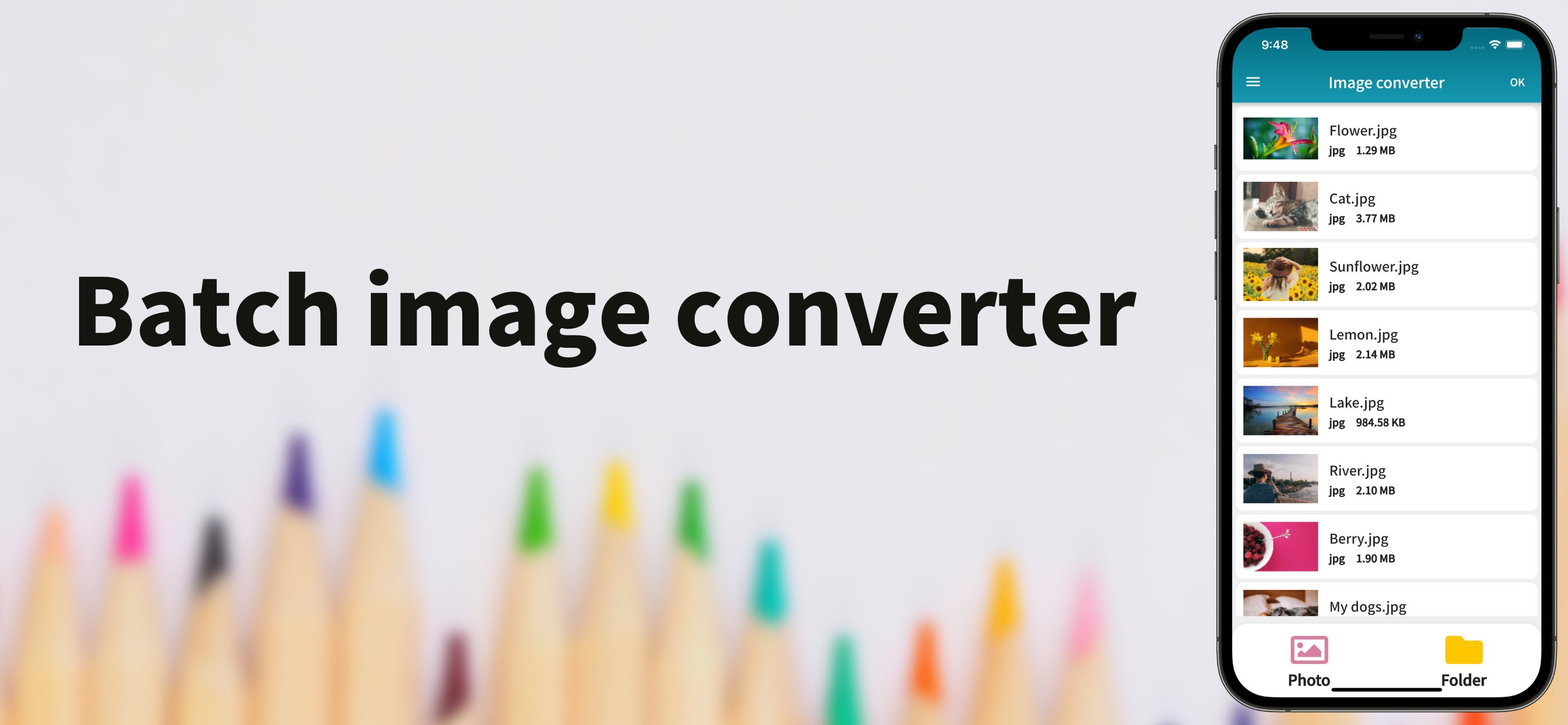
Easily batch convert your image formats with simple operations.
Supporting a wide range of major formats, this app is perfect for any situation. With its simple and intuitive design, anyone can start using it right away. You can also reduce image file sizes, making it convenient for posting on social media or sending via email.
Privacy-Focused Design
All image processing is performed locally on your device. Your photos and documents are never uploaded to our servers, ensuring your personal content remains private.
● Supported Input Formats
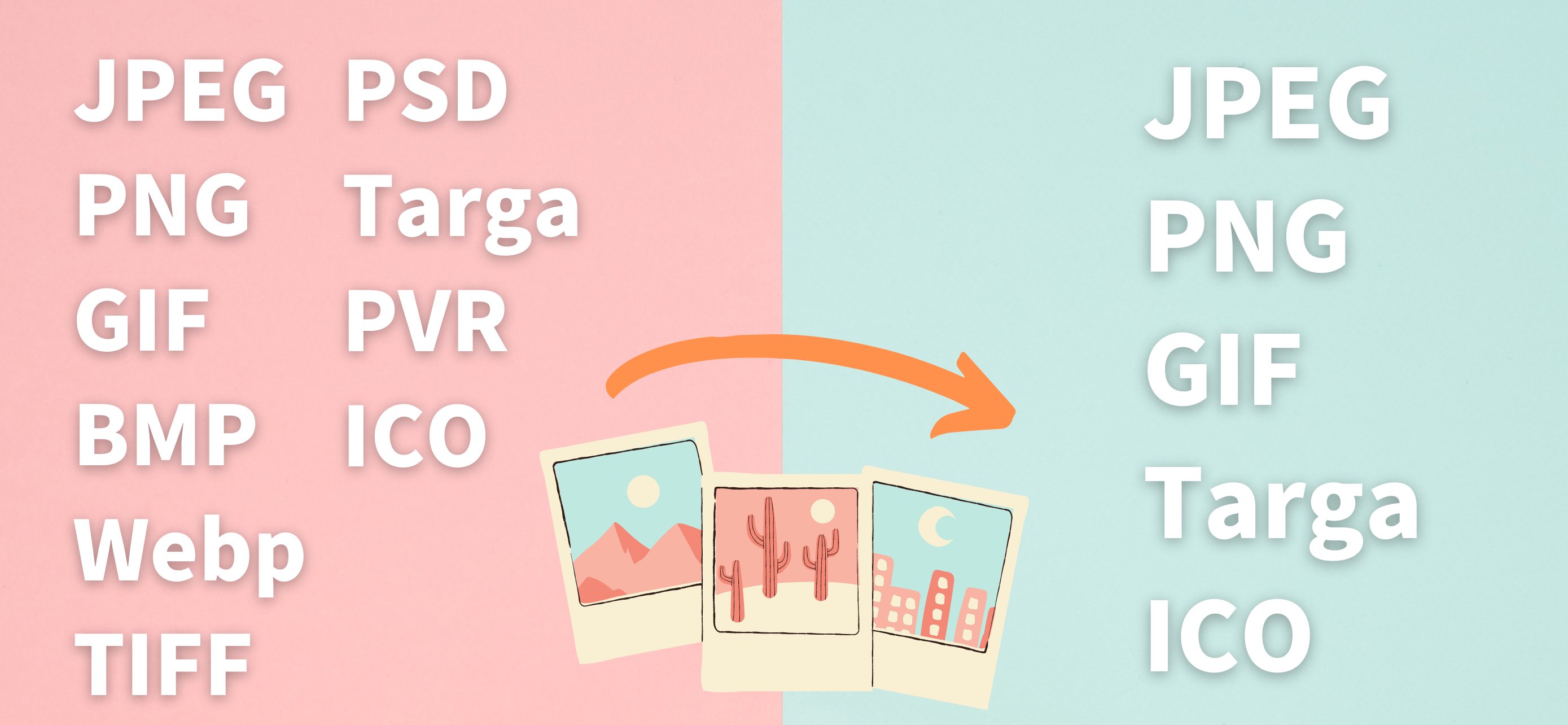
JPEG, PNG, GIF, BMP, WebP, TIFF, PSD, Targa, PVR, ICO, HEIC, HEIF
● Supported Output Formats
JPEG, PNG, GIF, WebP, Targa, ICO, PDF
Features:
- No registration required. Ready to use right after download.
- Local image processing - your files never leave your device.
- Simple and user-friendly interface.
- Supports a wide range of formats.
- Batch convert multiple images at once.
- Image resizing feature.
- Adjustable quality (for JPEG and WebP only).
- Selectable save destination.
- Built-in sharing function.
- Real-time conversion progress display.
- Beautiful, modern application design.
Avance
Etiquetas
HerramientasInformación
Desarrollador
alpaca
La última versión
3.0.5
Última actualización
2025-09-14
Categoría
Herramientas
Disponible en
Google Play
Mostrar más
Cómo jugar Image converter con GameLoop en PC
1. Descargue GameLoop desde el sitio web oficial, luego ejecute el archivo exe para instalar GameLoop.
2. Abra GameLoop y busque "Image converter", busque Image converter en los resultados de búsqueda y haga clic en "Instalar".
3. Disfruta jugando Image converter en GameLoop.
Minimum requirements
OS
Windows 8.1 64-bit or Windows 10 64-bit
GPU
GTX 1050
CPU
i3-8300
Memory
8GB RAM
Storage
1GB available space
Recommended requirements
OS
Windows 8.1 64-bit or Windows 10 64-bit
GPU
GTX 1050
CPU
i3-9320
Memory
16GB RAM
Storage
1GB available space