Color Picker & Generator para PC
Core Apps Creation
Descarga Color Picker & Generator en PC con GameLoop Emulator
Color Picker & Generator en PC
Color Picker & Generator, proveniente del desarrollador Core Apps Creation, se ejecuta en el sistema Android en el pasado.
Ahora, puedes jugar Color Picker & Generator en PC con GameLoop sin problemas.
Descárgalo en la biblioteca de GameLoop o en los resultados de búsqueda. No más mirar la batería o llamadas frustrantes en el momento equivocado nunca más.
Simplemente disfrute de Color Picker & Generator PC en la pantalla grande de forma gratuita!
Color Picker & Generator Introducción
-Color Picker & Generator is a powerful app that allows you to select colors from various sources, generate color codes, and explore different color schemes and harmonies.
-Whether you're a designer, artist, or simply want to enhance your creativity, this app provides a wide range of features to make your color selection and generation process easy and enjoyable.
Features:
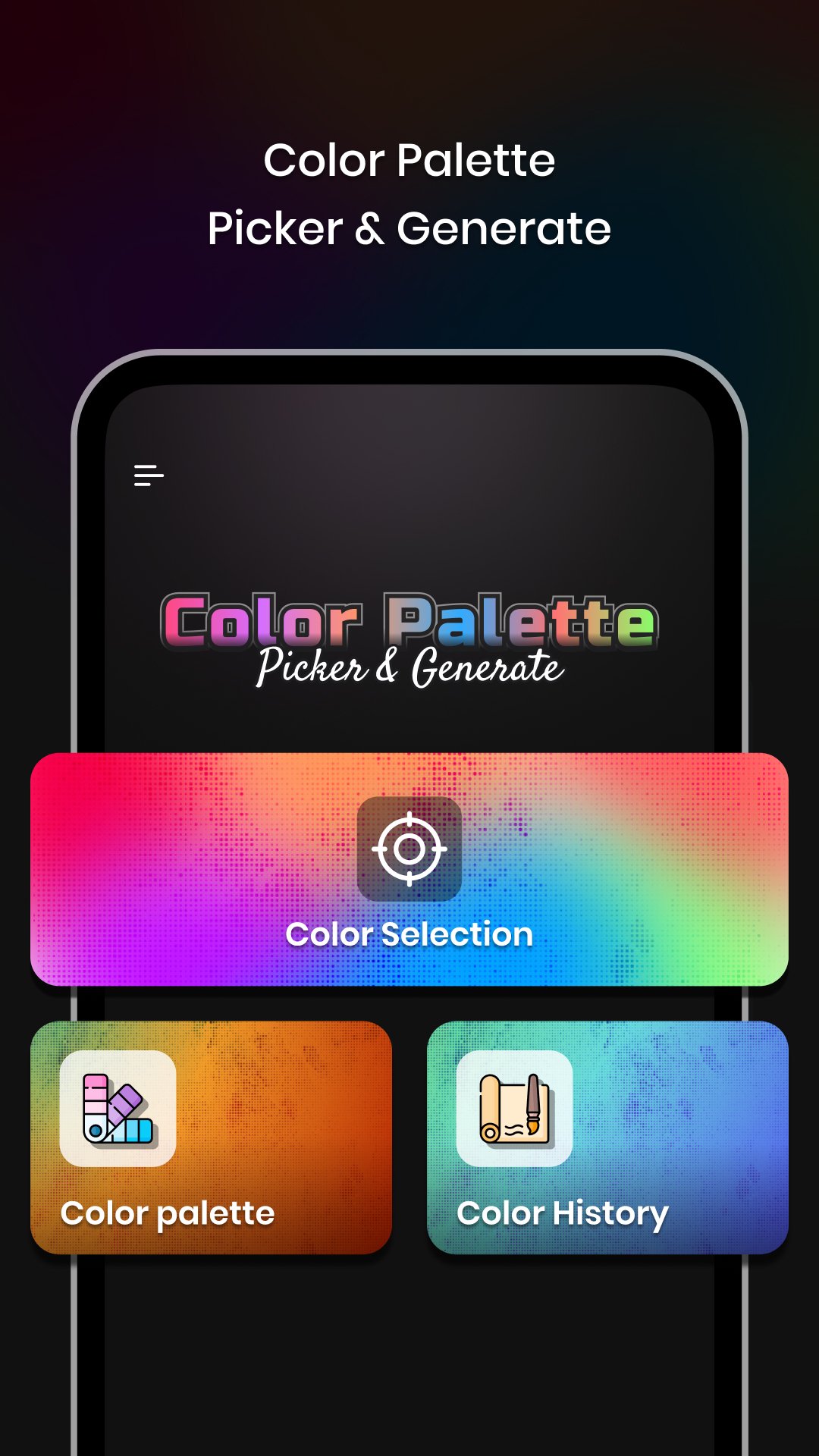
1)Color Selection:
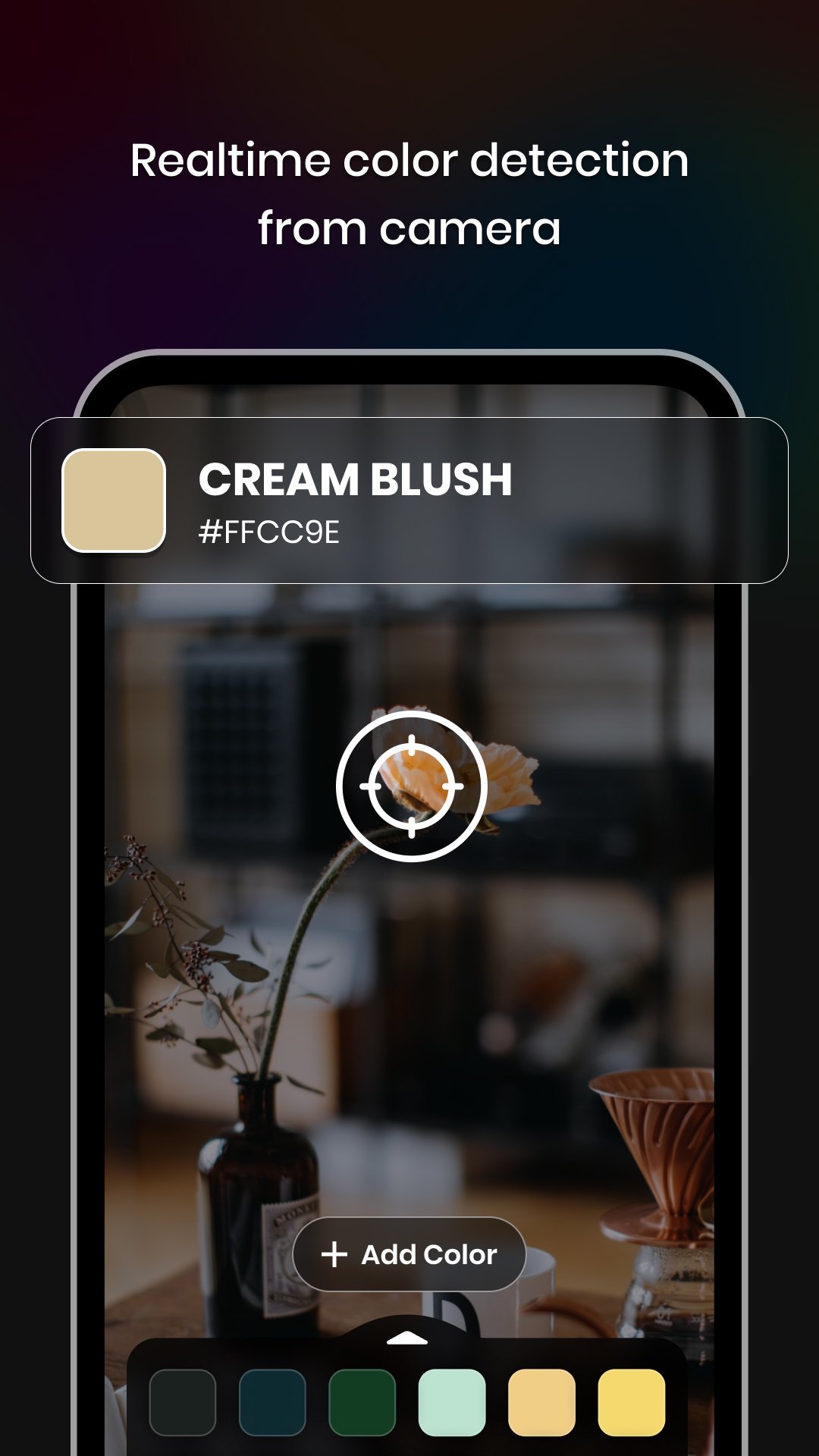
-Camera: Capture colors directly from your surroundings using your device's camera.
-Gallery: Choose colors from your saved images in the gallery.
-Color Palette: Select colors from a wide range of pre-defined color palettes.
-Color Codes: Obtain color codes and names for the selected colors.
-RGB Rearrangement: Rearrange color codes based on their RGB values.
-Color Code Details: Access hex codes, RGB, CMYK, HSL, HSV/HSB, LAB, XYZ, and XYY values for each individual color code.
-Color Harmonies: Explore harmonies for the selected color code.& Share the appropriate color harmony with others.
-Color Schemes: Discover different color schemes such as Metallic, Pastel, Black & White, Earth Tone, Neon, Secondary, and Rainbow.
2)Color Palette:
-Trending/Default Color Palettes: Access ready-made trending color palettes for various industries and applications.
-Custom Color Palette: Create your own custom color palettes to suit your specific needs.
-Easy Arrangements: Organise and arrange colors in your palettes effortlessly.
3)Color History:
-Saved Work: Store and access the history of all your color selections and generated colour schemes.
-Easy Retrieval: Quickly find and review your previous color choices for reference and reuse.
-With Color Picker & Generator, Enhance your creativity and streamline your color selection and generation process.
-Whether you're designing a website, creating artwork, or planning a theme, this app provides all the tools you need to bring your vision to life.
-Download now and experience the world of colors at your fingertips.
Permissions:
1) Camera - Capture real-time color using the camera.
Avance
Etiquetas
HerramientasInformación
Desarrollador
Core Apps Creation
La última versión
1.0.4
Última actualización
2025-11-28
Categoría
Herramientas
Disponible en
Google Play
Mostrar más
Cómo jugar Color Picker & Generator con GameLoop en PC
1. Descargue GameLoop desde el sitio web oficial, luego ejecute el archivo exe para instalar GameLoop.
2. Abra GameLoop y busque "Color Picker & Generator", busque Color Picker & Generator en los resultados de búsqueda y haga clic en "Instalar".
3. Disfruta jugando Color Picker & Generator en GameLoop.
Minimum requirements
OS
Windows 8.1 64-bit or Windows 10 64-bit
GPU
GTX 1050
CPU
i3-8300
Memory
8GB RAM
Storage
1GB available space
Recommended requirements
OS
Windows 8.1 64-bit or Windows 10 64-bit
GPU
GTX 1050
CPU
i3-9320
Memory
16GB RAM
Storage
1GB available space