Bluetooth Finder - BLE Scanner para PC
AppEdge
Descarga Bluetooth Finder - BLE Scanner en PC con GameLoop Emulator
Bluetooth Finder - BLE Scanner en PC
Bluetooth Finder - BLE Scanner, proveniente del desarrollador AppEdge, se ejecuta en el sistema Android en el pasado.
Ahora, puedes jugar Bluetooth Finder - BLE Scanner en PC con GameLoop sin problemas.
Descárgalo en la biblioteca de GameLoop o en los resultados de búsqueda. No más mirar la batería o llamadas frustrantes en el momento equivocado nunca más.
Simplemente disfrute de Bluetooth Finder - BLE Scanner PC en la pantalla grande de forma gratuita!
Bluetooth Finder - BLE Scanner Introducción
Bluetooth Tools is a simple toolkit for pairing, auto-connecting, scanning and finding your Bluetooth devices.
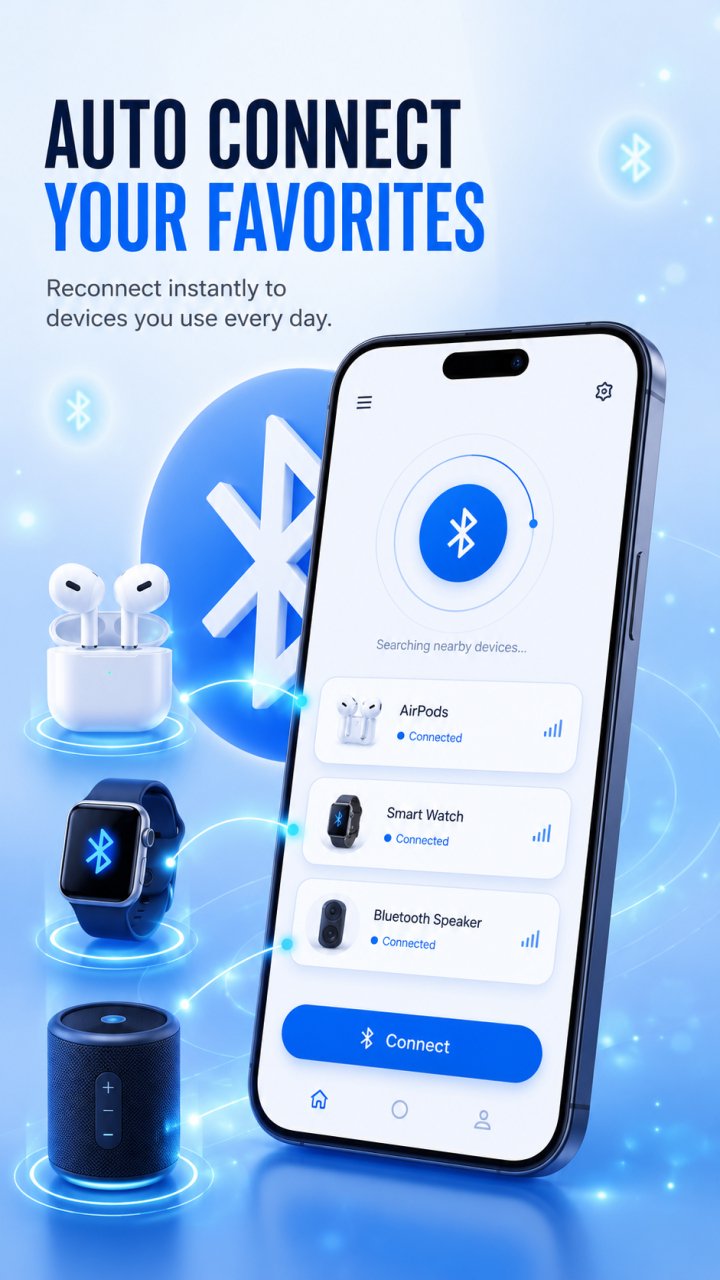
Set your favorite headphones, speaker, or car audio once, and Bluetooth Tools reconnects to them automatically whenever they are in range — including on boot or when Bluetooth turns back on.
What you can do:
Bluetooth auto connect: choose the devices you use most and reconnect to them automatically, with no manual pairing each time.
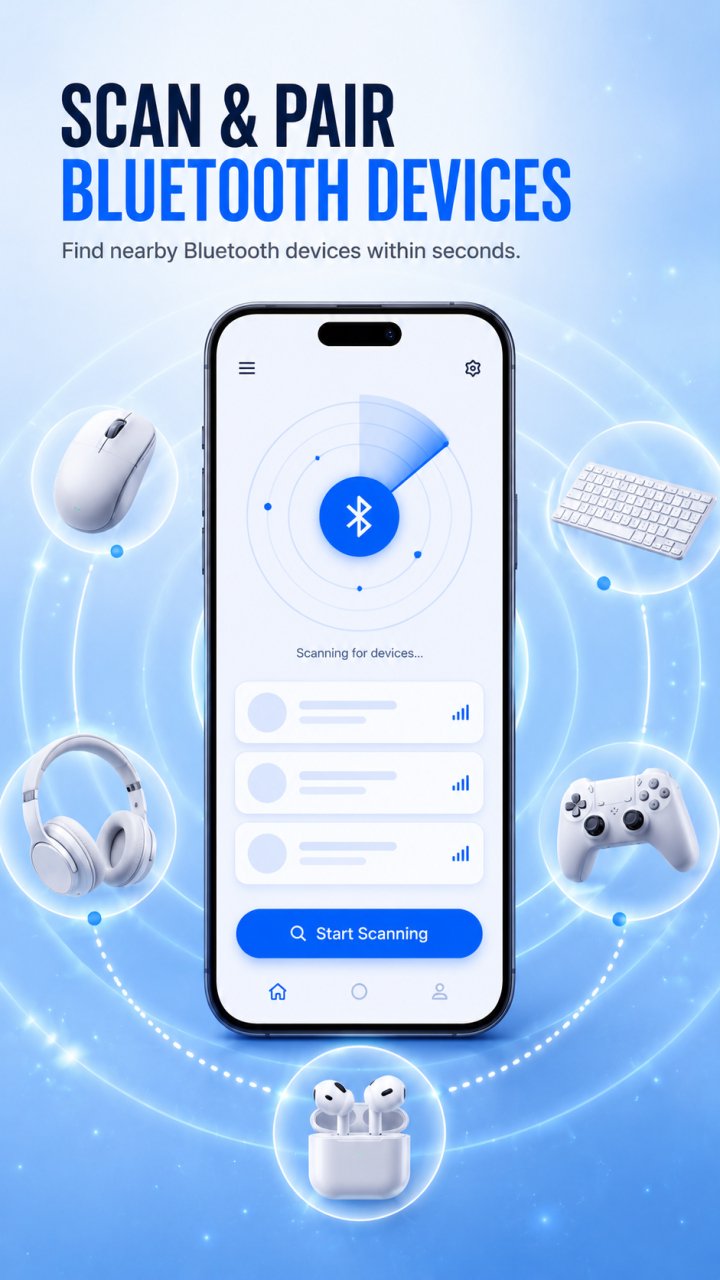
Pair and connect: pair and connect to nearby devices in a single tap.
Bluetooth scanner: discover nearby classic Bluetooth devices and connect quickly.
BLE scanner: find Bluetooth Low Energy devices and view their signal details.
Find my Bluetooth device: locate misplaced earbuds, headphones, speakers and other devices using real-time signal strength — the closer you get, the stronger the signal.
Paired devices and favorites: see what is paired and manage your favorites in one place.
Scan history: keep track of the devices you have discovered.
WiFi tools: check your internet speed, measure WiFi signal strength, and scan nearby networks.
Clean dark interface designed to be easy on the eyes.
Whether you are reconnecting your earbuds, pairing a speaker, scanning for nearby devices, or tracking down a lost headphone, Bluetooth Tools keeps your wireless devices in one place.
Note: connecting to and locating Bluetooth devices depends on your device and the accessories you use. A device with no usable Bluetooth signal or a dead battery cannot be located. Some features require Bluetooth and location permissions to discover and connect to devices.
Bluetooth Tools is not affiliated with, endorsed by, or associated with any device manufacturer. All product and brand names belong to their respective owners and are used for identification only.
Avance
Etiquetas
HerramientasInformación
Desarrollador
AppEdge
La última versión
1.1.5
Última actualización
2026-06-26
Categoría
Herramientas
Disponible en
Google Play
Mostrar más
Cómo jugar Bluetooth Finder - BLE Scanner con GameLoop en PC
1. Descargue GameLoop desde el sitio web oficial, luego ejecute el archivo exe para instalar GameLoop.
2. Abra GameLoop y busque "Bluetooth Finder - BLE Scanner", busque Bluetooth Finder - BLE Scanner en los resultados de búsqueda y haga clic en "Instalar".
3. Disfruta jugando Bluetooth Finder - BLE Scanner en GameLoop.
Minimum requirements
OS
Windows 8.1 64-bit or Windows 10 64-bit
GPU
GTX 1050
CPU
i3-8300
Memory
8GB RAM
Storage
1GB available space
Recommended requirements
OS
Windows 8.1 64-bit or Windows 10 64-bit
GPU
GTX 1050
CPU
i3-9320
Memory
16GB RAM
Storage
1GB available space