Big font - Enlarge font size para PC
FAVAS Group
Descarga Big font - Enlarge font size en PC con GameLoop Emulator
Big font - Enlarge font size en PC
Big font - Enlarge font size, proveniente del desarrollador FAVAS Group, se ejecuta en el sistema Android en el pasado.
Ahora, puedes jugar Big font - Enlarge font size en PC con GameLoop sin problemas.
Descárgalo en la biblioteca de GameLoop o en los resultados de búsqueda. No más mirar la batería o llamadas frustrantes en el momento equivocado nunca más.
Simplemente disfrute de Big font - Enlarge font size PC en la pantalla grande de forma gratuita!
Big font - Enlarge font size Introducción
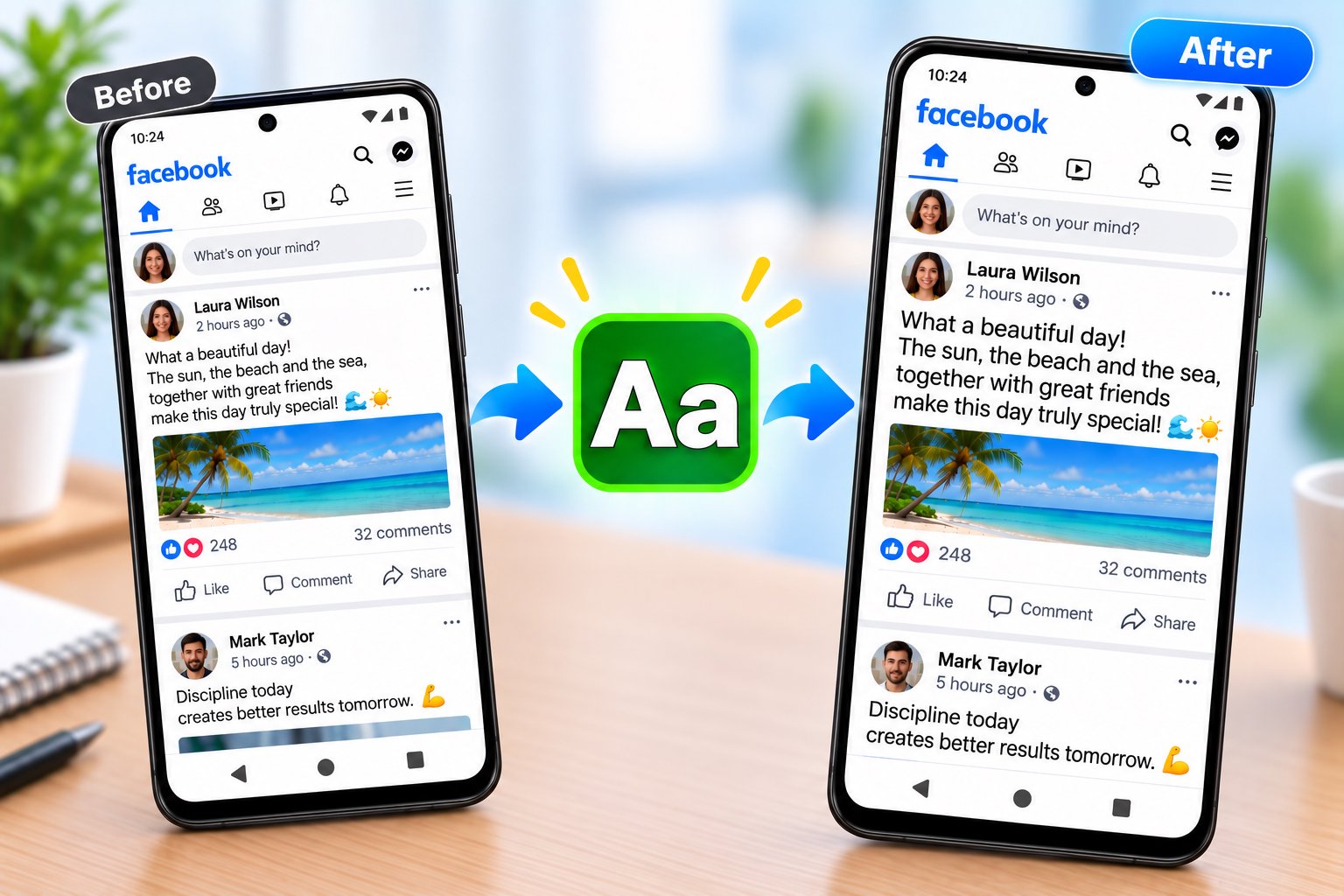
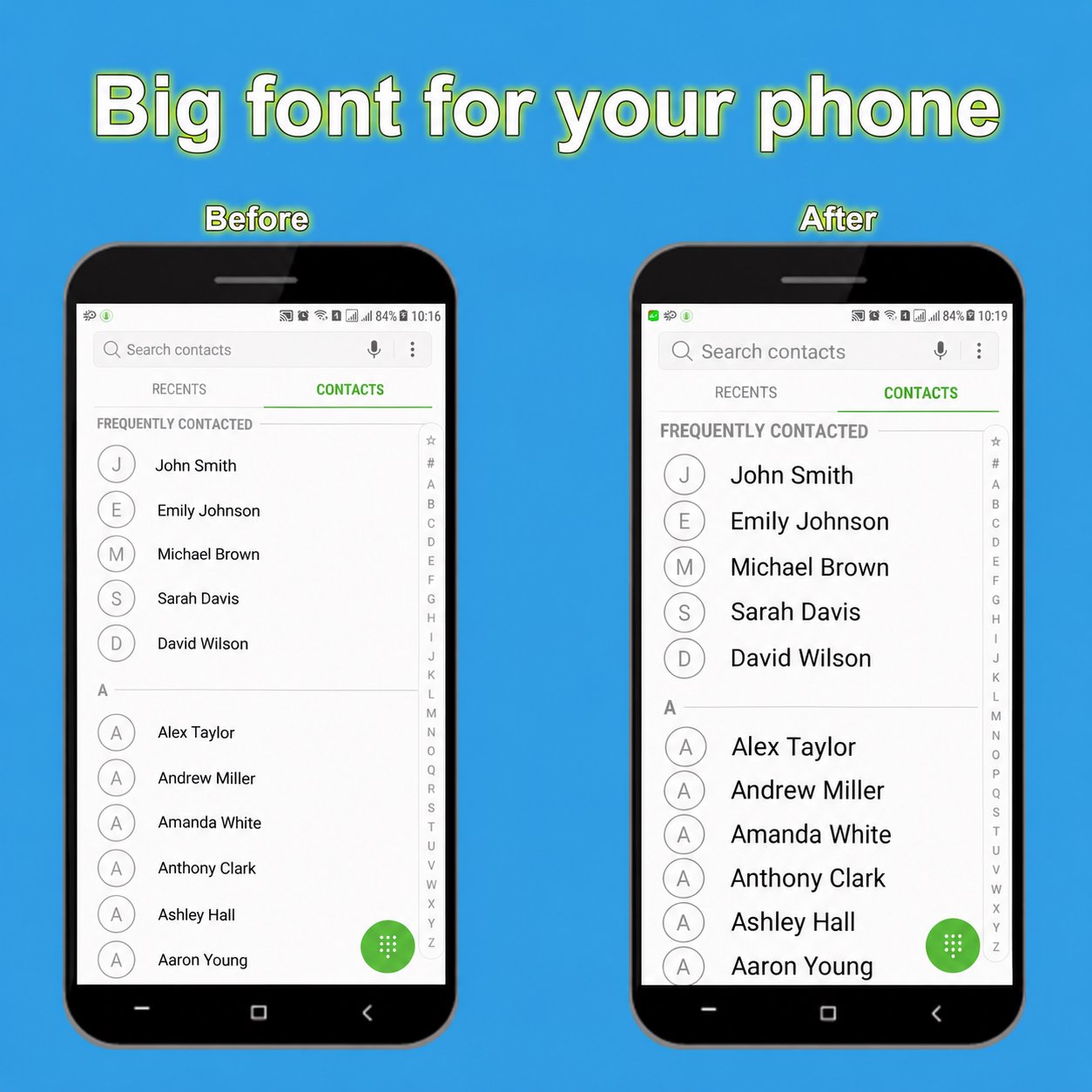
Big Font – Enlarge Font Size makes text bigger and easier to read on your Android phone. Increase the font size up to 1000%, set a different text size for each app, find the size that suits your eyes, and turn your camera into a magnifier for small print. Perfect for seniors, people with low vision or myopia, and anyone who wants large, clear text.
★ MAIN FEATURES
• Enlarge font size everywhere: Set it once and bigger text appears in all apps – Contacts, Messages, Email, WhatsApp, Facebook, Messenger and more.
• Extra large text up to 1000%: Go far beyond Android's default limit. Choose 100%, 110%, 120%, 140%, 160%, 180%, 200%, 300%, 500%… up to 1000%.
• Custom size with live preview: Adjust the text size by percentage and see the result before you apply it.
• Saved sizes: Keep your favorite font sizes and apply them again with one tap.
• Notification shortcut: Change or reset the text size from the notification bar without opening the app.
• Simple and easy to use: Clear interface, setup in seconds – easy for family members to set up for parents and grandparents.
★ NEW FEATURES
• Eye check – find your best font size: Read lines of text that grow step by step and tap the smallest one you can read comfortably. Big Font suggests the right text size in about 30 seconds.
• Per-app text size: Use a different font size for each app, e.g. WhatsApp or Messages at 160% while other apps stay at your normal size. Big Font switches the size automatically when you open that app and restores it when you leave. (Optional – uses the Accessibility Service, see below.)
• Magnifier: Use your phone camera as a magnifying glass to read medicine labels, menus, bills and documents. Zoom up to 8x, turn on the flashlight, freeze the image and use high-contrast mode for clearer text.
★ WHY USE BIG FONT?
• Read messages, emails, news and web pages more easily with bigger text.
• Reduce eye strain during long phone use.
• Helps seniors and people with vision difficulties use their phone with confidence.
• Read small printed text in daily life, not only on the screen.
★ ACCESSIBILITY SERVICE DISCLOSURE
Big Font uses Android's AccessibilityService API only for the optional "Per-app text size" feature.
• Why it is needed: The service detects which app is currently in the foreground (its package name) so Big Font can apply the text size you chose for that app and restore your default size when you leave it.
• What it does NOT do: It does not read, collect, store or share the content on your screen, what you type, passwords or any personal data. Nothing is sent off your device.
• Your control: The service is off by default. Big Font explains how it is used and asks for your consent before opening Android Settings, where you turn it on yourself. You can turn it off anytime in Settings > Accessibility > Big Font. All other features work without it.
Download Big Font – Enlarge Font Size now to make text bigger, change font size easily and enjoy comfortable reading on your phone!
Avance
Etiquetas
HerramientasInformación
Desarrollador
FAVAS Group
La última versión
5.33
Última actualización
2026-11-14
Categoría
Herramientas
Disponible en
Google Play
Mostrar más
Cómo jugar Big font - Enlarge font size con GameLoop en PC
1. Descargue GameLoop desde el sitio web oficial, luego ejecute el archivo exe para instalar GameLoop.
2. Abra GameLoop y busque "Big font - Enlarge font size", busque Big font - Enlarge font size en los resultados de búsqueda y haga clic en "Instalar".
3. Disfruta jugando Big font - Enlarge font size en GameLoop.
Minimum requirements
OS
Windows 8.1 64-bit or Windows 10 64-bit
GPU
GTX 1050
CPU
i3-8300
Memory
8GB RAM
Storage
1GB available space
Recommended requirements
OS
Windows 8.1 64-bit or Windows 10 64-bit
GPU
GTX 1050
CPU
i3-9320
Memory
16GB RAM
Storage
1GB available space