Smart Alarm Clock App para PC
Smartwatch App and Time clock wallpapers HD
Descarga Smart Alarm Clock App en PC con GameLoop Emulator
Smart Alarm Clock App en PC
Smart Alarm Clock App, proveniente del desarrollador Smartwatch App and Time clock wallpapers HD, se ejecuta en el sistema Android en el pasado.
Ahora, puedes jugar Smart Alarm Clock App en PC con GameLoop sin problemas.
Descárgalo en la biblioteca de GameLoop o en los resultados de búsqueda. No más mirar la batería o llamadas frustrantes en el momento equivocado nunca más.
Simplemente disfrute de Smart Alarm Clock App PC en la pantalla grande de forma gratuita!
Smart Alarm Clock App Introducción
Smart Alarm Clock Wake Up the Smarter Way
Beautiful Alarm Clock App for Android. Smart Alarm Clock for Heavy Sleepers. With a smart alarm, you can sleep as long as you want; it will wake you up until you get up and leave your bed with Reliable Alarm Clock App.
Smart Watch Alarm Clock
Smart Alarm Wake smarter, never late! Get up on time for work or school, no oversleeping. Smart Alarm Clock and Timer wake up smarter and manage your time with ease. Flip Clock Timer & Widget for stylish time tracking and home screen customization.
Smart Watch Alarm Clock
Say goodbye to oversleeping and start every morning on time with the Alarm Clock App. Packed with smart features, this digital clock app is designed to make waking up easier, your days more productive, and your nights more relaxing. Clock widgets for the home screen for Android.
Alarm Clock Voice Reminder is a key feature
• Speaking Alarm Clock: Hear the time, or your custom message spoken aloud when the alarm rings.
• Clock Widgets: Stylish and customizable widgets to keep time always visible on your home screen.
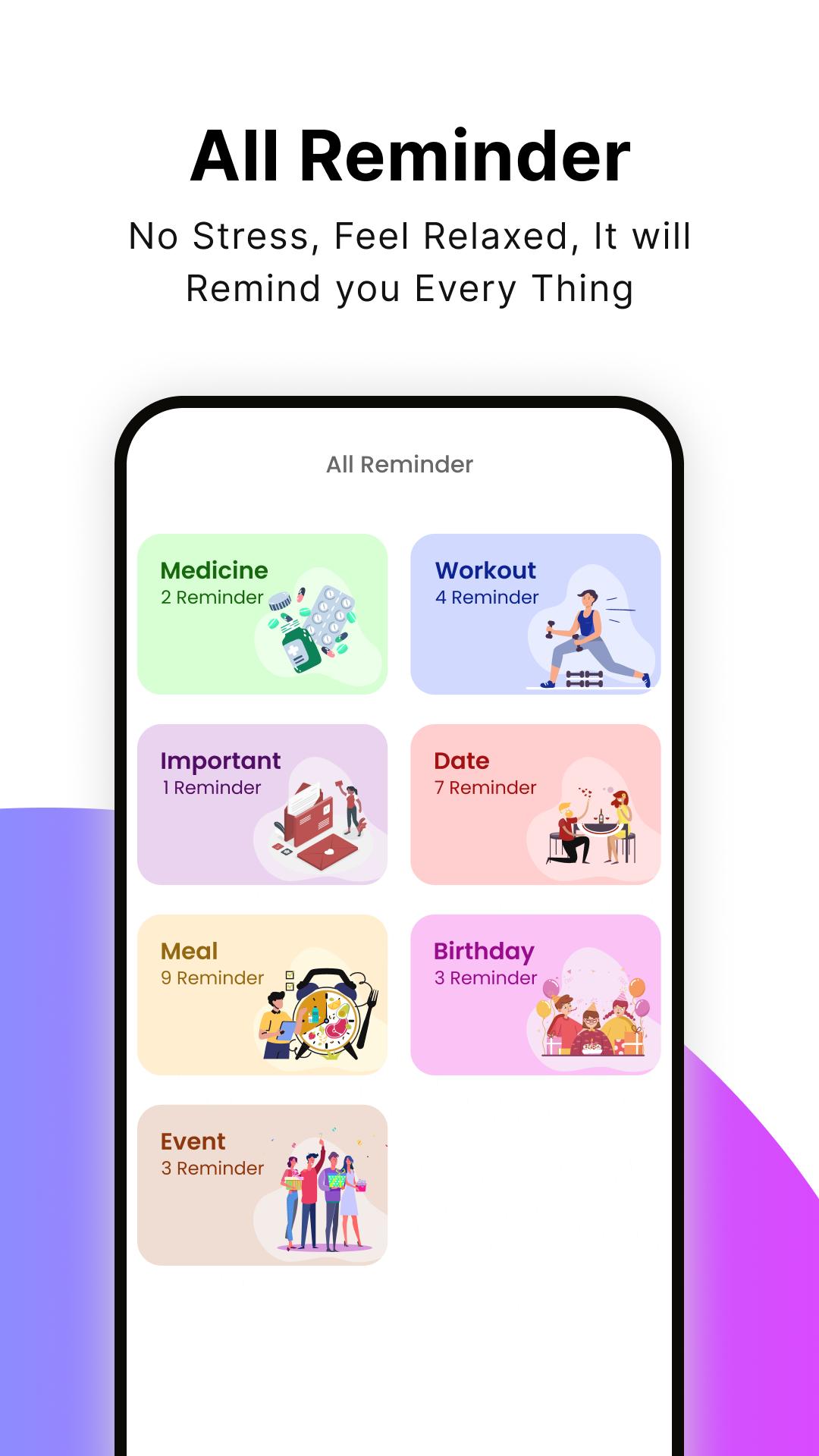
• Voice Reminders: Record and set reminders in your own voice so you never forget important tasks.
• Sleep Sounds: Relax and fall asleep faster with calming music and natural sounds.
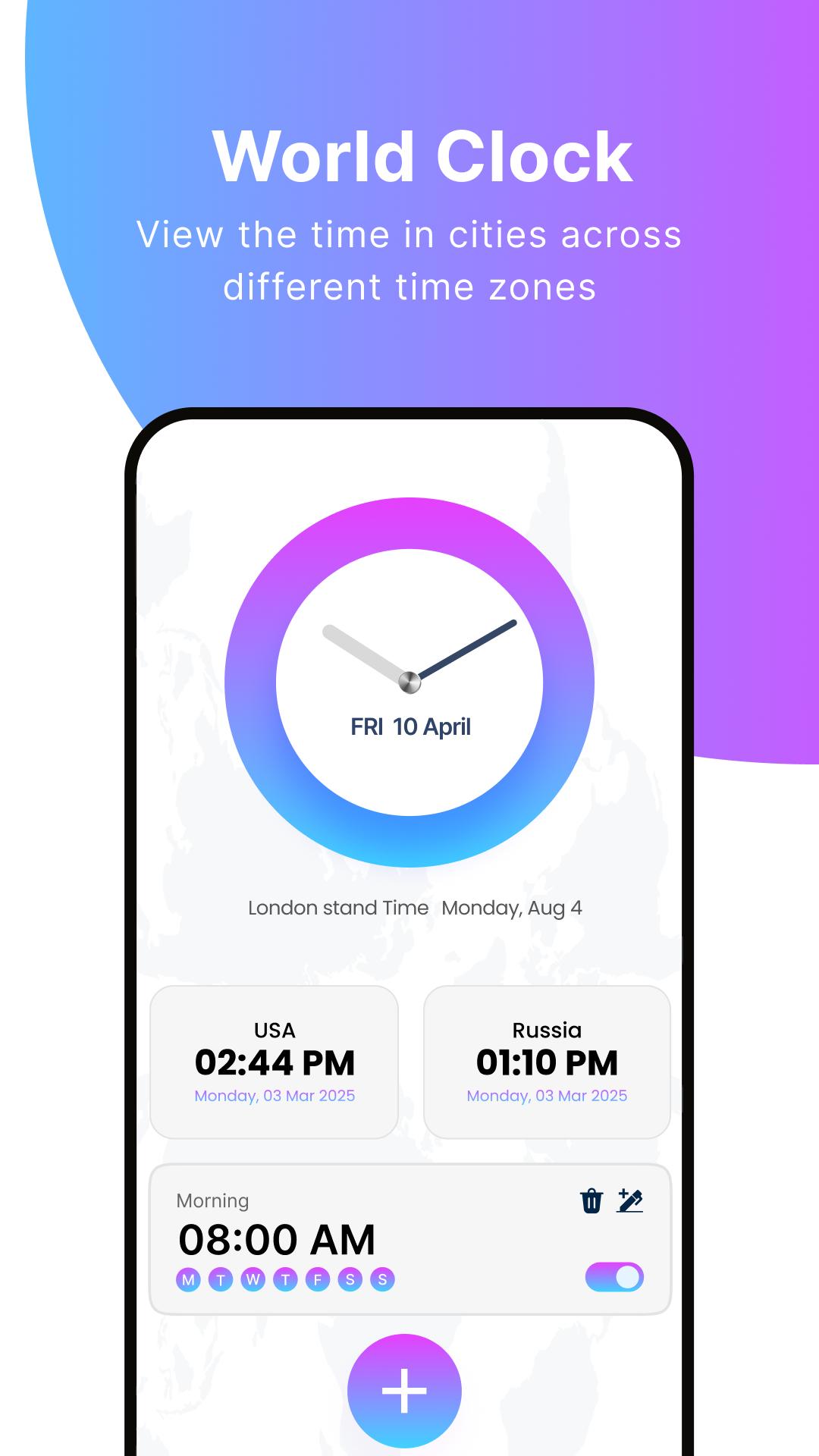
• World Clock & Timer: Keep track of different time zones and set timers for workouts, study, cooking, or more.
• Flip Clock and more Features, Etc.
How to Use the Smart Alarm Clock App?
1. Set Your Alarm
• Open the app and tap the ➕ button.
• Choose the time, days, and alarm tone.
• Enable Speaking Alarm if you want the app to announce time, or reminders.
2. Add Voice Reminders
• Go to the Voice Reminder section.
• Record your reminder in your own voice (e.g., “Meeting at 10 AM”).
• The app will play it at the set time.
3. Use Sleep Sounds
• Tap on Sleep Sound before bed.
• Select from relaxing sounds (rain, waves, white noise, etc.).
• Set a timer so the sound stops automatically while you sleep.
4. Customize Widgets
• Long press your home screen → Widgets → Smart Alarm Clock.
• Choose from digital/analog styles to keep time visible anytime.
5. Check World Clock & Timer
• Open World Clock to see times in different cities.
• Use Timer/Stopwatch for workouts, study, cooking, or tasks.
Why Use This Alarm Clock App?
Easy-to-use Simple alarm clock smart alarm app.
Reliable loud alarm clock app for heavy sleepers.
Complete clock app with timer, sleep tracker, and reminders.
World Clock supports international use.
Helpful alarm clock for Android with everyday features.
Try the alarm clock app and stay on time with a reliable smart alarm clock that combines alarms, reminders, and daily tools in one place. Unlike an ordinary alarm app, Smart Alarm Clock is built to do more than just wake you up. With voice reminders, speaking alarms, and relaxing sleep sounds, it becomes your personal daily assistant.
Download Smart Alarm Clock now and enjoy the Smart alarms, reminders, widgets, sleep sounds, and world clock. Start and end your day the smart way.
Precautions: we are not using Any personal Data of User.
Privacy Policy: https://sites.google.com/view/speakingalarmclock/home
Avance
Etiquetas
HerramientasInformación
Desarrollador
Smartwatch App and Time clock wallpapers HD
La última versión
2.4.35
Última actualización
2025-10-10
Categoría
Herramientas
Disponible en
Google Play
Mostrar más
Cómo jugar Smart Alarm Clock App con GameLoop en PC
1. Descargue GameLoop desde el sitio web oficial, luego ejecute el archivo exe para instalar GameLoop.
2. Abra GameLoop y busque "Smart Alarm Clock App", busque Smart Alarm Clock App en los resultados de búsqueda y haga clic en "Instalar".
3. Disfruta jugando Smart Alarm Clock App en GameLoop.
Minimum requirements
OS
Windows 8.1 64-bit or Windows 10 64-bit
GPU
GTX 1050
CPU
i3-8300
Memory
8GB RAM
Storage
1GB available space
Recommended requirements
OS
Windows 8.1 64-bit or Windows 10 64-bit
GPU
GTX 1050
CPU
i3-9320
Memory
16GB RAM
Storage
1GB available space