
Age Calculator - Date of Birth para PC
Crecode Apps
Descarga Age Calculator - Date of Birth en PC con GameLoop Emulator
Age Calculator - Date of Birth en PC
Age Calculator - Date of Birth, proveniente del desarrollador Crecode Apps, se ejecuta en el sistema Android en el pasado.
Ahora, puedes jugar Age Calculator - Date of Birth en PC con GameLoop sin problemas.
Descárgalo en la biblioteca de GameLoop o en los resultados de búsqueda. No más mirar la batería o llamadas frustrantes en el momento equivocado nunca más.
Simplemente disfrute de Age Calculator - Date of Birth PC en la pantalla grande de forma gratuita!
Age Calculator - Date of Birth Introducción
Age Calculator – Know Your Exact Age in Seconds
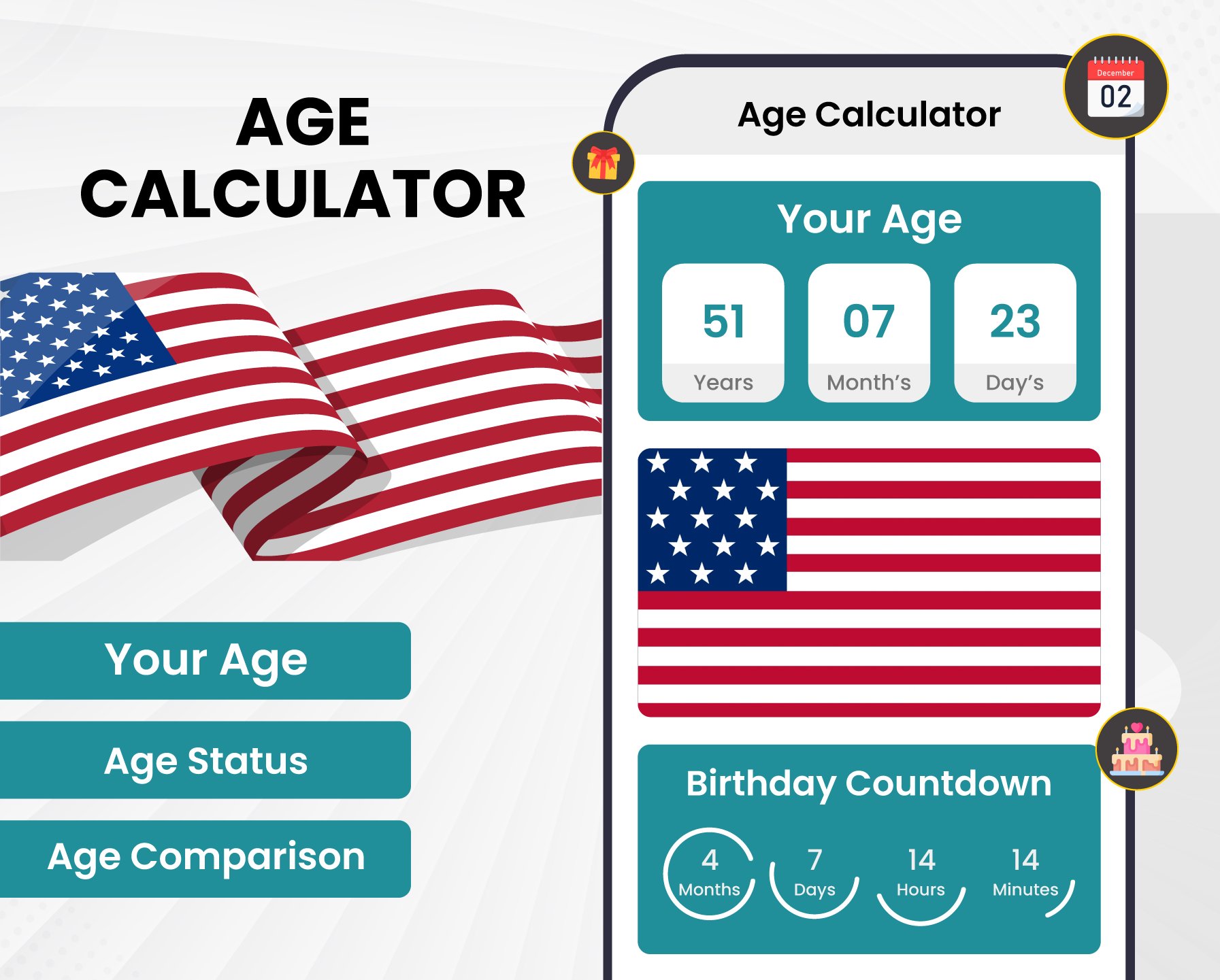
Looking for a simple and accurate way to calculate your age? Age Calculator helps you find your exact age from your date of birth in just a few taps. Whether you want to know your age in years, months, weeks, days, hours or minutes this smart Age Calculator gives fast and reliable results. It is perfect for everyday use, official forms, planning birthdays, tracking milestones and keeping important dates organized.
With Age Calculator, you can quickly calculate your current age and explore useful details about your birthday. The built-in age checker lets you verify your age instantly, while the intelligent birth calculator provides accurate calculations based on your birth date. The app also includes helpful age analysis to better understand your age information, making Age Calculator a convenient companion for everyone.
Key Features;
• Age Calculator provides accurate age results in seconds.
• Fast age checker with detailed age analysis and easy-to-read information.
• Smart birth calculator to calculate important milestones.
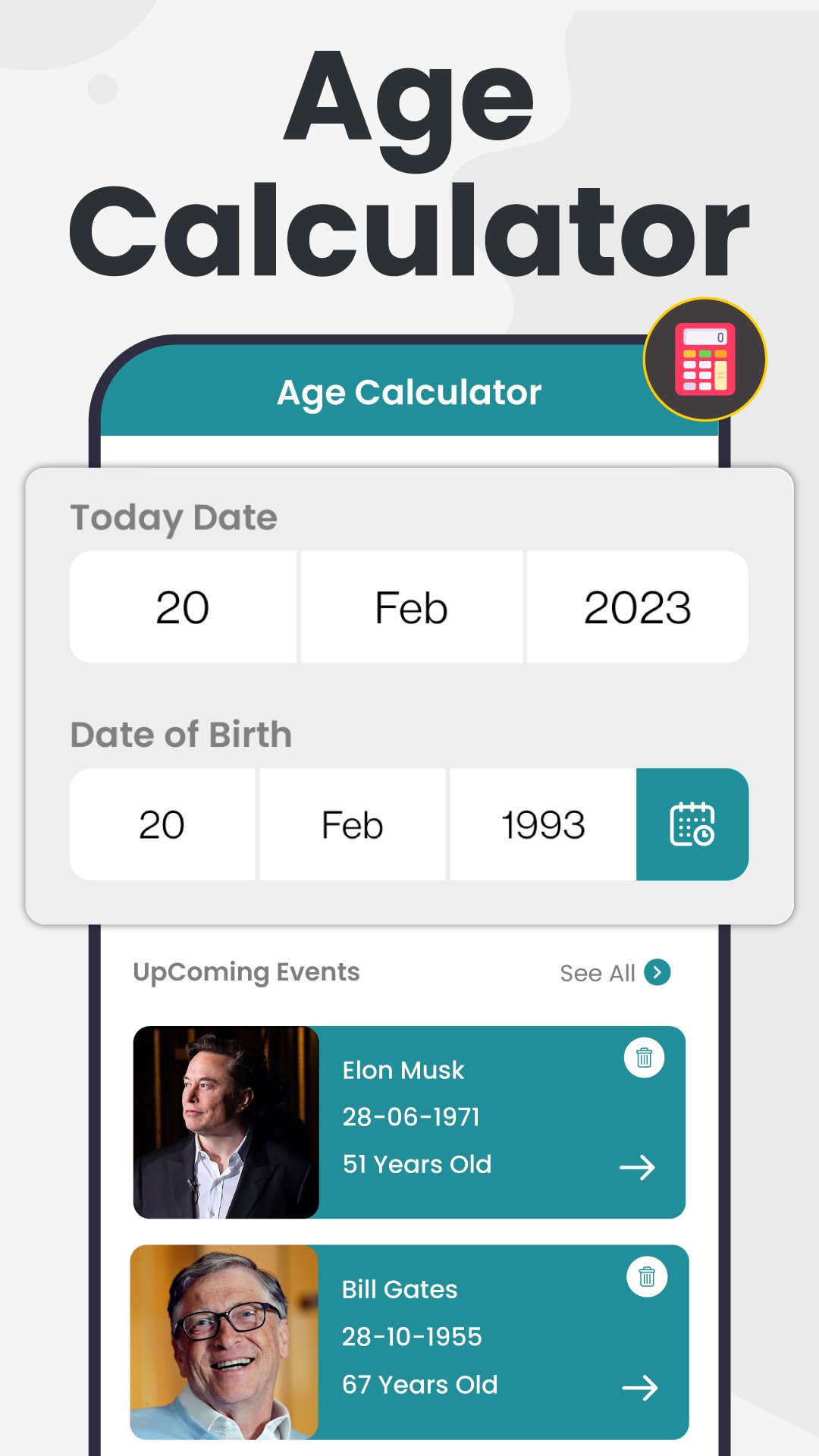
• Useful age calendar to view upcoming birthdays.
• Modern age meter and age machine for quick and simple age calculations.
Whether you are a student, parent, professional or simply curious about your age, Age Calculator makes every calculation easy. Use the age checker whenever you need to confirm your age, calculate the time between dates or keep track of birthdays. The advanced birth calculator works smoothly while the age calendar helps you stay prepared for upcoming celebrations.
Need more than just a number? Age Calculator offers detailed age analysis an accurate age meter and a simple age count to help you understand your age from different perspectives. The built-in birth counter keeps track of important birth anniversaries, while the age machine delivers fast and dependable results. With Age Calculator, checking your age has never been easier.
Plan birthdays, anniversaries and family events with the built-in age calendar. Use the age checker to verify ages whenever needed rely on the birth calculator for precise calculations and view your progress with the age meter. The detailed age analysis and simple age count make the information easy to understand for users of all ages.
FAQ's;
Q.1. How can I calculate my exact age?
Ans: Simply enter your birth date into Age Calculator to instantly see detailed results using the built-in age checker and birth calculator.
Q.2. Can I track birthdays and important dates?
Ans: Yes. The integrated age calendar, birth counter, and age count help you organize upcoming birthdays and milestones.
Q.3. Does the app provide detailed age information?
Ans: Absolutely. Age Calculator includes age analysis, an easy-to-read age meter, and additional calculations to give you complete age details.
What are you waiting for? Download Age Calculator today and start calculating your age with confidence & make every age calculation accurate and effortless. Whether you need an age checker & birth calculator, this app has everything you need in one place.
Avance
Etiquetas
HerramientasInformación
Desarrollador
Crecode Apps
La última versión
1.43
Última actualización
2026-07-31
Categoría
Herramientas
Disponible en
Google Play
Mostrar más
Cómo jugar Age Calculator - Date of Birth con GameLoop en PC
1. Descargue GameLoop desde el sitio web oficial, luego ejecute el archivo exe para instalar GameLoop.
2. Abra GameLoop y busque "Age Calculator - Date of Birth", busque Age Calculator - Date of Birth en los resultados de búsqueda y haga clic en "Instalar".
3. Disfruta jugando Age Calculator - Date of Birth en GameLoop.
Minimum requirements
OS
Windows 8.1 64-bit or Windows 10 64-bit
GPU
GTX 1050
CPU
i3-8300
Memory
8GB RAM
Storage
1GB available space
Recommended requirements
OS
Windows 8.1 64-bit or Windows 10 64-bit
GPU
GTX 1050
CPU
i3-9320
Memory
16GB RAM
Storage
1GB available space