Cast Screen on TV--1001 TVs para PC
Nero AG
Descarga Cast Screen on TV--1001 TVs en PC con GameLoop Emulator
Cast Screen on TV--1001 TVs en PC
Cast Screen on TV--1001 TVs, proveniente del desarrollador Nero AG, se ejecuta en el sistema Android en el pasado.
Ahora, puedes jugar Cast Screen on TV--1001 TVs en PC con GameLoop sin problemas.
Descárgalo en la biblioteca de GameLoop o en los resultados de búsqueda. No más mirar la batería o llamadas frustrantes en el momento equivocado nunca más.
Simplemente disfrute de Cast Screen on TV--1001 TVs PC en la pantalla grande de forma gratuita!
Cast Screen on TV--1001 TVs Introducción
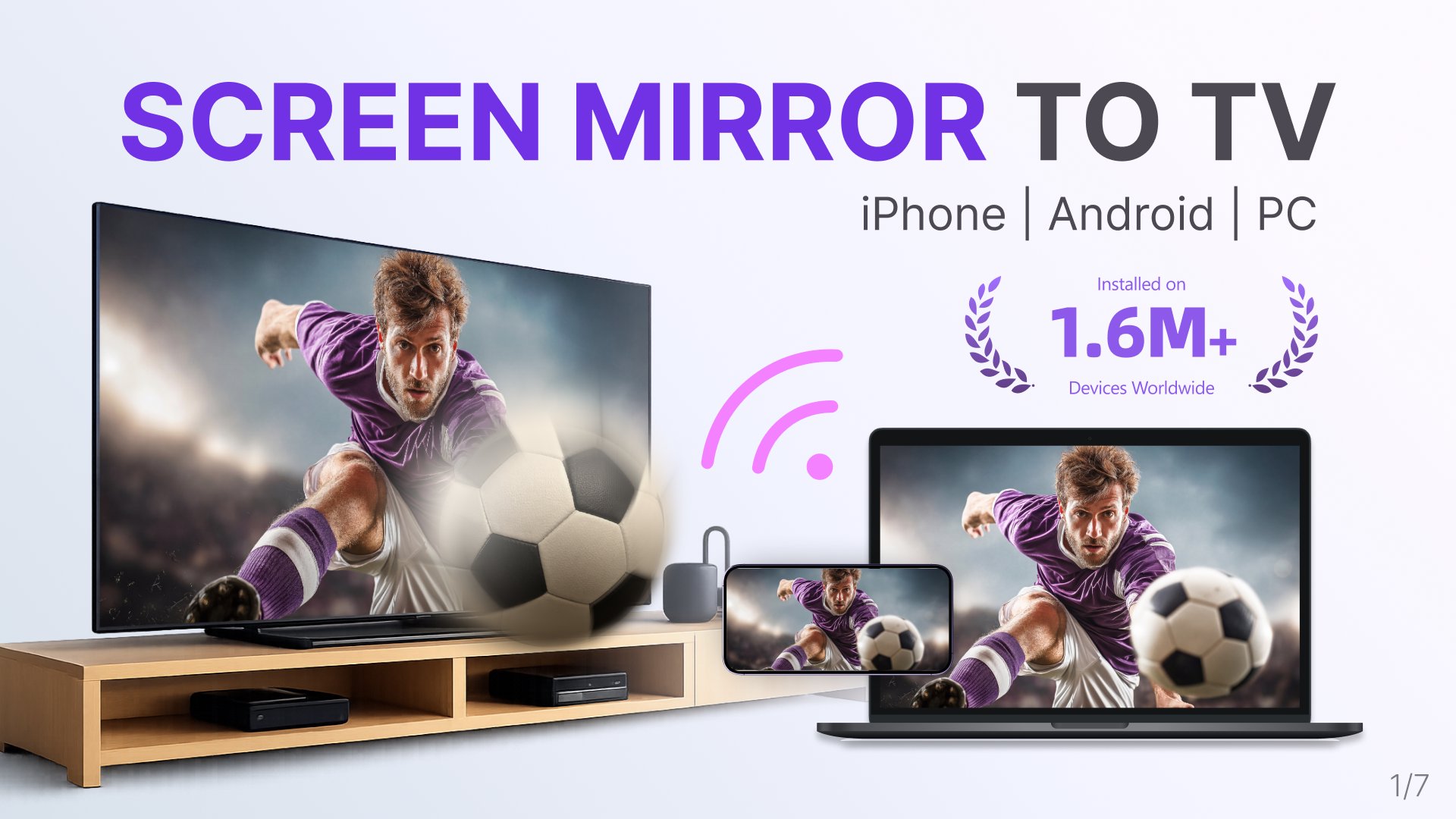
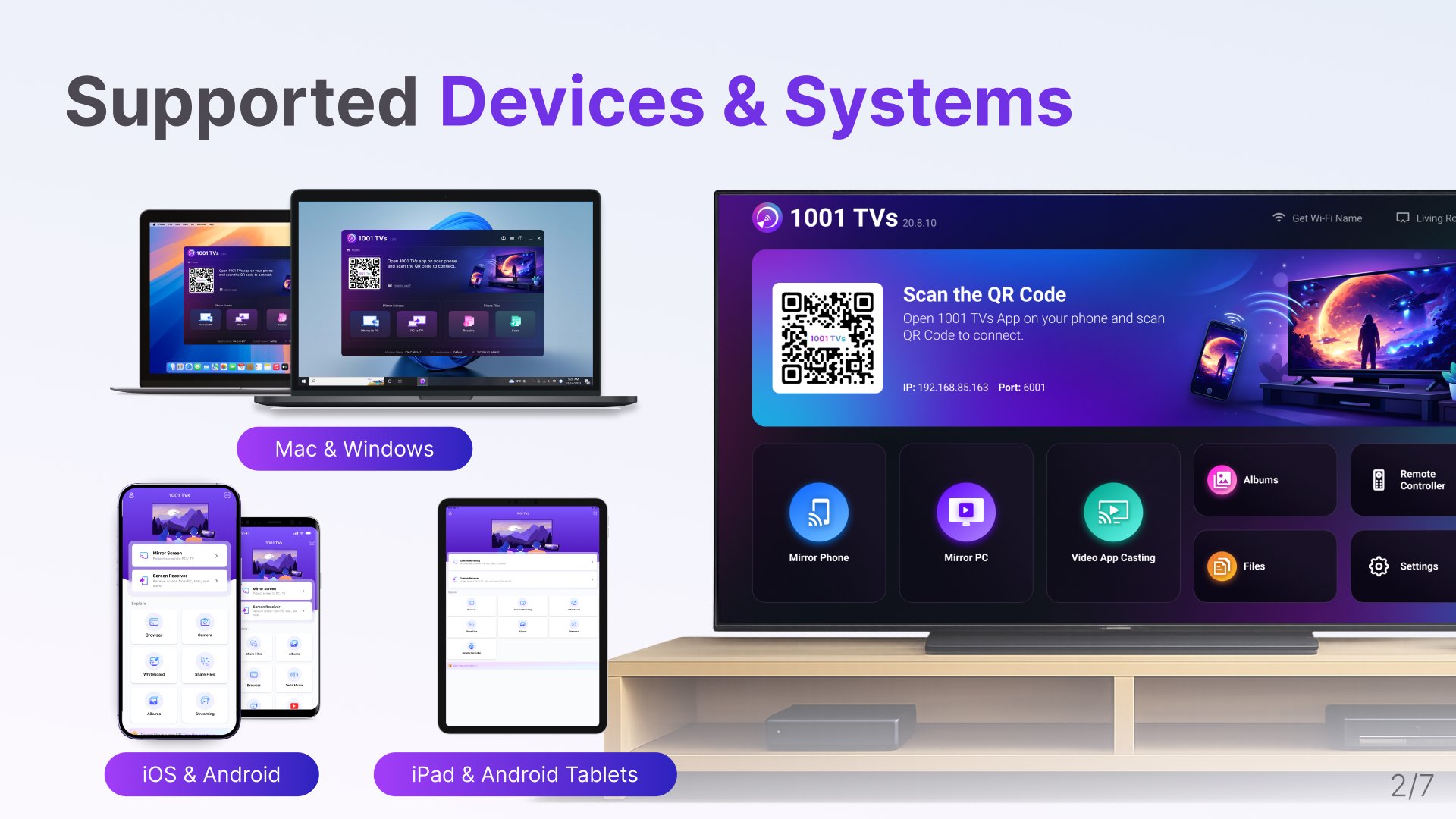
1001 TVs is a screen mirroring app that mirrors Android phones, iPhones, tablets, Windows PC, and Mac to your Android TV. It's a powerful wireless display tool for Chromecast and other Android TV devices.
1.7M+ Install base worldwide.
⭐ Why You'll Love It?
1. Smooth & Clear Display – Original Image Quality
High frame rate, high definition, flicker-free, and easy on the eyes. Subtitles stay crystal clear with flexible configuration options. Perfect for watching videos with captions and comments.
2. Perfect for TikTok, YouTube and Vertical Videos
Auto rotation automatically follows your phone's rotation, perfectly maintaining the original aspect ratio. Enjoy TikTok on a big screen, just like using a large smartphone. Vertical screen mode lets you manually set any angle on your PC, Mac or TV.
3. Ultra-Low Latency Performance
Real-time low-latency mirroring with optimal balance between image quality and smoothness. Synchronized audio and video—no lag. Perfect for gaming and streaming.
4. Multi-TV Mirroring
Support mirroring from one PC/Mac to multiple TVs at the same time. Ideal for presentations and events.
5. Flip Screen
Flip your screen left-to-right for a true mirror reflection. Ideal for video calls, fitness, and dance practice.
6. Smart Display Modes
Three modes (Fit/Fill/Scale) smartly adapt to your screen, eliminating black bars when you cast to TV.
7. Silent Pairing Mode
Tired of constant pairing requests? Choose never or only once — no more confirming every time.
8. 100% Private & Secure
All screen mirroring data stays within your local network, never uploaded to the internet, ensuring 100% privacy protection.
9. Easy to Use
No complicated setup — just one tap to connect. Press OK to pause or resume anytime with your TV remote.
⭐ Additional Features
1. PC/Mac Screen Extension – Mirror only the secondary screen to TV for better privacy protection of your main display.
2. PC/Mac Window Mirroring – Mirror a specific window for focused sharing. Latest Android phones also support single-app mirroring.
3. File Transfer & Management – Quickly and safely send files (photos, videos, music, documents and so on) from your phone, PC, Mac to TV, view files on your TV.
4. Video Casting – Stream content from video apps on your phone to TV.
5. TV Albums – Upload photos, videos, and music to your TV for anytime viewing.
6. iPhone Camera Live Mirroring (with Flip Option) – Real-time camera mirroring for easier big-screen selfies and video calls.
7. iPhone Whiteboard – Writing or Drawing on your iPhone and mirror to PC, Mac, or TV in real time for seamless presentations and collaboration.
8. TV Remote Controller – Use your phone to auto-detect smart TVs on the same Wi-Fi. Control volume, home, direction pad, and select/confirm and so on.
* How to Use?
1. Install 1001 TVs screen mirroring app on the sender (PC/Mac/phone) and this TV.
2. Ensure both devices are connected to the same Wi-Fi network.
3. Open the app, select the device or scan the QR code to start.
* The following features are available for free trial, paid membership required on sender side after trial.
1. Screen mirroring from Phone/PC/Mac to TV.
2. File transferring from Phone/PC/Mac to TV.
Email: 1001tvs@nero.com
Website: https://www.1001tvs.com
Terms: https://1001tvs.com/license/en/terms.html
Privacy: https://1001tvs.com/license/en/privacy.html
Avance
Etiquetas
HerramientasInformación
Desarrollador
Nero AG
La última versión
2.20.4.2
Última actualización
2026-05-11
Categoría
Herramientas
Disponible en
Google Play
Mostrar más
Cómo jugar Cast Screen on TV--1001 TVs con GameLoop en PC
1. Descargue GameLoop desde el sitio web oficial, luego ejecute el archivo exe para instalar GameLoop.
2. Abra GameLoop y busque "Cast Screen on TV--1001 TVs", busque Cast Screen on TV--1001 TVs en los resultados de búsqueda y haga clic en "Instalar".
3. Disfruta jugando Cast Screen on TV--1001 TVs en GameLoop.
Minimum requirements
OS
Windows 8.1 64-bit or Windows 10 64-bit
GPU
GTX 1050
CPU
i3-8300
Memory
8GB RAM
Storage
1GB available space
Recommended requirements
OS
Windows 8.1 64-bit or Windows 10 64-bit
GPU
GTX 1050
CPU
i3-9320
Memory
16GB RAM
Storage
1GB available space