스타커맨더 : RTS para PC
XCONN Corp.
Descarga 스타커맨더 : RTS en PC con GameLoop Emulator
스타커맨더 : RTS en PC
스타커맨더 : RTS, proveniente del desarrollador XCONN Corp., se ejecuta en el sistema Android en el pasado.
Ahora, puedes jugar 스타커맨더 : RTS en PC con GameLoop sin problemas.
Descárgalo en la biblioteca de GameLoop o en los resultados de búsqueda. No más mirar la batería o llamadas frustrantes en el momento equivocado nunca más.
Simplemente disfrute de 스타커맨더 : RTS PC en la pantalla grande de forma gratuita!
스타커맨더 : RTS Introducción
◆ System
- Seasonal changes: Change from 2 weeks to 4 weeks.
- Added the ability to create a private room for goodwill
◆ Balance
Arkhan
Rabbit
- Movement speed 150 -> 160
Aton
- ATK 60 -> 55
- Damage upgrade 6/12/18 -> 5/10/15
Combat Map
- Ancient battlefield map terrain modification
◆ Store
- Remove paid products
-------------------------------------------------- -----------------------------------------
◆ Basic system ◆
1. Ranking Competition
- Randomly matches users with similar ranking scores.
- User ranking is determined according to the RP obtained as a result of the ranking competition.
- Supports matching of 1 to 1, 2 to 2, 3 to 3 modes.
- The map to be played is determined randomly according to the rank.
- Party invitations and acceptance will allow you to enter a party and play a Ranking Competition.
- You can make and manage friends.
2. Goodwill
- In friendly battle, the rating shows the highest rating you have earned.
(Example: 1 to 1 Silver 2, 2 to 2 Bronze 1, 3 to 3 Gold 1 to Gold 1)
- You can not get reward with RP in friendly battle.
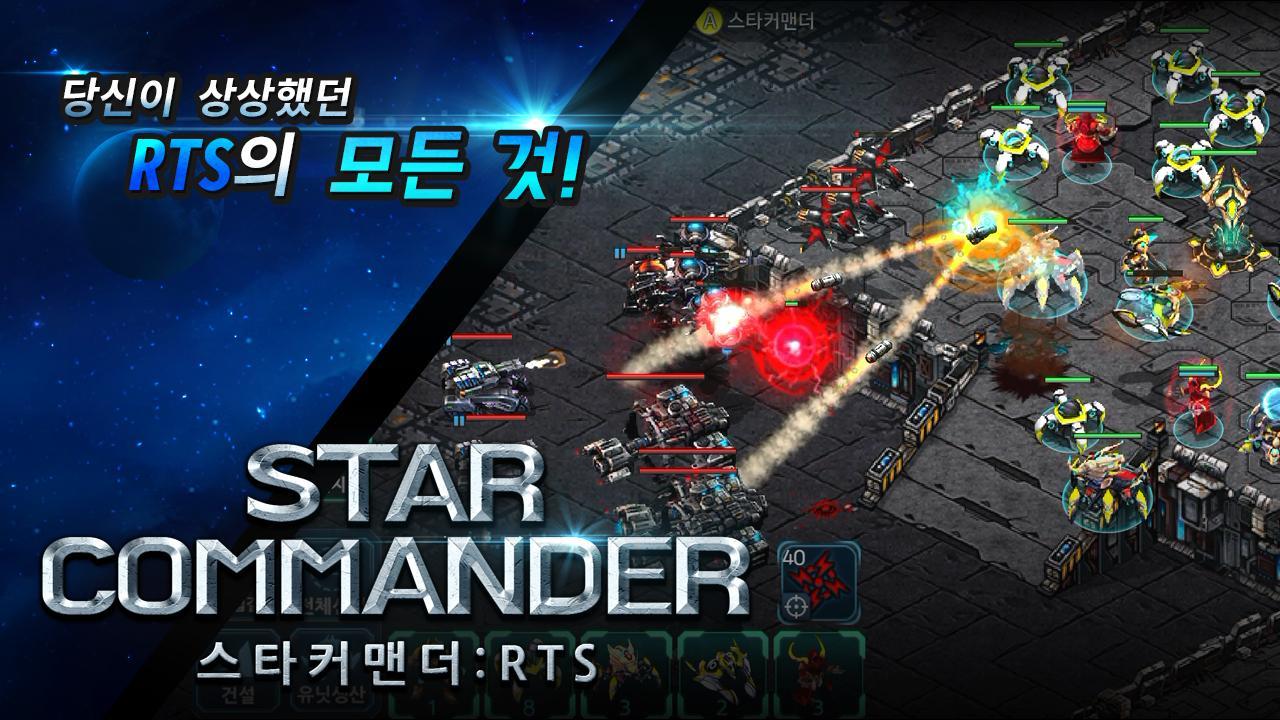
- Arcade Map is a mode in which up to 4 players become a team and play against AI.
- Arcade maps will continue to be updated with maps and balances later.
- User map content will be added to allow users to create maps later.
3. Prepare for battle
- You can upgrade your ability by attaching Katazen to your unit or building.
- Catazen of the same ability can not be installed redundantly.
- Katazen is a consumable item, and if you lose in battle,
The degree will decrease.
- You can use buffs to help combat skills.
- Skill is equipped with up to three skills in one game.
4. Practice
- You can control difficulty and practice on AI.
- Skill and Catagen are not consumed in practice mode.
- You can go through the tutorial again from the Exercise menu.
5. Replay
- You can save up to 30 ranking games and view them at any time.
- After 30, the oldest replay will be deleted sequentially.
- You can not see existing replays if the balance changes.
-------------------------------------------------- -----------------------------------------
▶ About smartphone app access right
You are requesting access to provide the following services when using the app.
[Optional Access Rights]
Photo / Media / File Storage: Used for game update files and game video recording functions provided by the Naver Cafe plug-in in the game.
Audio: This is used for game video recording function provided by the Naver Cafe plug-in in the game. It is only played once for the first time after the first authentication.
[Withdrawal method of access right]
▶ Android 6.0 or later: Go to Settings> Apps> Select Permission Items> Permission List> Select Permission or Reject Access Permission
▶ Under Android 6.0: Upgrade your operating system to revoke access or remove apps
※ The app may not provide individual consent, and you can revoke access by the above method.
Avance

Etiquetas
Un solo jugadorEstilizadoInformación
Desarrollador
XCONN Corp.
La última versión
1.12
Última actualización
2020-02-12
Categoría
Estrategia
Disponible en
Google Play
Mostrar más
Cómo jugar 스타커맨더 : RTS con GameLoop en PC
1. Descargue GameLoop desde el sitio web oficial, luego ejecute el archivo exe para instalar GameLoop.
2. Abra GameLoop y busque "스타커맨더 : RTS", busque 스타커맨더 : RTS en los resultados de búsqueda y haga clic en "Instalar".
3. Disfruta jugando 스타커맨더 : RTS en GameLoop.
Minimum requirements
OS
Windows 8.1 64-bit or Windows 10 64-bit
GPU
GTX 1050
CPU
i3-8300
Memory
8GB RAM
Storage
1GB available space
Recommended requirements
OS
Windows 8.1 64-bit or Windows 10 64-bit
GPU
GTX 1050
CPU
i3-9320
Memory
16GB RAM
Storage
1GB available space