Baltimore Ravens Mobile para PC
YinzCam, Inc.
Descarga Baltimore Ravens Mobile en PC con GameLoop Emulator
Baltimore Ravens Mobile en PC
Baltimore Ravens Mobile, proveniente del desarrollador YinzCam, Inc., se ejecuta en el sistema Android en el pasado.
Ahora, puedes jugar Baltimore Ravens Mobile en PC con GameLoop sin problemas.
Descárgalo en la biblioteca de GameLoop o en los resultados de búsqueda. No más mirar la batería o llamadas frustrantes en el momento equivocado nunca más.
Simplemente disfrute de Baltimore Ravens Mobile PC en la pantalla grande de forma gratuita!
Baltimore Ravens Mobile Introducción
Stay Connected to the Flock – Anytime, Anywhere
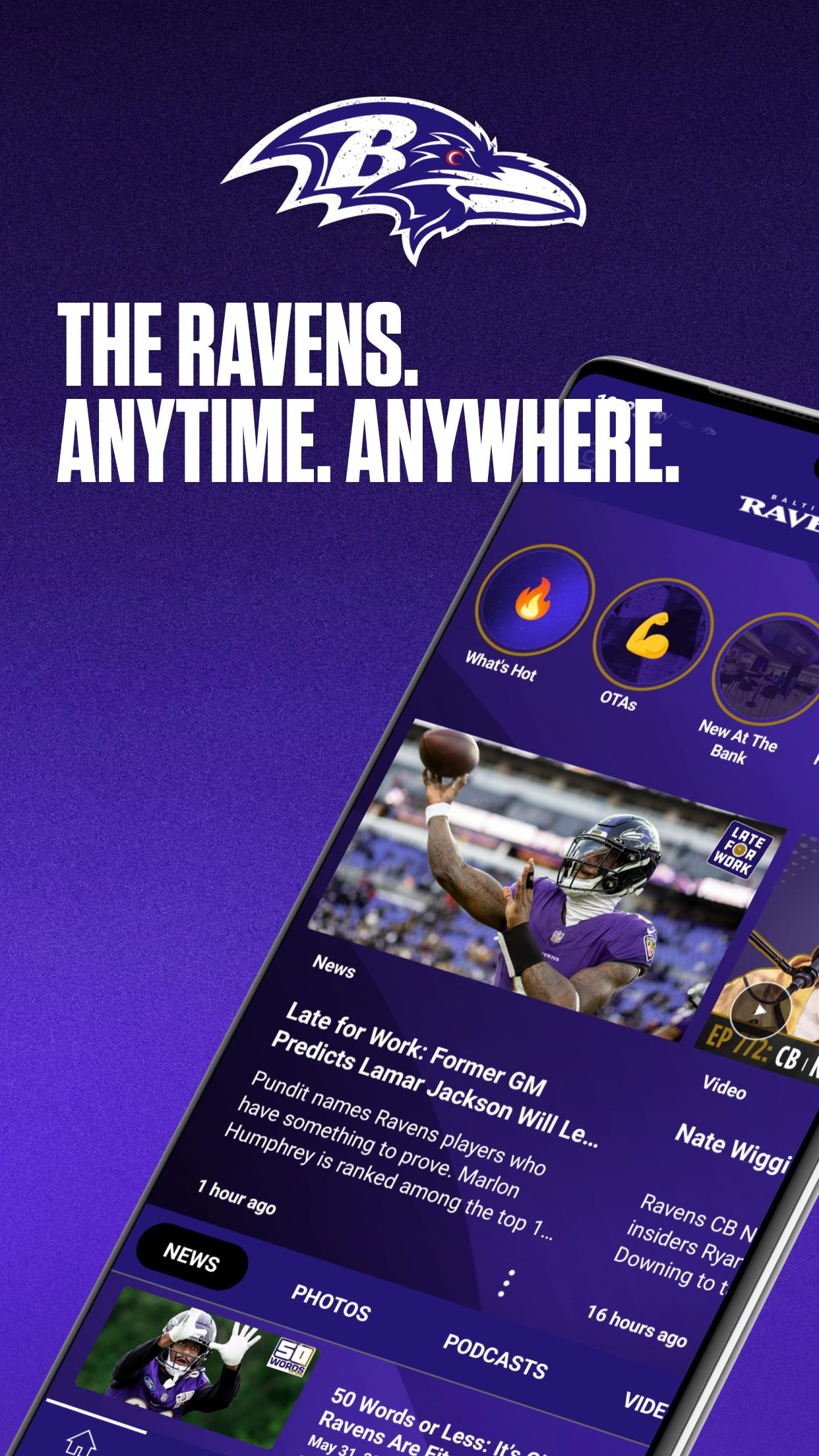
The official team app of the Baltimore Ravens – built for the Flock to be your #1 source for 24/7/365 coverage of all things Ravens. At home, in the stadium and on the go, stay connected with breaking news, exclusive content and everything you need as a fan.
Get the Full Experience:
• Create Your Profile: Personalize your app experience and unlock exclusive features available only to logged in users.
• Stay Informed: Enable push notifications and automatic updates so you're always the first to know about breaking news, roster moves, giveaways and more. Set your preferences to get the alerts that matter the most to you.
• Get Local: Enable Location Services for live game content, enhanced in-stadium features and event alerts.
Key Features:
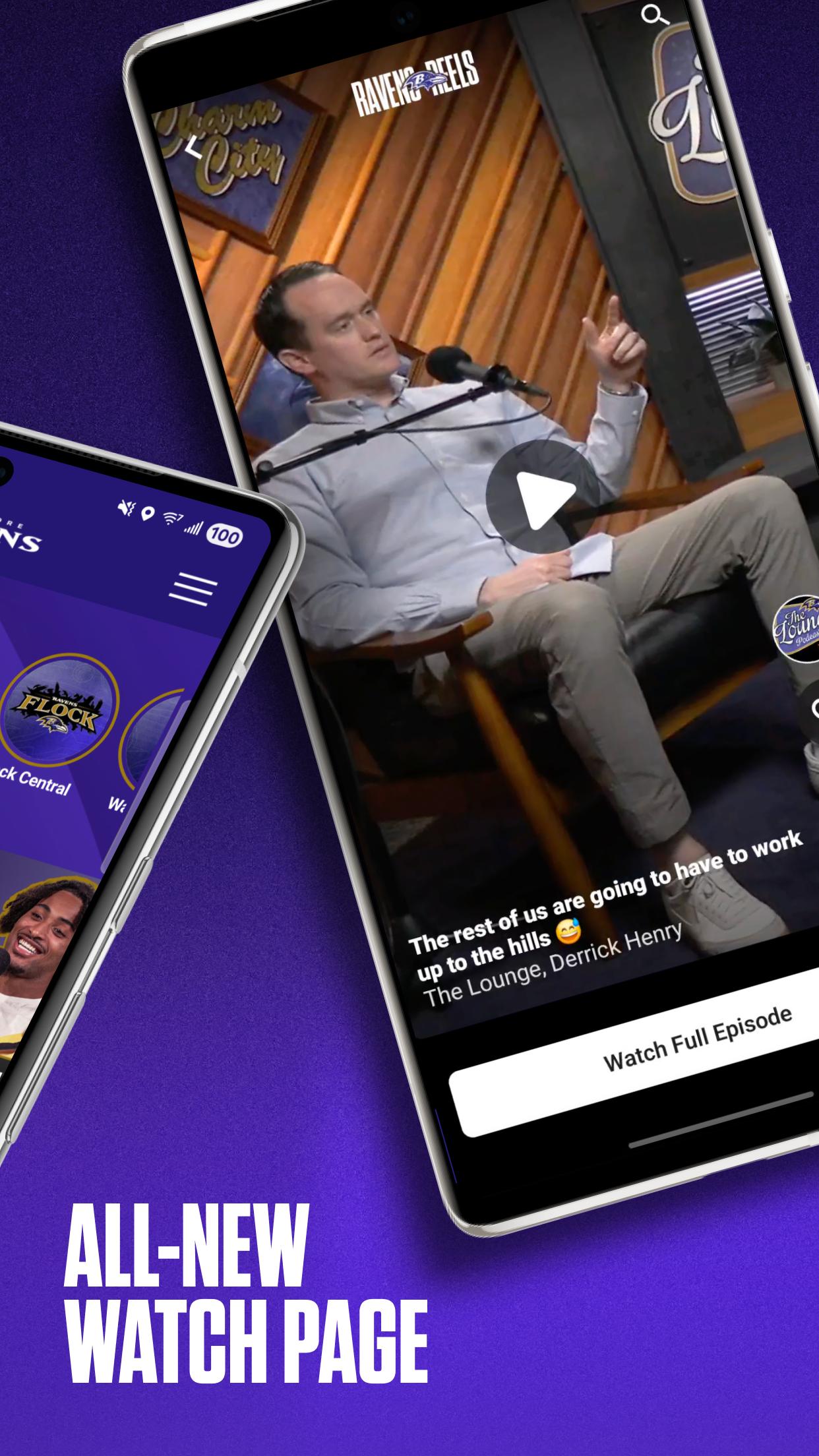
• Exclusive Access: Watch live and on-demand videos, read the latest news, browse photo galleries and listen to team podcasts.
• Tickets Hub: Securely and easily buy, sell, transfer and manage season and single-game tickets and parking.
• Ravens Reels & Stories: Dive into behind-the-scenes content and player highlights.
• Real-Time Gameday Coverage: Follow live scores, stats and in-game updates.
• FlockBot Virtual Assistant: Get instant answers to questions about gameday, M&T Bank Stadium, tickets, and team info — available 24/7.
• Team Info: Check the schedule, roster, depth chart, injury report and more.
• Virtual Reality: Take virtual photos with your favorite players and step into 360-degree video experiences.
• Games & Giveaways: Play in-app games and enter for chances to win autographed merchandise and other prizes.
• Team Store: Shop the latest Ravens gear directly from the app.
• Ravens Auctions: Bid on exclusive game-used and autographed Ravens memorabilia.
In-Stadium Experience:
• PSL Owner Hub: Take advantage of exclusive PSL Owner discounts and resources.
• Interactive Maps: View 3D seating charts and detailed maps to navigate the stadium with ease.
• Fan Services: Report issues, access fan guides, get help, view closed captioning and more.
• Exclusive In-Stadium Video: Watch NFL RedZone + instant replays and live game footage from multiple camera angles right from your seat.
+ Also check out our Ravens TV app for Roku, Fire TV and Apple TV.
Follow us:
www.baltimoreravens.com
YouTube: Baltimore Ravens
Instagram: @ravens
X: @ravens
TikTok: @ravens
Facebook: Baltimore Ravens
Snapchat: @bltravens
LinkedIn: Baltimore Ravens
#RavensFlock
Feedback/Questions: Tap “Submit App Feedback” under the app’s nav menu or email support@yinzcam.com or send a tweet to @yinzcam.
Wireless data charges may apply to video streaming. Please note: This app features Nielsen’s proprietary measurement software which contributes to market research, like Nielsen’s TV Ratings. Please see https://priv-policy.imrworldwide.com/priv/mobile/us/en/optout.html for more information.
View the Baltimore Ravens privacy policy at baltimoreravens.com/privacy-policy.
View the Baltimore Ravens acceptable use policy at baltimoreravens.com/acceptable-use.
Avance
Etiquetas
deportesInformación
Desarrollador
YinzCam, Inc.
La última versión
3.8.7
Última actualización
2025-09-17
Categoría
deportes
Disponible en
Google Play
Mostrar más
Cómo jugar Baltimore Ravens Mobile con GameLoop en PC
1. Descargue GameLoop desde el sitio web oficial, luego ejecute el archivo exe para instalar GameLoop.
2. Abra GameLoop y busque "Baltimore Ravens Mobile", busque Baltimore Ravens Mobile en los resultados de búsqueda y haga clic en "Instalar".
3. Disfruta jugando Baltimore Ravens Mobile en GameLoop.
Minimum requirements
OS
Windows 8.1 64-bit or Windows 10 64-bit
GPU
GTX 1050
CPU
i3-8300
Memory
8GB RAM
Storage
1GB available space
Recommended requirements
OS
Windows 8.1 64-bit or Windows 10 64-bit
GPU
GTX 1050
CPU
i3-9320
Memory
16GB RAM
Storage
1GB available space