8 Ball Strike 3D para PC
Top King Games
Descarga 8 Ball Strike 3D en PC con GameLoop Emulator
8 Ball Strike 3D en PC
8 Ball Strike 3D, proveniente del desarrollador Top King Games, se ejecuta en el sistema Android en el pasado.
Ahora, puedes jugar 8 Ball Strike 3D en PC con GameLoop sin problemas.
Descárgalo en la biblioteca de GameLoop o en los resultados de búsqueda. No más mirar la batería o llamadas frustrantes en el momento equivocado nunca más.
Simplemente disfrute de 8 Ball Strike 3D PC en la pantalla grande de forma gratuita!
8 Ball Strike 3D Introducción
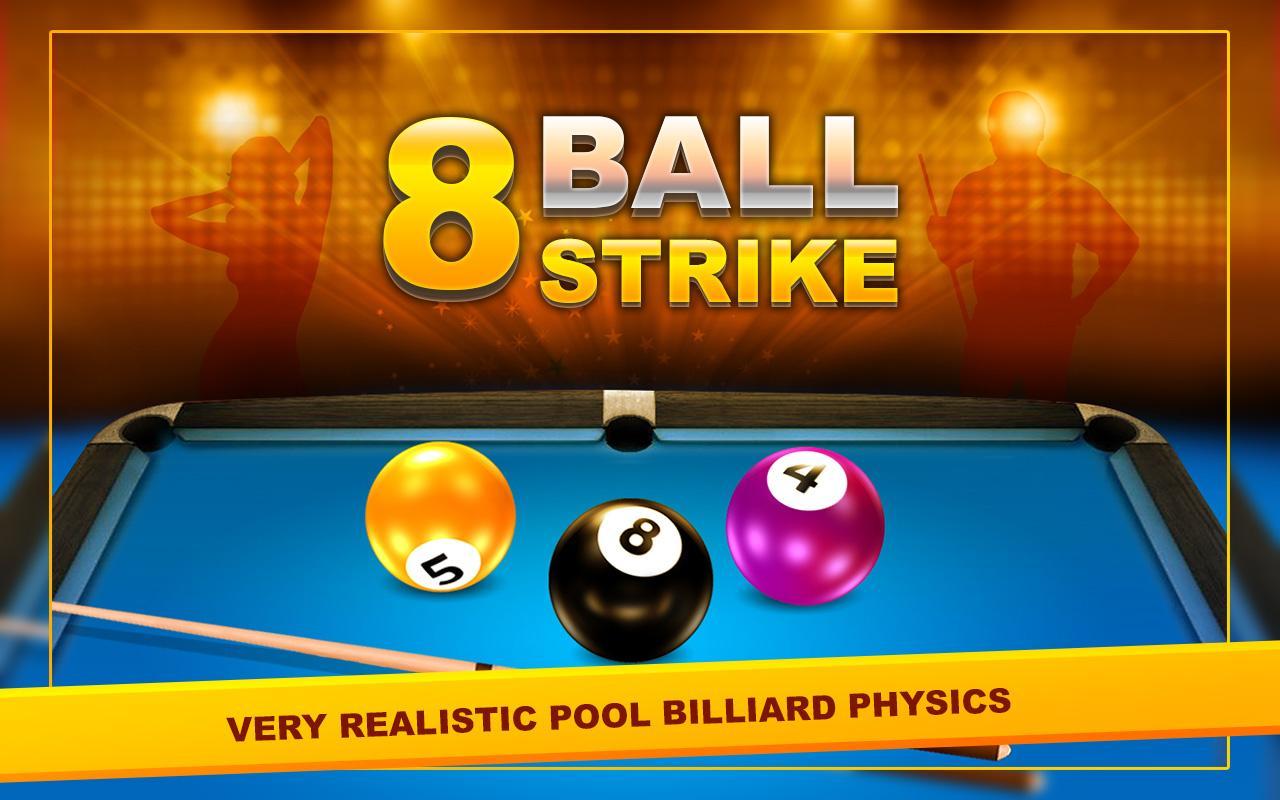
Top king Games Studio proudly presents 8 BALL STRIKE game of 2016. The world’s #1 Pool ball Game
UNIQUE 8 BALL mode, Top 8 ball strike is the only king of billiard game has the 8 Ball mode.
8 BALL COMPETITION/PRACTICE
You can compete in 8 ball tournament with computer. Refine your skills in the practice arena,
take on the world in 1-vs-1 matches, or enter tournaments to win trophies and exclusive cues!
STORE & ACHIEVEMENTS
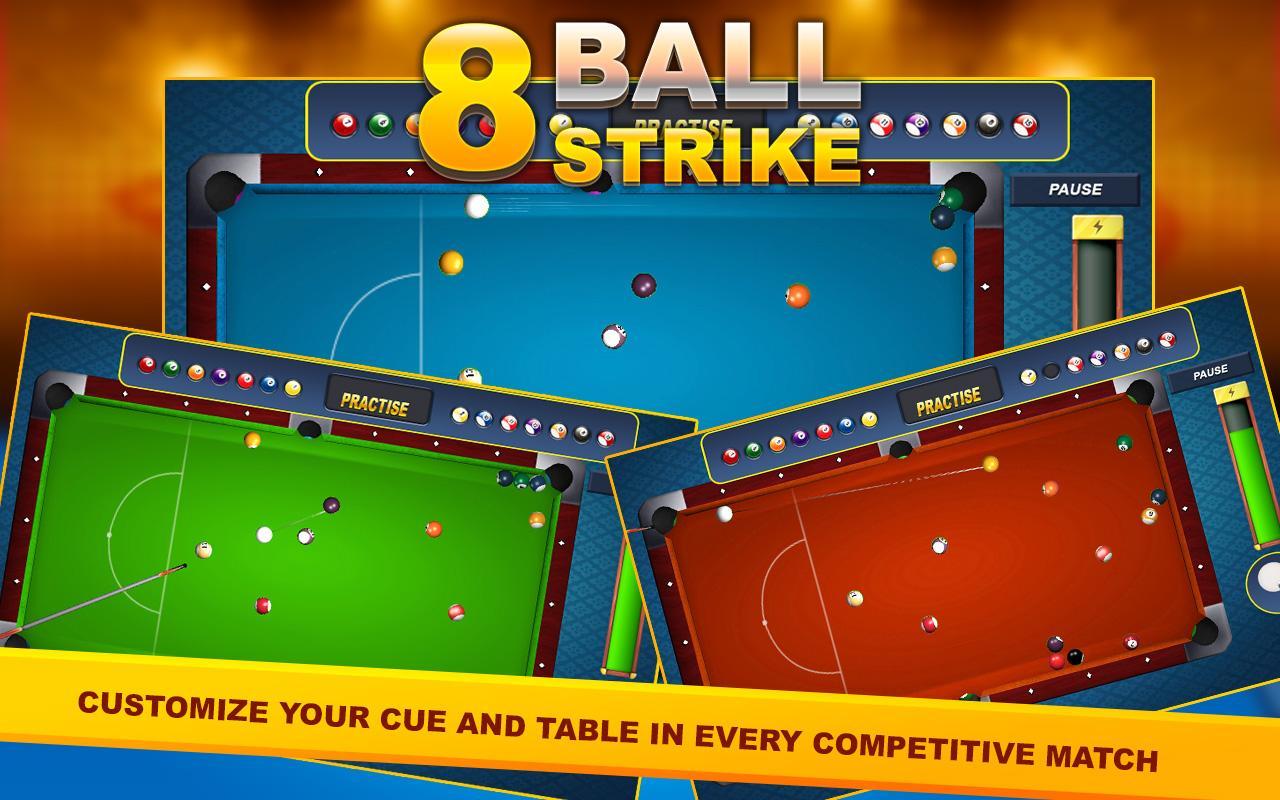
Customize your cue and table! In every competitive match you play, win the match and the Coins
are yours. Pool shop have different cue`s with different powers.
TWO PLAYER MODE
You Can play with your friend with standard 8 ball rules or 9 ball rules. Touch the screen
to adjust the direction of the cue and hold the strike button to power-up in the right to strike.
GAME FEATURES
- Play against the computer with four difficulty levels
- VS Mode: Player vs. Computer/Player (with rules) - Very Realistic Pool, Billiard and Snooker Physics
- Multi-player support
- Unique new TABLES and CUE's
Feels like playing Real pool ball billiard in a room. Immature players can learn & play for fun,
but experts can challenge there friends to play game professionally.
Let's Play billiard game 2016, become a master, and become Snooker Champion.
Avance
Información
Desarrollador
Top King Games
La última versión
1.0
Última actualización
2016-03-30
Categoría
deportes
Disponible en
Google Play
Mostrar más
Cómo jugar 8 Ball Strike 3D con GameLoop en PC
1. Descargue GameLoop desde el sitio web oficial, luego ejecute el archivo exe para instalar GameLoop.
2. Abra GameLoop y busque "8 Ball Strike 3D", busque 8 Ball Strike 3D en los resultados de búsqueda y haga clic en "Instalar".
3. Disfruta jugando 8 Ball Strike 3D en GameLoop.
Minimum requirements
OS
Windows 8.1 64-bit or Windows 10 64-bit
GPU
GTX 1050
CPU
i3-8300
Memory
8GB RAM
Storage
1GB available space
Recommended requirements
OS
Windows 8.1 64-bit or Windows 10 64-bit
GPU
GTX 1050
CPU
i3-9320
Memory
16GB RAM
Storage
1GB available space