
CrazyChat - Online Chat Rooms! para PC
Extreem
Descarga CrazyChat - Online Chat Rooms! en PC con GameLoop Emulator
CrazyChat - Online Chat Rooms! en PC
CrazyChat - Online Chat Rooms!, proveniente del desarrollador Extreem, se ejecuta en el sistema Android en el pasado.
Ahora, puedes jugar CrazyChat - Online Chat Rooms! en PC con GameLoop sin problemas.
Descárgalo en la biblioteca de GameLoop o en los resultados de búsqueda. No más mirar la batería o llamadas frustrantes en el momento equivocado nunca más.
Simplemente disfrute de CrazyChat - Online Chat Rooms! PC en la pantalla grande de forma gratuita!
CrazyChat - Online Chat Rooms! Introducción
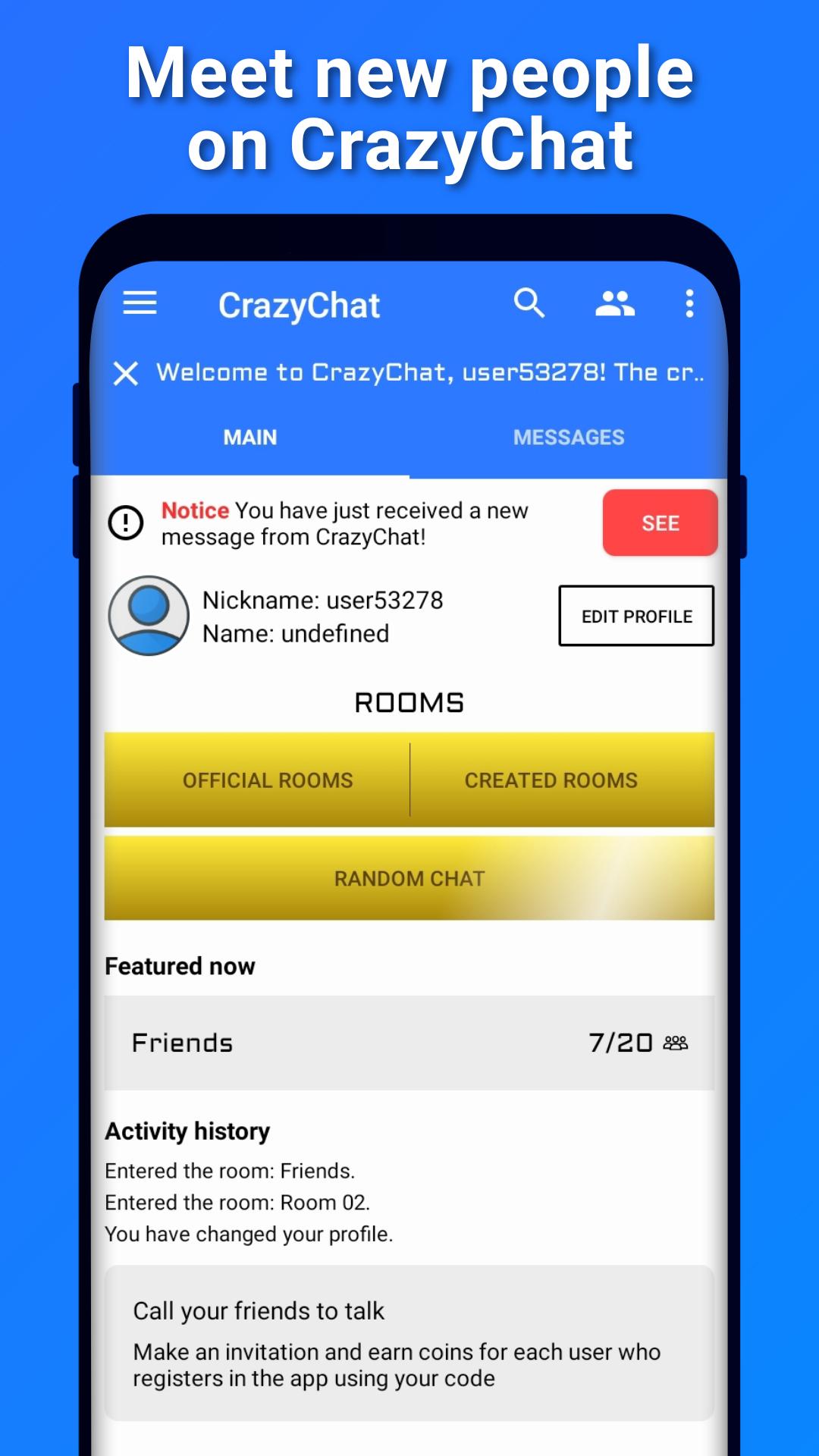
On CrazyChat (CC) you can meet new people through online chat rooms or the random chat feature!
⚠ Attention: because of the recent release of CrazyChat, chat rooms are still mostly empty.
OFFICIAL ROOMS AND CREATED ROOMS
The "Official Rooms" are created by CrazyChat and are always available for you to chat whenever you want. It is perfect for meeting new people! Whereas "Created Rooms" are rooms created by users and are automatically removed when the last person leaves the room. You can create your room your way!
PRIVATE ROOMS
Chat only with your friends? No problem! You can create a room with a password and call your friends, so only those who have the password can enter and, when everyone leaves the room, it will be automatically deleted!
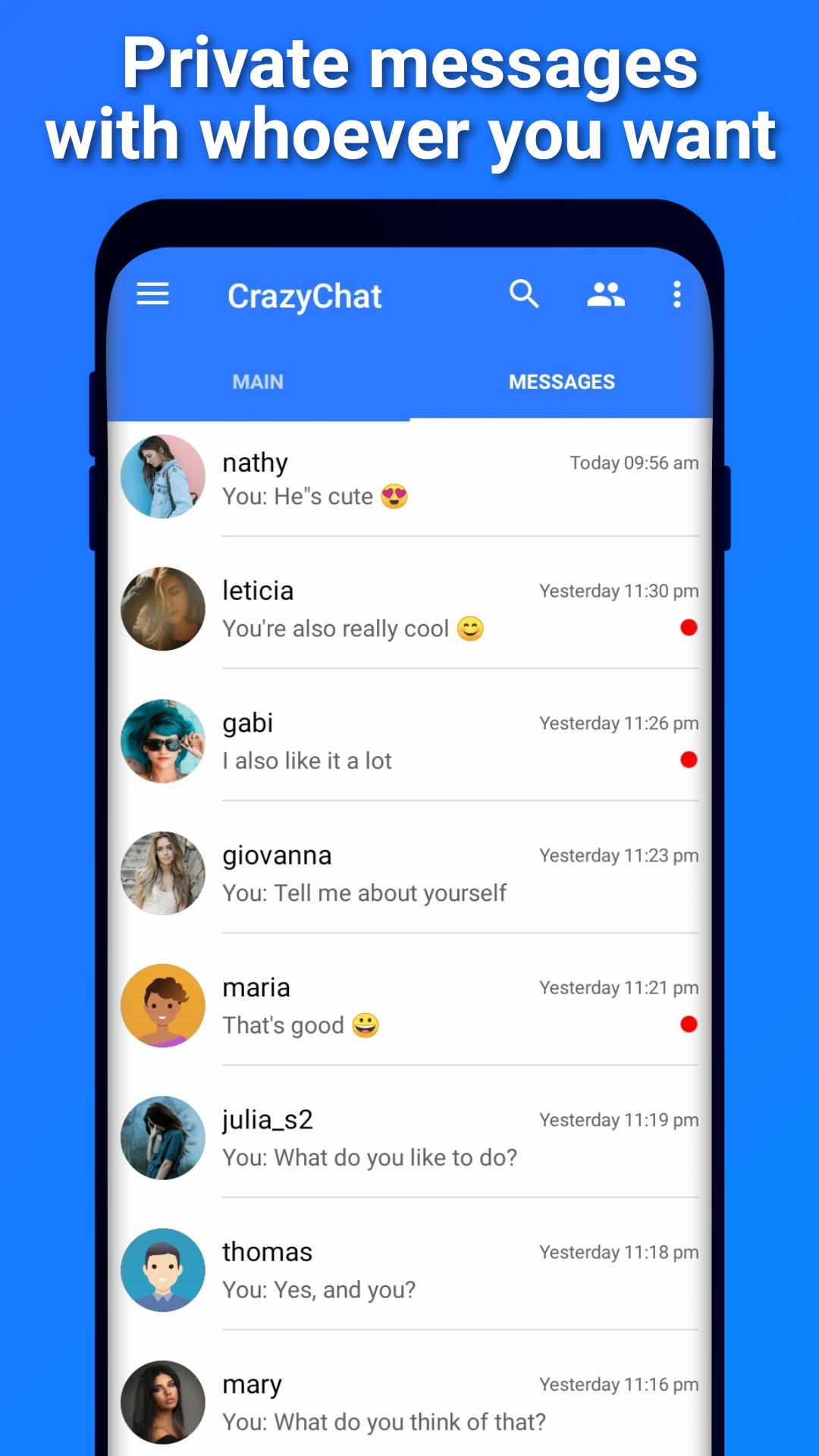
ENCRYPTED PRIVATE MESSAGES
In private conversations, all messages between you and the other user are protected with end-to-end encryption, which means that only the two of you have the key to decrypt them and not even CrazyChat can read them.
RANDOM CHAT
• Look for new people to talk to (only who you decide to talk to);
• By activating the feature, you can receive text messages from random people. You will not be able to receive images until this person responds and you will be able to block or report them when you want to. For security, it is not possible to preview images received in the private chat, it is necessary to download the images to view.
NOTHING IS SAVED IN THE CLOUD
Private messages are only stored locally on your device. When you send a message to someone, it is available on the server, encrypted, only until the other user receives it, after which it is automatically removed from the server.
MAXIMUM PRIVACY
From creating your CrazyChat account to interacting with other users, you don't have to worry about privacy issues! Your email address is not shared with anyone and is only needed to log in to your account. And in relation to your profile, it is mandatory to define only one username, all other profile data are optional.
⚠ Attention: this is an application designed to target most ages (see minimum age in the app's rating). Therefore, CrazyChat has features and restrictions that prevent any user from viewing content without their consent. For example:
• In chat rooms it is only possible to communicate via text messages and it is not possible to send messages with offensive words.
• Profile images undergo an analysis before being published in the user's profile. This is necessary because it deals with content that can be seen by all users in the application.
• In private chat it is possible to send images, but the other user needs to download the image to view it.
• The user can choose not to receive private messages from any user in the application, to chat only in the chat rooms.
Profile avatars and some icons used:
People vector created by freepik - www.freepik.com
Avance
Etiquetas
SocialesInformación
Desarrollador
Extreem
La última versión
1.3.5
Última actualización
2023-12-25
Categoría
Sociales
Disponible en
Google Play
Mostrar más
Cómo jugar CrazyChat - Online Chat Rooms! con GameLoop en PC
1. Descargue GameLoop desde el sitio web oficial, luego ejecute el archivo exe para instalar GameLoop.
2. Abra GameLoop y busque "CrazyChat - Online Chat Rooms!", busque CrazyChat - Online Chat Rooms! en los resultados de búsqueda y haga clic en "Instalar".
3. Disfruta jugando CrazyChat - Online Chat Rooms! en GameLoop.
Minimum requirements
OS
Windows 8.1 64-bit or Windows 10 64-bit
GPU
GTX 1050
CPU
i3-8300
Memory
8GB RAM
Storage
1GB available space
Recommended requirements
OS
Windows 8.1 64-bit or Windows 10 64-bit
GPU
GTX 1050
CPU
i3-9320
Memory
16GB RAM
Storage
1GB available space