Sudoku Quest - Classic Puzzle para PC
HashCube
Descarga Sudoku Quest - Classic Puzzle en PC con GameLoop Emulator
Sudoku Quest - Classic Puzzle en PC
Sudoku Quest - Classic Puzzle, proveniente del desarrollador HashCube, se ejecuta en el sistema Android en el pasado.
Ahora, puedes jugar Sudoku Quest - Classic Puzzle en PC con GameLoop sin problemas.
Descárgalo en la biblioteca de GameLoop o en los resultados de búsqueda. No más mirar la batería o llamadas frustrantes en el momento equivocado nunca más.
Simplemente disfrute de Sudoku Quest - Classic Puzzle PC en la pantalla grande de forma gratuita!
Sudoku Quest - Classic Puzzle Introducción
Are you a fan of solving Sudoku? Then Sudoku Quest has the brain-teasing puzzles just for you! With over 2000 challenging levels waiting for you, regardless of whether you are a beginner or an expert, you will fall in love with it. Featuring 11 mind-bending variations, Sudoku Quest is the epic classic Sudoku game that will keep your mind sharp and improve your logical skills.
Key Features of Our Sudoku Puzzle Game:
Over 10,000 unique Sudoku number puzzles, offering a fresh challenge every time.
The only Sudoku app with beautiful themes, colors, and brain-busting puzzles!
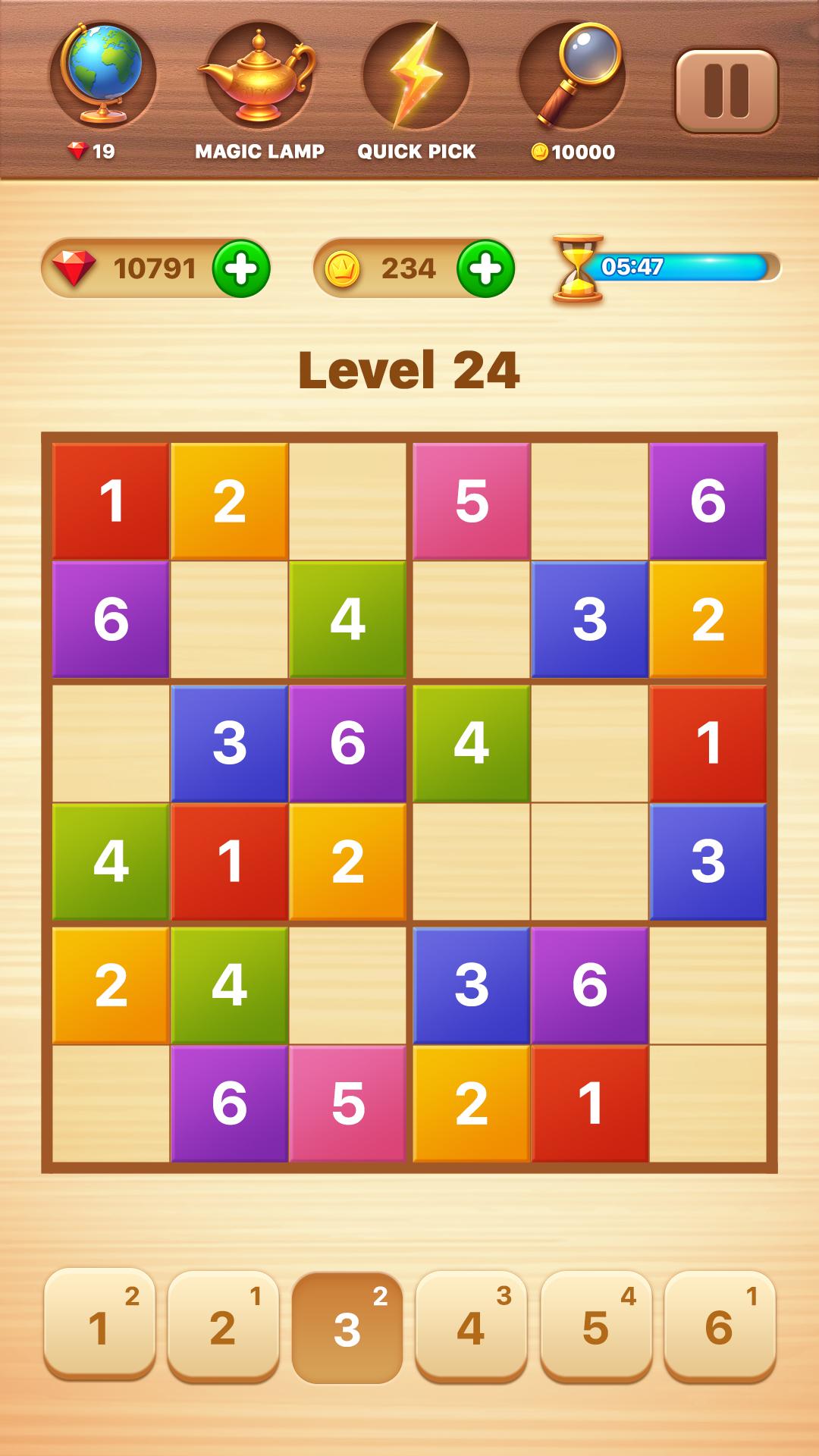
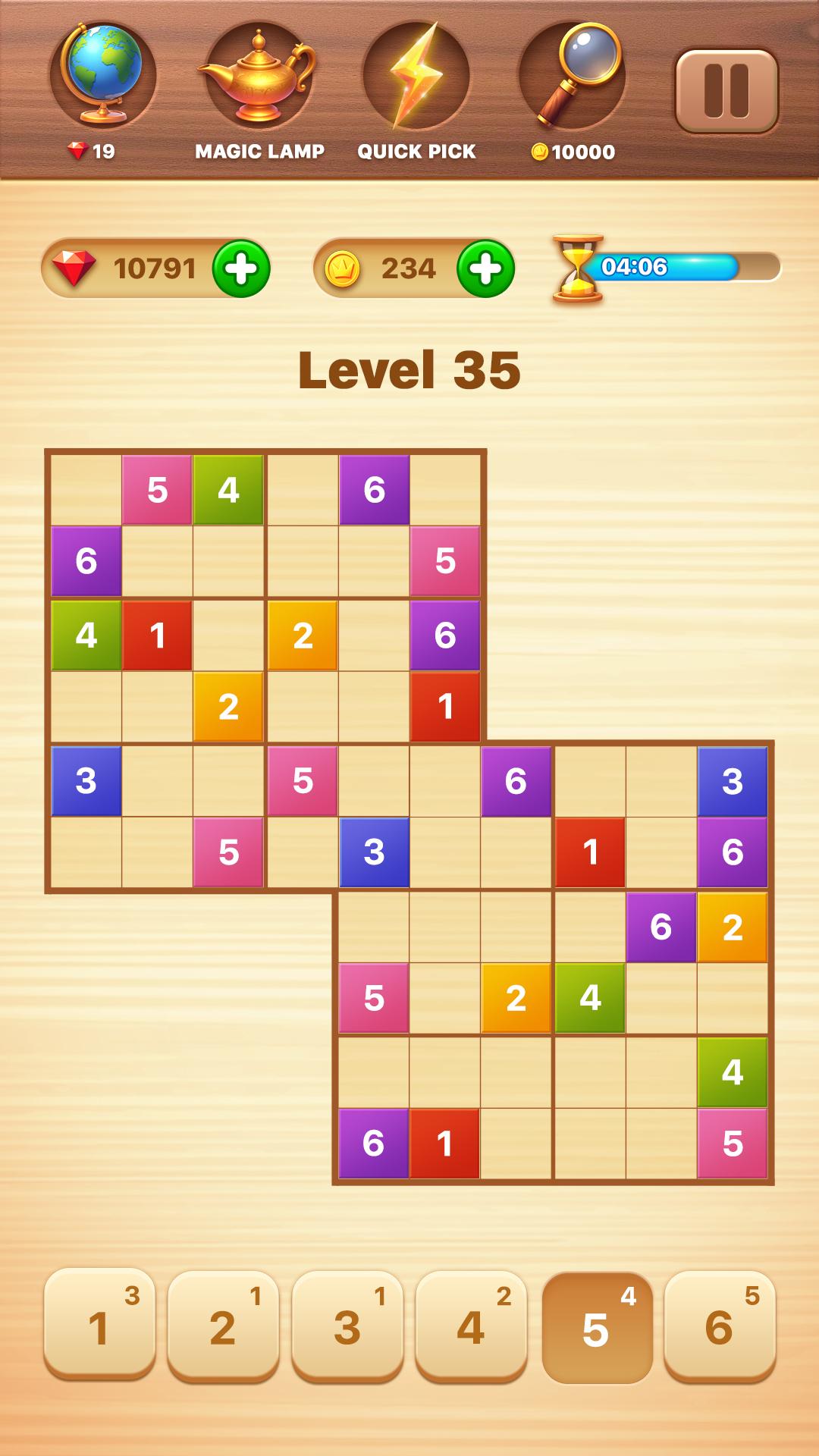
Cool Sudoku variations: Classic Sudoku? We have it. Plus, try new variations like 4x4, 6x6, 8x8, 10x10, 12x12, Evil Sudoku, Killer Sudoku, Overlapping Sudoku (Samurai), and more.
Advanced Sudoku app that's optimized for easy play on both mobile devices and tablets.
Colorful characters in puzzles and soothing music for a relaxing experience.
Multi-sync: Seamlessly sync across devices so you never lose your progress.
Daily Sudoku Challenge: A new daily brainy puzzle without a timer and with varying difficulty levels.
Win daily rewards with the Lucky Spin.
Perfect for both Sudoku beginners and advanced players!
Connect with friends on Facebook, play, and exchange gifts with peers.
Choose your puzzle difficulty: hard, medium, or easy Sudoku puzzles to challenge yourself.
Other Cool Features of Our Sudoku Puzzle Game:
Lite Version: A lightweight Sudoku app that won't freeze your phone.
Unique and challenging Sudoku puzzles designed smartly just for you.
Clean and simple interface with intuitive, easy controls.
Unlimited undo and delete options to help when you make mistakes.
Auto Save: Accidentally closed the game? No worries, Sudoku Quest has a smart auto-save feature to ensure you don't lose your progress.
Turn sound on/off for better concentration while solving puzzles.
Duplicate number indicator to help you avoid mistakes.
Helpful tips and strategies to make you a Sudoku expert.
The Sudoku Quest game suits both beginners and advanced players.
Progress tracking feature to improve your gameplay experience.
Over 2000 levels set across breathtaking islands and adventurous kingdoms.
Easier fun Sudoku puzzles for kids with smaller grids like 4x4 & 6x6.
Offline Sudoku game you can play anywhere, anytime.
Smart note-taking feature to make your play paperless. We care about the environment!
Eye-Catching Power-Ups in Our Sudoku Game:
Amazing power-ups to help you become the ultimate Sudoku master.
Hint: Struggling with a puzzle? Use a hint to solve a random empty cell.
Quick Pick: Unsure which cell is easier? Use Quick Pick to highlight it.
Magic Eye: Too many numbers distracting you? Enable Magic Eye to focus on one number.
Magic Lamp: Simplifies your puzzle by filling one cell in all blocks.
Cell Check: Filled in wrong numbers? Cell Check highlights all incorrect entries in the puzzle.
We're here for you with dedicated customer support.
So why wait? Uniquely designed challenges await you. Leave your worries behind, join Sudoku Quest, and relax. Become the Sudoku master!
Avance
Etiquetas
LógicaCasualUn solo jugadorResumenDesconectadoSudokuInformación
Desarrollador
HashCube
La última versión
3.2.23
Última actualización
2025-08-08
Categoría
Rompecabezas
Disponible en
Google Play
Mostrar más
Cómo jugar Sudoku Quest - Classic Puzzle con GameLoop en PC
1. Descargue GameLoop desde el sitio web oficial, luego ejecute el archivo exe para instalar GameLoop.
2. Abra GameLoop y busque "Sudoku Quest - Classic Puzzle", busque Sudoku Quest - Classic Puzzle en los resultados de búsqueda y haga clic en "Instalar".
3. Disfruta jugando Sudoku Quest - Classic Puzzle en GameLoop.
Minimum requirements
OS
Windows 8.1 64-bit or Windows 10 64-bit
GPU
GTX 1050
CPU
i3-8300
Memory
8GB RAM
Storage
1GB available space
Recommended requirements
OS
Windows 8.1 64-bit or Windows 10 64-bit
GPU
GTX 1050
CPU
i3-9320
Memory
16GB RAM
Storage
1GB available space