Dot Connect para PC
Bizzy Bee Games
Descarga Dot Connect en PC con GameLoop Emulator
Dot Connect en PC
Dot Connect, proveniente del desarrollador Bizzy Bee Games, se ejecuta en el sistema Android en el pasado.
Ahora, puedes jugar Dot Connect en PC con GameLoop sin problemas.
Descárgalo en la biblioteca de GameLoop o en los resultados de búsqueda. No más mirar la batería o llamadas frustrantes en el momento equivocado nunca más.
Simplemente disfrute de Dot Connect PC en la pantalla grande de forma gratuita!
Dot Connect Introducción
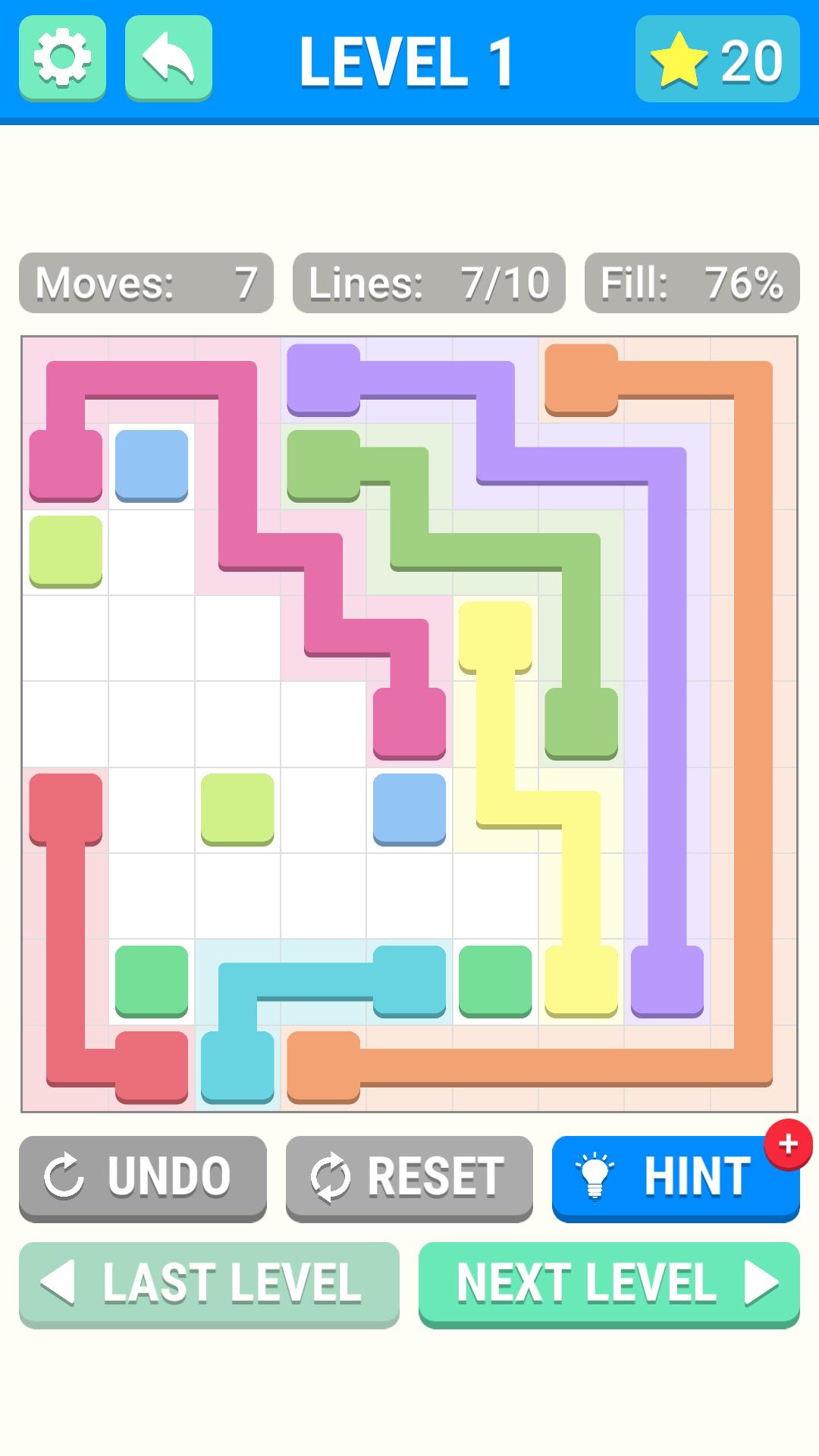
Dot Connect is an exciting line puzzle game where you must connect the dots on the game board. Draw a line from one dot to the other dot of the same color to connect them, connect all the dots and win the game!
Features
- Hundreds of levels! Never get bored, there are lots of levels to keep you busy all day!
- Blockers! Play levels with blocks in them that prevent you from drawing lines in that position of the board. Adds a bit of difficulty to the levels.
- Shapes! Play levels that are shaped like things other than squares to keep things interesting!
- Hints! Stuck on a hard level? Use a hint to help you along! Get more hints by completing levels!
- Stars! Complete a level with as few moves as possible to earn a gold star! Collect enough gold stars to unlock more level packs!
Interested in more of our work? Check us out at https://www.bizzybeegames.com 🐝
Avance

Etiquetas
RompecabezasInformación
Desarrollador
Bizzy Bee Games
La última versión
1.0
Última actualización
2019-06-04
Categoría
Rompecabezas
Disponible en
Google Play
Mostrar más
Cómo jugar Dot Connect con GameLoop en PC
1. Descargue GameLoop desde el sitio web oficial, luego ejecute el archivo exe para instalar GameLoop.
2. Abra GameLoop y busque "Dot Connect", busque Dot Connect en los resultados de búsqueda y haga clic en "Instalar".
3. Disfruta jugando Dot Connect en GameLoop.
Minimum requirements
OS
Windows 8.1 64-bit or Windows 10 64-bit
GPU
GTX 1050
CPU
i3-8300
Memory
8GB RAM
Storage
1GB available space
Recommended requirements
OS
Windows 8.1 64-bit or Windows 10 64-bit
GPU
GTX 1050
CPU
i3-9320
Memory
16GB RAM
Storage
1GB available space