PixelBook: pixel art, draw and para PC
PocketLand
Descarga PixelBook: pixel art, draw and en PC con GameLoop Emulator
PixelBook: pixel art, draw and en PC
PixelBook: pixel art, draw and, proveniente del desarrollador PocketLand, se ejecuta en el sistema Android en el pasado.
Ahora, puedes jugar PixelBook: pixel art, draw and en PC con GameLoop sin problemas.
Descárgalo en la biblioteca de GameLoop o en los resultados de búsqueda. No más mirar la batería o llamadas frustrantes en el momento equivocado nunca más.
Simplemente disfrute de PixelBook: pixel art, draw and PC en la pantalla grande de forma gratuita!
PixelBook: pixel art, draw and Introducción
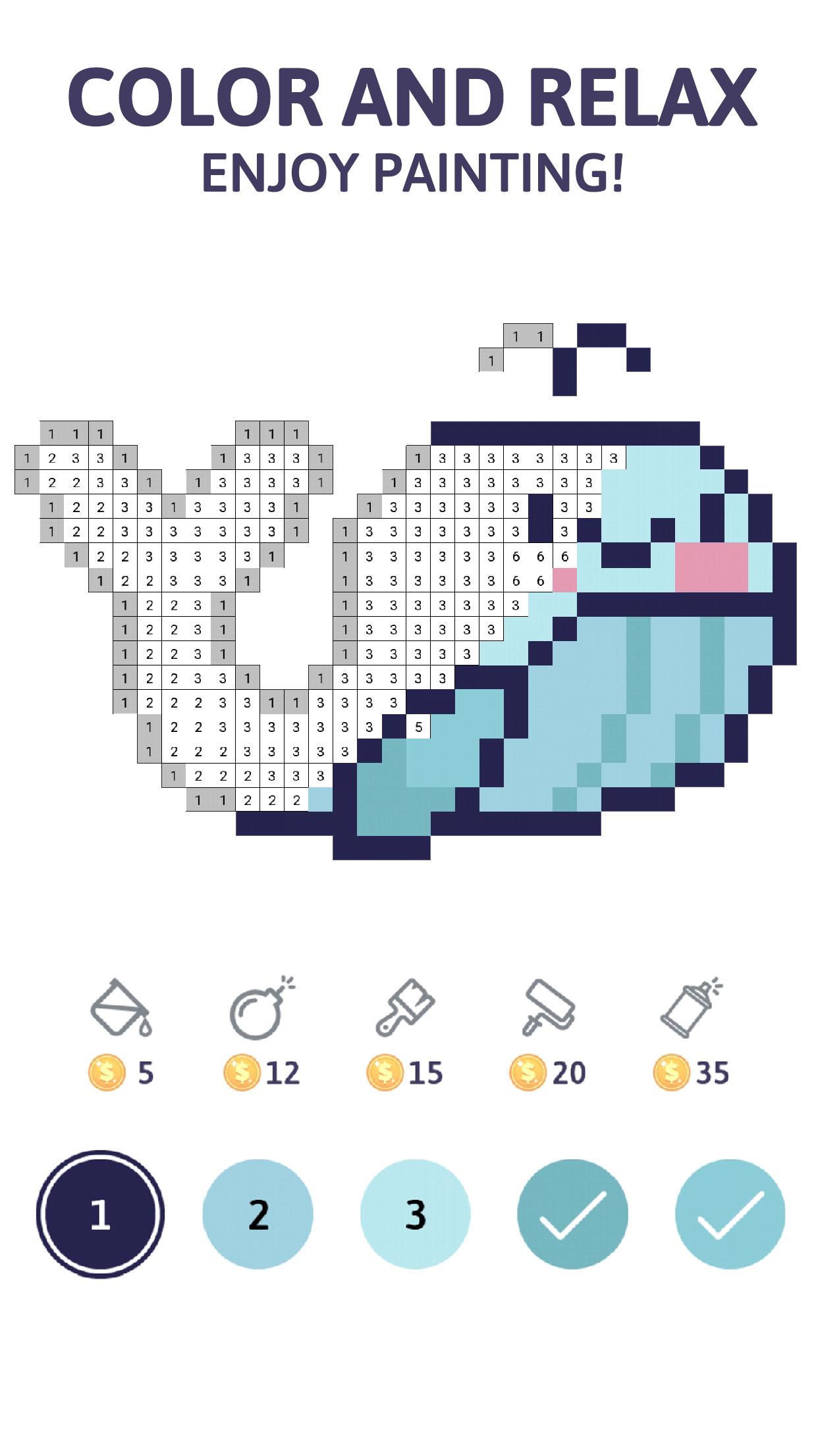
PixelBook is a Pixel Art game that will relax you while you’re coloring the different images available. Each week, we will upload new images to keep the artistic challenge alive.
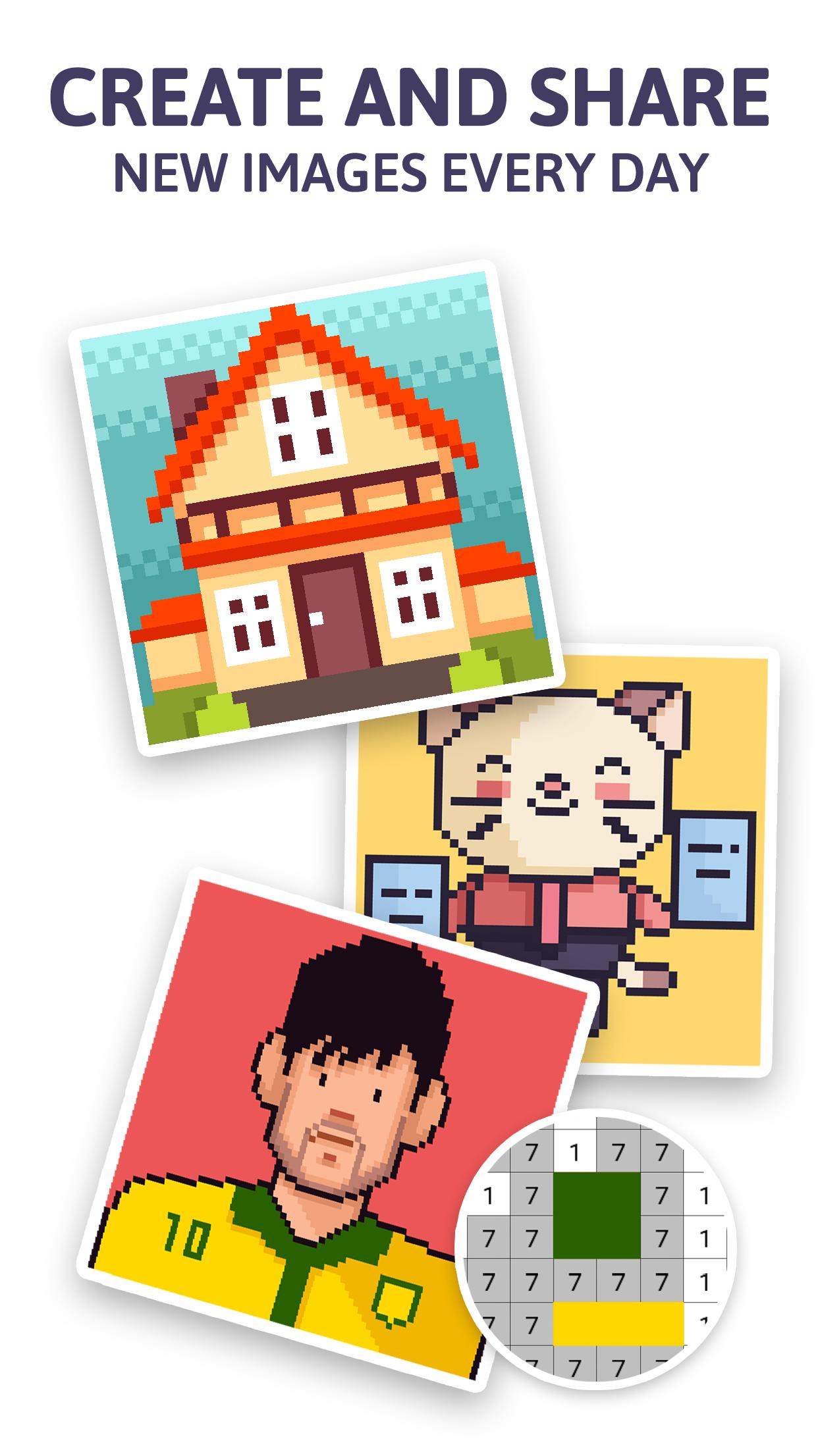
This game is a social network, where you will be able to create and draw your creative ideas and publish them on the app. Thousands of people will be able to color your work and follow your profile in order to receive your work regular. Color by number nonstop!
Also, each time your images are being colored by number, you will receive rewards.
In order to publish images, it is requested to sign in using your Facebook or Google account.
We have different categories to achieve an experience based on your preferences and mood. This Pixel art game will select the images according to the search filters: popularity, size and your followed artist.
Features:
• New images available constantly.
• Search filter to make easier the new challenges procurement.
• 9 images categories available
• Daily reward
• The colored images can be personalized with the sticker set available. Share them with your family and friends.
• You can create your images using the draw tool, from your picture collection or take a picture with the camera. Pixel everything!
• 5 power ups that will make the coloring experience fluent and relaxing.
• Hint tool to make easy to find those pixels that require color.
• Players ranking according the amount of pixels colored.
• More than 50 achievements.
We hope you enjoy drawing and coloring all the available images!
Avance
Etiquetas
EducativosDibujoCasualUn solo jugadorEstilizadopixeladoDesconectadoInformación
Desarrollador
PocketLand
La última versión
3.8
Última actualización
2020-06-03
Categoría
Rompecabezas
Disponible en
Google Play
Mostrar más
Cómo jugar PixelBook: pixel art, draw and con GameLoop en PC
1. Descargue GameLoop desde el sitio web oficial, luego ejecute el archivo exe para instalar GameLoop.
2. Abra GameLoop y busque "PixelBook: pixel art, draw and", busque PixelBook: pixel art, draw and en los resultados de búsqueda y haga clic en "Instalar".
3. Disfruta jugando PixelBook: pixel art, draw and en GameLoop.
Minimum requirements
OS
Windows 8.1 64-bit or Windows 10 64-bit
GPU
GTX 1050
CPU
i3-8300
Memory
8GB RAM
Storage
1GB available space
Recommended requirements
OS
Windows 8.1 64-bit or Windows 10 64-bit
GPU
GTX 1050
CPU
i3-9320
Memory
16GB RAM
Storage
1GB available space