PDF Reader: PDF Viewer para PC
FlexOffice
Descarga PDF Reader: PDF Viewer en PC con GameLoop Emulator
PDF Reader: PDF Viewer en PC
PDF Reader: PDF Viewer, proveniente del desarrollador FlexOffice, se ejecuta en el sistema Android en el pasado.
Ahora, puedes jugar PDF Reader: PDF Viewer en PC con GameLoop sin problemas.
Descárgalo en la biblioteca de GameLoop o en los resultados de búsqueda. No más mirar la batería o llamadas frustrantes en el momento equivocado nunca más.
Simplemente disfrute de PDF Reader: PDF Viewer PC en la pantalla grande de forma gratuita!
PDF Reader: PDF Viewer Introducción
🎉 Congratulations on discovering the ultimate PDF Reader: PDF Viewer app!
Unlock powerful features to easily view, read, edit, convert, merge, and split your PDF files with this intuitive PDF Reader: PDF Viewer app.
🚀 Ready to explore all the powerful features of our PDF Reader: PDF Viewer app?
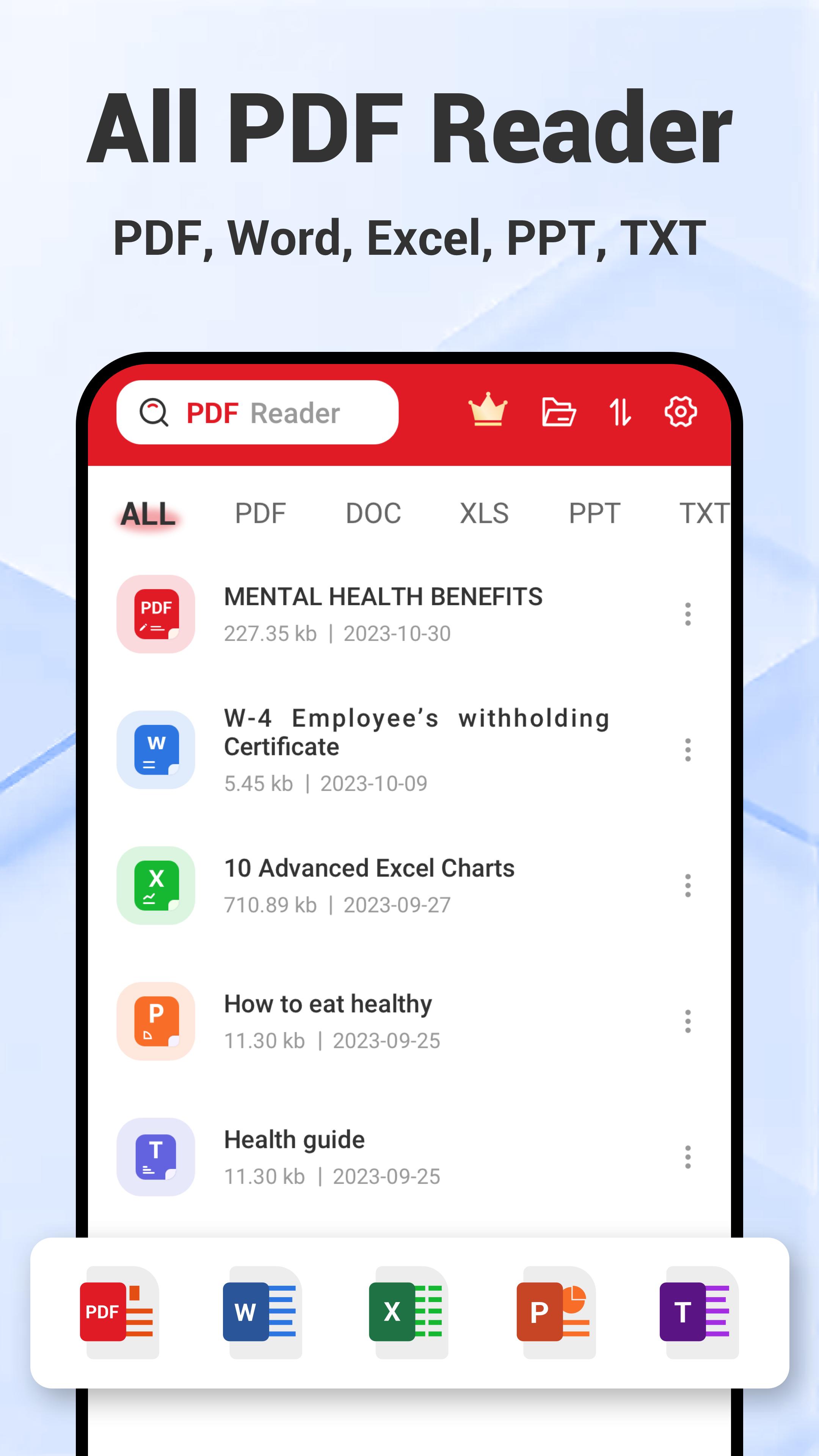
PDF Reader
✔ Dark Mode in PDF Reader: Eye-friendly for late-night PDF reading.
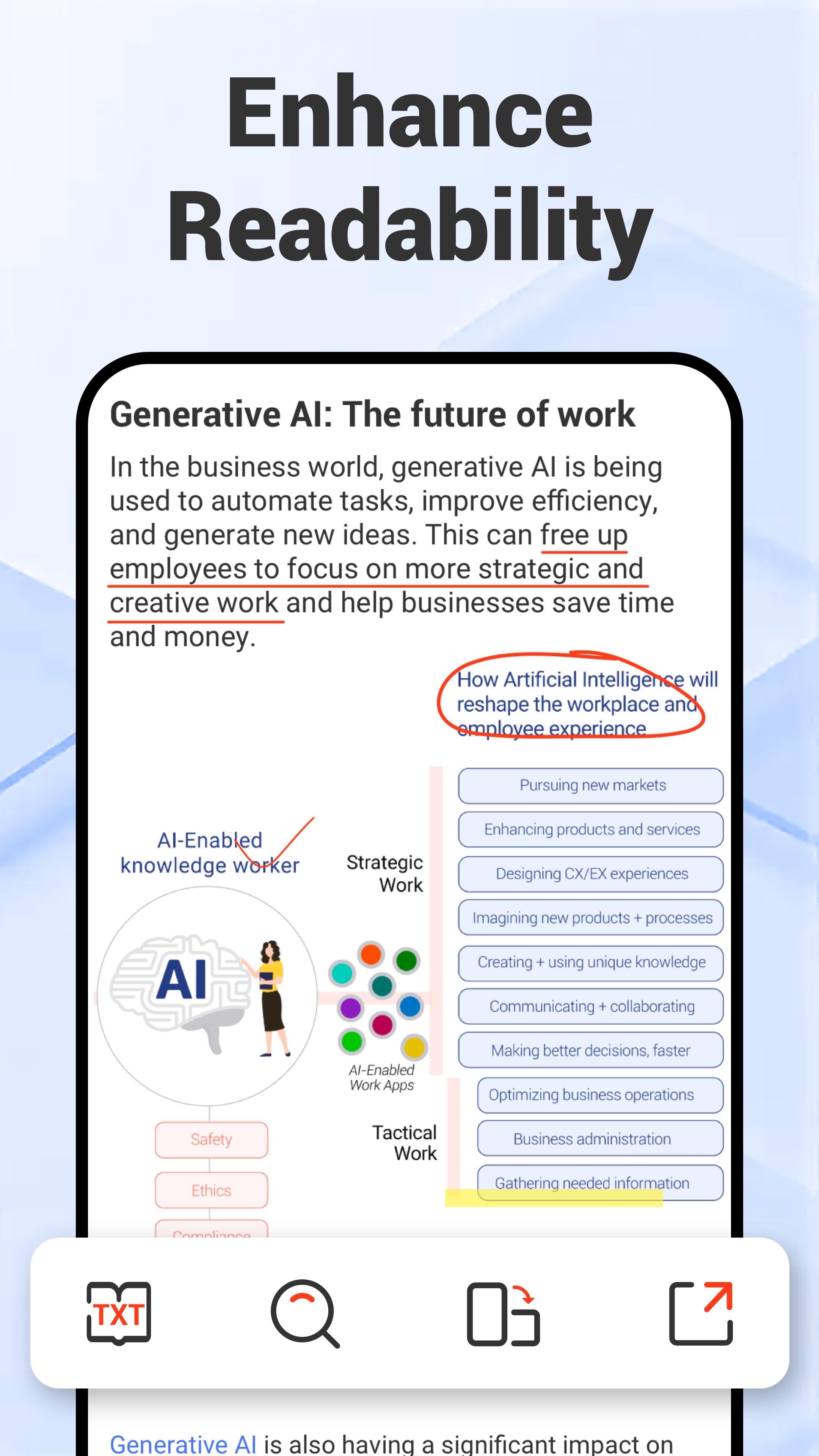
✔ TXT Mode in PDF Viewer: Adjust font size for enhanced readability of your PDF files.
✔ View Mode in PDF Reader: Customize your PDF view between vertical or horizontal orientations, with continuous scrolling or page-by-page options based on your preference.
✔Preview Mode in PDF Viewer: Quickly locate specific pages in your PDF.
PDF Viewer
✔ Go-to-Page in PDF Viewer: Effortlessly jump to any page within your PDF files.
✔ Full-Screen Reading in PDF Reader: Enjoy distraction-free PDF reading.
✔ PDF Rotation in PDF Viewer: Easily rotate PDFs between landscape and portrait modes for optimal viewing.
PDF Editor
✔ Annotation in PDF Editor: Easily highlight, underline, and strikethrough text in your PDFs.
✔ Edit PDF with Doodle: Add your creative touch by drawing directly within PDF editor.
✔Insert Images in PDF Editor: Quickly insert images into your PDFs to enhance visuals.
✔ Edit PDF by Inserting Text: Add text within PDF editor easily for detailed commentary.
✔ PDF Search in PDF Editor: Quickly search for words, phrases, or sentences within your PDF files.
E-Signature
✔ Create E-Signature within PDF Editor: Easily create a handwritten e-signature to sign your PDFs in seconds.
✔ Store Multiple E-Signatures: Securely save multiple e-signatures within PDF editor for yourself and your family.
✔ Apply E-Signature: Effortlessly insert your e-signature into any PDF.
Image to PDF Converter
✔ Effortlessly sort and select JPG files for a seamless image to PDF conversion.
✔ Use an all-in-one image to PDF converter to rotate, crop, and apply filters for perfect results.
✔ Reorder and organize JPG files within the image to PDF converter to create a PDF exactly how you need it.
✔ Simplify image to PDF conversion with user-friendly tools designed for efficiency.
✔ Transform JPG files into professional-looking PDFs effortlessly with our powerful image to PDF converter.
PDF Scanner
✔Scan paper files and convert them to PDF using this powerful PDF scanner.
✔Apply popular filter effects in the PDF scanner to enhance your PDF.
✔The PDF scanner ensures seamless scanning, editing, and converting, making it your on-go scanner.
Merge PDF & Split PDF
✔Split PDF: Easily split PDF files to extract or remove pages
✔ Merge PDF: Quickly merge PDF documents into one file
✔ Reorder and search PDFs for seamless merging or splitting PDFs.
✨Wait, there's more for you!
✔ Open PDFs directly from device storage by setting the PDF Reader as your default PDF viewer.
✔ Access recent PDFs quickly from the widget for easy navigation.
✔ Open PDFs from other apps without any interruptions.
✔ Easily open PDFs from external USB or SD cards.
✔ Share PDFs with anyone for quick access.
✔ Print PDFs conveniently with just a few taps.
🚀 Embark on a journey of effortless PDF management – open and experience the power of our PDF Reader: PDF Viewer today!
Avance
Etiquetas
ProductividadInformación
Desarrollador
FlexOffice
La última versión
1.0.30
Última actualización
2025-09-27
Categoría
Productividad
Disponible en
Google Play
Mostrar más
Cómo jugar PDF Reader: PDF Viewer con GameLoop en PC
1. Descargue GameLoop desde el sitio web oficial, luego ejecute el archivo exe para instalar GameLoop.
2. Abra GameLoop y busque "PDF Reader: PDF Viewer", busque PDF Reader: PDF Viewer en los resultados de búsqueda y haga clic en "Instalar".
3. Disfruta jugando PDF Reader: PDF Viewer en GameLoop.
Minimum requirements
OS
Windows 8.1 64-bit or Windows 10 64-bit
GPU
GTX 1050
CPU
i3-8300
Memory
8GB RAM
Storage
1GB available space
Recommended requirements
OS
Windows 8.1 64-bit or Windows 10 64-bit
GPU
GTX 1050
CPU
i3-9320
Memory
16GB RAM
Storage
1GB available space