
Memo Pad – Notepad Quick Notes para PC
Babylon apps
Descarga Memo Pad – Notepad Quick Notes en PC con GameLoop Emulator
Memo Pad – Notepad Quick Notes en PC
Memo Pad – Notepad Quick Notes, proveniente del desarrollador Babylon apps, se ejecuta en el sistema Android en el pasado.
Ahora, puedes jugar Memo Pad – Notepad Quick Notes en PC con GameLoop sin problemas.
Descárgalo en la biblioteca de GameLoop o en los resultados de búsqueda. No más mirar la batería o llamadas frustrantes en el momento equivocado nunca más.
Simplemente disfrute de Memo Pad – Notepad Quick Notes PC en la pantalla grande de forma gratuita!
Memo Pad – Notepad Quick Notes Introducción
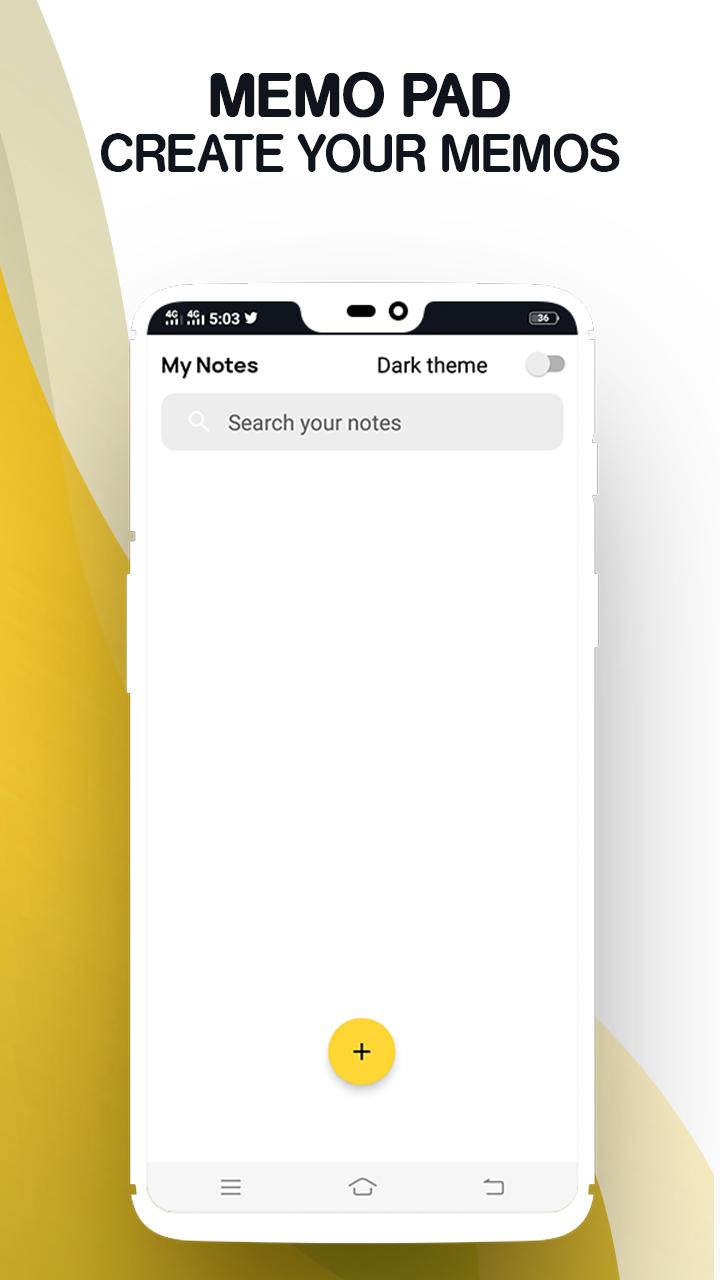
Create and search memo pad notes on this easy to use memo pad maker app
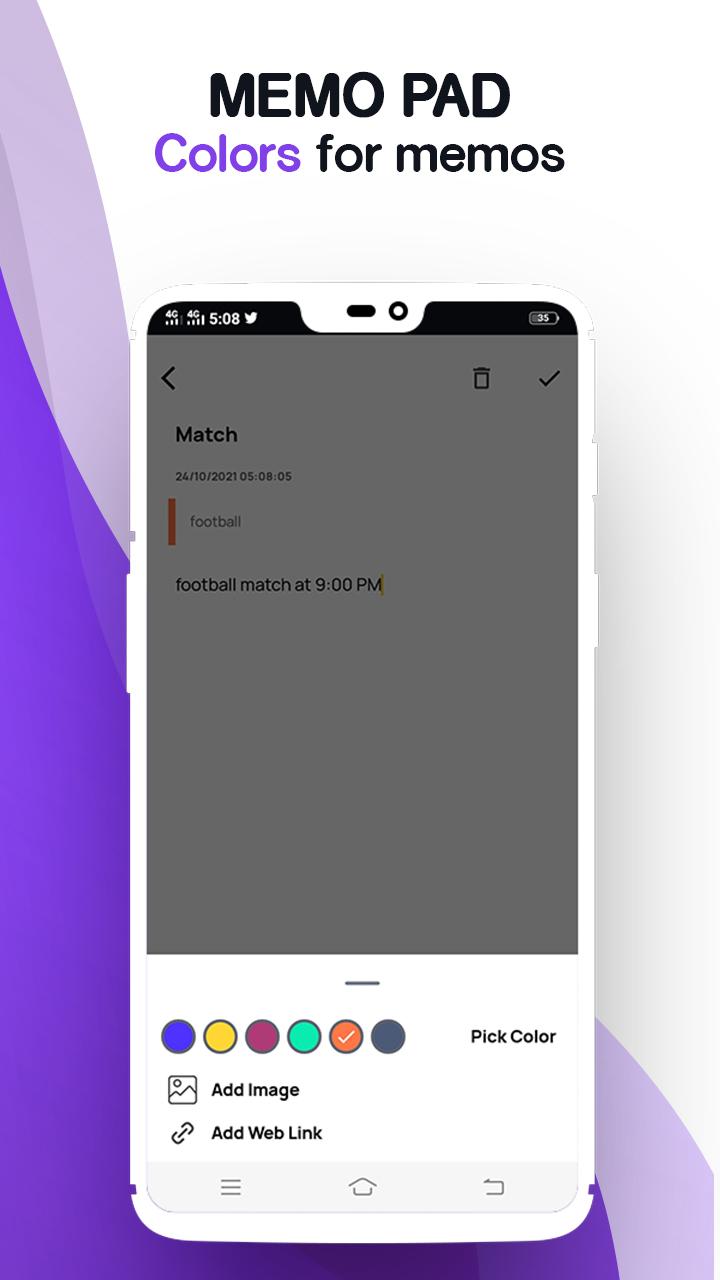
Are you looking for the best free notepad apps to create memo pad notes? How about using a notepad for android, search and save memo notes easily? With this amazing notepad organizer tool, you can not only create daily memos on memo pad but also search notes within seconds. All you need to do after downloading the Memo Pad Plus – Simple Notepad, Take Quick Notes is to tap on the create a new note option and start noting. On top of that, this amazing notepad journal app also comes with optional dark mode theme, where you can take memos on this free app without putting too much stress on your eyes.
Try Memo Pad Plus – Simple Notepad, Take Quick Notes now!
Notepad Free to Make a memo
Are you ready to take daily notes with minimal effort? Whether you want to make a memo of important study points, save memo for task and shopping list reminder or search notes for finding important saved information, this app for Android app is a great pick to meet all your needs. As one of the best free notebook apps, this notepad free app offers you complete freedom to create a new note, search and save memos in a safe place!
Save and Search Notes Quickly
Do you have a habit to make notes of important things and save them in the notepad for android app for safekeeping? If that is the case, this notepad free app is the best pick for you. Ditch all other complicated free notebook apps and switch to a much simpler and efficient memo app. Once you have added the memo in the app, you can use memo pad search bar to search notes quickly.
Easy Notepad Organizer Tool
Will you like to store all your important memos in a single place? Experience the convenience of notepad free app with this notepad journal maker and notepad organizer tool. You can not only sort all your memos in any order you like but also manage whether you want to edit, save, delete or search notes with memo notes maker. Keep all your memo notes inside the notepad organizer tool and save time!
Create a New Note in Dark Theme
Making memos getting too stressful for your eyes? Worry no more! This memo pad app now comes with a dark theme! Make notes in dark theme and save all your memo notes efficiently. Simply switch on the dark theme from the memo pad settings and continue jotting down your important pointers on the app. Create a new note with minimal effort!
Features of Memo Pad Plus – Simple Notepad, Take Quick Notes
• Simple and easy to use free notebook apps UI/UX
• Notepad free memo pad maker to make memos easily
• Hassle free notepad for android users and note lovers
• Notepad organizer tool to save memo note safely
• Search from the search bar and keep all your daily notes in one place
• Dark theme now available in daily notes app!
Download and use Memo Pad Plus – Simple Notepad, Take Quick Notes today!
Avance
Etiquetas
ProductividadInformación
Desarrollador
Babylon apps
La última versión
1.0
Última actualización
2021-11-03
Categoría
Productividad
Disponible en
Google Play
Mostrar más
Cómo jugar Memo Pad – Notepad Quick Notes con GameLoop en PC
1. Descargue GameLoop desde el sitio web oficial, luego ejecute el archivo exe para instalar GameLoop.
2. Abra GameLoop y busque "Memo Pad – Notepad Quick Notes", busque Memo Pad – Notepad Quick Notes en los resultados de búsqueda y haga clic en "Instalar".
3. Disfruta jugando Memo Pad – Notepad Quick Notes en GameLoop.
Minimum requirements
OS
Windows 8.1 64-bit or Windows 10 64-bit
GPU
GTX 1050
CPU
i3-8300
Memory
8GB RAM
Storage
1GB available space
Recommended requirements
OS
Windows 8.1 64-bit or Windows 10 64-bit
GPU
GTX 1050
CPU
i3-9320
Memory
16GB RAM
Storage
1GB available space