
Magic Keys (free) para PC
SoftInChartreuse
Descarga Magic Keys (free) en PC con GameLoop Emulator
Magic Keys (free) en PC
Magic Keys (free), proveniente del desarrollador SoftInChartreuse, se ejecuta en el sistema Android en el pasado.
Ahora, puedes jugar Magic Keys (free) en PC con GameLoop sin problemas.
Descárgalo en la biblioteca de GameLoop o en los resultados de búsqueda. No más mirar la batería o llamadas frustrantes en el momento equivocado nunca más.
Simplemente disfrute de Magic Keys (free) PC en la pantalla grande de forma gratuita!
Magic Keys (free) Introducción
- You often forget your passwords, you use the same one everywhere, or you are not so sure that "P0!s0n" is safe?
- You do not trust password manager software whether they save password localy or on the cloud?
Magic Keys will make your life easier and will increase the safety of your passwords.
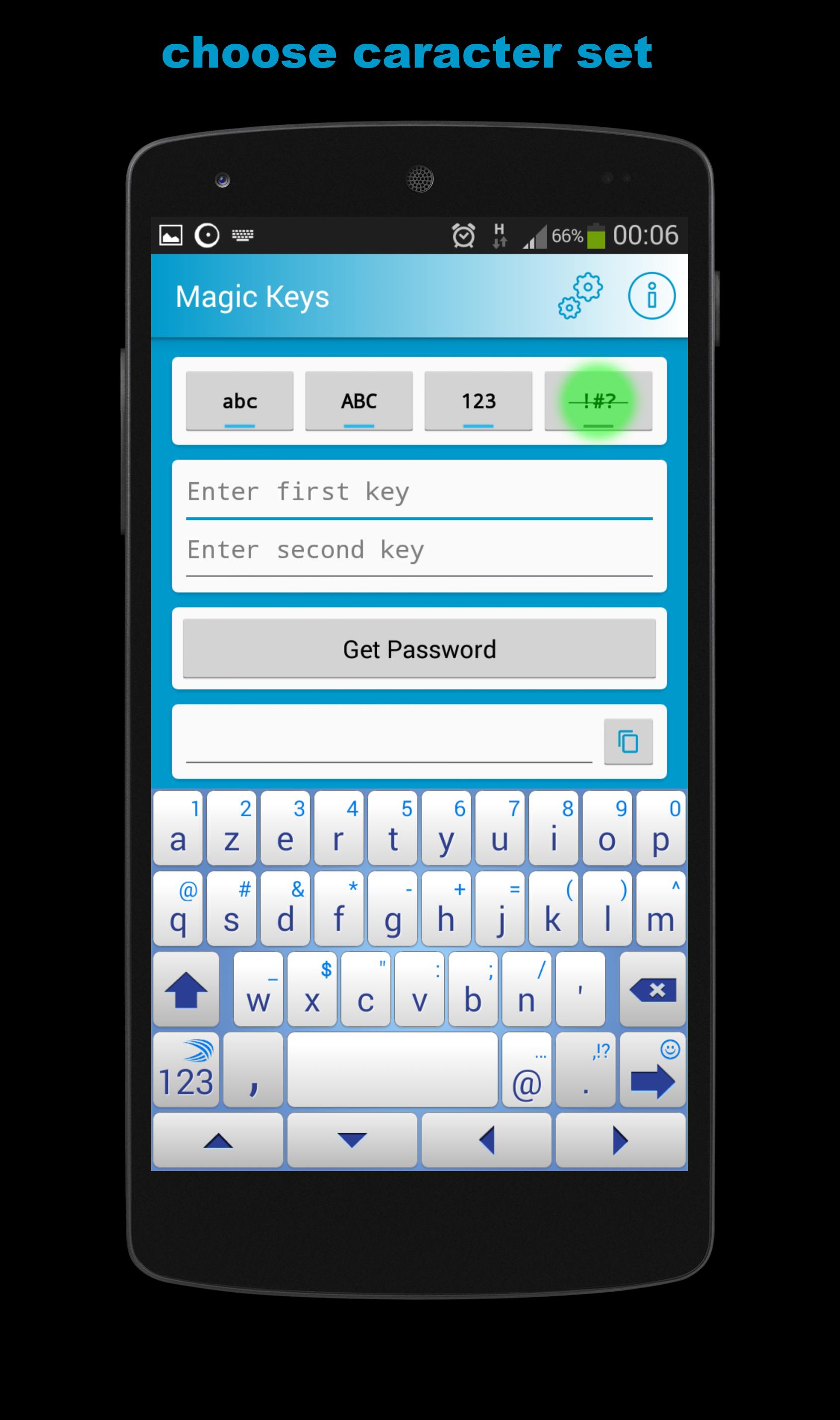
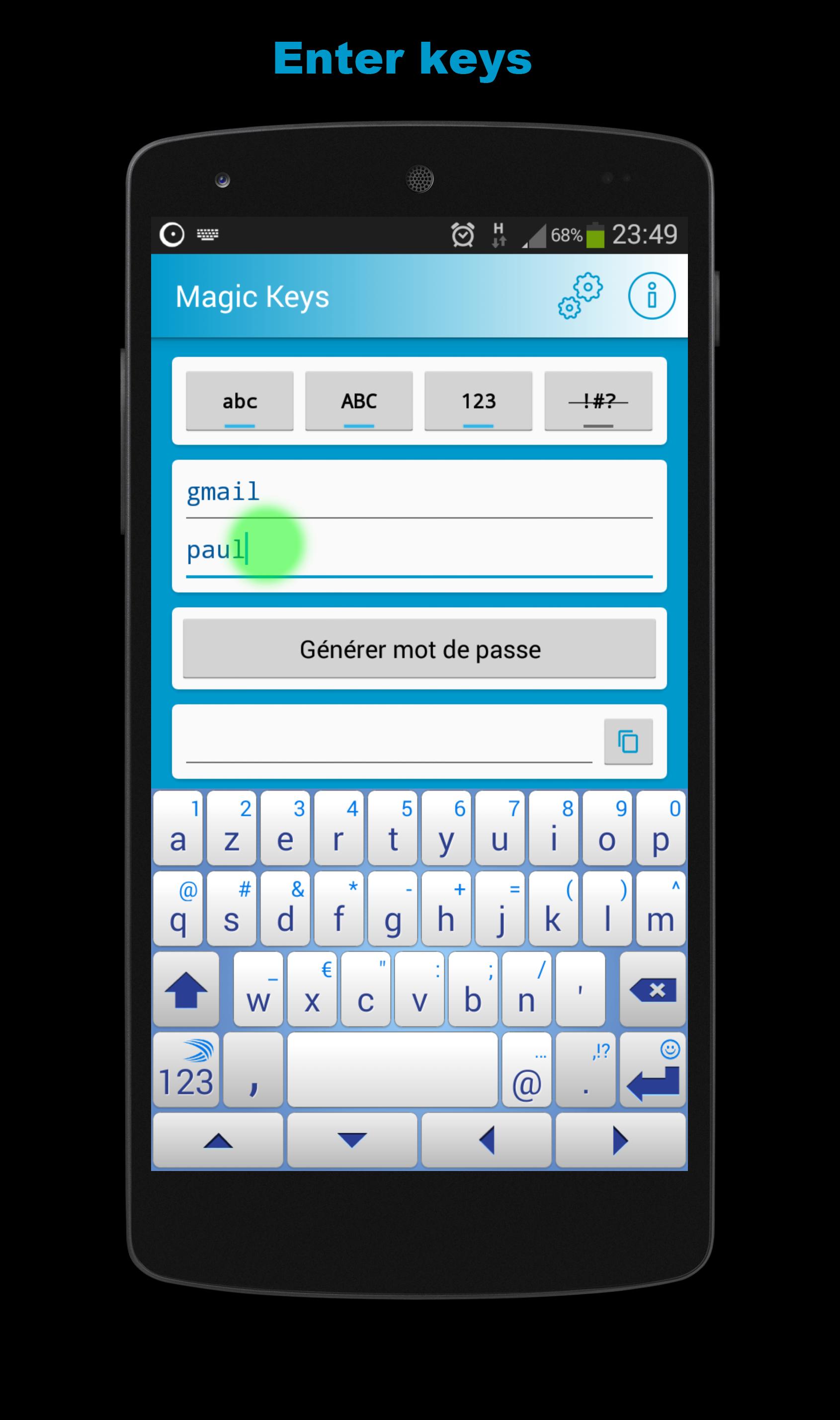
Magic keys is a new breed of password manager. It randomizes keys that you choose and that you can remember easily. You remember a set of keys per account, you get a safe random password per account!
Choose 2 keys easy enough to remember like john doe & gmail , Magic Keys generates a random password for which you choose the size and the caracter set. 1h6F(/5&hgz2oP
Only remember your keys, Magic Keys takes care of the rest. The application does not save the keys nor the password. A root
key associated to the phone ensures that each user of Magic Key gets a unique version of the password generation algorithm.
Magic keys is now supported on PC as well See : http://soft-in-chartreuse.blogspot.fr/p/magic-keys-for-chrome-en.html
Magic keys does not require any permission.
= FAQ =
Why should I use Magic Keys?
Magic keys help you create random passwords, eg "h@x27eRt(z&9t0h" that you can easily
remember just by memorising the keys you used to generate the password. A random password
is much harder to crack than a regular word. The generated password cannot be guessed without
knowing your keys. It\'s easier to remember john.doe, gmail than h@x27eRt(z&9t0h
How does magic keys work?
Magic keys generates a password by mixing all-together the 2 keys you provide and a fixed root key. To ensure people who would
use exactly the 2 same keys would not get the same password, the android ID of the phone is used a fixed root key.
The same password is generated only if some one uses the same 2 keys and the same "root key". Root key
is set by default as the Android Id of the phone but is can be changed in the application settings.
Does inverting key1 and key2 generate different passwords?
No, you will get the same password if you invert key1 and key2
Can someone guess my passwords?
To guess your password someone needs to run magic keys either on your phone and guess
your 2 keys or retrieve your Android ID (or custom root key) and still guess your 2 keys
Are password generated safe and random enough?
Whatever some banks with very short password rules might tell you a password
is safe only if it is long enough, at least more than 12/ 16 characters and is not
a real word or a simple alteration of a real word like 1l0veMyM0m
How will I retrieve my passwords if I change my phone?
If you change your phone you have the possibility to choose a root key that
is not the android ID of your phone. Choosing a custom root key is available in the
advanced settings. this is enabled only in the paid version
I have forgotten a key, can I retrieve my password
Magic keys password are not saved anywhere (neither locally nor on the cloud) so
if you forgot keys, you will have to reset your account password.
Is copying the password in the clipboard safe?
Content copied in the clipboard is accessible to any application so it is not
strictly safe as a malware could monitor the phone clipboard. However all password manager applications
propose this easy way of copy and pasting password.
Shall I use long or short keys for long password?
Even if its name says it is magic, the application cannot beat the entropic laws
of nature. If keys are too short and a very long password is requested,there is a risk another
set of keys will produce the very same password. A good rule of thumb is at least one
of your keys shall be of password requested size.
Avance
Etiquetas
ProductividadInformación
Desarrollador
SoftInChartreuse
La última versión
1.2.2
Última actualización
2015-06-22
Categoría
Productividad
Disponible en
Google Play
Mostrar más
Cómo jugar Magic Keys (free) con GameLoop en PC
1. Descargue GameLoop desde el sitio web oficial, luego ejecute el archivo exe para instalar GameLoop.
2. Abra GameLoop y busque "Magic Keys (free)", busque Magic Keys (free) en los resultados de búsqueda y haga clic en "Instalar".
3. Disfruta jugando Magic Keys (free) en GameLoop.
Minimum requirements
OS
Windows 8.1 64-bit or Windows 10 64-bit
GPU
GTX 1050
CPU
i3-8300
Memory
8GB RAM
Storage
1GB available space
Recommended requirements
OS
Windows 8.1 64-bit or Windows 10 64-bit
GPU
GTX 1050
CPU
i3-9320
Memory
16GB RAM
Storage
1GB available space