
InShare Apk para PC
Syolo Soft
Descarga InShare Apk en PC con GameLoop Emulator
InShare Apk en PC
InShare Apk, proveniente del desarrollador Syolo Soft, se ejecuta en el sistema Android en el pasado.
Ahora, puedes jugar InShare Apk en PC con GameLoop sin problemas.
Descárgalo en la biblioteca de GameLoop o en los resultados de búsqueda. No más mirar la batería o llamadas frustrantes en el momento equivocado nunca más.
Simplemente disfrute de InShare Apk PC en la pantalla grande de forma gratuita!
InShare Apk Introducción
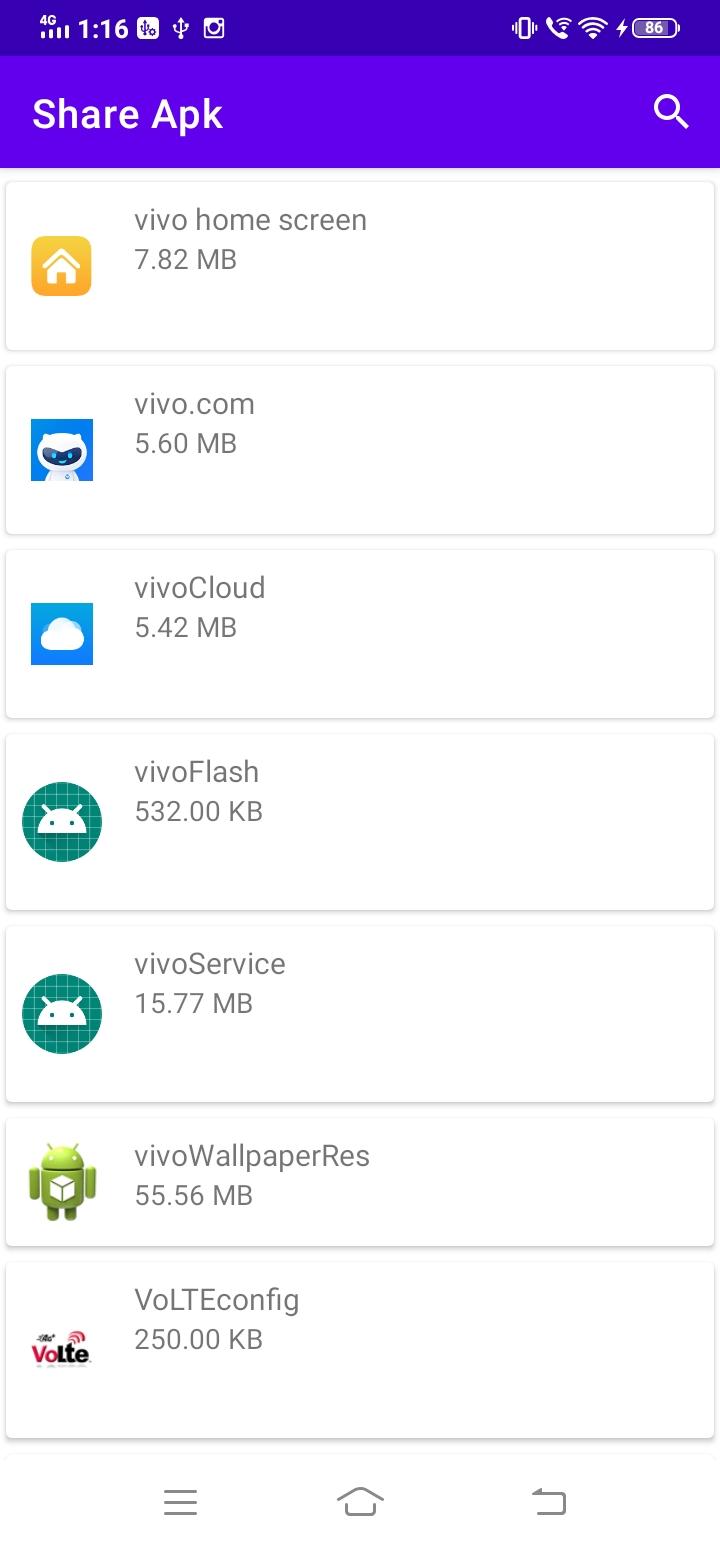
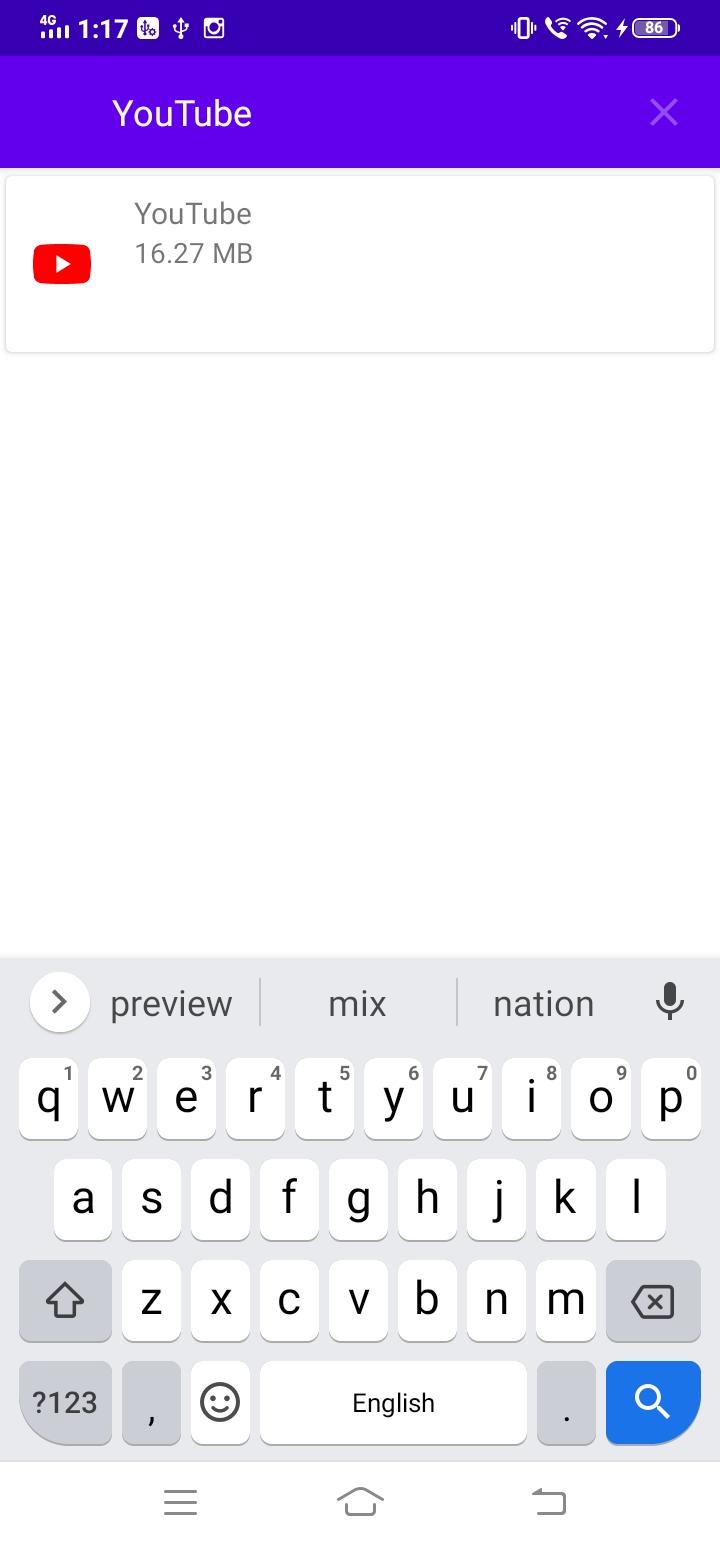
Looking for a cross-device app sharing option? InShare Apk is the perfect choice for you. This app is the answer to the app sharing problem faced by android users. you can make use of Bluetooth, whatsapp and other Social Media Apps for sharing, it will take little bit time depending on the size of app and Internet speed. Finish this waiting game to an end as InShare Apk satisfies your app transfer needs with perfection. You will be able to transfer the android apps from one android device to another at a lightning-fast speed. It does not require any internet connection to share your apps and is much faster than Bluetooth. The receiver no need to have this app Only sender need to install this app in order to share apps. It has such a clean, simple, and user-friendly interface that makes easy sharing possible.
Choose any App to transfer and then you will have to select the social media where you want to share. It is that simple, you see.
Avance
Etiquetas
ProductividadInformación
Desarrollador
Syolo Soft
La última versión
1.0
Última actualización
2020-12-01
Categoría
Productividad
Disponible en
Google Play
Mostrar más
Cómo jugar InShare Apk con GameLoop en PC
1. Descargue GameLoop desde el sitio web oficial, luego ejecute el archivo exe para instalar GameLoop.
2. Abra GameLoop y busque "InShare Apk", busque InShare Apk en los resultados de búsqueda y haga clic en "Instalar".
3. Disfruta jugando InShare Apk en GameLoop.
Minimum requirements
OS
Windows 8.1 64-bit or Windows 10 64-bit
GPU
GTX 1050
CPU
i3-8300
Memory
8GB RAM
Storage
1GB available space
Recommended requirements
OS
Windows 8.1 64-bit or Windows 10 64-bit
GPU
GTX 1050
CPU
i3-9320
Memory
16GB RAM
Storage
1GB available space