Diary with PIN Password Lock para PC
Pro Data Doctor Pvt. Ltd.
Descarga Diary with PIN Password Lock en PC con GameLoop Emulator
Diary with PIN Password Lock en PC
Diary with PIN Password Lock, proveniente del desarrollador Pro Data Doctor Pvt. Ltd., se ejecuta en el sistema Android en el pasado.
Ahora, puedes jugar Diary with PIN Password Lock en PC con GameLoop sin problemas.
Descárgalo en la biblioteca de GameLoop o en los resultados de búsqueda. No más mirar la batería o llamadas frustrantes en el momento equivocado nunca más.
Simplemente disfrute de Diary with PIN Password Lock PC en la pantalla grande de forma gratuita!
Diary with PIN Password Lock Introducción
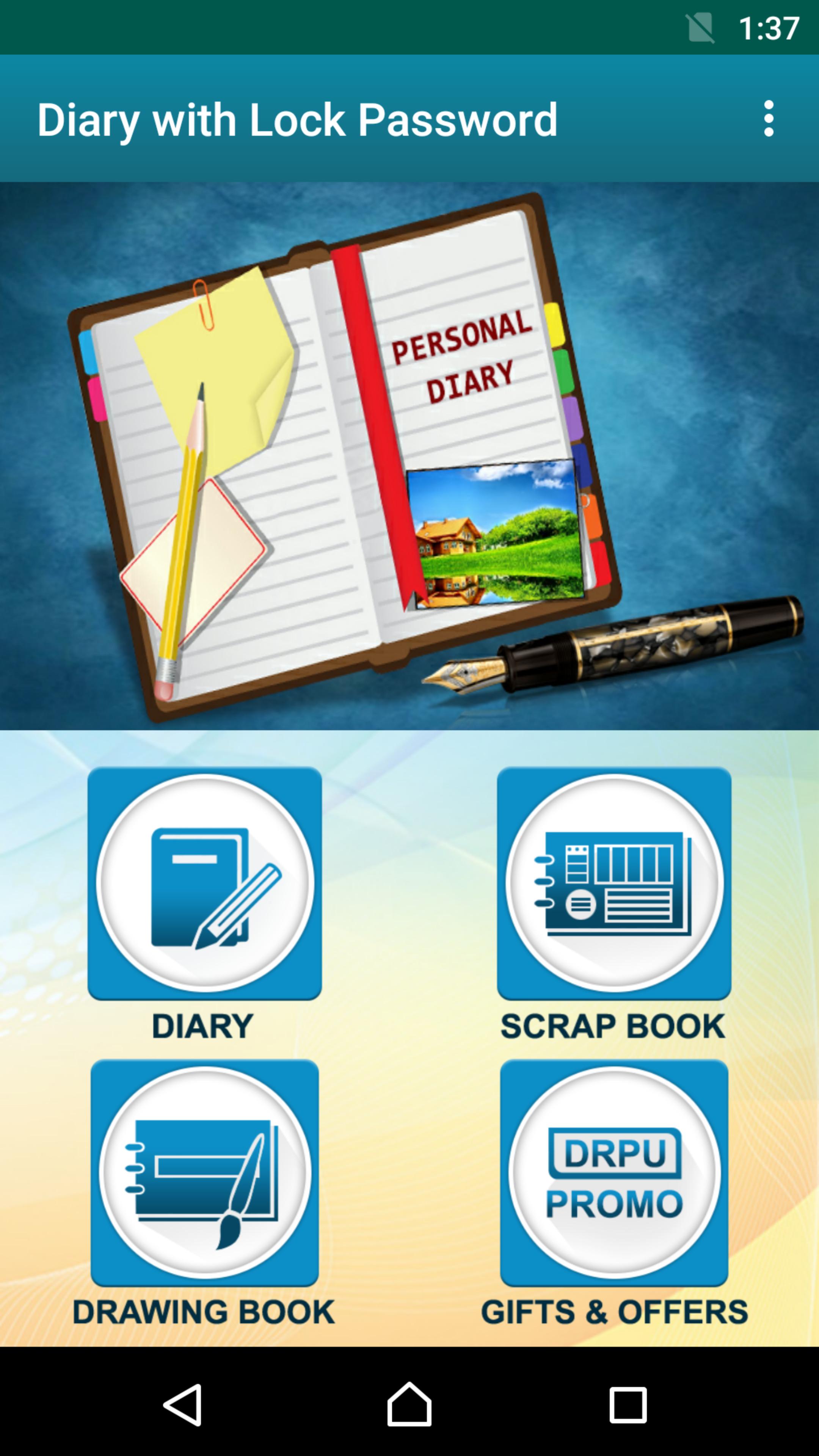
The Personal Diary is a Free android app with easy and useful features such as Password Lock Pattern Security and Notes Safety etc.
This personal virtual diary is useful in many ways for you. In this, we have included many features like Diary, Scrapbook and Drawing book. This App allows you to add data, save it forever, and read it anywhere anytime. You can put all your thoughts and can open and read it, and enjoy that past memory with your heart anytime. App also has Additional Scrapbook and Drawing Canvas Features to express emotions and creativity.
You can also save your work routine and set reminder for next day. The Personal Diary Note app gives you the choices of Creative Fonts, Text Styles and Cool Clip arts. Besides this you also have Daybook or Journal, Creative Diary and Notes Personalization options and Stationery Features.
Here are some Features:
* Diary, Scrapbook and Drawing book in one app.
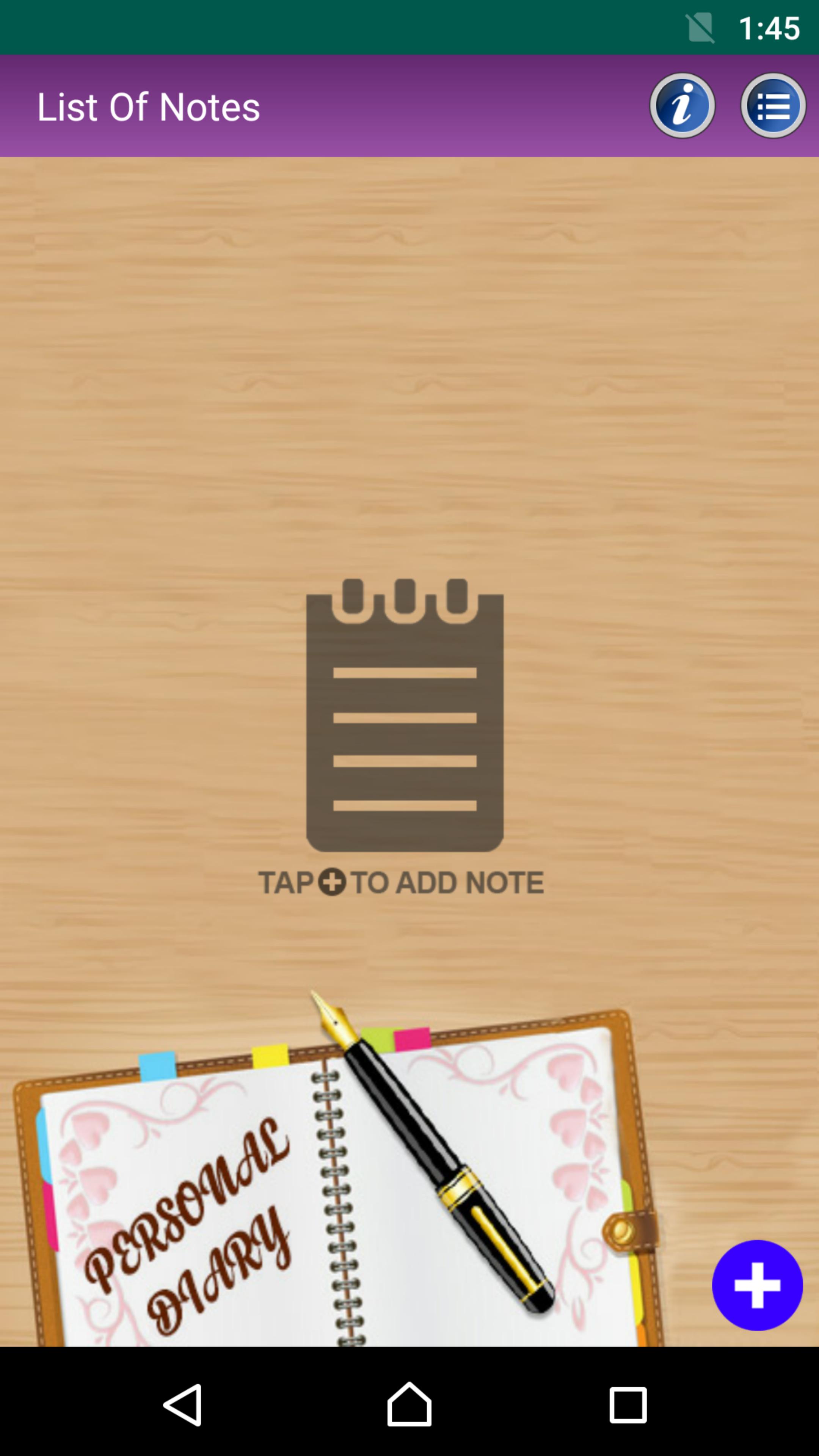
* Edit/delete previous notes, drawing or scrapbook data
* A number of text styles, text background and fonts choices with variety of colors.
* option to Set / Change or Remove Pattern lock and Password security.
* Sharing of data over Whatsapp, Social media and email etc.
* Funny Cute and creative stickers choices.
* Add reminders to calendar
* Backup copy of data
* Easy to use and Compatible with devices
You draw Creative Clip arts and pictures on drawing book, add color it with your favourite colour and edit it. In scrapbook you can add pictures from old memories and happenings, edit and can user various other options like add emoji and change background wallpaper or change background color etc.
In your free times or While travelling open this app in your phone and enjoy precious moments of past. To maintain the Privacy and data safety, you can also use pattern lock and screen lock features so that only you can read your content. You can Displays entries in the range of date and can changed Wallpaper themes according to memories and moods.
Avance
Etiquetas
ProductividadInformación
Desarrollador
Pro Data Doctor Pvt. Ltd.
La última versión
2.0
Última actualización
2025-09-08
Categoría
Productividad
Disponible en
Google Play
Mostrar más
Cómo jugar Diary with PIN Password Lock con GameLoop en PC
1. Descargue GameLoop desde el sitio web oficial, luego ejecute el archivo exe para instalar GameLoop.
2. Abra GameLoop y busque "Diary with PIN Password Lock", busque Diary with PIN Password Lock en los resultados de búsqueda y haga clic en "Instalar".
3. Disfruta jugando Diary with PIN Password Lock en GameLoop.
Minimum requirements
OS
Windows 8.1 64-bit or Windows 10 64-bit
GPU
GTX 1050
CPU
i3-8300
Memory
8GB RAM
Storage
1GB available space
Recommended requirements
OS
Windows 8.1 64-bit or Windows 10 64-bit
GPU
GTX 1050
CPU
i3-9320
Memory
16GB RAM
Storage
1GB available space