
Datamine Discover Mobile para PC
Datamine Software
Descarga Datamine Discover Mobile en PC con GameLoop Emulator
Datamine Discover Mobile en PC
Datamine Discover Mobile, proveniente del desarrollador Datamine Software, se ejecuta en el sistema Android en el pasado.
Ahora, puedes jugar Datamine Discover Mobile en PC con GameLoop sin problemas.
Descárgalo en la biblioteca de GameLoop o en los resultados de búsqueda. No más mirar la batería o llamadas frustrantes en el momento equivocado nunca más.
Simplemente disfrute de Datamine Discover Mobile PC en la pantalla grande de forma gratuita!
Datamine Discover Mobile Introducción
Datamine Discover Mobile
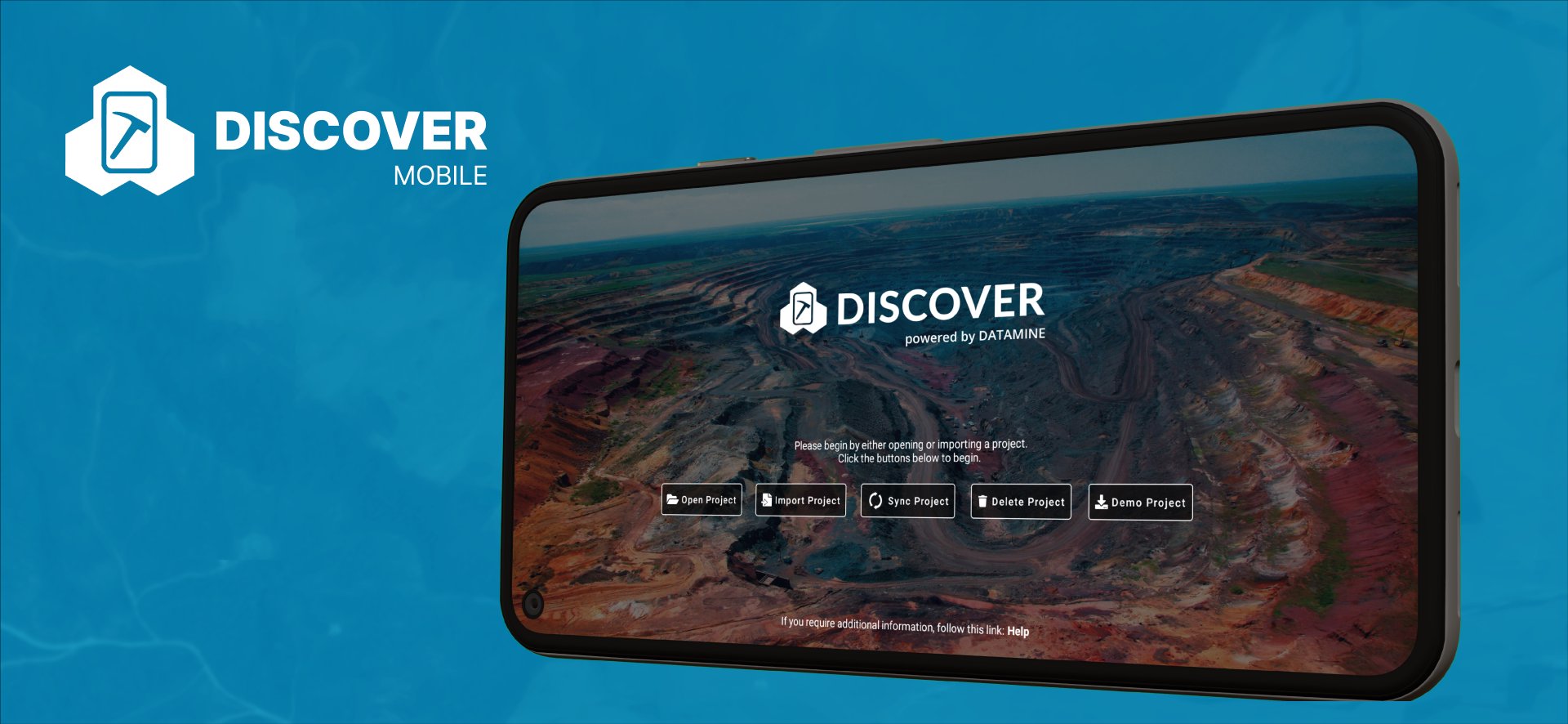
Discover Mobile is a touch friendly mobile mapping and data collection app with an intuitive and user friendly interface.
Enabling efficient field data capture and seamless integration with the Datamine Discover Desktop software.
Discover Mobile is designed for any professional wishing to navigate and collect data on an Android based mobile device.
Hardware Requirements
- Discover Mobile has been optimized for most Android mobile devices from a phone to tablet with an inbuilt GPS receiver
- Discover will work on most mobile devices installed with Android OS versions 8 (Oreo) and above
- Digital Compass, Three Axis Gyro and Accelerometer for the Structural Compass
- No inbuilt GPS receiver in your mobile device? Simply connect your Bluetooth GPS receiver such as a Garmin GLO or Bad Elf Pro to your mobile device
So what features does Discover Mobile offer?
- Seamless integration with Datamine Discover desktop software, display all your Vector, Image and Grid datasets on your mobile device
- Navigate and capture data online/offline
- Touch enabled user friendly interface with standard gesture controls
- Display and zoom to your current GPS location
- Google Maps integration with offline map caching
- Support for Point, Polyline, Polygon and Image features
- Create new Point, Polyline and Polygon features from your current GPS location, a user-defined location or with finger gestures or a stylus
- Modify your Point, Polyline and Polygon objects with alternative styles
- Modify Point, Polyline and Polygon features by either moving, adding or deleting objects or nodes
- Apply Thematic styles to Point, Polyline and Polygon features
- View attribute information for all your vector data
- Edit existing Vector attribute information
- Validated data entry with dropdown lists, automatic value entry and value capping
- Capture and associate photos with a vector feature
- Measure distances and bearings with an on screen Ruler tool or Scalebar
- Navigate to a location with the Waypoint navigation tool
- Capture and associate audio clips with a vector feature
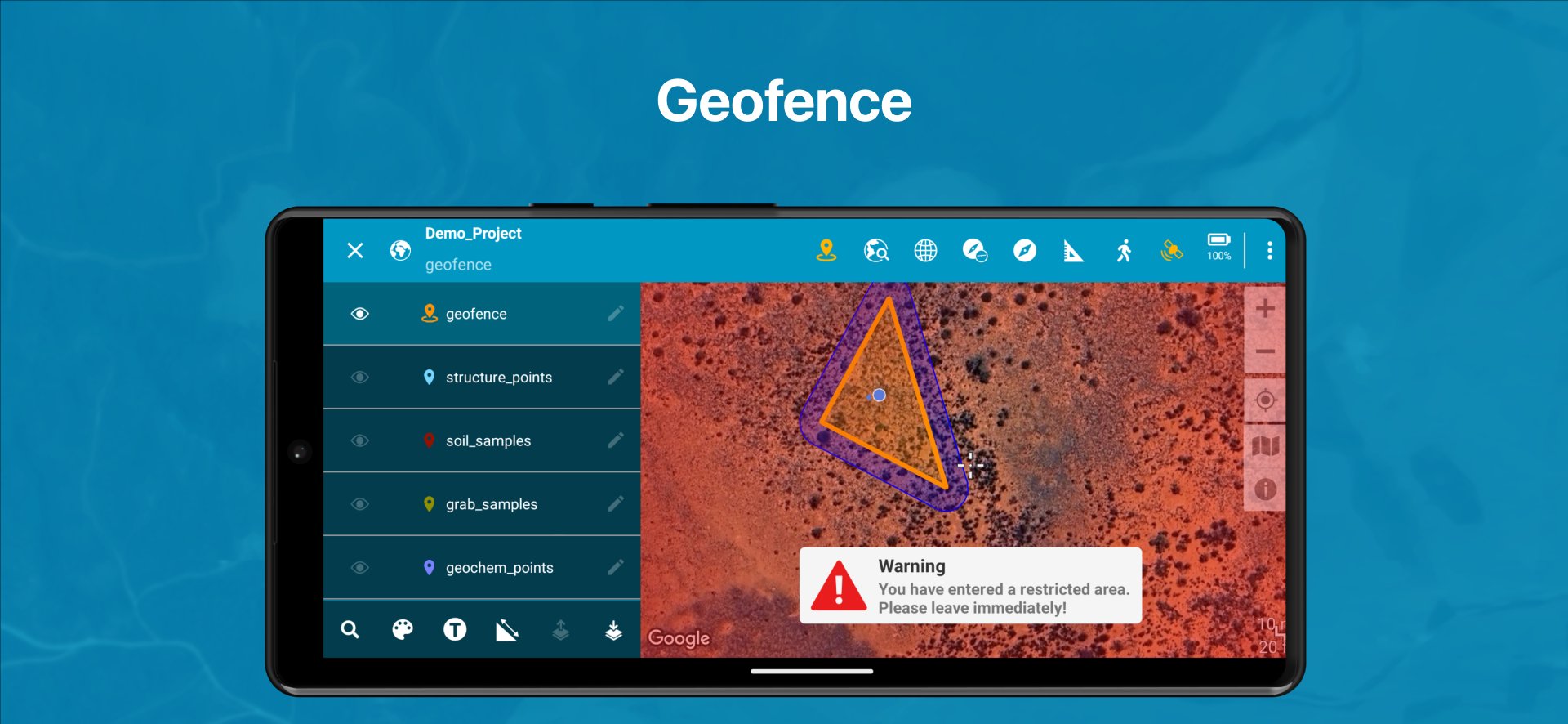
- Geofence regions and receive alerts when entering or existing
- Locate vector objects from the associated attribute information
- Capture structure symbols with a structural compass and clinometer tool
- Display points as structure symbols
- Locate and capture GPS data with a high precision external Bluetooth GPS receiver
- Capture and modify non spatial datasets with validation
- Capture a track layer while collecting and modify data
- Navigate around with the inbuilt magnetic compass tool
- Display coordinates in a projection of your choice
- Average your GPS point location capture
- Display attribute information through text labels
- Display object information such as line length and polygon areas
- Capture geolocated rock outcrops and digitise interpretations with Outcrop mapper tool
NOTE**: Discover Mobile is a free app but requires Datamine Discover to Create/Manage/Import and Export Mobile Projects.
Avance
Etiquetas
ProductividadInformación
Desarrollador
Datamine Software
La última versión
3.16.3
Última actualización
2025-12-18
Categoría
Productividad
Disponible en
Google Play
Mostrar más
Cómo jugar Datamine Discover Mobile con GameLoop en PC
1. Descargue GameLoop desde el sitio web oficial, luego ejecute el archivo exe para instalar GameLoop.
2. Abra GameLoop y busque "Datamine Discover Mobile", busque Datamine Discover Mobile en los resultados de búsqueda y haga clic en "Instalar".
3. Disfruta jugando Datamine Discover Mobile en GameLoop.
Minimum requirements
OS
Windows 8.1 64-bit or Windows 10 64-bit
GPU
GTX 1050
CPU
i3-8300
Memory
8GB RAM
Storage
1GB available space
Recommended requirements
OS
Windows 8.1 64-bit or Windows 10 64-bit
GPU
GTX 1050
CPU
i3-9320
Memory
16GB RAM
Storage
1GB available space