Mini Note(Notes & CheckList) para PC
Our Lady Of Snows
Descarga Mini Note(Notes & CheckList) en PC con GameLoop Emulator
Mini Note(Notes & CheckList) en PC
Mini Note(Notes & CheckList), proveniente del desarrollador Our Lady Of Snows, se ejecuta en el sistema Android en el pasado.
Ahora, puedes jugar Mini Note(Notes & CheckList) en PC con GameLoop sin problemas.
Descárgalo en la biblioteca de GameLoop o en los resultados de búsqueda. No más mirar la batería o llamadas frustrantes en el momento equivocado nunca más.
Simplemente disfrute de Mini Note(Notes & CheckList) PC en la pantalla grande de forma gratuita!
Mini Note(Notes & CheckList) Introducción
* Product Description *
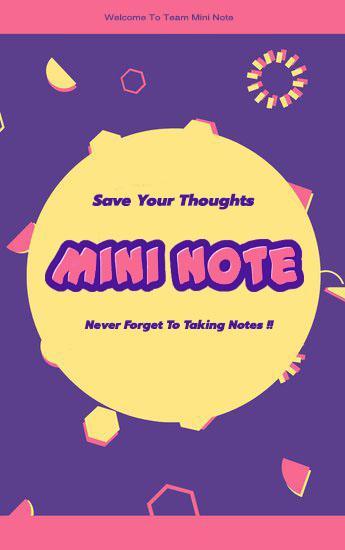
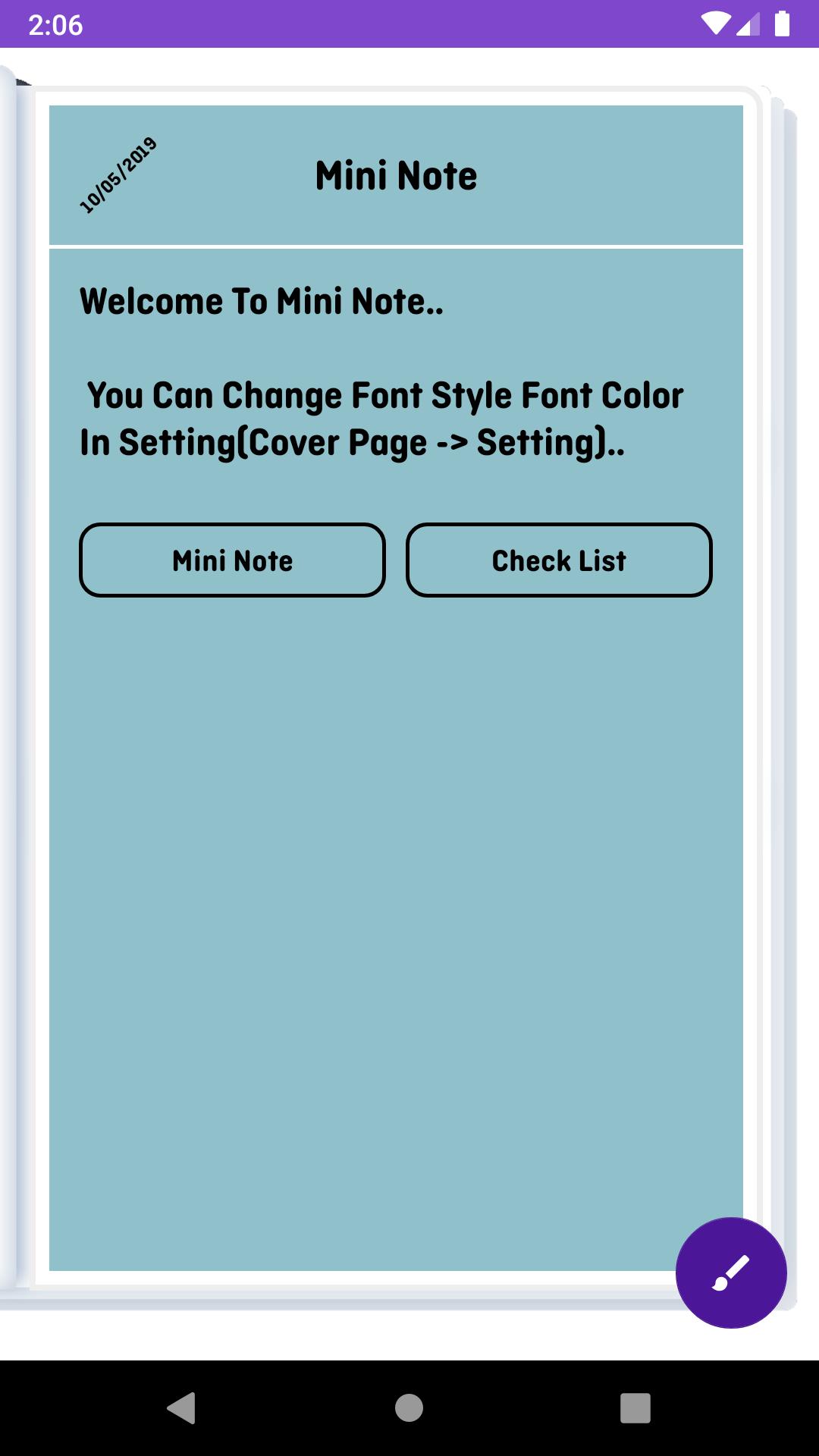
Mini Note features two basic note taking formats, a normal text option, and a checklist option. Add as many as you want to your master list, which appears on the app's home screen each time the program opens. This list may be viewed in traditional ascending order, in grid format, or by note color.
- Taking a Note -
Serving as a simple word processing program, the text option allows for as 300 characters as you're willing to type. Once saved, you can delete the note.
- Making To-do List or Shopping List -
In the checklist mode, you can add as many items as you'd like. After the list is finished and saved, you may check or uncheck each line on your list with a quick tap, which will toggle a line slash. If all items have been checked, you can delete the note at anytime.
Avance
Etiquetas
ProductividadInformación
Desarrollador
Our Lady Of Snows
La última versión
1.0.2
Última actualización
2023-10-24
Categoría
Productividad
Disponible en
Google Play
Mostrar más
Cómo jugar Mini Note(Notes & CheckList) con GameLoop en PC
1. Descargue GameLoop desde el sitio web oficial, luego ejecute el archivo exe para instalar GameLoop.
2. Abra GameLoop y busque "Mini Note(Notes & CheckList)", busque Mini Note(Notes & CheckList) en los resultados de búsqueda y haga clic en "Instalar".
3. Disfruta jugando Mini Note(Notes & CheckList) en GameLoop.
Minimum requirements
OS
Windows 8.1 64-bit or Windows 10 64-bit
GPU
GTX 1050
CPU
i3-8300
Memory
8GB RAM
Storage
1GB available space
Recommended requirements
OS
Windows 8.1 64-bit or Windows 10 64-bit
GPU
GTX 1050
CPU
i3-9320
Memory
16GB RAM
Storage
1GB available space