
PicMate - Photo Manager & Albu para PC
The SOMA Group
Descarga PicMate - Photo Manager & Albu en PC con GameLoop Emulator
PicMate - Photo Manager & Albu en PC
PicMate - Photo Manager & Albu, proveniente del desarrollador The SOMA Group, se ejecuta en el sistema Android en el pasado.
Ahora, puedes jugar PicMate - Photo Manager & Albu en PC con GameLoop sin problemas.
Descárgalo en la biblioteca de GameLoop o en los resultados de búsqueda. No más mirar la batería o llamadas frustrantes en el momento equivocado nunca más.
Simplemente disfrute de PicMate - Photo Manager & Albu PC en la pantalla grande de forma gratuita!
PicMate - Photo Manager & Albu Introducción
*Organize & Tag your pictures on all your devices with a swipe*
PicMate is the easiest way to keep your camera roll organized by allowing you to sort your pictures before even taking them, and to organize all your existing photos with customizable tags.
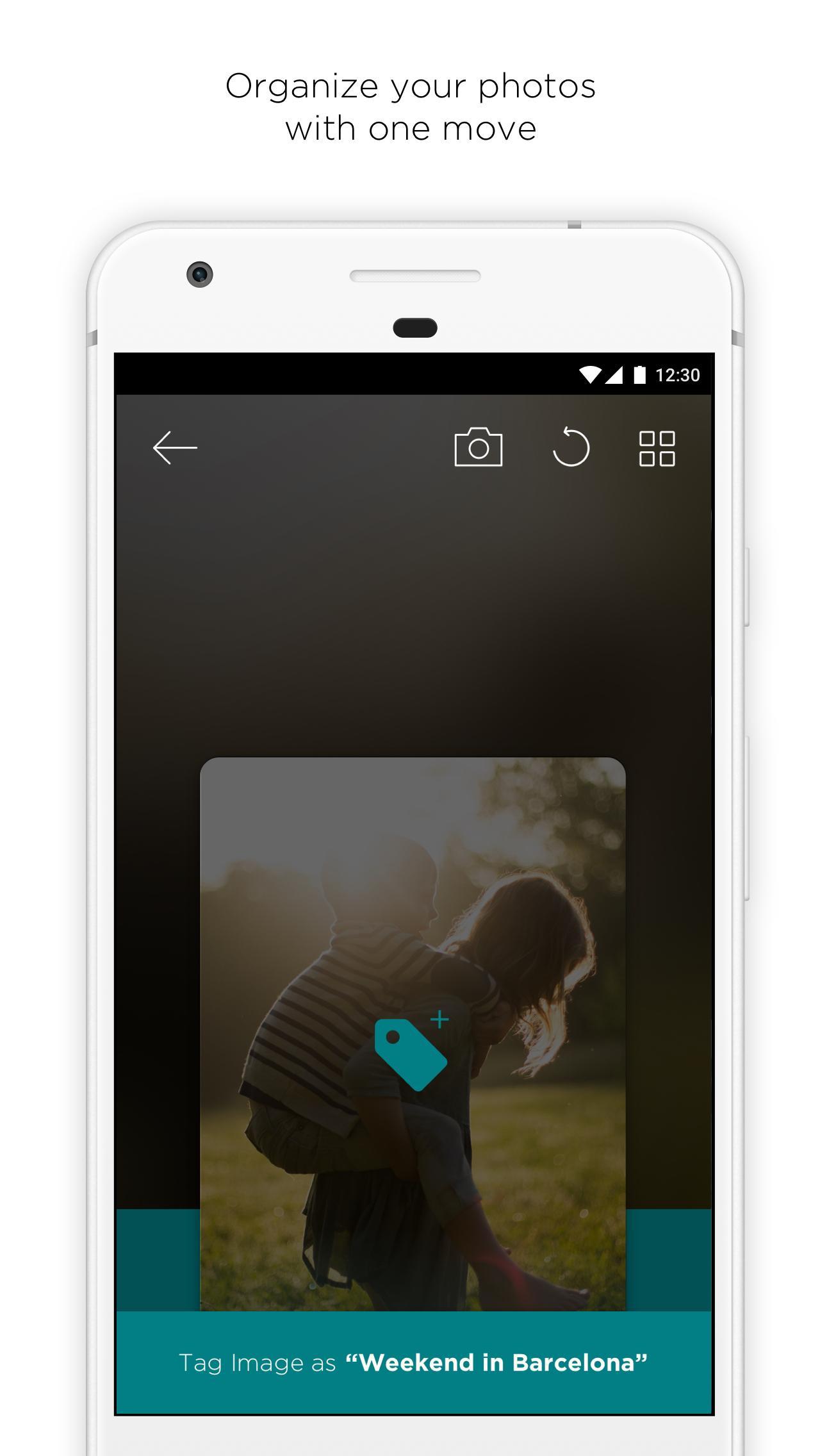
All of this is done by using easy gestures: swipe down to add a tag & swipe up to trash. Can’t decide? Swipe left to skip that picture.
- Organize all your photos with just a swipe.
- Take pictures with the in-app camera and tag them at the same time.
- Share and save your favorite GIFs without losing the animation.
- Keep your photos backed up by linking it to the Cloud.
- Clean up your camera roll to free up space.
Avance

Etiquetas
FotografíaInformación
Desarrollador
The SOMA Group
La última versión
1.2
Última actualización
2017-10-05
Categoría
Fotografía
Disponible en
Google Play
Mostrar más
Cómo jugar PicMate - Photo Manager & Albu con GameLoop en PC
1. Descargue GameLoop desde el sitio web oficial, luego ejecute el archivo exe para instalar GameLoop.
2. Abra GameLoop y busque "PicMate - Photo Manager & Albu", busque PicMate - Photo Manager & Albu en los resultados de búsqueda y haga clic en "Instalar".
3. Disfruta jugando PicMate - Photo Manager & Albu en GameLoop.