
Photo Editor, Filters & Effect para PC
GTTM Team
Descarga Photo Editor, Filters & Effect en PC con GameLoop Emulator
Photo Editor, Filters & Effect en PC
Photo Editor, Filters & Effect, proveniente del desarrollador GTTM Team, se ejecuta en el sistema Android en el pasado.
Ahora, puedes jugar Photo Editor, Filters & Effect en PC con GameLoop sin problemas.
Descárgalo en la biblioteca de GameLoop o en los resultados de búsqueda. No más mirar la batería o llamadas frustrantes en el momento equivocado nunca más.
Simplemente disfrute de Photo Editor, Filters & Effect PC en la pantalla grande de forma gratuita!
Photo Editor, Filters & Effect Introducción
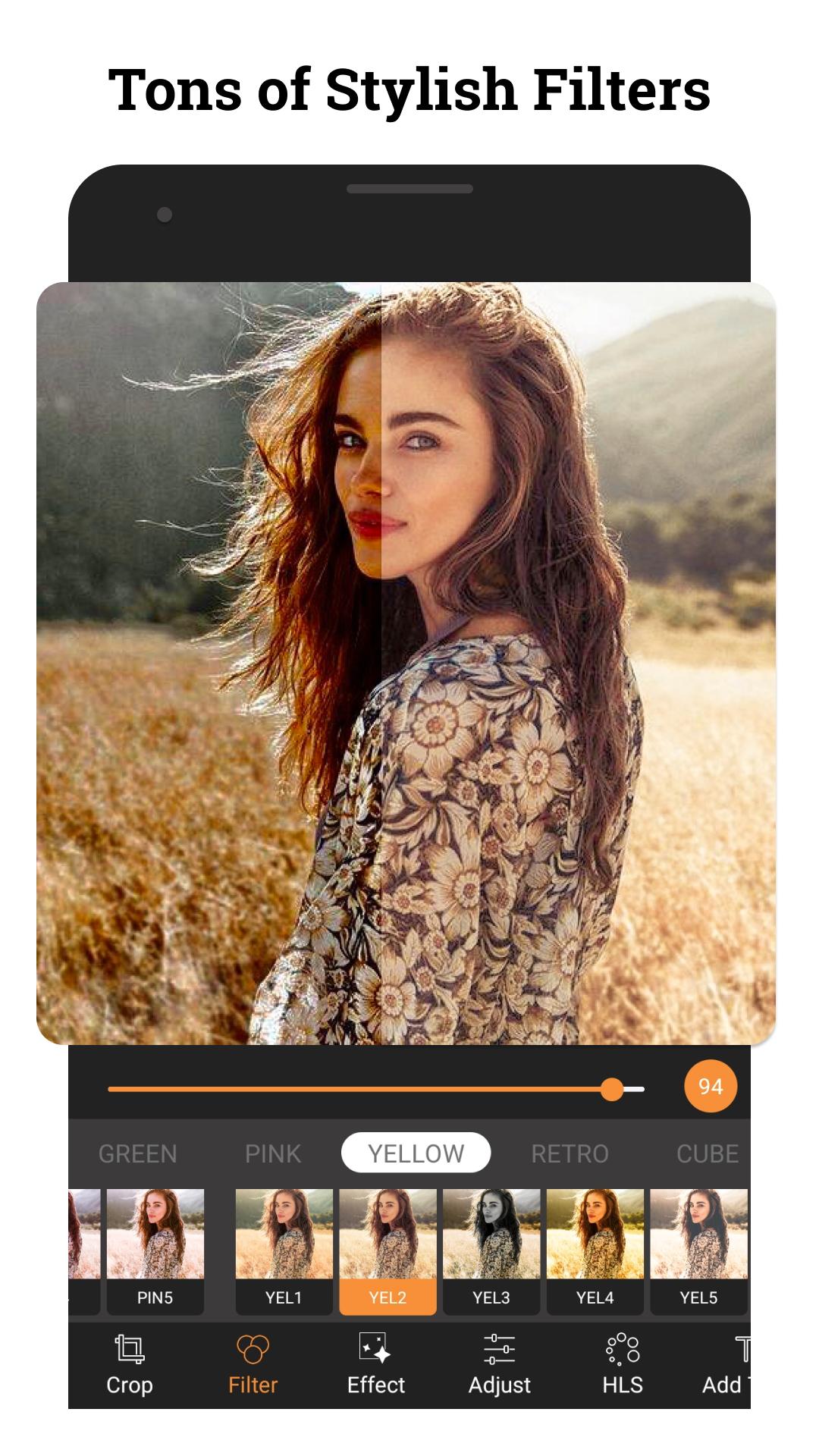
Photo Editor, Filters & Effects offers everything you want to edit pictures. A host of stylish effects, filters, grids and draw tools help you create an eye-catcher, even if you've never edited a photo before. With Photo Editor, Filters & Effects, you can directly post your artworks to Social. Unlock your creativity, and edit pictures like a pro.
Key Features with Photo Editor, Filters & Effects:
✨ Customize Photo Filters:
- Enhance photo with 40+amazing filters, many free photo editor tools. Such as Lomo, PINK, Vignette, Natural, Warm, Dew, Dark, Cocoa...
- Adjust brightness, contrast, saturation, hue, warmth etc.
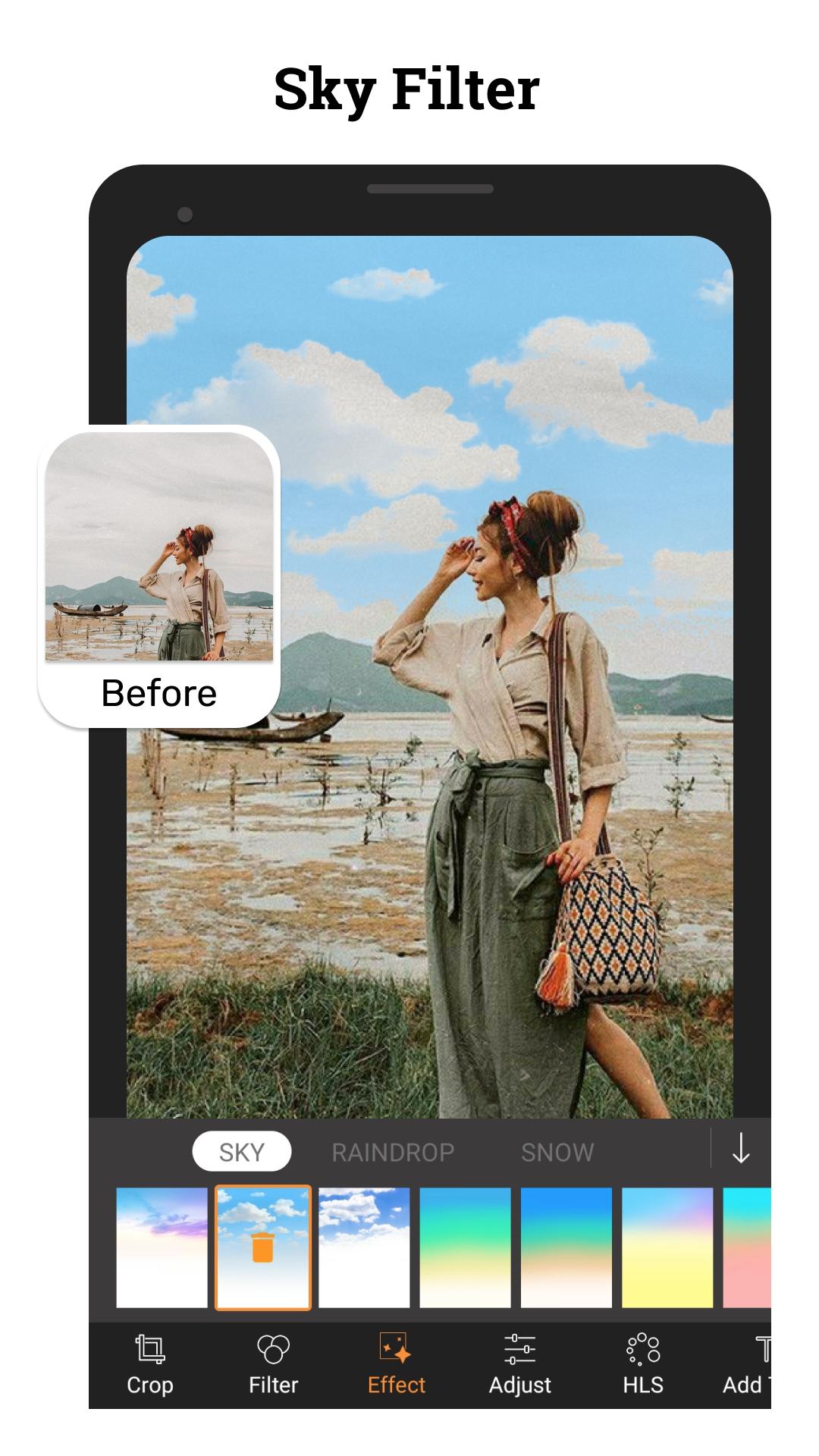
🌈 Effects for pictures
- Exquisitely designed effects for picture, make your photos stand out. Best photo effects editor app.
- Add custom exclusive photo effects, such as Glitch, Light Leak, Double Exposure.
- Fine adjustment for photo effects strength.
💦 Photo Blender & Light FX
- Mix and blend two images to make stunning artworks
- Bokeh, Lens, Splash and dozens of light leaks effects.
🎨 HSL Color Mode
- Easily control Hue, Saturation, Luminance (HSL), support 8 colors channels, intuitive darkroom photo editor free app, photo filters and effects presets app.
- Totally FREE and advanced HSL adjustment photo editor app.
😍 Be Creativity
Photo Editor provides many tools and materials for decorating photos and photo collage: Sticker, Text, Mosaic, Draw, etc.
🗨️ Add text to photos
- Add text on photo, with lots of fonts for selecting.
- Add text on photo, and apply different styles in single text.
- Best pic editor and effects with text.
📐 Powerful Photo Editing Tools
Crop, rotate, resize, flip photo with this photo editor pro.
🕒 Photo Library History
- Import photos from your gallery according to albums.
- Photo editing history supported for free.
- Quickly identify the edited photos in your gallery, image editor and filter app with multi workspaces.
------------
+ Filters for pictures free
+ Powerful and easy photo editing tools;
+ Hundreds of filters for pictures and photo effects;
+ Glitch and light leaks effects;
+ Body editor for slimming body & face;
+ Collage maker with 100+ layouts and backgrounds;
+ Blur photo editor with DSLR blur effect;
+ Massive fun stickers;
+ Draw and add text with various art fonts;
+ Crop, rotate, vertical and horizon;
+ Adjust brightness, contrast, warmth and saturation etc;
+ Highlight and shadow;
+ Share pictures of high resolution to Social
-------------
Photo Editor, Filters & Effects deserves your try right away. It is the simplest but the most useful photo effects editor. With Photo Editor, Filters & Effects, your moment will be as brilliant as an artwork.
Avance
Etiquetas
FotografíaInformación
Desarrollador
GTTM Team
La última versión
1.2.1
Última actualización
2024-10-26
Categoría
Fotografía
Disponible en
Google Play
Mostrar más
Cómo jugar Photo Editor, Filters & Effect con GameLoop en PC
1. Descargue GameLoop desde el sitio web oficial, luego ejecute el archivo exe para instalar GameLoop.
2. Abra GameLoop y busque "Photo Editor, Filters & Effect", busque Photo Editor, Filters & Effect en los resultados de búsqueda y haga clic en "Instalar".
3. Disfruta jugando Photo Editor, Filters & Effect en GameLoop.
Minimum requirements
OS
Windows 8.1 64-bit or Windows 10 64-bit
GPU
GTX 1050
CPU
i3-8300
Memory
8GB RAM
Storage
1GB available space
Recommended requirements
OS
Windows 8.1 64-bit or Windows 10 64-bit
GPU
GTX 1050
CPU
i3-9320
Memory
16GB RAM
Storage
1GB available space