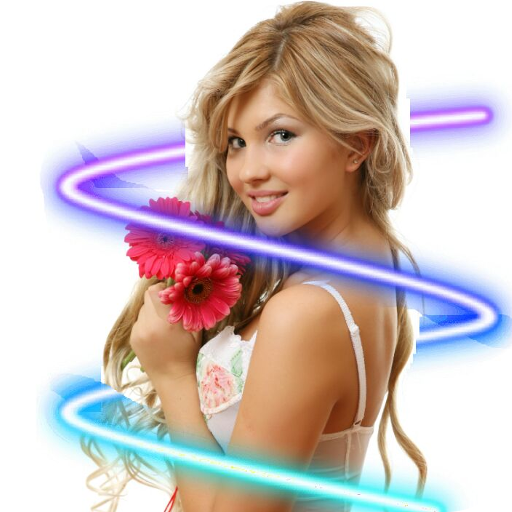
Neon Art Photo Editor para PC
LeapZip
Descarga Neon Art Photo Editor en PC con GameLoop Emulator
Neon Art Photo Editor en PC
Neon Art Photo Editor, proveniente del desarrollador LeapZip, se ejecuta en el sistema Android en el pasado.
Ahora, puedes jugar Neon Art Photo Editor en PC con GameLoop sin problemas.
Descárgalo en la biblioteca de GameLoop o en los resultados de búsqueda. No más mirar la batería o llamadas frustrantes en el momento equivocado nunca más.
Simplemente disfrute de Neon Art Photo Editor PC en la pantalla grande de forma gratuita!
Neon Art Photo Editor Introducción
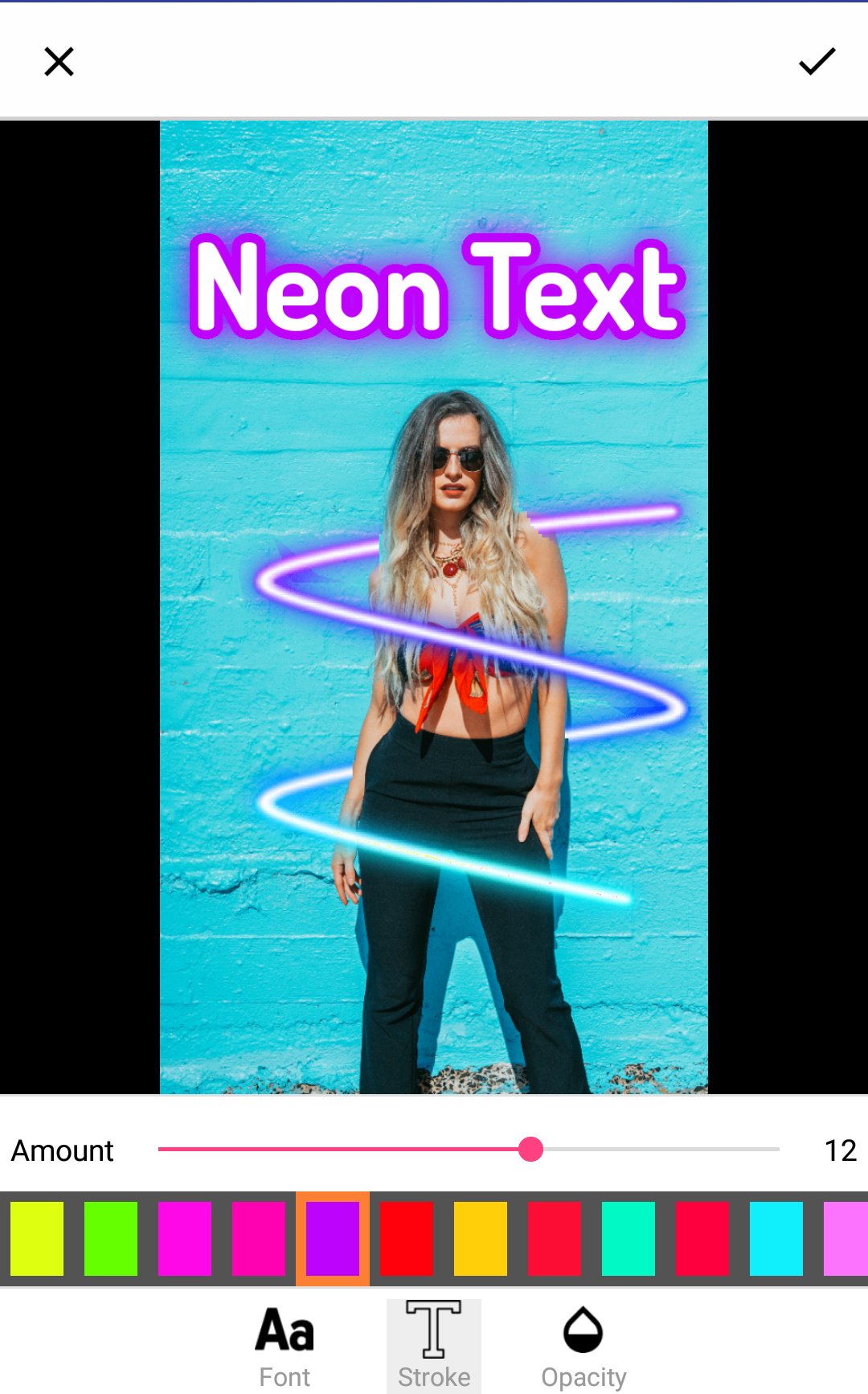
Advanced Artificial intelligence analyzes your photo and automatically apply neon effects. Edit your photo like a pro with neon light, neon effect, neon spiral and neon art.Make a stylish photo with Neon Art with various shapes of Neon light.
We also have some popular neon stickers with neon glasses, glossy lips, shiny mustaches, glow effect whiskers and more. There are crown stickers with halo effect crowns, neon light crowns, neon light filter hoops, light hats, bright cat ears and more. Next, there are Cafe stickers that have neon light effect cafe and restaurant signs, neon fruit, neon Animal stickers that have all sorts of “neon effect” animals, such as neon elephant, neon butterfly, wolf and more.
Apply neon with your selfies and make a photos like never before. You’ll absolutely love all the neon effect of this Neon Photo Editor : Neon Light Effects app.
Features:
- Select image from gallery or capture image with camera
- Apply neon effects you love
- Share photo to instagram, facebook, messenger and many other sharing platform
- Share your created photo on social media or use the app as storage.
Neon Photo Editor : Neon Art is a simple application that also allows you to add neon text to pictures.
Enjoy Neon Photo Editor : Neon Art give your photo a glamorous look.
Feedback
- If you like our application please rate 5 stars for us
- If you find any problems with Neon Photo Editor : Neon Art please E-mail us
Thanks for using Neon Photo Editor : Neon Art.
Avance
Etiquetas
FotografíaInformación
Desarrollador
LeapZip
La última versión
1.2.6
Última actualización
2025-11-12
Categoría
Fotografía
Disponible en
Google Play
Mostrar más
Cómo jugar Neon Art Photo Editor con GameLoop en PC
1. Descargue GameLoop desde el sitio web oficial, luego ejecute el archivo exe para instalar GameLoop.
2. Abra GameLoop y busque "Neon Art Photo Editor", busque Neon Art Photo Editor en los resultados de búsqueda y haga clic en "Instalar".
3. Disfruta jugando Neon Art Photo Editor en GameLoop.
Minimum requirements
OS
Windows 8.1 64-bit or Windows 10 64-bit
GPU
GTX 1050
CPU
i3-8300
Memory
8GB RAM
Storage
1GB available space
Recommended requirements
OS
Windows 8.1 64-bit or Windows 10 64-bit
GPU
GTX 1050
CPU
i3-9320
Memory
16GB RAM
Storage
1GB available space