Movepik - Photo Motion Effects para PC
Harry Studio
Descarga Movepik - Photo Motion Effects en PC con GameLoop Emulator
Movepik - Photo Motion Effects en PC
Movepik - Photo Motion Effects, proveniente del desarrollador Harry Studio, se ejecuta en el sistema Android en el pasado.
Ahora, puedes jugar Movepik - Photo Motion Effects en PC con GameLoop sin problemas.
Descárgalo en la biblioteca de GameLoop o en los resultados de búsqueda. No más mirar la batería o llamadas frustrantes en el momento equivocado nunca más.
Simplemente disfrute de Movepik - Photo Motion Effects PC en la pantalla grande de forma gratuita!
Movepik - Photo Motion Effects Introducción
You can create stunning live photos, wallpapers, and animated gifs using Movepik 3d's photo editor and video editor with music. Amazing effects include 170+ dynamic skies, 230+ live stickers, and 140+ filters and overlays. Glitch arts, particle dispersion, and many other effects are available to you.
Movepik is now available. You can share your motion picture or cinemagraphs with your friends by downloading them.
[(Move still image)]
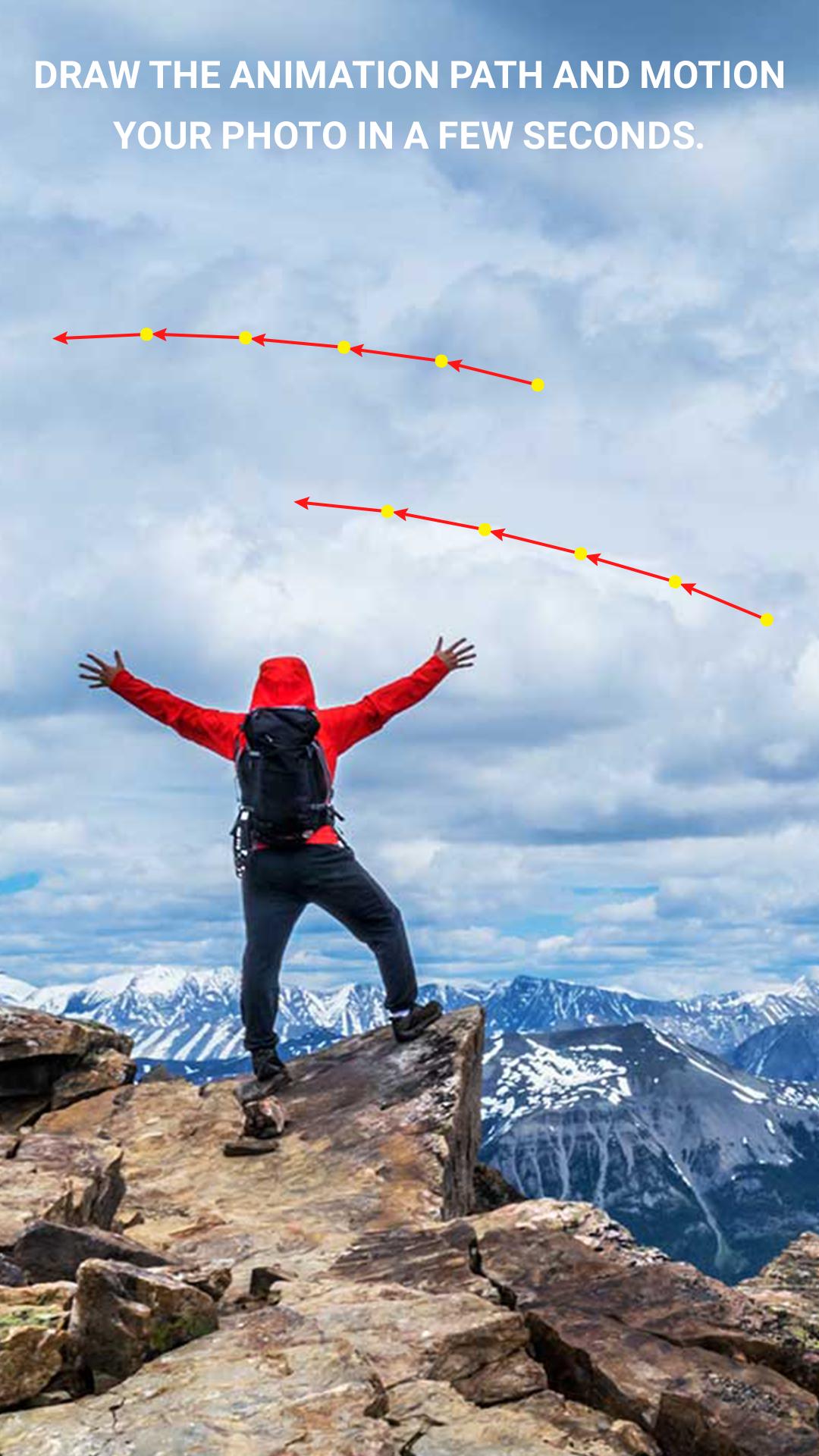
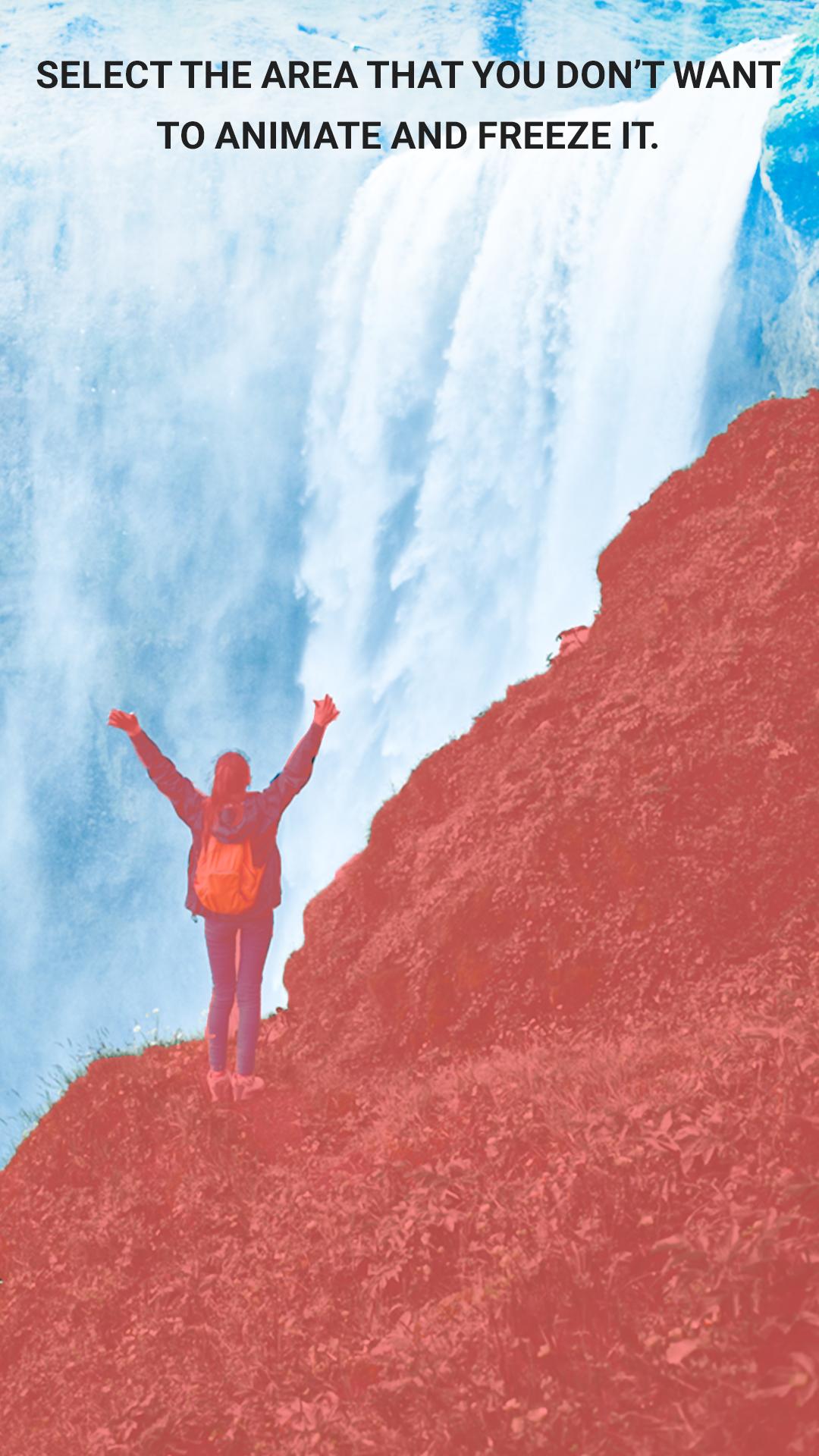
Simply draw a path to create animated motion pictures.
- Change the speed of loops photo animation.
You can also add vibrant current to the river and draw the path for the clouds to float. You can even make fire dance with your hands.
[(Decorate your photos using amazing skies)]
Are you tired of boring skies? Get rid of the dull skies with vibrant sunsets and animated clouds.
Movepik allows you to create astronauts and dolphins. Everything is possible with Movepik. It is enough to create a shock on social media. A pocket video can be turned into pixel art and made into a masterpiece.
[(Pixel dispersion effect)]
Simply tap to add amazing dispersion effects to your photos. You can also convert them into sci-fi movie clips using our presets
You can adjust the speed, direction, or motion mode at which the particles are broken up.
[(Super camera fx 3D effects)]
You can add the best camera effects and transitions to your videos and photos. This powerful app allows you to create visual imagery that stands out from the rest. You can make ordinary photos look amazing with the 3D effects in motion
[(Dynamics and rich stickers]]
Movepik allows you to add multiple stickers. You can decorate your photos however you wish.
Dynamic smoke can be added to coffee. Flying birds can be added to the sky. You can also use dynamic stickers to expand your imagination and make things more vivid.
[(Add Motion To Photos With Overlays)]
Fun Overlays can be used to add emotion and mood to still photos. Motion graphics effects that look like cinemagraphs can be used to bring your stories to life: weather overlays. You can share your visual stories using still images. These live wallpapers and moving backgrounds can be used to personalize your Home screen.
[(Music of all genres]]
You can add pop music, cinematic themes, or ambience to your videos and photos using Movepik's extensive library of background music
Our video maker with music can transform photos into music videos, edit videos with music, and spark your imagination. You can also add local music.
[(Double exposure)]
Blend multiple photos together to create overlaps. Use all these photo blending effects to be a great blend maker and editor.
[(Edit moving pictures)]
You can add multiple text and stickers to unleash your creativity.
You can add filters to enhance your filmography and create a stunning background for your photo and video.
Our latest magic stickers are now available. You can share your results with your friends on social media. We are working on more realistic and impressive movie effects.
Hype your own text to your live photos and cinemagraphs.
Crop, rotate and personalize your photos with professional tools. You can also adjust the hue or sharpness of an image.
Movepik is an app that allows you to create short videos from still images using a photo.
You can share your creations with friends on Facebook and YouTube. You will be noticed on social media such as Twitter and WhatsApp. This pocket video editing master, pix controller, and video maker will edit your alight video clips, as well as make lumber moving photos. These quick shot and loops tools will make you the best enlightened Pixar motion creator, an avatar of animation artist, and best Movepik gif creator.
Avance
Etiquetas
FotografíaInformación
Desarrollador
Harry Studio
La última versión
5.0
Última actualización
2021-11-26
Categoría
Fotografía
Disponible en
Google Play
Mostrar más
Cómo jugar Movepik - Photo Motion Effects con GameLoop en PC
1. Descargue GameLoop desde el sitio web oficial, luego ejecute el archivo exe para instalar GameLoop.
2. Abra GameLoop y busque "Movepik - Photo Motion Effects", busque Movepik - Photo Motion Effects en los resultados de búsqueda y haga clic en "Instalar".
3. Disfruta jugando Movepik - Photo Motion Effects en GameLoop.
Minimum requirements
OS
Windows 8.1 64-bit or Windows 10 64-bit
GPU
GTX 1050
CPU
i3-8300
Memory
8GB RAM
Storage
1GB available space
Recommended requirements
OS
Windows 8.1 64-bit or Windows 10 64-bit
GPU
GTX 1050
CPU
i3-9320
Memory
16GB RAM
Storage
1GB available space