
ePhoto France para PC
Smartphone iD
Descarga ePhoto France en PC con GameLoop Emulator
ePhoto France en PC
ePhoto France, proveniente del desarrollador Smartphone iD, se ejecuta en el sistema Android en el pasado.
Ahora, puedes jugar ePhoto France en PC con GameLoop sin problemas.
Descárgalo en la biblioteca de GameLoop o en los resultados de búsqueda. No más mirar la batería o llamadas frustrantes en el momento equivocado nunca más.
Simplemente disfrute de ePhoto France PC en la pantalla grande de forma gratuita!
ePhoto France Introducción
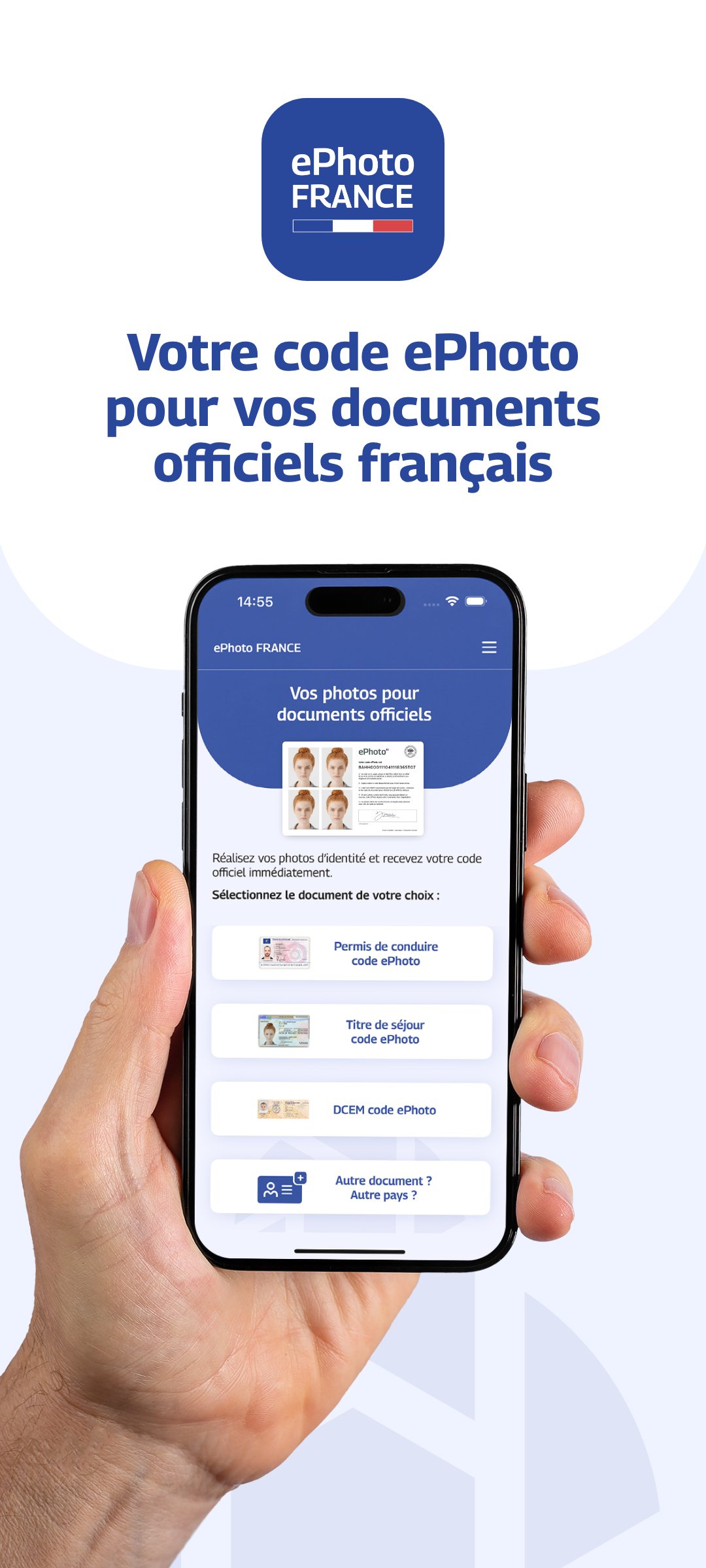
Take your ID photo with an ePhoto code directly from your smartphone.
With ePhoto France, take an ID photo that meets administrative standards and get your official ePhoto code for your online applications: driver's license, residence permit, DCEM (Document de Circulation pour Étranger Mineur - Travel Document for Foreign Minors), etc.
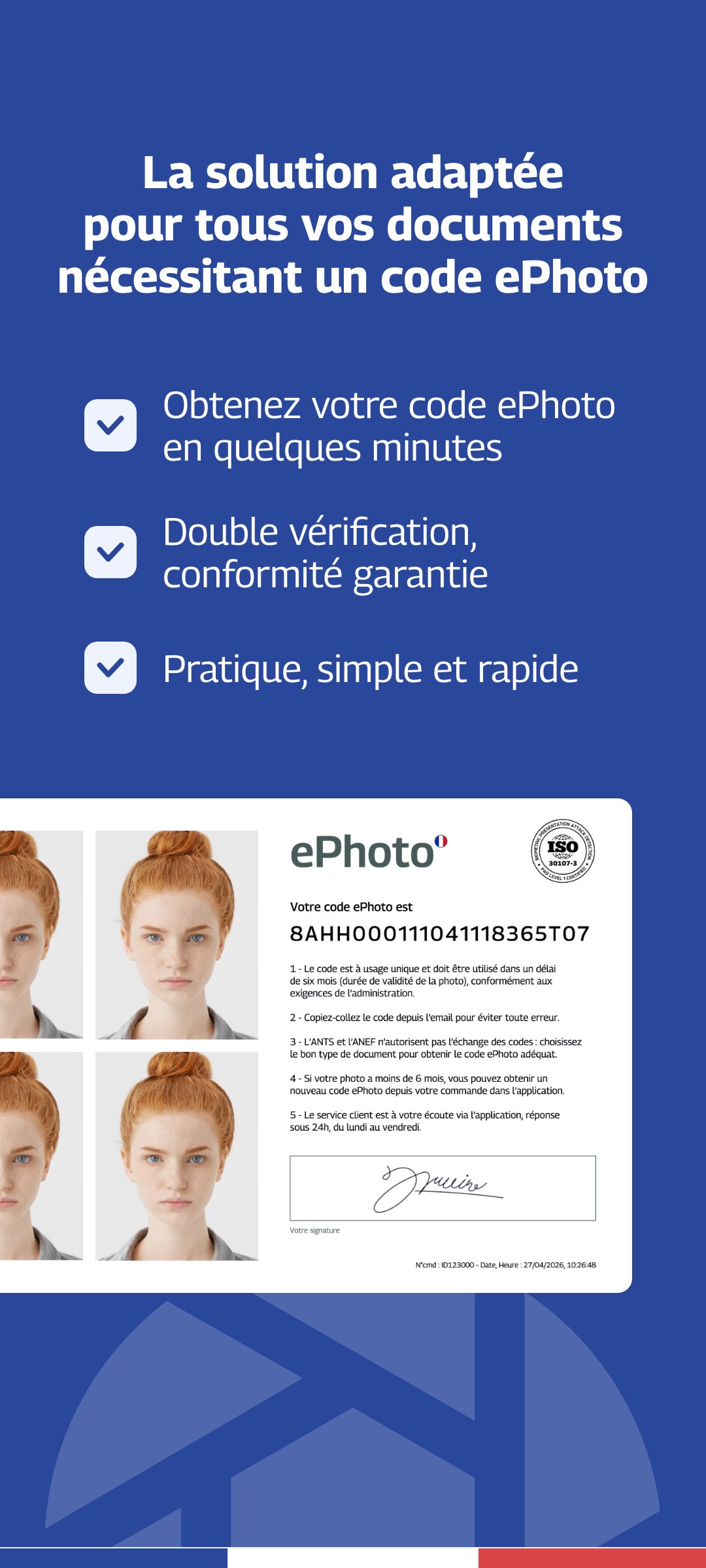
An ePhoto is a digital ID photo accompanied by an electronic signature.
The ePhoto code is required for certain online administrative procedures, particularly on the French government website.
Application compliant with the requirements of the Ministry of the Interior.
Thanks to our advanced verification technology combined with human review, your photos are checked to guarantee their compliance with official standards.
No need to look for a photo booth or a photographer.
Take your ID photos directly at home, with your smartphone.
Our solution is particularly suitable for:
- babies and children
- people living in rural areas
- people with reduced mobility
Take your photo and automatically get your ePhoto code and your ID photo in the correct format.
For which applications:
- Driver's license
- Residence permit
- DCEM (Travel document for foreign minors)
What you will receive:
- Your passport photo compliant with the standards
- Your digital signature
- Your ePhoto code
- Delivery by email in less than one hour
Guarantee:
Photo accepted by the administration or 100% refund.
Tips for a successful photo:
1 - Use a plain, light background
2 - Look directly at the camera
3 - Avoid any shadows on your face
4 - Take the photo in a well-lit area
Tip: Ask a friend or family member for help and use your smartphone's rear camera.
Avance
Etiquetas
FotografíaInformación
Desarrollador
Smartphone iD
La última versión
2.10
Última actualización
2026-04-13
Categoría
Fotografía
Disponible en
Google Play
Mostrar más
Cómo jugar ePhoto France con GameLoop en PC
1. Descargue GameLoop desde el sitio web oficial, luego ejecute el archivo exe para instalar GameLoop.
2. Abra GameLoop y busque "ePhoto France", busque ePhoto France en los resultados de búsqueda y haga clic en "Instalar".
3. Disfruta jugando ePhoto France en GameLoop.
Minimum requirements
OS
Windows 8.1 64-bit or Windows 10 64-bit
GPU
GTX 1050
CPU
i3-8300
Memory
8GB RAM
Storage
1GB available space
Recommended requirements
OS
Windows 8.1 64-bit or Windows 10 64-bit
GPU
GTX 1050
CPU
i3-9320
Memory
16GB RAM
Storage
1GB available space