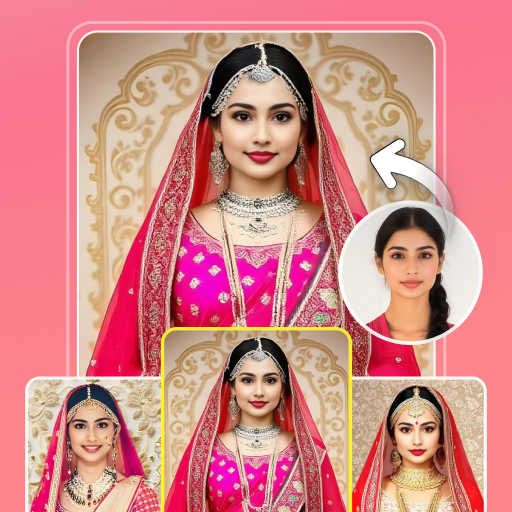
Dulhan Face Changer para PC
photo editing apps studio
Descarga Dulhan Face Changer en PC con GameLoop Emulator
Dulhan Face Changer en PC
Dulhan Face Changer, proveniente del desarrollador photo editing apps studio, se ejecuta en el sistema Android en el pasado.
Ahora, puedes jugar Dulhan Face Changer en PC con GameLoop sin problemas.
Descárgalo en la biblioteca de GameLoop o en los resultados de búsqueda. No más mirar la batería o llamadas frustrantes en el momento equivocado nunca más.
Simplemente disfrute de Dulhan Face Changer PC en la pantalla grande de forma gratuita!
Dulhan Face Changer Introducción
Are you looking for an app to see yourself in beautiful bridal suits and gowns?
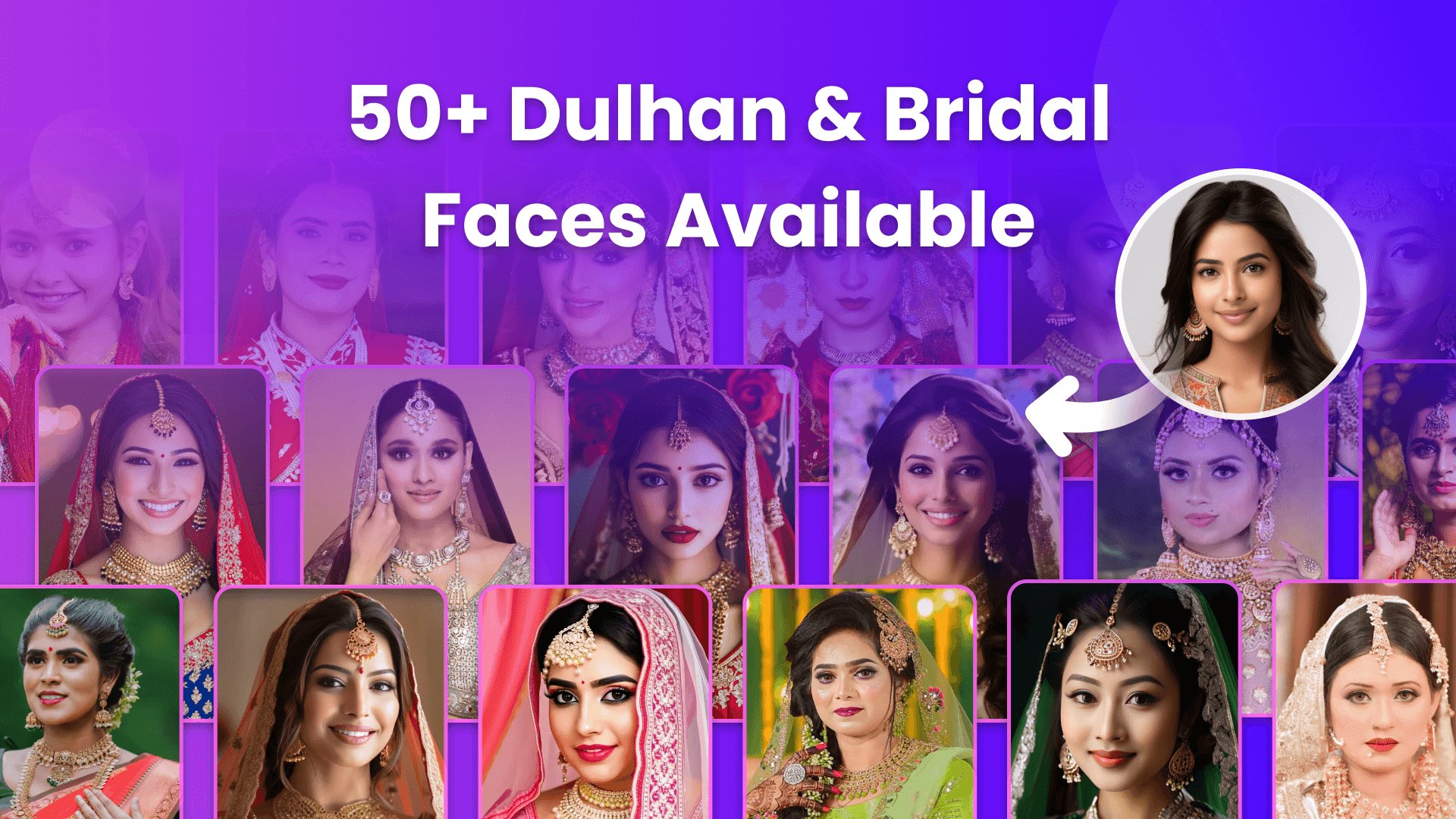
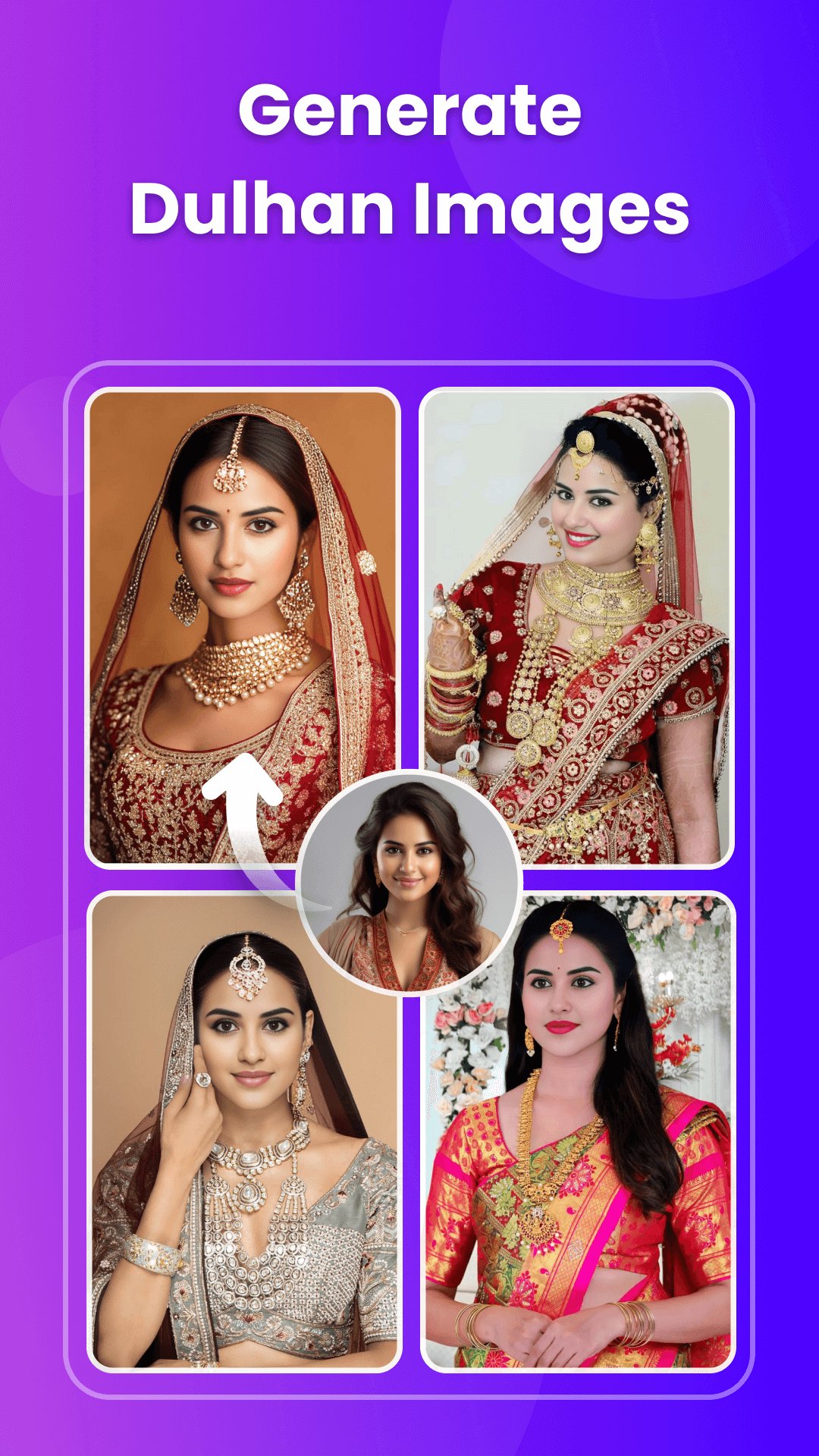
If yes, then here is the Dulhan Face Changer app just for you. Using AI, the app swaps your photo into bridal suits, giving you a new photo with a stunning bridal look.
You can depict your picture as more beautiful, attractive, fantastic, amazing, wonderful, fabulous, tremendous, great, remarkable, and decorated with the help of the Dulhan Face Changer App.
This Bride face changer app gives you different categories of beautiful and royal girl's wedding suits, dresses, and gowns. In each category, there are a bunch of women's wedding suits. All are the latest, trending, and traditional suits to change the dulhan face. You can select the desired one to make your bridal photo.
You will get the below category bridal suits.
- Gujarati Wedding Dresses
- Maharashtrian Bridal Suits
- Punjabi Bride Suits
- Rajasthani Dulhan Suits
- Muslim Bridal Suits
- Bengali Wedding Costume
- Chaniya Choli
- White Wedding Gowns
- Kashmiri Dulhan Suits
- Meghalaya Bride Dresses
- Sikkim Wedding Costume
- Assamese Dulhan Suits
With this amazing bridal dress suit application, you can put your face into the desired Dulhan suit and make your new beautiful Dulhan photo. Look like a real Dulhan in just a few seconds with the fantastic Dulhan Face Changer App. You can share dulhan photos with friends, family, or social media and surprise your followers with a beautiful bridal look. You can have fun with your friends by using this photo editing dress changer application.
The Dulhan Face Changer app is designed to ensure that all outfits fit a variety of face shapes and types perfectly. You will not need to edit or crop the face in the photo. This AI Dulhan Face Changer app will automatically swap your face into the bridal suit and give you a well-dressed and professional Dulhan look. You will not need to edit, or add any effects, or filters to the photo.
Features of Dulhan Face Changer App -:
- Explore a variety of categories of Dulhan suits to suit your preferences.
- Select a photo from your gallery or capture a new one using the camera option.
- You can add your photo from the gallery.
- Auto face detection from your photo.
- Different jewelry options like nose rings, full nose rings, and bindi.
- Easy to use
- Share your images with your friends and family via Social media.
- Save the edited photo in your phone storage.
How To Work -:
- Select the Dulhan suit from a different collection.
- Choose the photo from the camera or gallery.
- Click on Swap Face & AI will automatically set your photo into a dulhan suit image.
- Go next and add the nose ring, full nose ring, and bindi if needed.
- Click 'Save' to store your photo in your phone's gallery.
- Share your photo with your friends and family via social media.
Whether you are planning your big day or want to have some fun, this Dulhan Face Changer app brings your bridal fantasies to life in an easy and entertaining way. Download and start your journey to becoming the bride of your dreams!
Avance
Etiquetas
FotografíaInformación
Desarrollador
photo editing apps studio
La última versión
23.0
Última actualización
2025-12-06
Categoría
Fotografía
Disponible en
Google Play
Mostrar más
Cómo jugar Dulhan Face Changer con GameLoop en PC
1. Descargue GameLoop desde el sitio web oficial, luego ejecute el archivo exe para instalar GameLoop.
2. Abra GameLoop y busque "Dulhan Face Changer", busque Dulhan Face Changer en los resultados de búsqueda y haga clic en "Instalar".
3. Disfruta jugando Dulhan Face Changer en GameLoop.
Minimum requirements
OS
Windows 8.1 64-bit or Windows 10 64-bit
GPU
GTX 1050
CPU
i3-8300
Memory
8GB RAM
Storage
1GB available space
Recommended requirements
OS
Windows 8.1 64-bit or Windows 10 64-bit
GPU
GTX 1050
CPU
i3-9320
Memory
16GB RAM
Storage
1GB available space