
Dual Camera : Front & Back Cam para PC
Backs Infotech
Descarga Dual Camera : Front & Back Cam en PC con GameLoop Emulator
Dual Camera : Front & Back Cam en PC
Dual Camera : Front & Back Cam, proveniente del desarrollador Backs Infotech, se ejecuta en el sistema Android en el pasado.
Ahora, puedes jugar Dual Camera : Front & Back Cam en PC con GameLoop sin problemas.
Descárgalo en la biblioteca de GameLoop o en los resultados de búsqueda. No más mirar la batería o llamadas frustrantes en el momento equivocado nunca más.
Simplemente disfrute de Dual Camera : Front & Back Cam PC en la pantalla grande de forma gratuita!
Dual Camera : Front & Back Cam Introducción
Use both cameras together to capture everything in one shot.
Sometimes one camera isn’t enough. With this dual camera app, you can use both the front and back cameras at the same time — so you can record what’s happening and your reaction together.
It’s simple to use and works great for everyday moments, fun videos, or sharing something special.
✨ Why use Dual Camera?
Because one view is not always enough. Capture both sides at once and make your moments more fun and engaging.
📌 Key Features
• Dual Camera (Front + Back)
Capture photos and videos using both cameras at the same time
• Live Reaction Recording
Record your expressions along with what’s happening around you
• Easy Selfie Mode
Take more creative selfies with extra background and context
• Group Photo Support
Be part of every group photo without leaving anyone behind
🎬 New: Video Merge
Now you can also combine two videos into one.
Create simple and clean videos using clips from your gallery or record directly from your camera. Perfect for reactions, comparisons, and creative content.
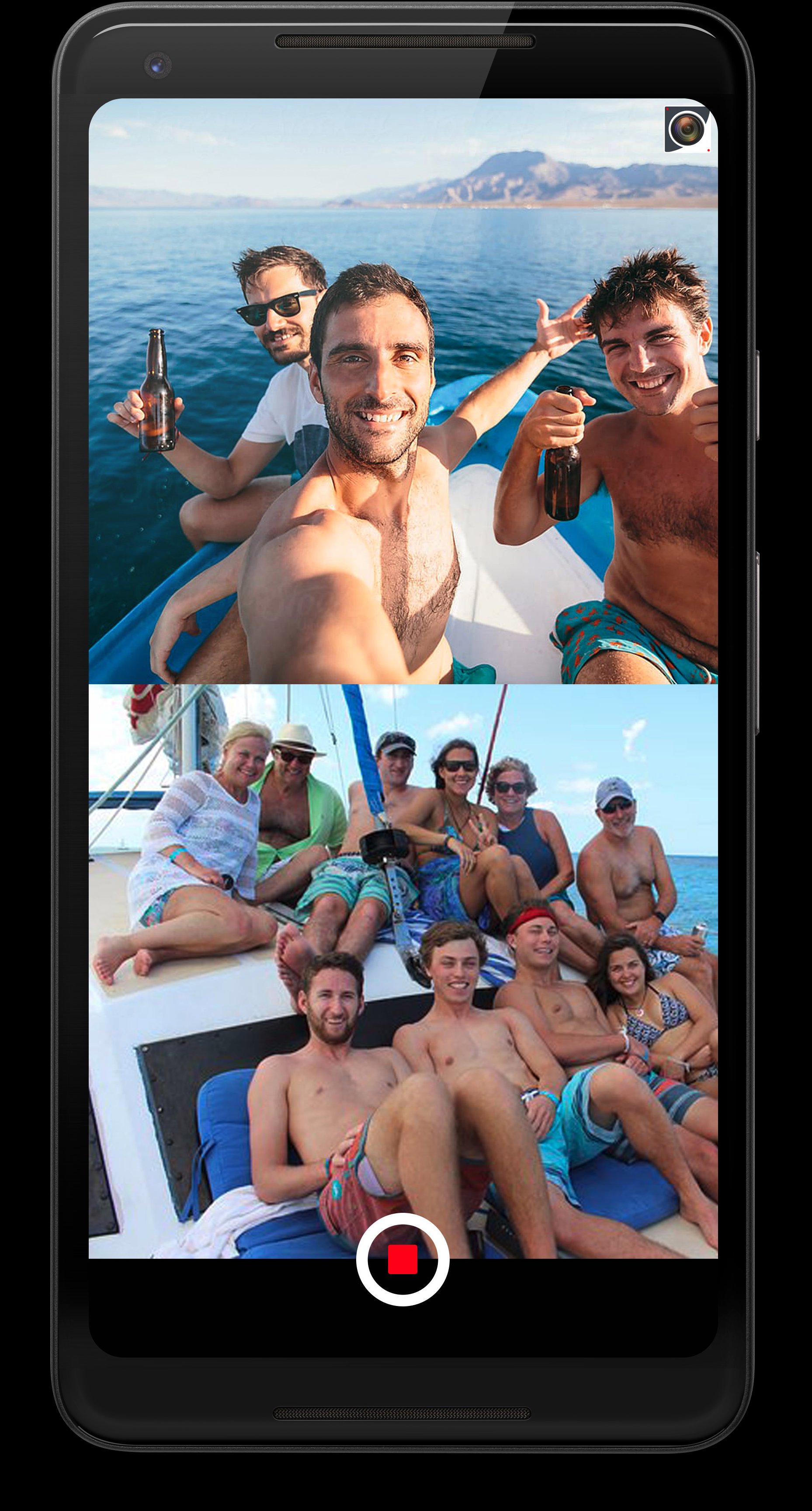
• Stack Mode – Place two videos top and bottom
• PiP Mode – Overlay one video on another, move and resize easily
• Shapes & Border – Customize the PiP look
• Delay Control – Set when the second video appears
• Music & Sound – Add music and control audio
• Text Overlay – Add text with custom styles
• Export Quality – Save in 480p, 720p, or 1080p
✂️ Extra Tools
• Video Trim – Quickly cut and keep only the part you need
• Photo Rotation – Rotate photos easily to adjust the angle
Capture more than just moments — capture the full experience.
Thanks for your support 😊
Avance

Etiquetas
FotografíaInformación
Desarrollador
Backs Infotech
La última versión
10.0
Última actualización
2026-04-22
Categoría
Fotografía
Disponible en
Google Play
Mostrar más
Cómo jugar Dual Camera : Front & Back Cam con GameLoop en PC
1. Descargue GameLoop desde el sitio web oficial, luego ejecute el archivo exe para instalar GameLoop.
2. Abra GameLoop y busque "Dual Camera : Front & Back Cam", busque Dual Camera : Front & Back Cam en los resultados de búsqueda y haga clic en "Instalar".
3. Disfruta jugando Dual Camera : Front & Back Cam en GameLoop.
Minimum requirements
OS
Windows 8.1 64-bit or Windows 10 64-bit
GPU
GTX 1050
CPU
i3-8300
Memory
8GB RAM
Storage
1GB available space
Recommended requirements
OS
Windows 8.1 64-bit or Windows 10 64-bit
GPU
GTX 1050
CPU
i3-9320
Memory
16GB RAM
Storage
1GB available space