
Collage Poster Maker para PC
Vic.Art
Descarga Collage Poster Maker en PC con GameLoop Emulator
Collage Poster Maker en PC
Collage Poster Maker, proveniente del desarrollador Vic.Art, se ejecuta en el sistema Android en el pasado.
Ahora, puedes jugar Collage Poster Maker en PC con GameLoop sin problemas.
Descárgalo en la biblioteca de GameLoop o en los resultados de búsqueda. No más mirar la batería o llamadas frustrantes en el momento equivocado nunca más.
Simplemente disfrute de Collage Poster Maker PC en la pantalla grande de forma gratuita!
Collage Poster Maker Introducción
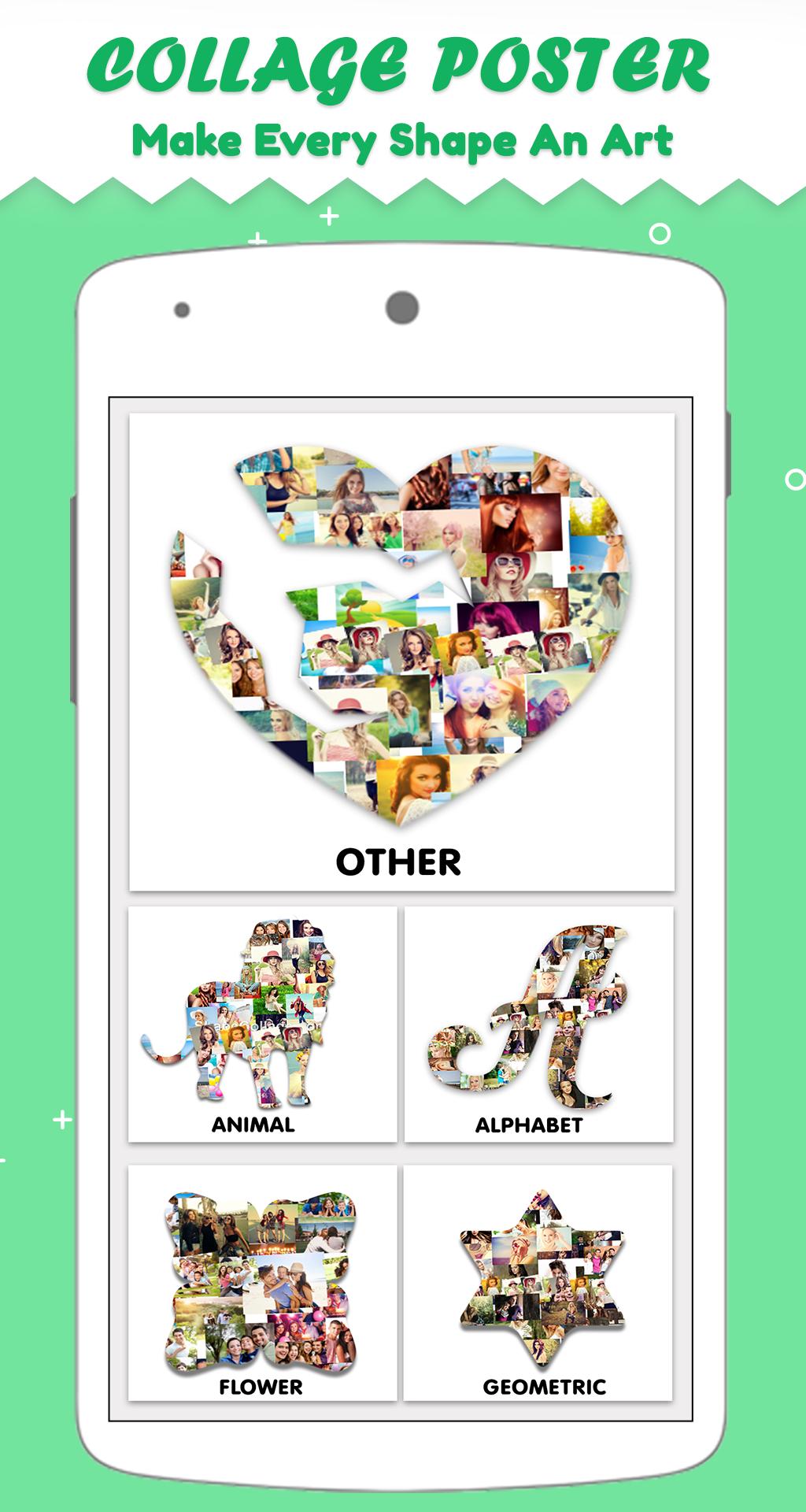
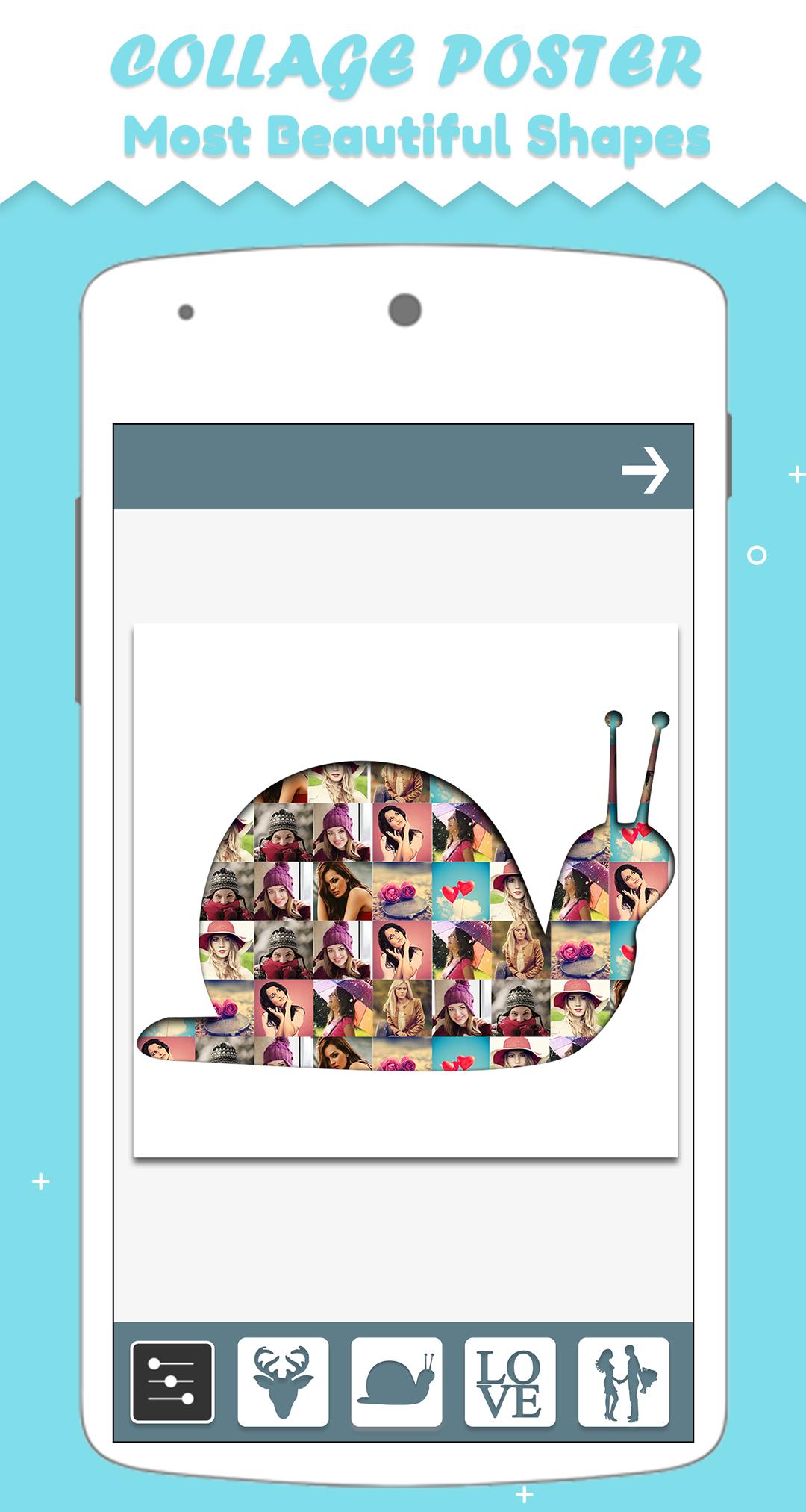
Collage poster maker allows making creative photo collage in more than 200+ shapes. Create your photo shape collage with this collage poster maker app and stitch your moments in beautiful and unique shapes. This easy to use photo mixer, mix photo and automatically create collage of your photo in different shapes. Collage poster app provides more than 200 shapes in 20 categories. Just select minimum 4 or max 8 images, collage poster will create shape collage of your photos automatically. Collage poster also provides photo editor tool to edit your photo collage or apply photo effects on your creativity. so friends make collage in, heart, apple, butterfly, cat, birds, etc. shapes to show your creativity.
With this shape collage you can mix photos by adding numerous photos in a predefined shape in just few seconds. You can choose stylish shapes (among 200+ shapes) for your photos shape collage. Your images are automatically and intelligently packed inside the shapes. From this app you can choose from various categories and shapes like Heart, butterflies, apple, cat, flower etc. for enhance your collage work. You'll be amazed by the quality of the output image, just give it a try.
Features of The App – How To Use Shape Collage
1. Click Shape Collage maker from the app
2. Select up to 8 images.
3. Select any shape which you want.
4. Edit photo with photo editing tool.
5. Tap the Check mark icon to save.
6. Share with your friends or family via Facebook, Instagram or another social media platform.
Avance
Etiquetas
FotografíaInformación
Desarrollador
Vic.Art
La última versión
1.7
Última actualización
2023-08-28
Categoría
Fotografía
Disponible en
Google Play
Mostrar más
Cómo jugar Collage Poster Maker con GameLoop en PC
1. Descargue GameLoop desde el sitio web oficial, luego ejecute el archivo exe para instalar GameLoop.
2. Abra GameLoop y busque "Collage Poster Maker", busque Collage Poster Maker en los resultados de búsqueda y haga clic en "Instalar".
3. Disfruta jugando Collage Poster Maker en GameLoop.
Minimum requirements
OS
Windows 8.1 64-bit or Windows 10 64-bit
GPU
GTX 1050
CPU
i3-8300
Memory
8GB RAM
Storage
1GB available space
Recommended requirements
OS
Windows 8.1 64-bit or Windows 10 64-bit
GPU
GTX 1050
CPU
i3-9320
Memory
16GB RAM
Storage
1GB available space