Lively Red and Black Keyboard para PC
SY Epic Keyboard
Descarga Lively Red and Black Keyboard en PC con GameLoop Emulator
Lively Red and Black Keyboard en PC
Lively Red and Black Keyboard, proveniente del desarrollador SY Epic Keyboard, se ejecuta en el sistema Android en el pasado.
Ahora, puedes jugar Lively Red and Black Keyboard en PC con GameLoop sin problemas.
Descárgalo en la biblioteca de GameLoop o en los resultados de búsqueda. No más mirar la batería o llamadas frustrantes en el momento equivocado nunca más.
Simplemente disfrute de Lively Red and Black Keyboard PC en la pantalla grande de forma gratuita!
Lively Red and Black Keyboard Introducción
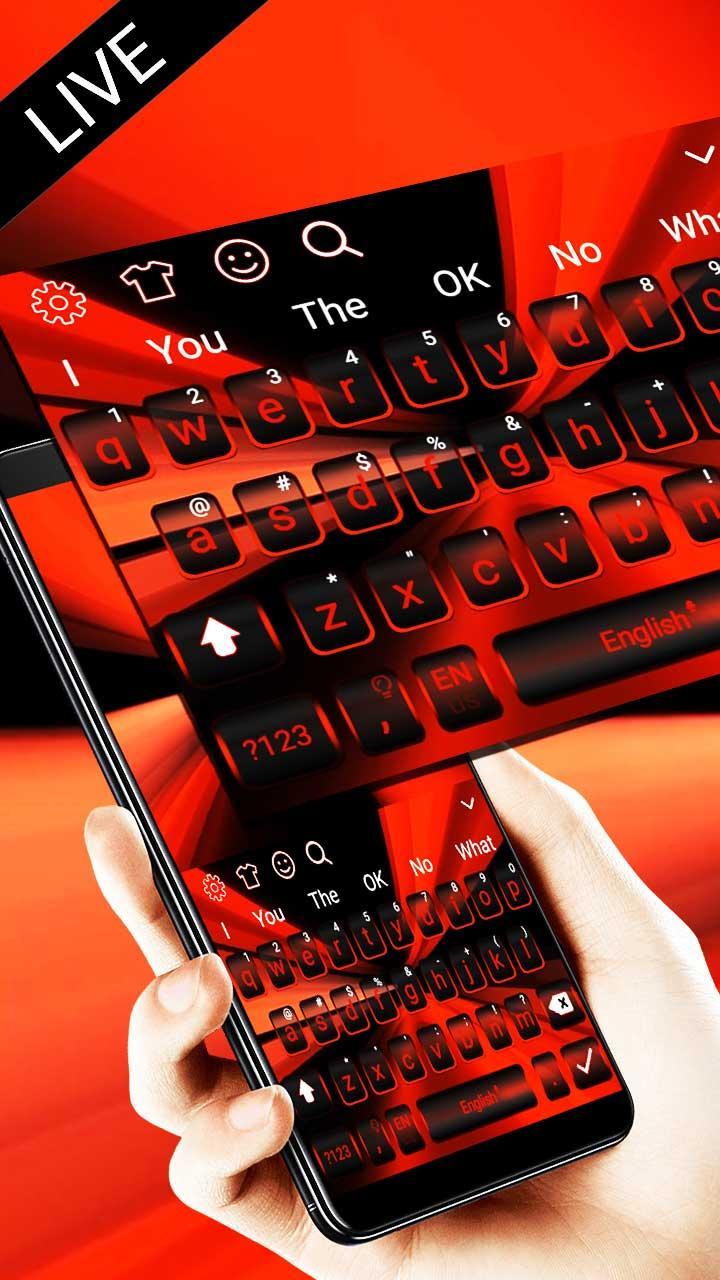
💞 3D Lively Red and Black Keyboard is a brand new, high-tech, vibrant theme that is completely FREE!
🌹 3D Lively Red and Black Keyboard is specially designed for Lively Red and Black Keyboard enthusiasts. If you are a fan of Lively Red and Black Keyboard, then you should not miss this 3D theme tailor-made for you!
🎵 Distinctive sound effects make you feel real 3D Lively Red and Black Keyboard, bringing you unprecedented experience!
🐟3D Lively Red and Black Keyboard animation vitalizes your typing. You will just love it!
🌟3D Effects🌟
3D Lively Red and Black Keyboard has everything you need for a 3D keyboard. This 3D keyboard ensures pretty cool and awesome effects. hi-tech sound effects present you the most advanced keyboard experience. black and red background allows you to show off your good taste to your friends.
🤣Along with the sound effects of hi-tech, as you move and type, it feels like you can actually touch Lively Red and Black Keyboard while typing.
😘Lively Red and Black Keyboard has black and red as its background, serving as a perfect background against all elements. The background and keys are perfectly matching each other.
😃With the dynamic effect of the keyboard, hi-tech sound effect makes the theme vivid and lively, providing truly immersive using experience.
😁black and red background enriches typing scenes, adding much fun to tying. You will definitely love our keyboard if you like black and red.
☁️Cloud Prediction☁️
Our keyboard can intelligently predict the words you may need to enter, saving you time and reducing typos.
🔮DIY Themes🔮
When you use our keyboard, it means you can design your own unique keyboard as well. Just follow your own fancy, start from the background and buttons, customize a delicate keyboard for yourself. hi-tech sound and black and red background can also be set respectively in the DIY process.
🎉Plentiful Themes🎉
In addition to 3D Lively Red and Black Keyboard, our keyboard product offers 3,000+ various cool themes for you to choose from! They are all free!
😁Emoji & GIFs😁
There are 1,000+ lovely fun emojis in 3D Lively Red and Black Keyboard, together with popular and cute GIFs. Typing can be far from boring!
🌐Languages Supported🌐
3D Lively Red and Black Keyboard supports 85 languages covering 138 countries
💡Note💡
To enjoy the best effects of 3D Lively Red and Black Keyboard, you need to download our keyboard app
Avance

Información
Desarrollador
SY Epic Keyboard
La última versión
10001005
Última actualización
2018-08-08
Categoría
Personalización
Disponible en
Google Play
Mostrar más
Cómo jugar Lively Red and Black Keyboard con GameLoop en PC
1. Descargue GameLoop desde el sitio web oficial, luego ejecute el archivo exe para instalar GameLoop.
2. Abra GameLoop y busque "Lively Red and Black Keyboard", busque Lively Red and Black Keyboard en los resultados de búsqueda y haga clic en "Instalar".
3. Disfruta jugando Lively Red and Black Keyboard en GameLoop.
Minimum requirements
OS
Windows 8.1 64-bit or Windows 10 64-bit
GPU
GTX 1050
CPU
i3-8300
Memory
8GB RAM
Storage
1GB available space
Recommended requirements
OS
Windows 8.1 64-bit or Windows 10 64-bit
GPU
GTX 1050
CPU
i3-9320
Memory
16GB RAM
Storage
1GB available space