
Electric Screen Prank Live Wal para PC
iim mobile
Descarga Electric Screen Prank Live Wal en PC con GameLoop Emulator
Electric Screen Prank Live Wal en PC
Electric Screen Prank Live Wal, proveniente del desarrollador iim mobile, se ejecuta en el sistema Android en el pasado.
Ahora, puedes jugar Electric Screen Prank Live Wal en PC con GameLoop sin problemas.
Descárgalo en la biblioteca de GameLoop o en los resultados de búsqueda. No más mirar la batería o llamadas frustrantes en el momento equivocado nunca más.
Simplemente disfrute de Electric Screen Prank Live Wal PC en la pantalla grande de forma gratuita!
Electric Screen Prank Live Wal Introducción
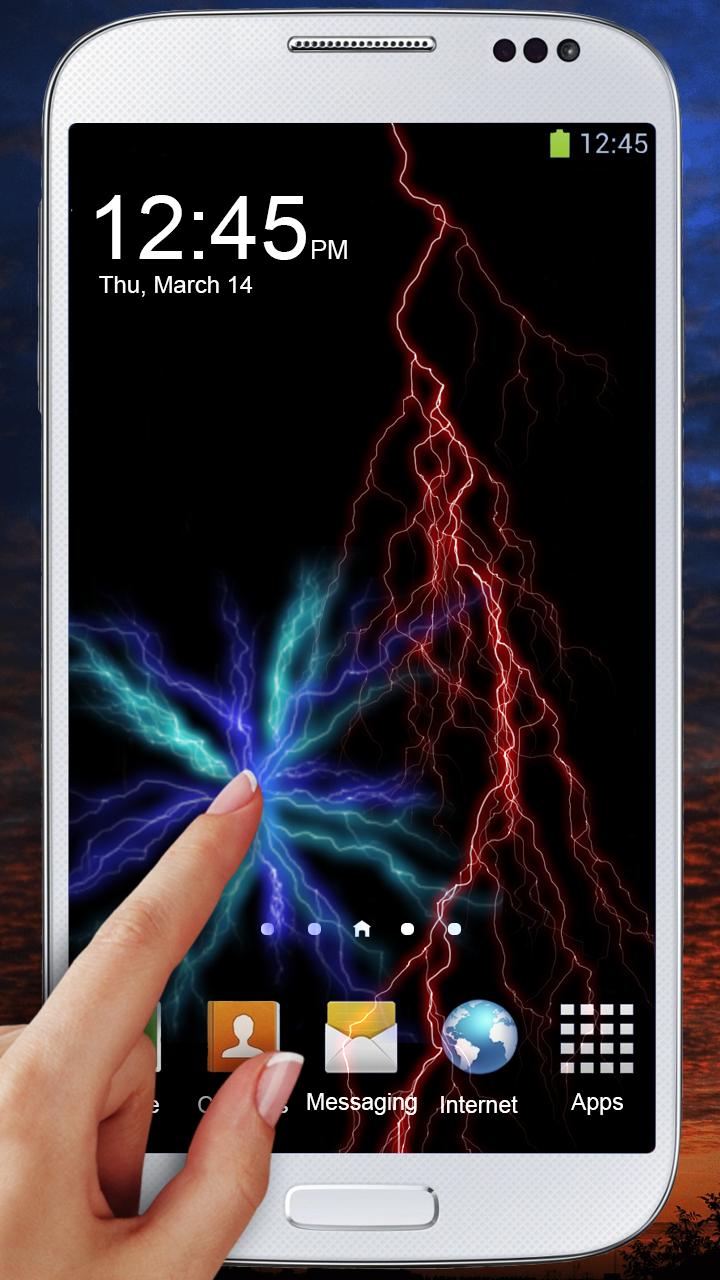
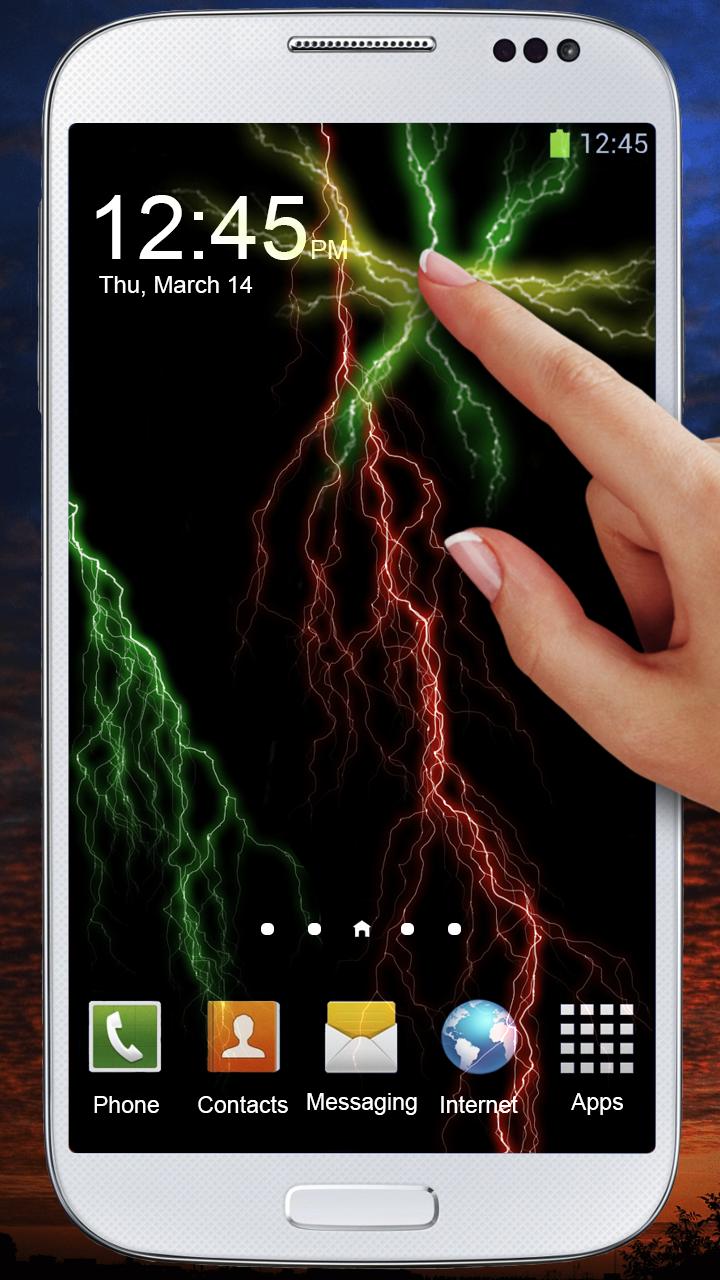
Electric screen prank, touch wallpaper. Beautiful coloured lightning strike in your phone. Touch the screen anywhere and you will see bolt of lightning under your finger. You will hear simulated electrical crackling also. The sound you can modify in the settings of wallpaper.
In case of any problems with the effect of Electric screen prank, touch wallpaper, instead of giving us the negative opinion, please send us an e-mail and review briefly the problem. It will help us to solve it in the next updates of wallpaper with electric screen prank
Electric screen prank, touch live wallpaper is free but contains ads settings of the wallpaper. Revenue from advertising will help us to create new attractive wallpapers and applications. All permissions are required only for advertising and are supported by trusted vendors.
Avance
Etiquetas
PersonalizaciónInformación
Desarrollador
iim mobile
La última versión
2.1.7.28
Última actualización
2020-07-29
Categoría
Personalización
Disponible en
Google Play
Mostrar más
Cómo jugar Electric Screen Prank Live Wal con GameLoop en PC
1. Descargue GameLoop desde el sitio web oficial, luego ejecute el archivo exe para instalar GameLoop.
2. Abra GameLoop y busque "Electric Screen Prank Live Wal", busque Electric Screen Prank Live Wal en los resultados de búsqueda y haga clic en "Instalar".
3. Disfruta jugando Electric Screen Prank Live Wal en GameLoop.
Minimum requirements
OS
Windows 8.1 64-bit or Windows 10 64-bit
GPU
GTX 1050
CPU
i3-8300
Memory
8GB RAM
Storage
1GB available space
Recommended requirements
OS
Windows 8.1 64-bit or Windows 10 64-bit
GPU
GTX 1050
CPU
i3-9320
Memory
16GB RAM
Storage
1GB available space