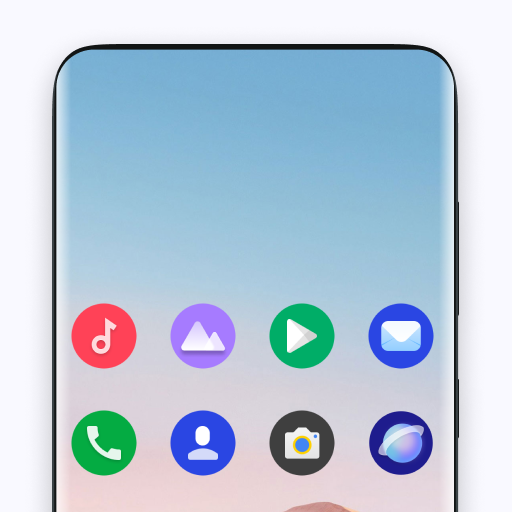
Android 16 Style Theme para PC
Android Universe
Descarga Android 16 Style Theme en PC con GameLoop Emulator
Android 16 Style Theme en PC
Android 16 Style Theme, proveniente del desarrollador Android Universe, se ejecuta en el sistema Android en el pasado.
Ahora, puedes jugar Android 16 Style Theme en PC con GameLoop sin problemas.
Descárgalo en la biblioteca de GameLoop o en los resultados de búsqueda. No más mirar la batería o llamadas frustrantes en el momento equivocado nunca más.
Simplemente disfrute de Android 16 Style Theme PC en la pantalla grande de forma gratuita!
Android 16 Style Theme Introducción
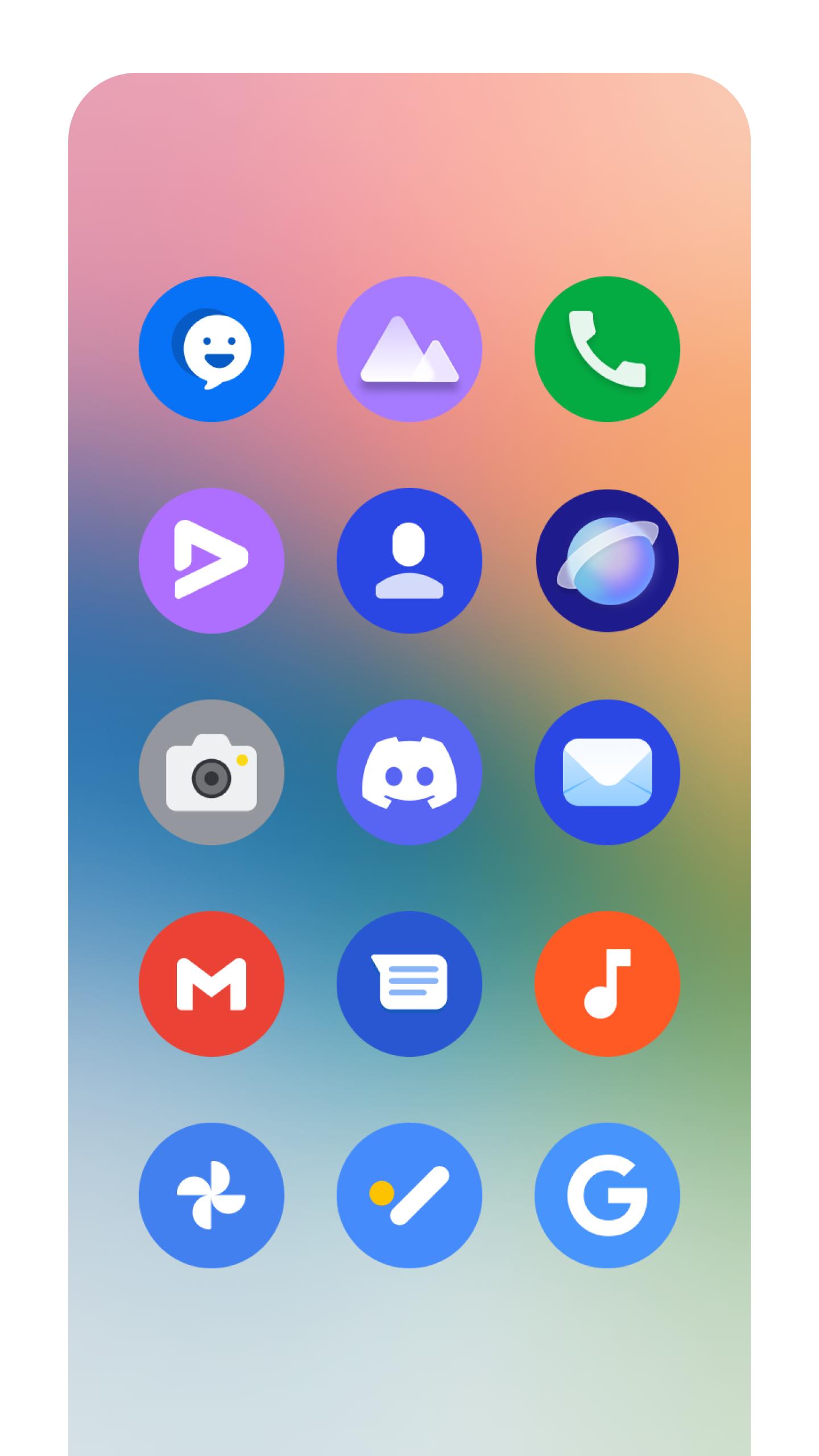
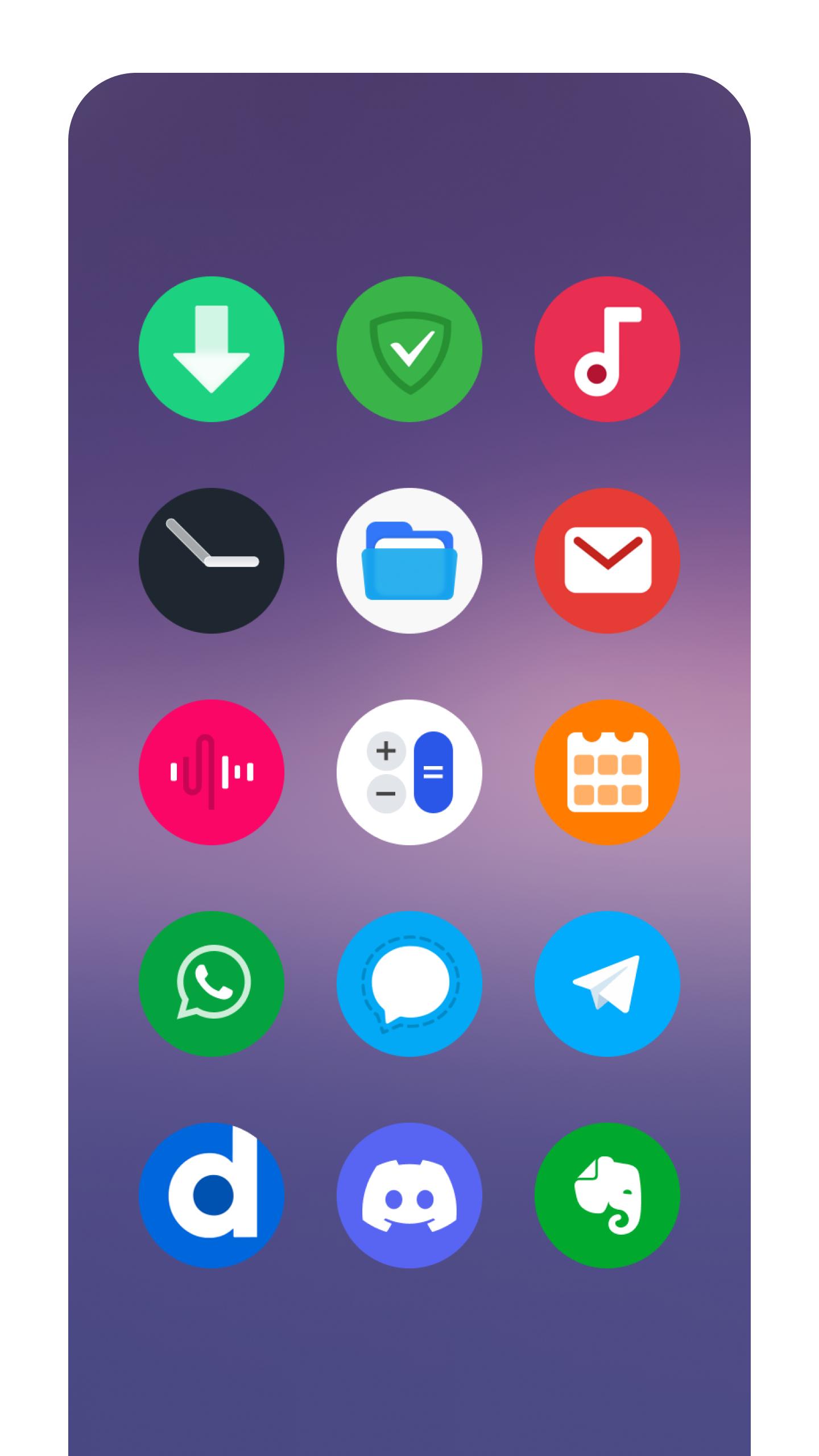
Elevate your Android experience with Android 16 Style Theme! Transform your phone with a stunning collection of premium, round icons and vibrant FHD+ wallpapers, inspired by the latest Android 16 look. Give your device a fresh, modern aesthetic and express your unique style.
Tired of the same old Android look? Android 16 Style Theme offers a curated selection of high-resolution backgrounds and a clean, beautiful icon pack, perfect for those seeking a stock Android 16 vibe. Enjoy a seamless and personalized home screen experience every time you unlock your phone.
Key Features for Your Android Device:
* Fresh, Modern Icons: Clean, round icons inspired by the Android 16 aesthetic, giving your device a polished and contemporary feel.
* Vibrant FHD+ Wallpapers: Immerse yourself in a collection of high-definition wallpapers, optimized for all Android screen sizes, including edge-to-edge displays like the Galaxy S25, Galaxy S25 Ultra, Galaxy S24 Ultra, and Note 20.
* Easy Icon Pack Application: Seamless integration with popular Android launchers , including : Android 14 Style Launcher, Galaxy S25 Ultra Launcher, Nova launcher, Action launcher, Solo launcher, ADW launcher, N+ Launcher.
* Share with Friends: Show off your personalized Android style by easily sharing your favorite wallpapers and the app with friends.
* Fast and Intuitive Navigation: Browse through the extensive wallpaper collection effortlessly.
* Personalized Home & Lock Screens: Set your favorite wallpapers as your home screen or lock screen background.
* Offline Access: Save your favorite HD wallpapers to your device for quick access and offline viewing.
Applying the Icon Pack is simple and quick. Select your preferred launcher from the provided list, and the icon pack will be automatically applied. For other launchers that support icon packs, you can easily apply Android 16 Style Theme through the launcher's settings menu, typically accessible by long-pressing your home screen. Use the theme settings in your launcher to personalize your experience effortlessly
Upgrade your Android experience today! Download Android 16 Style Theme and personalize your phone with a sleek, modern look.
Avance
Etiquetas
PersonalizaciónInformación
Desarrollador
Android Universe
La última versión
2.6
Última actualización
2025-07-08
Categoría
Personalización
Disponible en
Google Play
Mostrar más
Cómo jugar Android 16 Style Theme con GameLoop en PC
1. Descargue GameLoop desde el sitio web oficial, luego ejecute el archivo exe para instalar GameLoop.
2. Abra GameLoop y busque "Android 16 Style Theme", busque Android 16 Style Theme en los resultados de búsqueda y haga clic en "Instalar".
3. Disfruta jugando Android 16 Style Theme en GameLoop.
Minimum requirements
OS
Windows 8.1 64-bit or Windows 10 64-bit
GPU
GTX 1050
CPU
i3-8300
Memory
8GB RAM
Storage
1GB available space
Recommended requirements
OS
Windows 8.1 64-bit or Windows 10 64-bit
GPU
GTX 1050
CPU
i3-9320
Memory
16GB RAM
Storage
1GB available space