AMOLED Wallpapers 4K para PC
7Fon Wallpapers
Descarga AMOLED Wallpapers 4K en PC con GameLoop Emulator
AMOLED Wallpapers 4K en PC
AMOLED Wallpapers 4K, proveniente del desarrollador 7Fon Wallpapers, se ejecuta en el sistema Android en el pasado.
Ahora, puedes jugar AMOLED Wallpapers 4K en PC con GameLoop sin problemas.
Descárgalo en la biblioteca de GameLoop o en los resultados de búsqueda. No más mirar la batería o llamadas frustrantes en el momento equivocado nunca más.
Simplemente disfrute de AMOLED Wallpapers 4K PC en la pantalla grande de forma gratuita!
AMOLED Wallpapers 4K Introducción
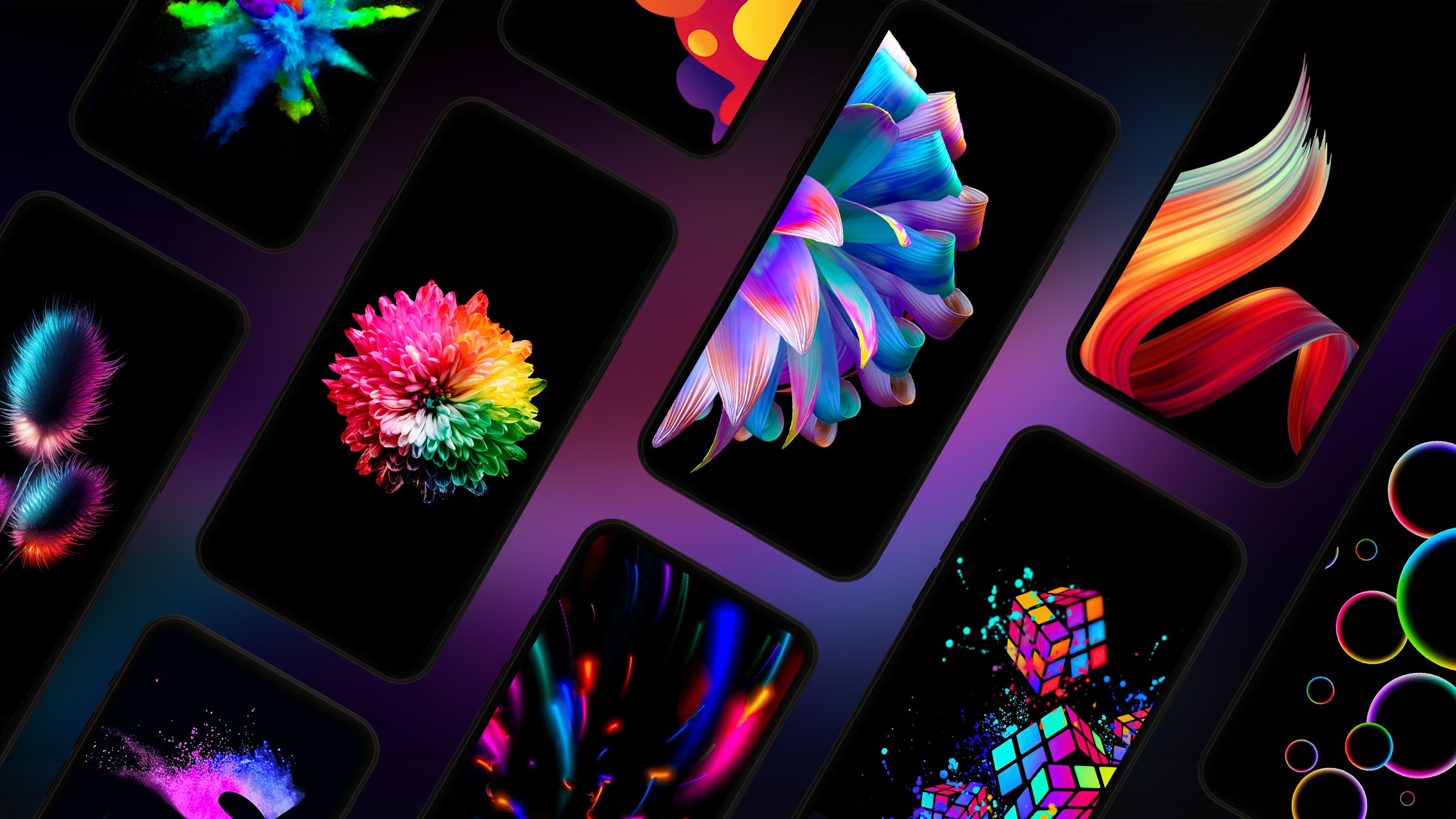
AMOLED wallpapers in 4K for Android
Dark and black backgrounds curated for a clean, high-contrast look.
Categories, tags, and color search help you find the right wallpaper fast.
This is a dark-focused wallpaper app for anyone who wants a clean, consistent setup. Explore AMOLED backgrounds, dark wallpapers, and black wallpapers in one curated catalog. Match wallpapers to your theme, icons, and style, then set or download in one tap. Keep a few favorites and rotate them automatically—no need to search again every time you want a fresh background.
Why people choose AMOLED wallpapers
• Dark and black backgrounds highlight the contrast that AMOLED displays are known for.
• A dark wallpaper makes it easier to keep a consistent "dark" style across themes and icons.
• With curated selections, it’s simple to pick a background that looks clean and intentional.
What you’ll find in the catalog
• Dark wallpapers and black backgrounds across dozens of categories.
• Space wallpapers, abstract wallpapers, nature wallpapers, animal wallpapers, car wallpapers, and more.
• Curated selections for fans of dark aesthetics, including AMOLED-friendly collections.
Curated and moderated (no random dumps)
Every image is reviewed before it goes into the catalog. This collection is curated and moderated by the 7Fon team, which helps keep the library clean, relevant, and consistently updated.
Resolution and quality
• Full HD (1080p) and higher: QHD, UHD, and 4K (availability depends on the image).
• High-resolution files help when you preview details, crop, and set a wallpaper.
• The catalog is updated regularly, so you’ll always have new options to browse.
Browse, search, and filter
Use whichever workflow is fastest for you:
• Categories for quick discovery.
• Tags and keyword search in your language.
• Color search to match an accent color or overall palette.
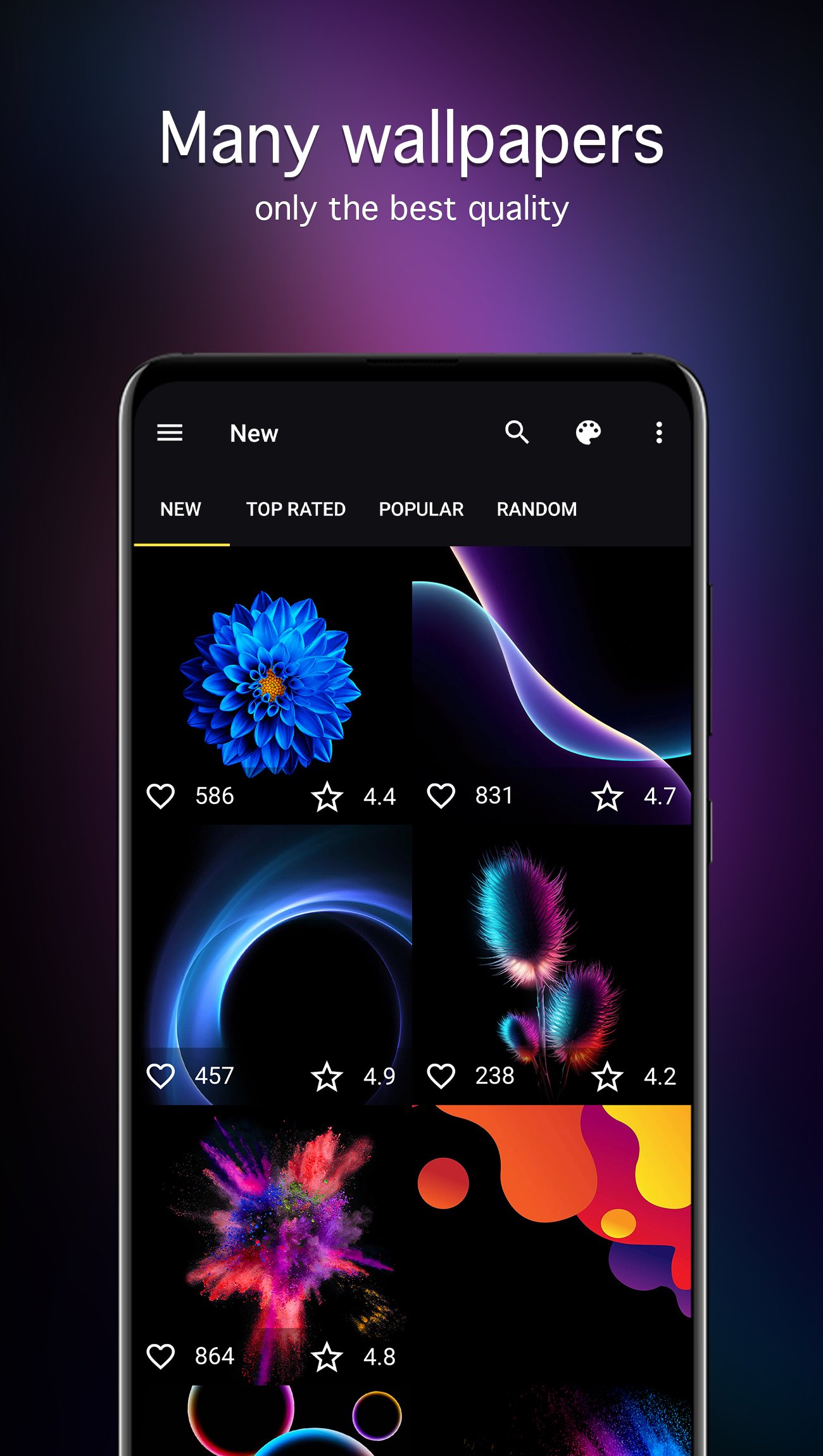
• Sorting: newest, rating, and popularity.
Set, crop, download
• Preview and crop before you set a wallpaper.
• One-tap set and one-tap download.
• Download wallpapers for deferred installation and keep them saved locally.
• Save images to your gallery or an SD card (if supported by your device).
Scheduled wallpaper changer
Want automatic changes? Add wallpapers to Favorites, pick a source (Favorites or a category), choose the interval, and your wallpaper updates automatically on schedule.
How to build your own rotation
1) Find a few wallpapers you like (use categories, tags, or color search).
2) Add them to Favorites.
3) Enable the scheduled changer and set your interval.
4) Download your favorites if you want them saved locally.
Wallpaper notifications
• Wallpaper of the Day notifications.
• Wallpaper of the Week notifications.
Data-friendly browsing
Adjust preview quality to help reduce mobile data usage while browsing.
Also suitable for OLED displays.
Use wallpapers in chats
Use a selected image as a WhatsApp chat wallpaper and in other messengers (WhatsApp is a third-party app and is not affiliated with this app).
Main features at a glance
• AMOLED wallpapers and dark backgrounds in Full HD and above (up to 4K when available).
• Categories, tags, and color search.
• Favorites + scheduled auto-change.
• Sort by newest, rating, and popularity.
• Preview, crop, download, and save (gallery/SD card if supported).
Note: Saving to an SD card depends on device support and may vary by Android version.
Tip: Save a few matching wallpapers to Favorites and enable scheduled changes for an always-fresh dark setup.
Avance
Etiquetas
PersonalizaciónInformación
Desarrollador
7Fon Wallpapers
La última versión
6.3.0
Última actualización
2026-02-23
Categoría
Personalización
Disponible en
Google Play
Mostrar más
Cómo jugar AMOLED Wallpapers 4K con GameLoop en PC
1. Descargue GameLoop desde el sitio web oficial, luego ejecute el archivo exe para instalar GameLoop.
2. Abra GameLoop y busque "AMOLED Wallpapers 4K", busque AMOLED Wallpapers 4K en los resultados de búsqueda y haga clic en "Instalar".
3. Disfruta jugando AMOLED Wallpapers 4K en GameLoop.
Minimum requirements
OS
Windows 8.1 64-bit or Windows 10 64-bit
GPU
GTX 1050
CPU
i3-8300
Memory
8GB RAM
Storage
1GB available space
Recommended requirements
OS
Windows 8.1 64-bit or Windows 10 64-bit
GPU
GTX 1050
CPU
i3-9320
Memory
16GB RAM
Storage
1GB available space