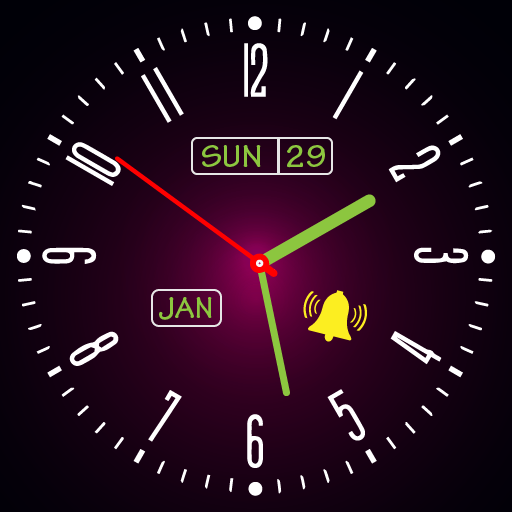
Always on Display Screen Clock para PC
Mega Apps Developers
Descarga Always on Display Screen Clock en PC con GameLoop Emulator
Always on Display Screen Clock en PC
Always on Display Screen Clock, proveniente del desarrollador Mega Apps Developers, se ejecuta en el sistema Android en el pasado.
Ahora, puedes jugar Always on Display Screen Clock en PC con GameLoop sin problemas.
Descárgalo en la biblioteca de GameLoop o en los resultados de búsqueda. No más mirar la batería o llamadas frustrantes en el momento equivocado nunca más.
Simplemente disfrute de Always on Display Screen Clock PC en la pantalla grande de forma gratuita!
Always on Display Screen Clock Introducción
Amoled Display - Always on Amoled stuns your device with a variety of valuable information. An Amoled app called Always on Display Screen Clock shows basic information like Time, Date, Notifications, Message notifications, Mobile Time. When your mobile screen is off, you can see the Battery Level and much more on a black screen. Perfect amoled screen without having to touch the device.
You can tell a lot about your smartphone just by looking at the screen: notification, battery, time and date etc. The Amoled Display on smartphones illuminates while the phone is asleep so that you can see the most crucial figures. Active displays or ambient displays are two ways to refer to this feature in super amoled screen app. In the Always On Display (AOD) mode, the screen stays on in part while the phone sleeps. As a result of Always on amoled, the screen remains on in part while the phone is sleeping. Despite the absence of most pixels, some parts of the display remain on.
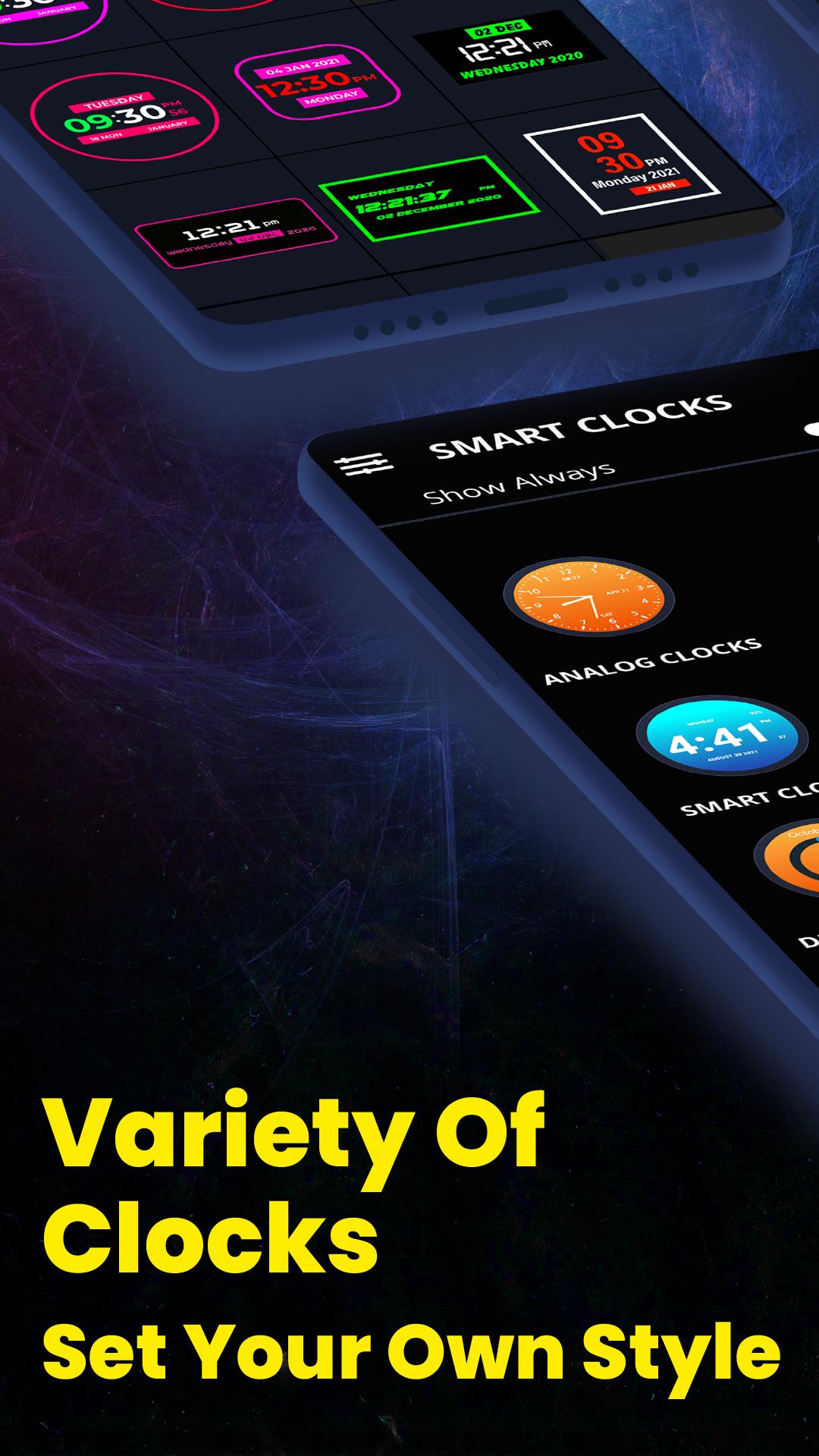
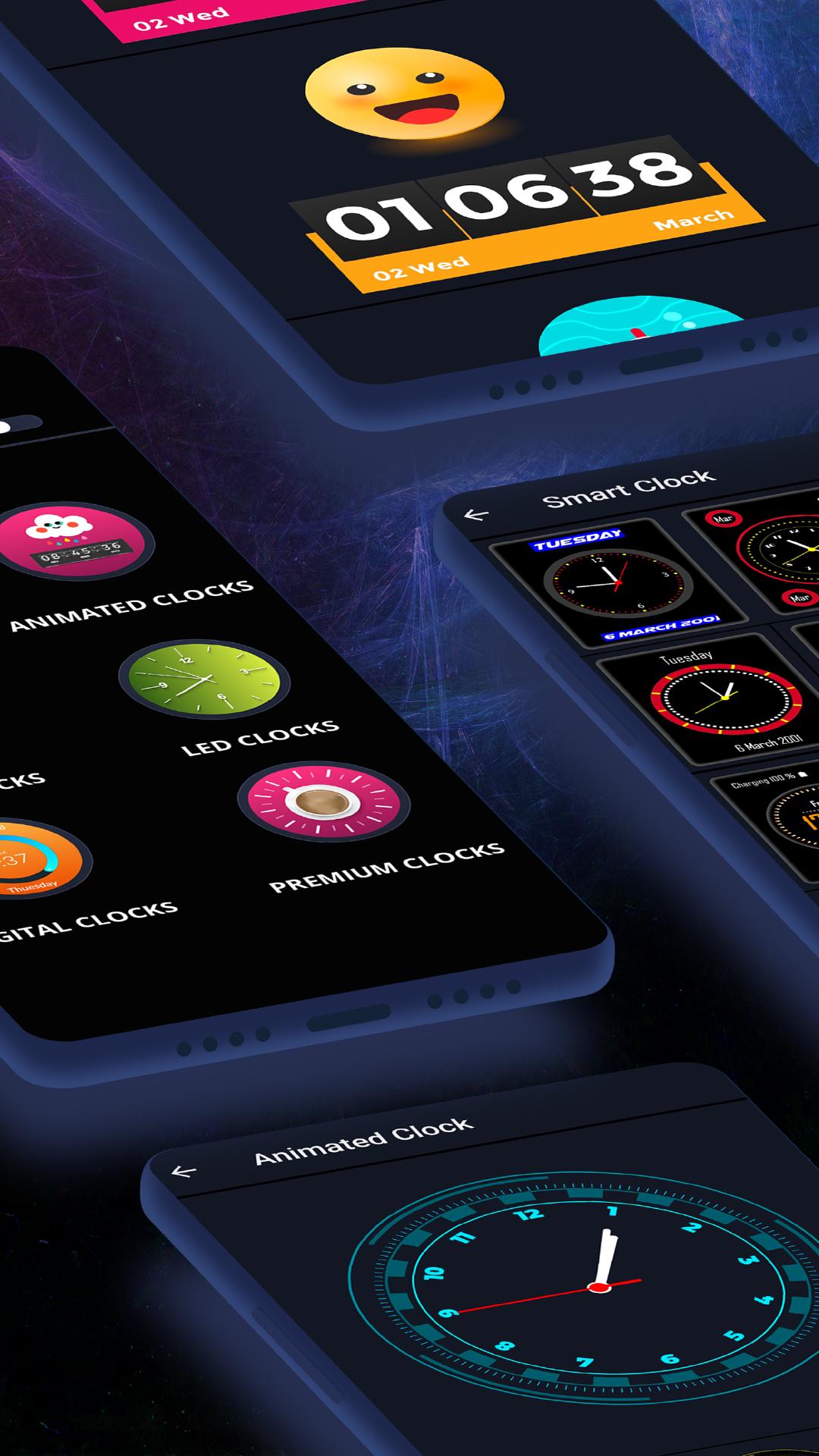
Since we don't need to turn off other pixels to show text, images, or graphics, the super amoled clock screensaver burns less battery because it turns on only those pixels LEDs needed for showing text, images, or graphics. Various kinds of clocks can be displayed on the screen with the AMOLED display clock screensaver, including analog clocks, digital clocks, emoji clocks, smart clocks, and LED clocks.
There is an analog clock template and a digital LED clock template attached to this lock screen clock widget. Using this amazing Always on Display Screen clock wallpapers application, you can display the time on lock screen clock with no effort. Using the application (Always on Screen), you can get some basic information on a black background at any given time. The information displays continuously on your screen with always on amoled. A digital clock, an emoji clock, a night clock, a LED clock and an analog clock appear on your screen continuously when you have the illumination on with Amoled Photo Clock Wallpaper Always On Display.
Amoled display - Amoled Screen Photo Clock Wallpaper Always On Display eliminates the need for smart watch. A LED digital clock app doesn't even require you to touch your phone screen to see what's happening on it. Displaying basic information on a Super AMOLED screen is the goal of this analog clock widget. The amoled display keeps information on the screen at all times. No matter whether your screen is password-protected and it is locked, the amoled screen will display all the information. Picture Clock Wallpaper - Photo Clock Wallpaper lets you view the latest notifications in a visually pleasing and minimalistic manner.
Types of Always on Amoled Clock Wallpaper
Emoji Clock
Emojis and stickers of multiple types are added. You can set emoji clock as Always on Display via this feature.
Analog Clock
Live clock app for AMOLED screen with several analog clocks. Set analog clock live wallpaper with lite display on AMOLED display screen clock.
Digital Clock
With multiple colour clocks, you can customise your lockscreen with a digital clock live wallpaper.
Edge Clock
Your mobile phone's clock will always appear on the edge.
LED Clock
Screen clock collection of LED clocks with modern designs. Set and enjoy!
Smart Clock
All smart clocks that remain always on display with amoled screen.
Features of Always on Display Screen Clock
Amoled Display - Amoled Screen with date, time, notification, battery level information
Astounding UI/UX
Always on amoled live clock wallpaper
Optimised for low battery consumption
Always on amoled app contains variety of analog clocks, amoled digital clocks, LED clocks, night clocks, emoji clock, smart clocks, edge clock
Always on display is free to use
Customizable live clock wallpapers
Always on screen amoled display with customizable amoled clocks
Always on Display Screen Clock is worth downloading. Give it a try and enjoy always on amoled screen clock display.
Do rate us!
Avance
Etiquetas
PersonalizaciónInformación
Desarrollador
Mega Apps Developers
La última versión
1.0
Última actualización
2022-03-08
Categoría
Personalización
Disponible en
Google Play
Mostrar más
Cómo jugar Always on Display Screen Clock con GameLoop en PC
1. Descargue GameLoop desde el sitio web oficial, luego ejecute el archivo exe para instalar GameLoop.
2. Abra GameLoop y busque "Always on Display Screen Clock", busque Always on Display Screen Clock en los resultados de búsqueda y haga clic en "Instalar".
3. Disfruta jugando Always on Display Screen Clock en GameLoop.
Minimum requirements
OS
Windows 8.1 64-bit or Windows 10 64-bit
GPU
GTX 1050
CPU
i3-8300
Memory
8GB RAM
Storage
1GB available space
Recommended requirements
OS
Windows 8.1 64-bit or Windows 10 64-bit
GPU
GTX 1050
CPU
i3-9320
Memory
16GB RAM
Storage
1GB available space