
Pakur para PC
Bharat Cities
Descarga Pakur en PC con GameLoop Emulator
Pakur en PC
Pakur, proveniente del desarrollador Bharat Cities, se ejecuta en el sistema Android en el pasado.
Ahora, puedes jugar Pakur en PC con GameLoop sin problemas.
Descárgalo en la biblioteca de GameLoop o en los resultados de búsqueda. No más mirar la batería o llamadas frustrantes en el momento equivocado nunca más.
Simplemente disfrute de Pakur PC en la pantalla grande de forma gratuita!
Pakur Introducción
Pakur (Hindi: पाकुड़; previously known as Pakaur) is the district headquarters of Pakur District (पाकुड़ जिला), Jharkhand state, India.
It is located in the north east corner of Jharkhand State: at 23°40' to 25°18' latitude and 86°25' to 87°57' E. longitude. Pakur is bordered by Sahibganj district in North, Dumka district in South, Godda district in West and Murshidabad and Birbhum districts (of the West Bengal) in the East. Pakur District has an area of about 696 square kilometres and a population of 899,200 (2011 Census).
Pakur was earlier a Sub-Division of Santhal Parganas district of Bihar. It was upgraded to the status of district in 1994. Upon reorganization of Bihar state, India, in 2000 into two separate states, namely, Bihar and Jharkhand, Pakur district came under the administrative control of the Jharkhand state.
Contents
[hide]
Avance

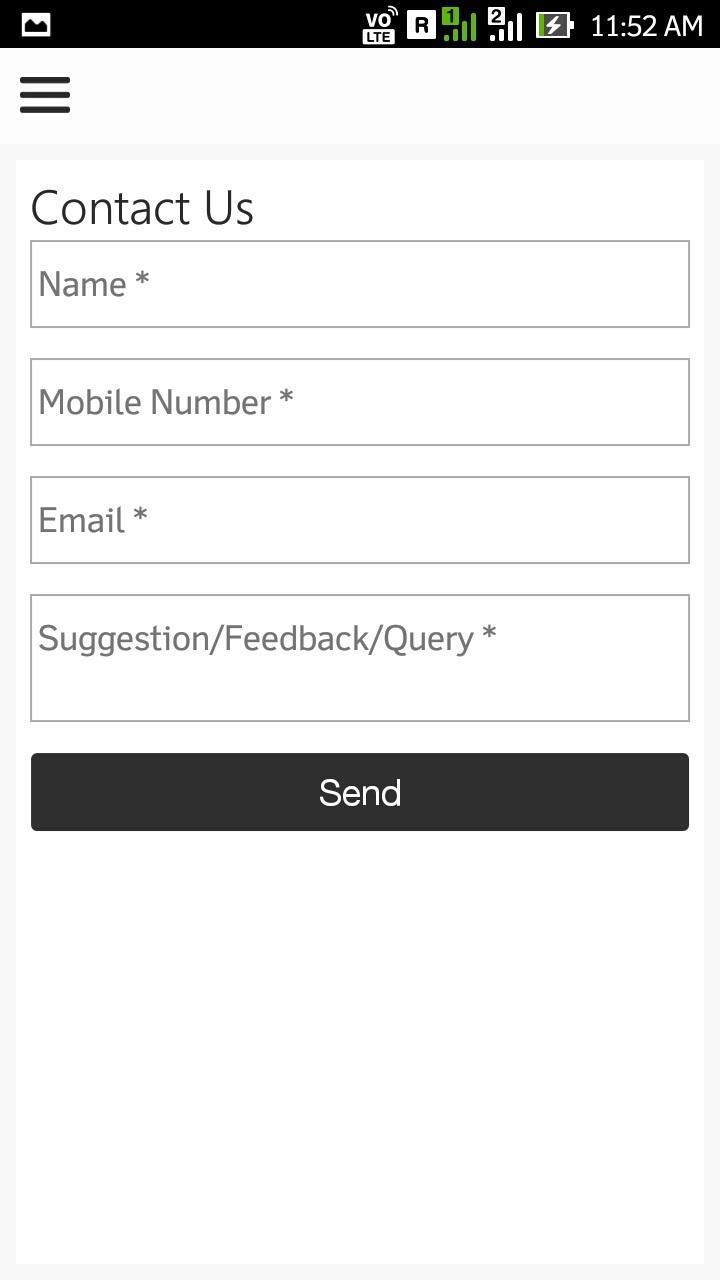
Información
Desarrollador
Bharat Cities
La última versión
2.0
Última actualización
2019-01-20
Categoría
News-magazines
Disponible en
Google Play
Mostrar más
Cómo jugar Pakur con GameLoop en PC
1. Descargue GameLoop desde el sitio web oficial, luego ejecute el archivo exe para instalar GameLoop.
2. Abra GameLoop y busque "Pakur", busque Pakur en los resultados de búsqueda y haga clic en "Instalar".
3. Disfruta jugando Pakur en GameLoop.
Minimum requirements
OS
Windows 8.1 64-bit or Windows 10 64-bit
GPU
GTX 1050
CPU
i3-8300
Memory
8GB RAM
Storage
1GB available space
Recommended requirements
OS
Windows 8.1 64-bit or Windows 10 64-bit
GPU
GTX 1050
CPU
i3-9320
Memory
16GB RAM
Storage
1GB available space