Volume Booster: Boost Sound para PC
Nyalkaran Infotech
Descarga Volume Booster: Boost Sound en PC con GameLoop Emulator
Volume Booster: Boost Sound en PC
Volume Booster: Boost Sound, proveniente del desarrollador Nyalkaran Infotech, se ejecuta en el sistema Android en el pasado.
Ahora, puedes jugar Volume Booster: Boost Sound en PC con GameLoop sin problemas.
Descárgalo en la biblioteca de GameLoop o en los resultados de búsqueda. No más mirar la batería o llamadas frustrantes en el momento equivocado nunca más.
Simplemente disfrute de Volume Booster: Boost Sound PC en la pantalla grande de forma gratuita!
Volume Booster: Boost Sound Introducción
Change the overall experience of listening music by using one of the best Sound Booster App.
Volume Booster is a small and simple app to increase sound of your device, loudspeaker or headphones. It is very useful for listening music at high volume.
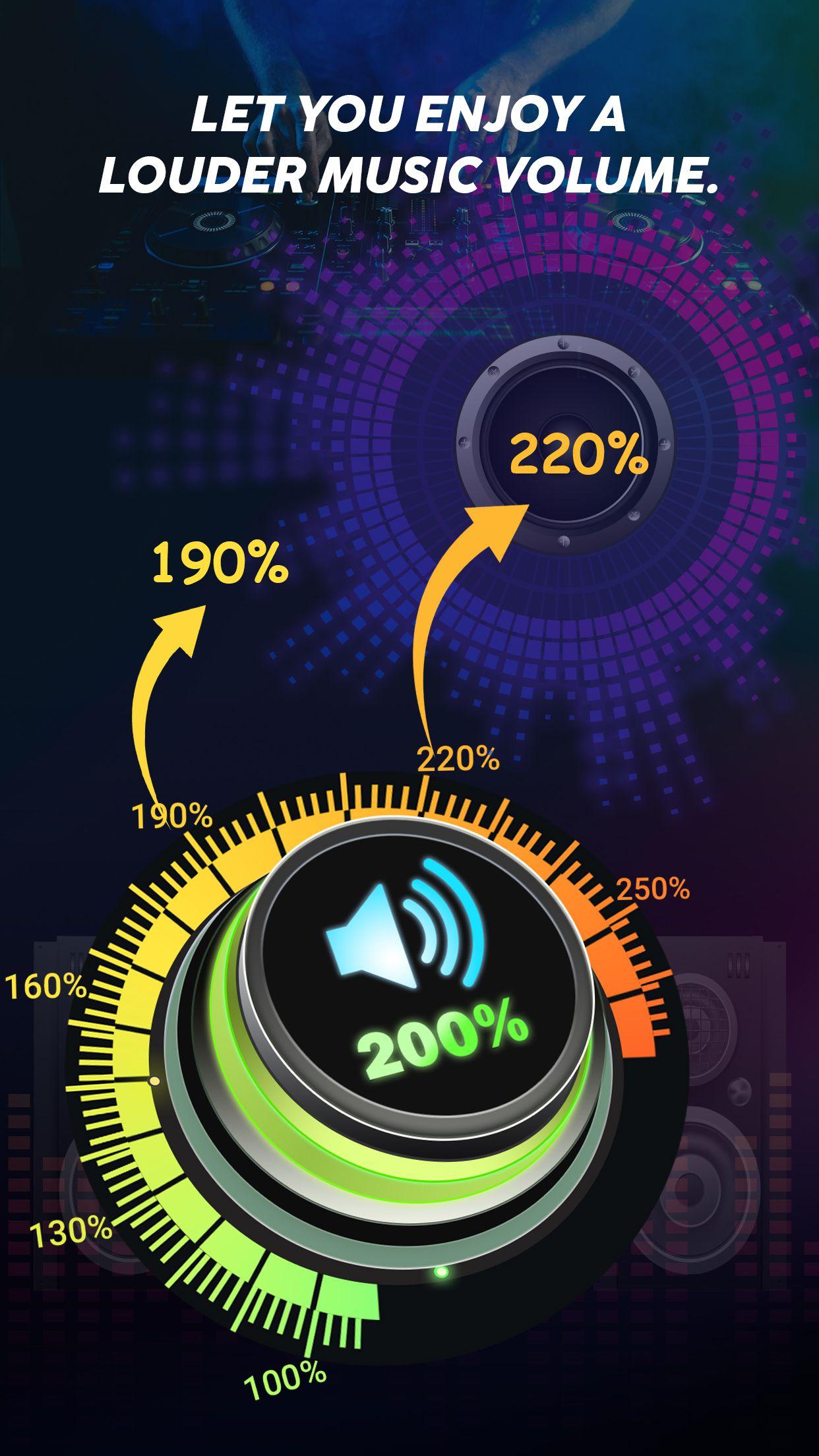
You can increase the volume of your device up to 200% by using the features like Equalizer, Bass, 3D, Frequency, etc. Increase the frequency of your music/sound from 60Hz to 14000Hz.
Volume Booster or Speaker Booster allows you to adjust the volume of music/sound so that you get the best experience of music from your device.
Key Features:-
• Increase volume up to 200%
• Bass Booster Effect
• 3D Effect
• Increase Frequency from 60Hz to 14000Hz
• Equalizer
• Customizable Equalizer
• Collection of 10 Equalizers like (Normal, Classical, Pop, Folk, Rock & more)
• Inbuilt music player
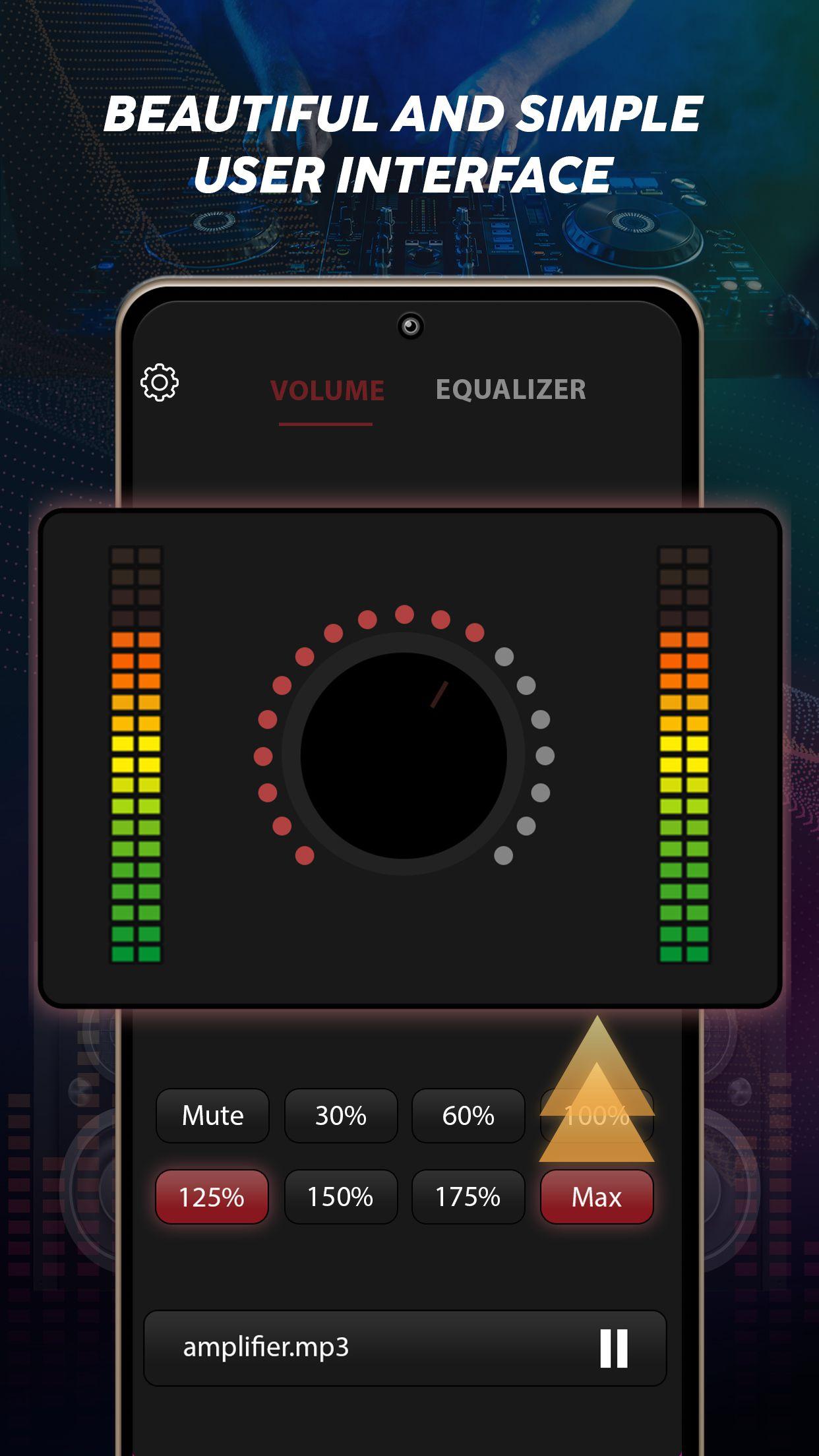
• User friendly interface
Sound Equalizer:-
Equalizer has a best collection of presets such as:-
• Custom
• Normal
• Classical
• Dance
• Flat
• Folk
• Heavy Metal
• Hip Hop
• Jazz
• Pop
• Rock
Inbuilt Music Player:-
The Music Booster app has an inbuilt music player so you do not have to install other music player to play the music. You can play the music from the music library of Music Booster app itself.
Sound Quality:-
Without affecting the sound quality, the Music Booster app works fine for improving and increasing the volume of Music and audio.
Through Music Booster app you can increase the volume of external speakers, Bluetooth, headphone, Android device, etc.
Bass Booster & Equalizer:-
Through Bass Booster feature and Equalizer you can increase or decrease the bass volume through which you can feel the bass. 3D feature helps you to feel the music in 3D effect.
If you don't have a headset or want to use a loudspeaker, you can always enjoy good music with our app. You can enjoy the music even if your screen is off or locked.
User Friendly Interface:-
The Music Booster app has a better user friendly interface so that you do not get confused while using the app. You can on/off the music with one tap.
Download the Music Booster app now and get lost in the world of music.
Avance
Etiquetas
Music-&Información
Desarrollador
Nyalkaran Infotech
La última versión
1.0.3
Última actualización
2022-11-09
Categoría
Music-audio
Disponible en
Google Play
Mostrar más
Cómo jugar Volume Booster: Boost Sound con GameLoop en PC
1. Descargue GameLoop desde el sitio web oficial, luego ejecute el archivo exe para instalar GameLoop.
2. Abra GameLoop y busque "Volume Booster: Boost Sound", busque Volume Booster: Boost Sound en los resultados de búsqueda y haga clic en "Instalar".
3. Disfruta jugando Volume Booster: Boost Sound en GameLoop.
Minimum requirements
OS
Windows 8.1 64-bit or Windows 10 64-bit
GPU
GTX 1050
CPU
i3-8300
Memory
8GB RAM
Storage
1GB available space
Recommended requirements
OS
Windows 8.1 64-bit or Windows 10 64-bit
GPU
GTX 1050
CPU
i3-9320
Memory
16GB RAM
Storage
1GB available space