Pad Looper - sound loop mixing para PC
Artnode.ru
Descarga Pad Looper - sound loop mixing en PC con GameLoop Emulator
Pad Looper - sound loop mixing en PC
Pad Looper - sound loop mixing, proveniente del desarrollador Artnode.ru, se ejecuta en el sistema Android en el pasado.
Ahora, puedes jugar Pad Looper - sound loop mixing en PC con GameLoop sin problemas.
Descárgalo en la biblioteca de GameLoop o en los resultados de búsqueda. No más mirar la batería o llamadas frustrantes en el momento equivocado nunca más.
Simplemente disfrute de Pad Looper - sound loop mixing PC en la pantalla grande de forma gratuita!
Pad Looper - sound loop mixing Introducción
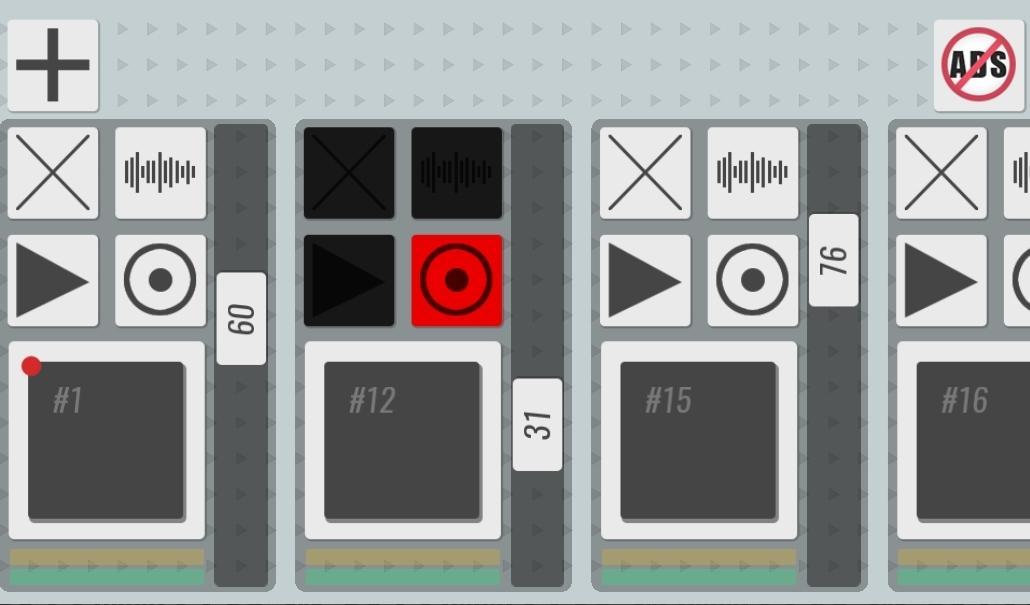
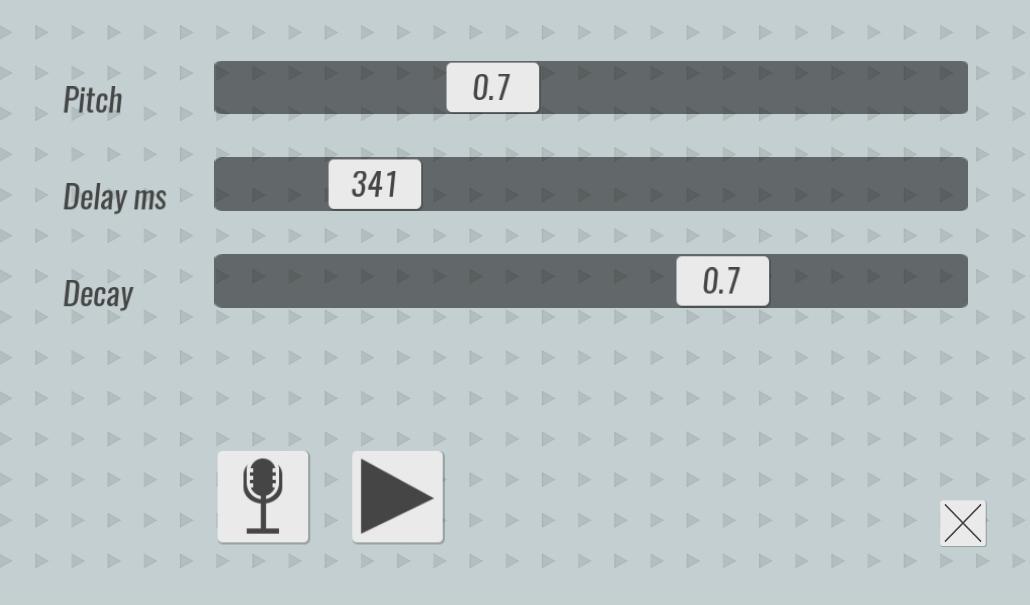
Pad Looper is a loop station that allows you to mix SELF RECORDED surrounding sounds, make patterns of them and play as a musical composition. With the help of the music player Pad Looper, you can feel like a real DJ, in order to start you do not need to pick up sounds from various music libraries, you will use those sounds that you create and record yourself. Just three simple steps to get started: record any sound, add effects, write a loop with your sound. Done! You can continue to add audio tracks, the length of the loop will automatically adjust to the length of the main track, which is marked with a red dot. After 5 minutes you will be able to hear your first hit. This program is not intended to create professional compositions, but it will help you to make a sketch of the track that was born in your head at that moment without much effort.
Avance
Etiquetas
Music-&Información
Desarrollador
Artnode.ru
La última versión
1.0
Última actualización
2021-01-26
Categoría
Music-audio
Disponible en
Google Play
Mostrar más
Cómo jugar Pad Looper - sound loop mixing con GameLoop en PC
1. Descargue GameLoop desde el sitio web oficial, luego ejecute el archivo exe para instalar GameLoop.
2. Abra GameLoop y busque "Pad Looper - sound loop mixing", busque Pad Looper - sound loop mixing en los resultados de búsqueda y haga clic en "Instalar".
3. Disfruta jugando Pad Looper - sound loop mixing en GameLoop.
Minimum requirements
OS
Windows 8.1 64-bit or Windows 10 64-bit
GPU
GTX 1050
CPU
i3-8300
Memory
8GB RAM
Storage
1GB available space
Recommended requirements
OS
Windows 8.1 64-bit or Windows 10 64-bit
GPU
GTX 1050
CPU
i3-9320
Memory
16GB RAM
Storage
1GB available space