
Offline Music para PC
itbuilds
Descarga Offline Music en PC con GameLoop Emulator
Offline Music en PC
Offline Music, proveniente del desarrollador itbuilds, se ejecuta en el sistema Android en el pasado.
Ahora, puedes jugar Offline Music en PC con GameLoop sin problemas.
Descárgalo en la biblioteca de GameLoop o en los resultados de búsqueda. No más mirar la batería o llamadas frustrantes en el momento equivocado nunca más.
Simplemente disfrute de Offline Music PC en la pantalla grande de forma gratuita!
Offline Music Introducción
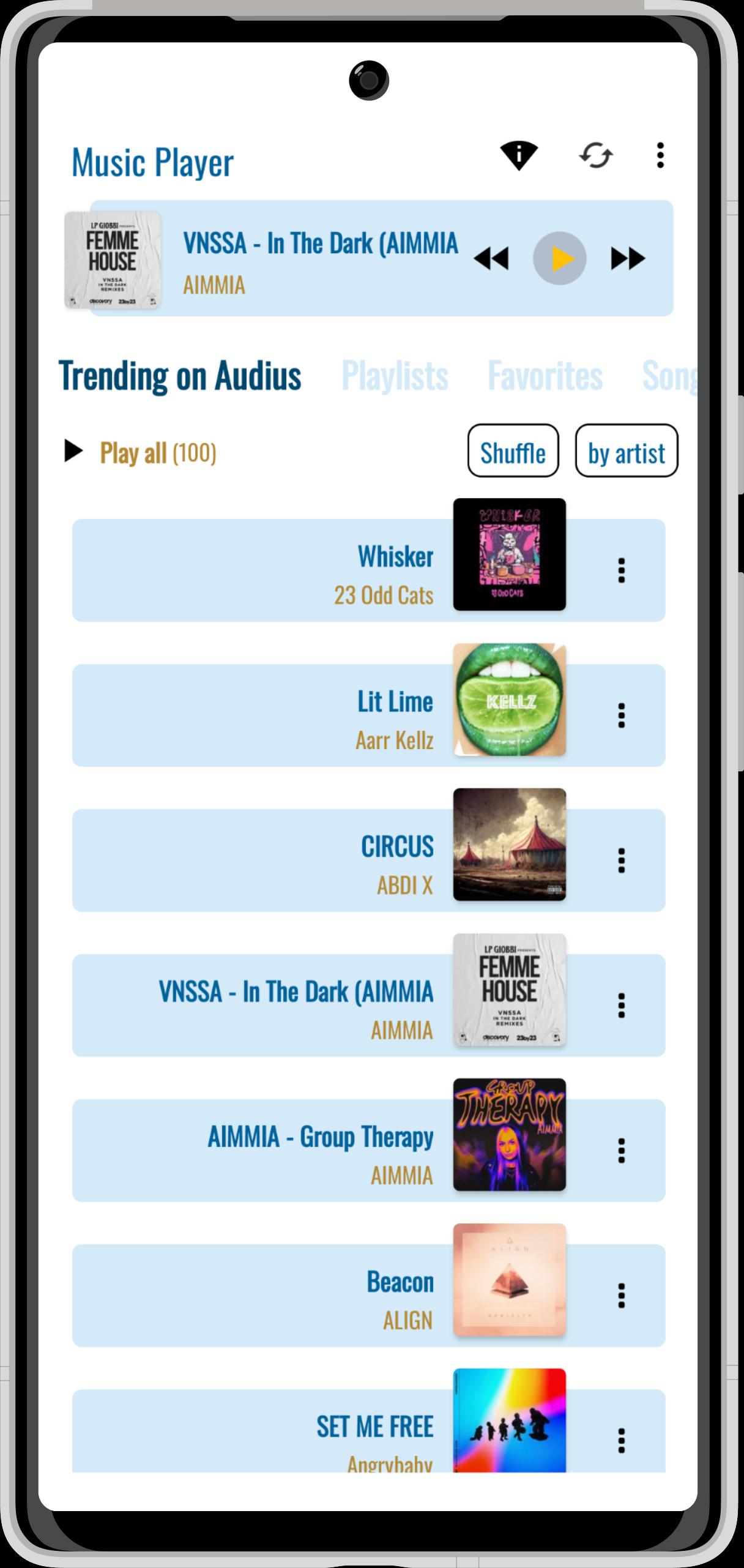
Enjoy a simple and powerful offline music player for free.
Play your own MP3 files without WiFi, or stream free tracks from Audius — a platform full of independent and trending artists.
No accounts, no subscriptions, just your music.
Main Features:
✔️ Stream free music from Audius – Discover new and popular songs from emerging artists.
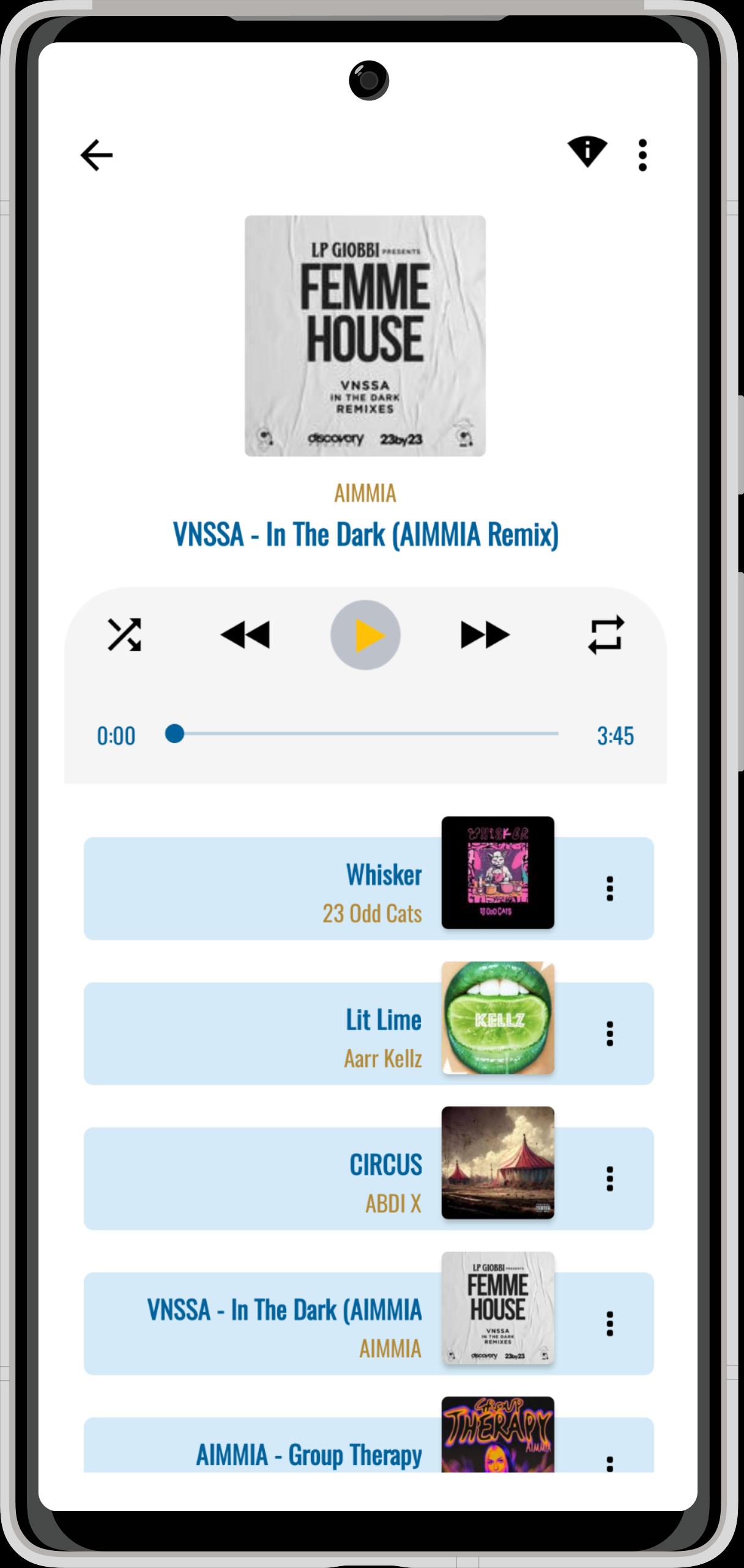
✔️ Offline music player – Listen to songs stored on your phone or tablet, no internet needed.
✔️ Create playlists – For running, workouts, relaxing, or background focus.
✔️ Browse by artist, album, song, or playlist – Your music library, fully organized.
✔️ Quick search – Find songs on your device or Audius in seconds.
✔️ Clean, beautiful UI – Easy navigation with colorful and modern themes.
✔️ Sort your songs and albums – Keep your music organized your way.
⚠️ Important:
This app does NOT support downloading music. It is not a music downloader.This 🎧 free music app is made for offline listening and casual streaming.
Use it as your daily MP3 player to enjoy personal songs, or explore online tracks on Audius.
Thanks for trying this offline audio player and supporting independent music!
Perfect for anyone looking for a simple, fast, and clean music player without WiFi.
Learn more on our website: itbuids
Our partners:
Avance
Etiquetas
Music-&Información
Desarrollador
itbuilds
La última versión
1.95
Última actualización
2025-10-02
Categoría
Music-audio
Disponible en
Google Play
Mostrar más
Cómo jugar Offline Music con GameLoop en PC
1. Descargue GameLoop desde el sitio web oficial, luego ejecute el archivo exe para instalar GameLoop.
2. Abra GameLoop y busque "Offline Music", busque Offline Music en los resultados de búsqueda y haga clic en "Instalar".
3. Disfruta jugando Offline Music en GameLoop.
Minimum requirements
OS
Windows 8.1 64-bit or Windows 10 64-bit
GPU
GTX 1050
CPU
i3-8300
Memory
8GB RAM
Storage
1GB available space
Recommended requirements
OS
Windows 8.1 64-bit or Windows 10 64-bit
GPU
GTX 1050
CPU
i3-9320
Memory
16GB RAM
Storage
1GB available space