iPhone 18 Pro Ringtones para PC
AliAloosh99
Descarga iPhone 18 Pro Ringtones en PC con GameLoop Emulator
iPhone 18 Pro Ringtones en PC
iPhone 18 Pro Ringtones, proveniente del desarrollador AliAloosh99, se ejecuta en el sistema Android en el pasado.
Ahora, puedes jugar iPhone 18 Pro Ringtones en PC con GameLoop sin problemas.
Descárgalo en la biblioteca de GameLoop o en los resultados de búsqueda. No más mirar la batería o llamadas frustrantes en el momento equivocado nunca más.
Simplemente disfrute de iPhone 18 Pro Ringtones PC en la pantalla grande de forma gratuita!
iPhone 18 Pro Ringtones Introducción
Discover iPhone-style ringtones for your Android phone with a simple way to search, save and share the sounds you like. iPhone 18 Pro-inspired ringtones and familiar iPhone-style tones come together in an app focused on helping you find the sounds available in its collection and keep track of your selections.
What does the app offer?
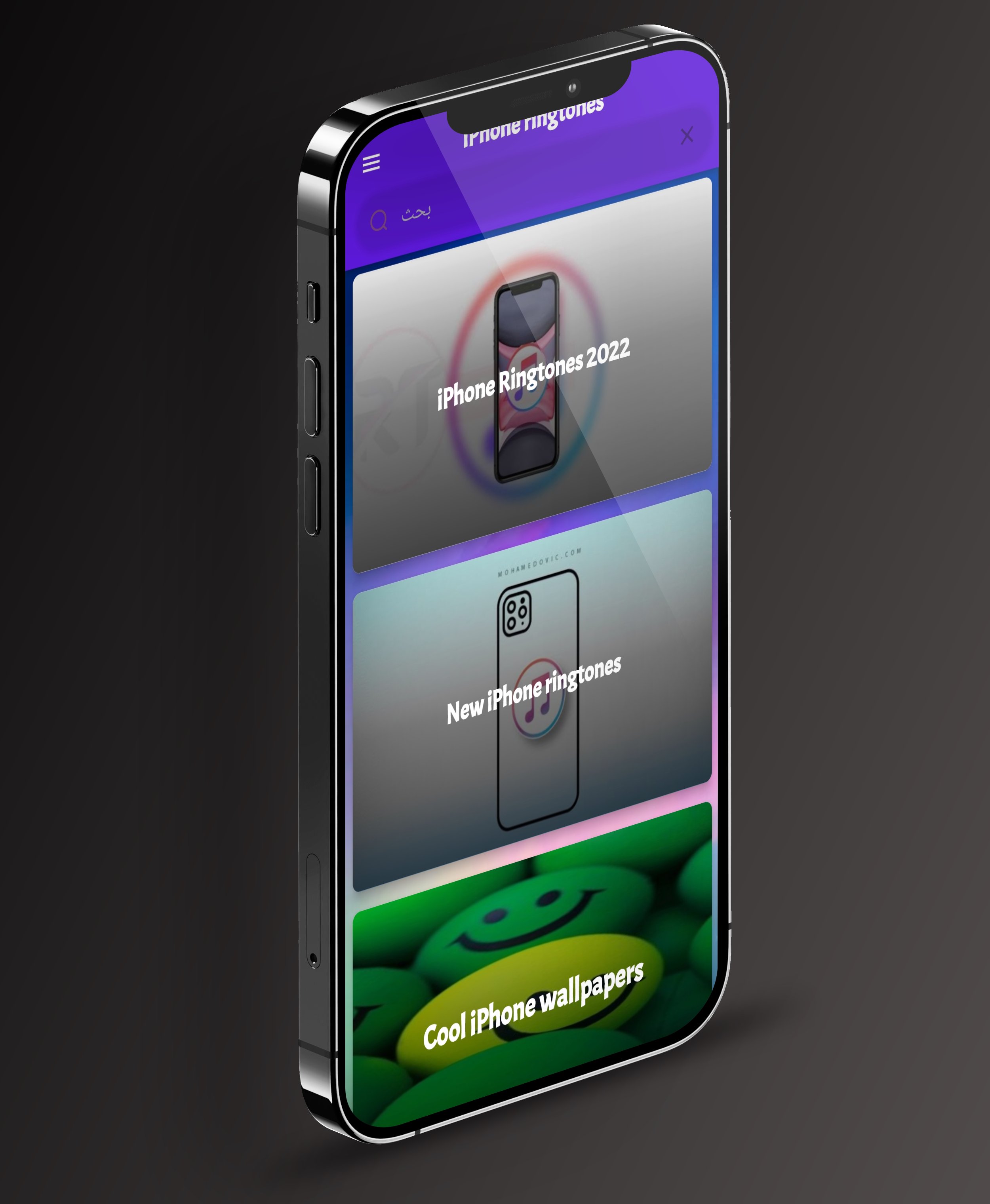
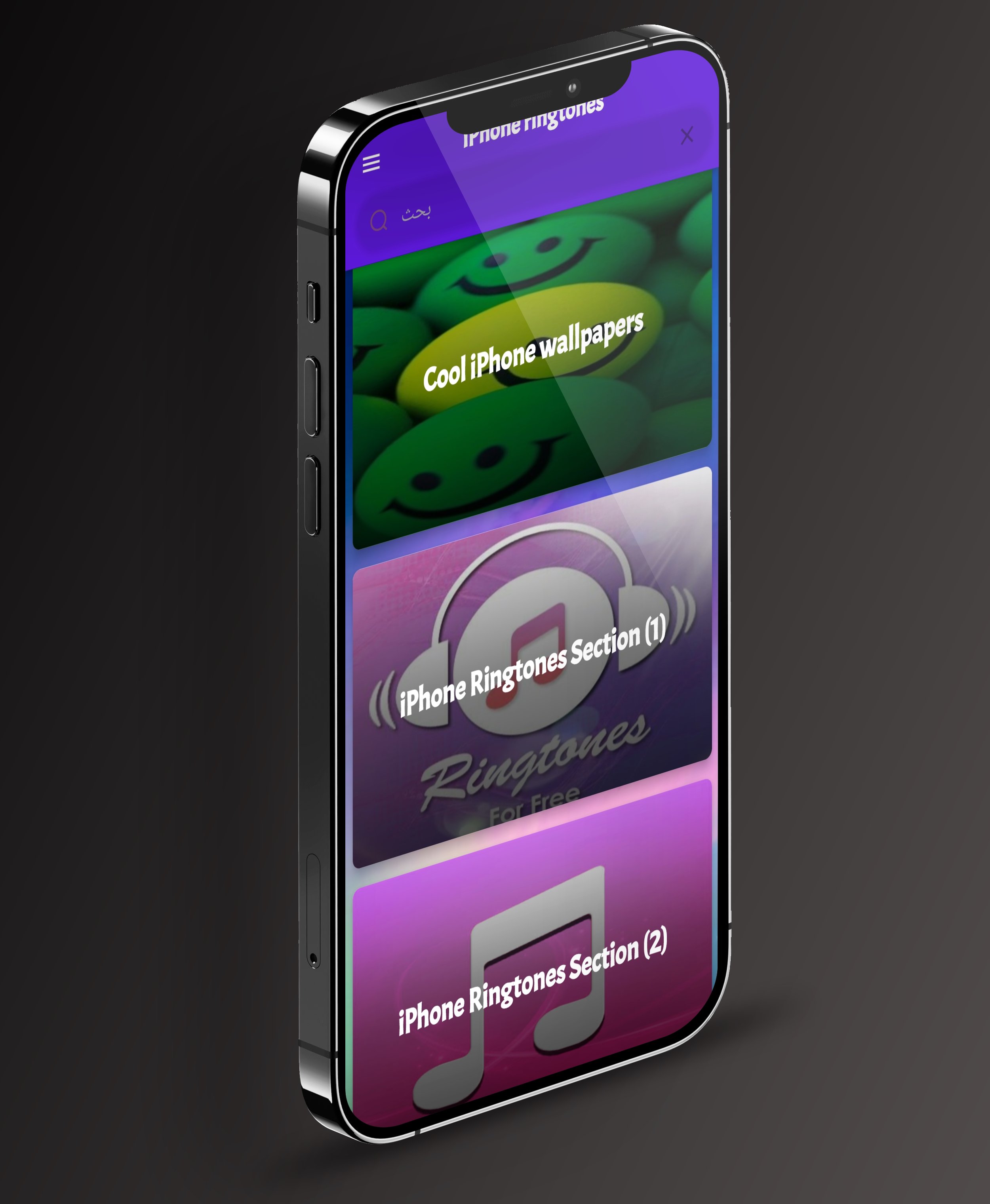
The app brings together ringtones inspired by the iPhone sound style for Android users who want to explore this kind of tone on their device. Browse the available sounds and use search when you already have a particular ringtone in mind. The experience is centered on three practical tools: finding a tone, saving a selection and sharing a tone you like.
Key features
• Search for ringtones: Use the search feature to find a sound in the app more directly. Enter a word or name related to the tone you are looking for, then explore the available results.
• Save your selections: Save the ringtones you prefer so you can return to your choices while using the app. This makes it easier to keep track of sounds that caught your attention instead of having to search for the same selection again.
• Share ringtones: Use the sharing feature to share a ringtone you like with friends or family. When you find a sound worth passing along, sharing gives you a straightforward way to send your selection to someone else.
A straightforward way to explore iPhone-style sounds
You may be looking for a familiar iPhone-inspired tone, exploring a different sound for your Android device, or keeping a few options for later. The app keeps its main tasks clear and accessible. Start with the available ringtone collection, search for a particular sound when needed, save the selections you want to revisit, and share a tone that you think someone else may enjoy.
Who is the app for?
This app is for Android users who enjoy the iPhone sound style and want to explore iPhone-style ringtones on their phone. It may also suit people searching for terms such as iPhone ringtones, iPhone 18 Pro ringtones, iPhone ringtone sounds or ringtones for Android. Search helps you narrow down the available collection, while save and share make it easier to manage and pass along the sounds you choose.
How to use the app
1. Open the app and explore the ringtones available in the collection.
2. Use search to look for a particular sound.
3. Save the ringtones you want to keep track of.
4. Share a ringtone when you want to send your selection to someone else.
The description focuses on the features identified for this app: search, save and share. It does not promise ringtone preview, offline playback, audio downloads, wallpaper collections, or direct setup as a call ringtone, message tone or alarm. Those functions should only be mentioned if they are actually supported by the version you publish.
Bring an iPhone-inspired sound style to your Android experience. Explore the available iPhone-style ringtones, search for the sounds you prefer, save your selections and share the tones you enjoy. Install the app and start discovering the ringtone options available to you.
This is an independent app and is not affiliated with, sponsored by, or endorsed by Apple Inc. iPhone and Apple are trademarks of their respective owners. The names are used only to describe the style of sounds featured in the app.
Avance
Etiquetas
Music-&Información
Desarrollador
AliAloosh99
La última versión
44
Última actualización
2026-11-05
Categoría
Music-audio
Disponible en
Google Play
Mostrar más
Cómo jugar iPhone 18 Pro Ringtones con GameLoop en PC
1. Descargue GameLoop desde el sitio web oficial, luego ejecute el archivo exe para instalar GameLoop.
2. Abra GameLoop y busque "iPhone 18 Pro Ringtones", busque iPhone 18 Pro Ringtones en los resultados de búsqueda y haga clic en "Instalar".
3. Disfruta jugando iPhone 18 Pro Ringtones en GameLoop.
Minimum requirements
OS
Windows 8.1 64-bit or Windows 10 64-bit
GPU
GTX 1050
CPU
i3-8300
Memory
8GB RAM
Storage
1GB available space
Recommended requirements
OS
Windows 8.1 64-bit or Windows 10 64-bit
GPU
GTX 1050
CPU
i3-9320
Memory
16GB RAM
Storage
1GB available space