
IMRO para PC
IMRO
Descarga IMRO en PC con GameLoop Emulator
IMRO en PC
IMRO, proveniente del desarrollador IMRO, se ejecuta en el sistema Android en el pasado.
Ahora, puedes jugar IMRO en PC con GameLoop sin problemas.
Descárgalo en la biblioteca de GameLoop o en los resultados de búsqueda. No más mirar la batería o llamadas frustrantes en el momento equivocado nunca más.
Simplemente disfrute de IMRO PC en la pantalla grande de forma gratuita!
IMRO Introducción
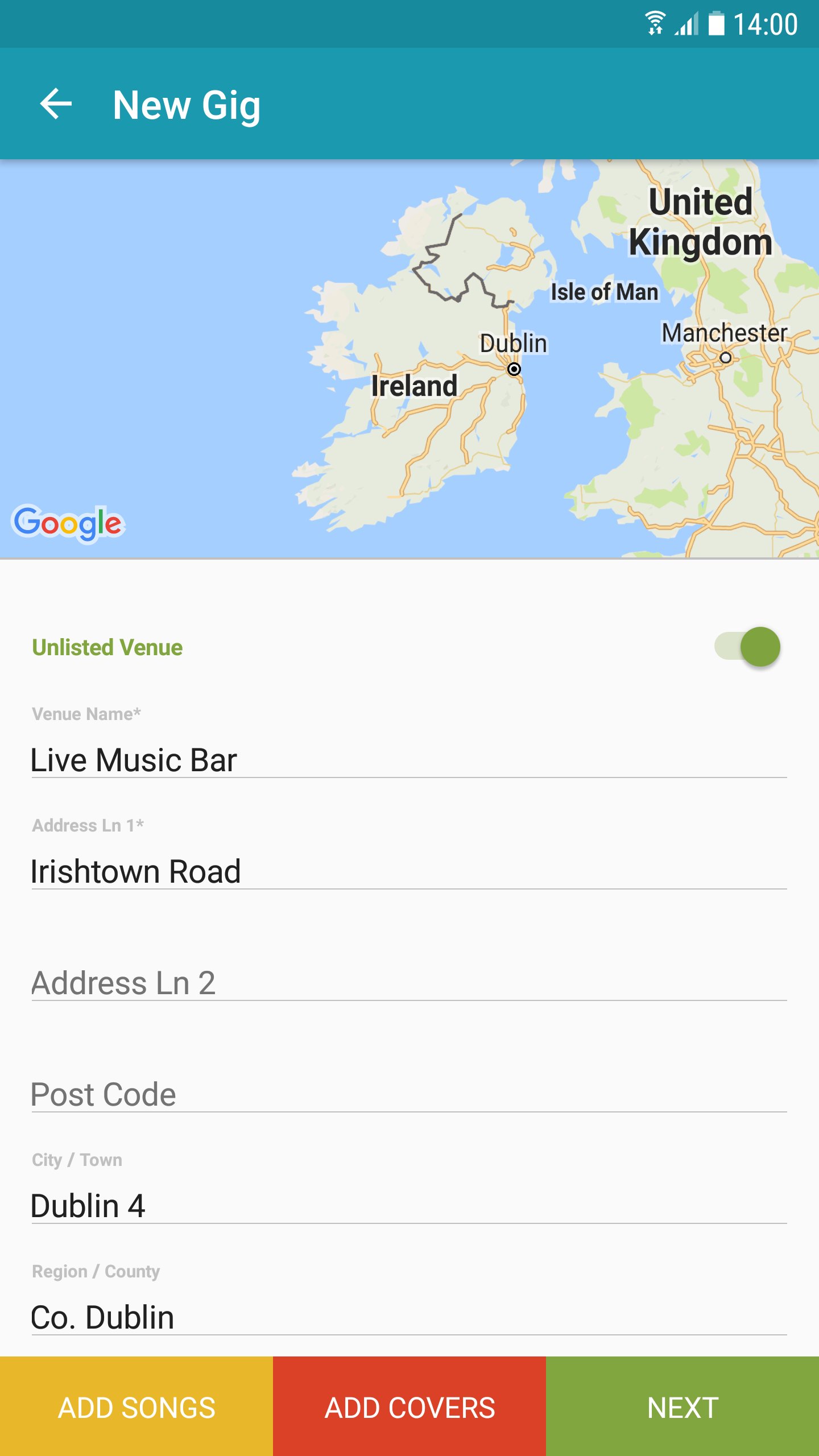
The IMRO App provides for improved on-the-go access to essential business tools for IMRO songwriters, composers and copyright owners. The new mobile app makes registering your gigs and set lists on-the-go, efficient and easy thereby speeding up the process of claiming royalties for your live performances.
Key Features:
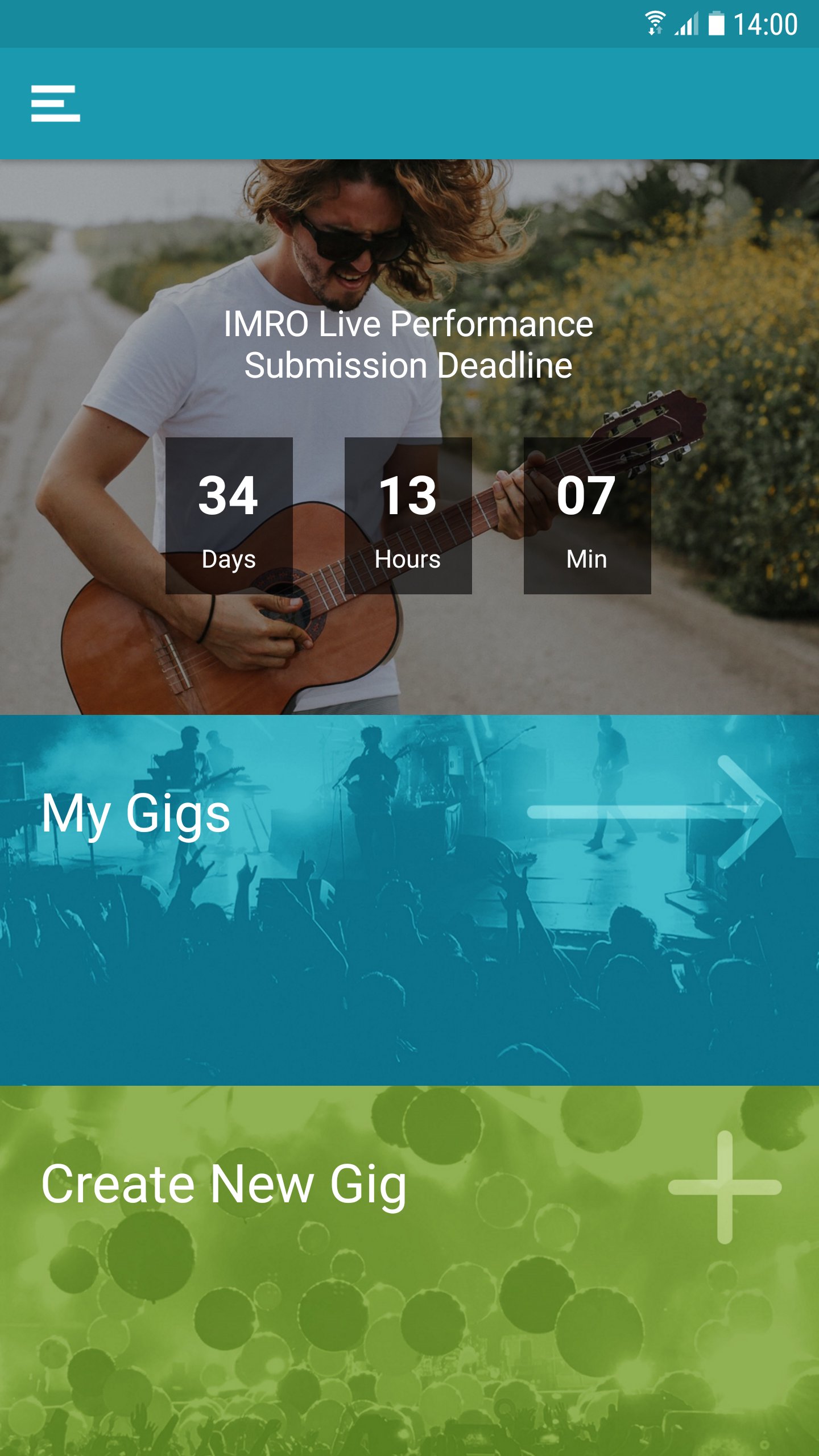
- Manage all your live performances notifications, including setlists and gig dates.
- Locate venue details using GPS functionality.
- Search your works catalog for information on songs you have registered with IMRO.
- Detailed FAQs on all functions.
- Gig submission date deadline notification.
The IMRO App is designed specifically for quick access using a mobile environment, drawing on content from IMRO’s multi award nominated website www.imro.ie
IMRO is dedicated to bringing the benefits of cutting-edge technology to its members, wherever they may be.
Support: distributions@imro.ie
Marketing: membership@imro.ie
© IMRO, 2019
Avance
Etiquetas
Music-&Información
Desarrollador
IMRO
La última versión
6.0.17
Última actualización
2025-12-08
Categoría
Music-audio
Disponible en
Google Play
Mostrar más
Cómo jugar IMRO con GameLoop en PC
1. Descargue GameLoop desde el sitio web oficial, luego ejecute el archivo exe para instalar GameLoop.
2. Abra GameLoop y busque "IMRO", busque IMRO en los resultados de búsqueda y haga clic en "Instalar".
3. Disfruta jugando IMRO en GameLoop.
Minimum requirements
OS
Windows 8.1 64-bit or Windows 10 64-bit
GPU
GTX 1050
CPU
i3-8300
Memory
8GB RAM
Storage
1GB available space
Recommended requirements
OS
Windows 8.1 64-bit or Windows 10 64-bit
GPU
GTX 1050
CPU
i3-9320
Memory
16GB RAM
Storage
1GB available space