
Radar Map, Radar Detector, HUD para PC
Negroni
Descarga Radar Map, Radar Detector, HUD en PC con GameLoop Emulator
Radar Map, Radar Detector, HUD en PC
Radar Map, Radar Detector, HUD, proveniente del desarrollador Negroni, se ejecuta en el sistema Android en el pasado.
Ahora, puedes jugar Radar Map, Radar Detector, HUD en PC con GameLoop sin problemas.
Descárgalo en la biblioteca de GameLoop o en los resultados de búsqueda. No más mirar la batería o llamadas frustrantes en el momento equivocado nunca más.
Simplemente disfrute de Radar Map, Radar Detector, HUD PC en la pantalla grande de forma gratuita!
Radar Map, Radar Detector, HUD Introducción
Radar Map, Radar Detector, HUD is a leading police radar and speed camera finder designed to help you drive smarter and save money. Experience a safer and more enjoyable journey with our advanced driving assistant tools — all in one powerful app.
Discover a seamless driving experience with “Radar Map, Radar Detector, HUD”, an innovative app that enhances your trips and keeps you informed on the road. It combines essential features such as radar detection, navigation, and head-up display (HUD) into a single, easy-to-use platform.
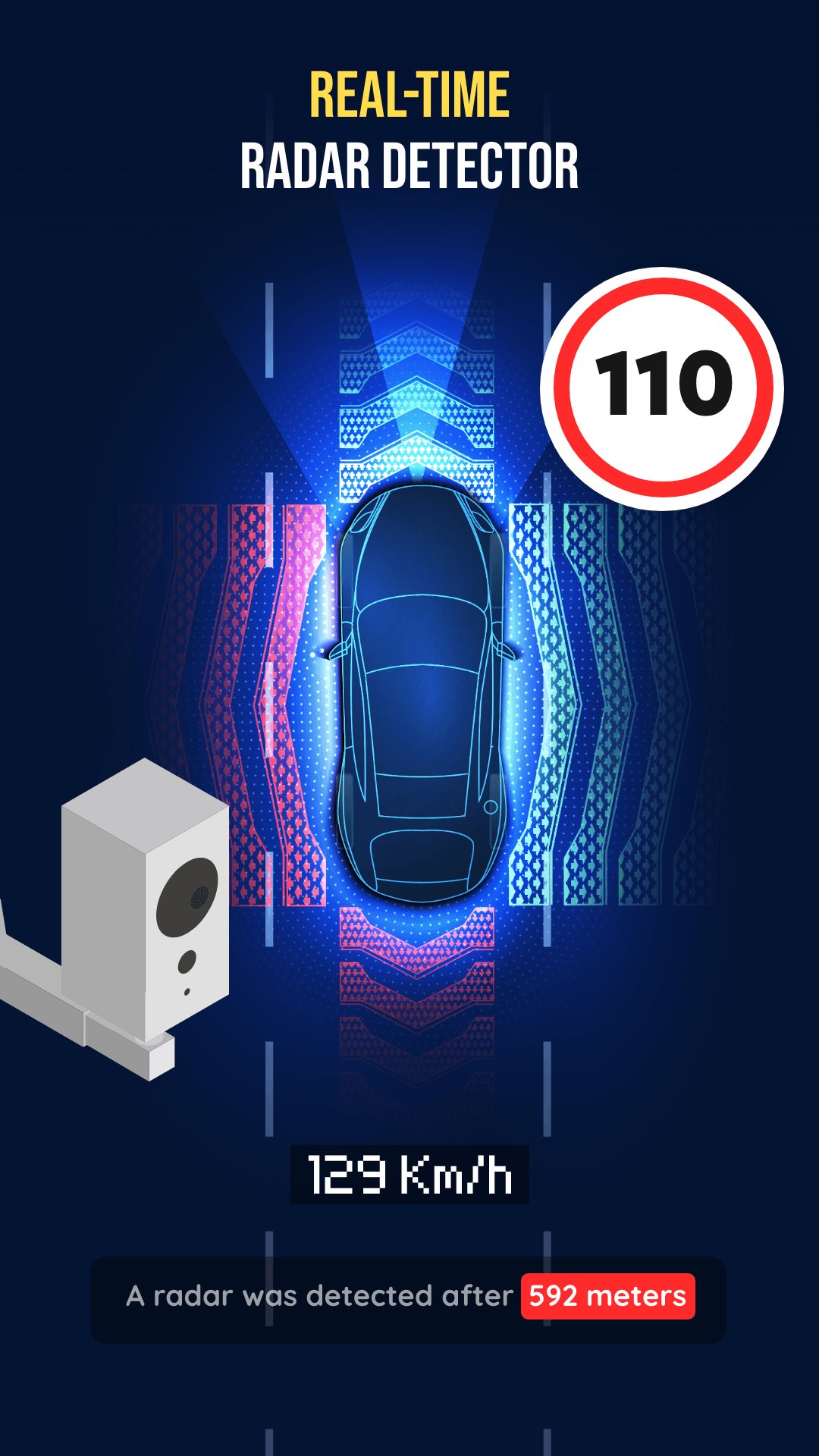
🚨 Real-time Radar Detector
Stay alert to speed cameras and traps with instant radar alerts. Our advanced radarbot technology differentiates real radar signals from noise, providing accurate and reliable notifications.
🧭 Head-up Display (HUD)
Keep your eyes on the road — important driving data is projected directly onto your windshield. Navigate safely without looking down at your phone or GPS screen.
🗺️ Up-to-date Maps
Always drive with confidence using real-time GPS navigation. Updated maps help you avoid speed traps, traffic, and find the fastest, safest route.
📍 Find Closest Radar
Pinpoint the nearest speed radar or camera instantly. Stay within speed limits, avoid fines, and drive stress-free.
🕒 Travel History
Review past trips, received alerts, and interactions with radars. A perfect way to track your driving habits and progress over time.
⚡ Speedometer
Check your current speed and compare it to local limits. Drive responsibly and stay aware with our accurate digital speed display.
🌍 WORLD WONDERS
Travel across continents and uncover iconic places that shaped human history.
Each location includes stunning visuals, fascinating facts, and an accurate map view — so you can learn, explore, and be inspired.
From ancient ruins to modern marvels, experience world heritage like never before.
🧭 EXPLORE THE WORLD
Feeling adventurous? Let the app surprise you with random breathtaking destinations from around the globe — each waiting to be discovered!
Or freely navigate the interactive world map to explore cities, landmarks, and natural wonders in detail.
Enjoy satellite view, street names, and realistic navigation to explore anywhere virtually.
⭐ Key Features:
- Explore world-famous landmarks and hidden treasures
- Learn amazing facts and stories behind each place
- Interactive maps with satellite and street-level views
- Beautiful visuals and smooth performance
- Perfect for travelers, students, and explorers
- Experience the world from your phone — anytime, anywhere
Download “Radar Map, Speed Camera Radar Detector, HUD” today and enjoy a smarter, safer, and more exciting driving experience — now with World Wonders and Explore the World modes! 🚗✨
Avance

Etiquetas
Maps-&Información
Desarrollador
Negroni
La última versión
2.31.0
Última actualización
2025-11-28
Categoría
Maps-navigation
Disponible en
Google Play
Mostrar más
Cómo jugar Radar Map, Radar Detector, HUD con GameLoop en PC
1. Descargue GameLoop desde el sitio web oficial, luego ejecute el archivo exe para instalar GameLoop.
2. Abra GameLoop y busque "Radar Map, Radar Detector, HUD", busque Radar Map, Radar Detector, HUD en los resultados de búsqueda y haga clic en "Instalar".
3. Disfruta jugando Radar Map, Radar Detector, HUD en GameLoop.
Minimum requirements
OS
Windows 8.1 64-bit or Windows 10 64-bit
GPU
GTX 1050
CPU
i3-8300
Memory
8GB RAM
Storage
1GB available space
Recommended requirements
OS
Windows 8.1 64-bit or Windows 10 64-bit
GPU
GTX 1050
CPU
i3-9320
Memory
16GB RAM
Storage
1GB available space