Metrodroid para PC
micolous
Descarga Metrodroid en PC con GameLoop Emulator
Metrodroid en PC
Metrodroid, proveniente del desarrollador micolous, se ejecuta en el sistema Android en el pasado.
Ahora, puedes jugar Metrodroid en PC con GameLoop sin problemas.
Descárgalo en la biblioteca de GameLoop o en los resultados de búsqueda. No más mirar la batería o llamadas frustrantes en el momento equivocado nunca más.
Simplemente disfrute de Metrodroid PC en la pantalla grande de forma gratuita!
Metrodroid Introducción
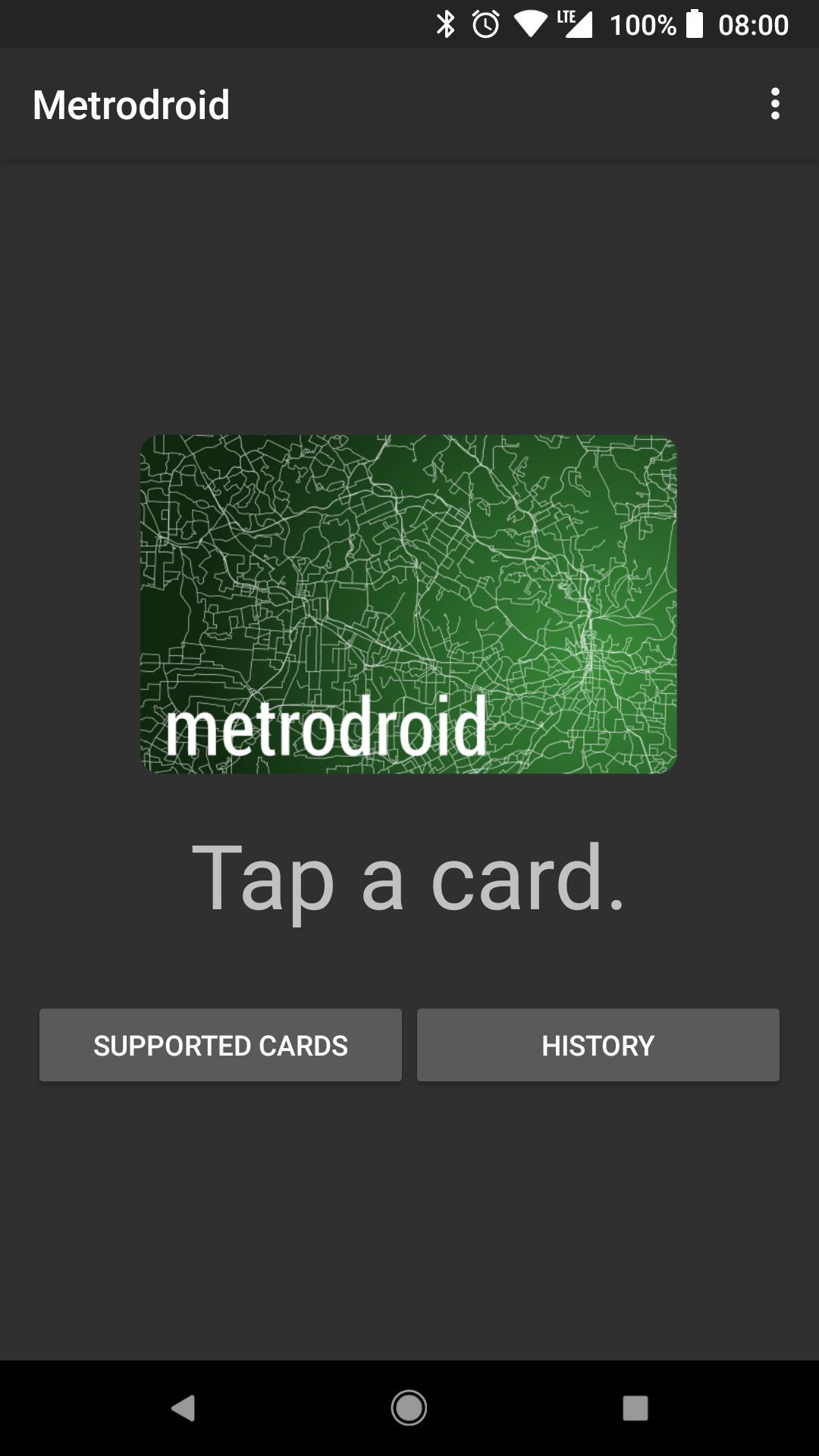
Metrodroid reads some NFC smartcards for public transport.
Supported cards:
• Amiibo 🆕
• AT HOP - Auckland, New Zealand 🆕🆔
• Beijing Municipal Card, Shenzhen Tong, T-Union, Wuhan Tong - China 🆕
• Bilhete Único - São Paulo, Brazil 📜🗝
• bip! - Santiago, Chile 🆕📜🗝
• BUS-IT - Greater Hamilton (Waikato), New Zealand 🆕📜🗝
• Carta Mobile - Pisa, Italy 🆕
• CEPAS (EZ-Link, NETS Flashpay) - Singapore 🇸🇬
• CharlieCard - Boston, MA, USA 🆕📜🗝
• City Union, T-Union - Mainland China 🆕
• Clipper - San Francisco, CA, USA
• Compass (single-use tickets) - Vancouver, BC, Canada 🆕
• Crimea Trolleybus 🆕📜🗝
• EasyCard - Taipei, Taiwan 📜🗝
• EMV bank cards 🆕
• Go card - Brisbane, QLD, Australia 🆕📜🗝
• GoCard - Otago (Dunedin and Queenstown), New Zealand 🆕📜
• Go-to Card - Minneapolis-St. Paul, MN, USA 🆕📜🗝
• Hafilat - Abu Dhabi, UAE 🆕
• Hop Fastpass - Portland, OR, USA 🆕🆔
• HSL, Matkakortti - Finland
• IC (Suica, ICOCA, PASMO), Edy - Japan
• Intercode (Envibus, Navigo, OùRA, TaM, TransGironde) - France
• IstanbulKart - Turkey 🆕🆔
• Kartu Multi Trip - Jakarta, Indonesia
• Kiev Metro - Ukraine 🆕📜🗝
• KomuterLink - Malaysia 🆕📜🗝
• Leap - Ireland 🆕🇮🇪
• Lisboa Viva - Lisbon, Portugal 🆕
• Manly Fast Ferry - Sydney, NSW, Australia 🆕📜🗝
• metroCARD - Adelaide, Australia 🆕
• Metrocard (1st-gen) - Christchurch, New Zealand 🆕📜🗝
• Metromoney - Tbilisi, Georgia 🆕📜🗝
• Mobib - Brussels, Belgium 🆕
• Myki - Melbourne, VIC, Australia 🆕🆔
• MyWay - Canberra, ACT, Australia 🆕📜🗝
• Nol - Dubai, UAE 🆕🆔
• Octopus - Hong Kong 🆕
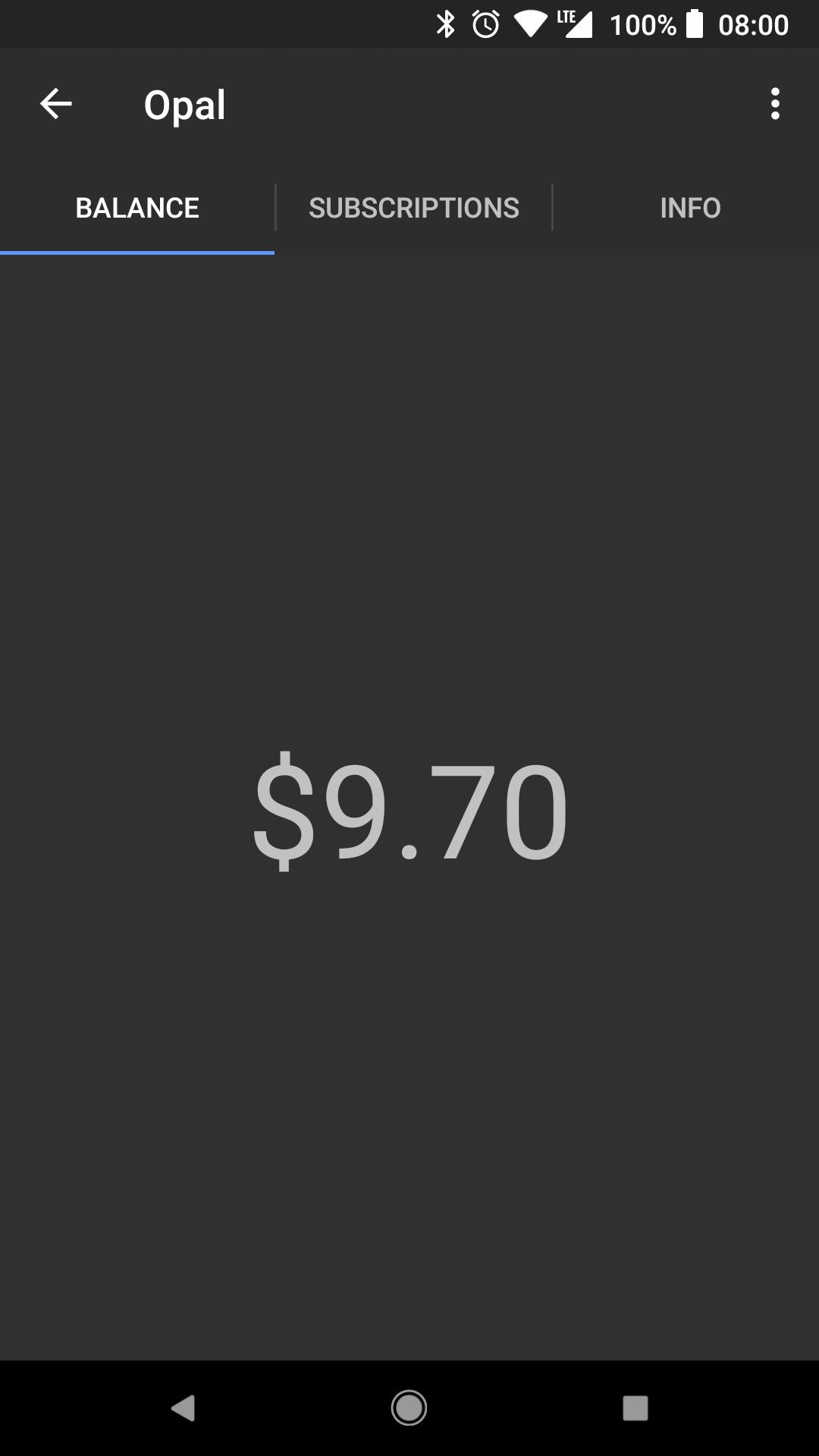
• Opal - Sydney, NSW, Australia 🆕
• Opus - Québec, Canada 🆕
• ORCA - Seattle, WA, USA
• OV-chipkaart - Netherlands 📜🗝
• Oyster (1st-gen) - London, UK 🆕📜🗝
• Podorozhnik - Saint Petersburg, Russia 🆕📜🗝
• Rav-Kav - Israel 🆕
• Rejsekort - Denmark 🆕📜🗝
• RicaricaMi - Milan, Italy 🆕
• Selecta - France 🆕
• SLAccess - Stockholm, Sweden 🆕📜🗝
• Smartride - Rotorua, New Zealand 🆕📜
• SmartRider - Perth, WA, Australia 🆕📜🗝
• Snapper (plus) - Wellington, New Zealand 🆕
• Strelka - Moscow, Russia 🆕📜🆔
• SunCard - Orlando, FL, USA 🆕📜🗝🆔
• Tartu Bus - Estonia 🆕📜🆔
• T-Money - South Korea 🆕
• Touch ’n Go - Malaysia 🆕📜🗝
• Transit Access Pass - Los Angeles, CA, USA 🆕📜🗝
• Troika - Moscow, Russia 🆕📜🗝
• Umarsh (Electronic Barnaul, Kirov, Ekaterinburg Ekarta, Izhevsk Strizh, Nizhniy Novgorod Siticard, Penza, Yoshkar-Ola) - Russia 🆕📜🗝
• Ventra (single-use tickets) - Chicago, IL, USA 🆕
• Warszawska Karta Miejska - Warsaw, Poland 🆕📜🗝🆔
• Zolotaya Korona (Krasnodar, Orenburg, Samara, Yaroslavl) - Russia 🆕📜🗝
🆕 New in Metrodroid.
📜 MIFARE Classic: not compatible with all devices - you need a device NXP NFC chipset to read this.
🗝 Encryption keys are required to read this card.
🇸🇬 CEPAS not compatible with all devices (ISO 14443-B).
🆔 Only the card number can be read.
🇮🇪 Encryption keys are downloaded from the operator.
You require a NFC-compatible device to read cards.
Some agencies have encrypted cards. You need to acquire encryption keys to read them, which are generally unique to each card. Sorry, I can’t help you with this.
Metrodroid and its authors are not affiliated with and public transit agency. Other agencies’ cards using Cubic Nextfare or ERG on MIFARE Classic may also work.
For more details about permissions required, please see the privacy policy.
This is a fork of Eric Butler’s Farebot, with support for additional cards and bug fixes.
This software is licensed under the GNU GPLv3+, source code is available at https://github.com/micolous/metrodroid/
Avance
Etiquetas
Maps-&Información
Desarrollador
micolous
La última versión
3.0.0
Última actualización
2019-11-25
Categoría
Maps-navigation
Disponible en
Google Play
Mostrar más
Cómo jugar Metrodroid con GameLoop en PC
1. Descargue GameLoop desde el sitio web oficial, luego ejecute el archivo exe para instalar GameLoop.
2. Abra GameLoop y busque "Metrodroid", busque Metrodroid en los resultados de búsqueda y haga clic en "Instalar".
3. Disfruta jugando Metrodroid en GameLoop.
Minimum requirements
OS
Windows 8.1 64-bit or Windows 10 64-bit
GPU
GTX 1050
CPU
i3-8300
Memory
8GB RAM
Storage
1GB available space
Recommended requirements
OS
Windows 8.1 64-bit or Windows 10 64-bit
GPU
GTX 1050
CPU
i3-9320
Memory
16GB RAM
Storage
1GB available space