
MRCOOL SmartHVAC para PC
Cielo WiGle Inc
Descarga MRCOOL SmartHVAC en PC con GameLoop Emulator
MRCOOL SmartHVAC en PC
MRCOOL SmartHVAC, proveniente del desarrollador Cielo WiGle Inc, se ejecuta en el sistema Android en el pasado.
Ahora, puedes jugar MRCOOL SmartHVAC en PC con GameLoop sin problemas.
Descárgalo en la biblioteca de GameLoop o en los resultados de búsqueda. No más mirar la batería o llamadas frustrantes en el momento equivocado nunca más.
Simplemente disfrute de MRCOOL SmartHVAC PC en la pantalla grande de forma gratuita!
MRCOOL SmartHVAC Introducción
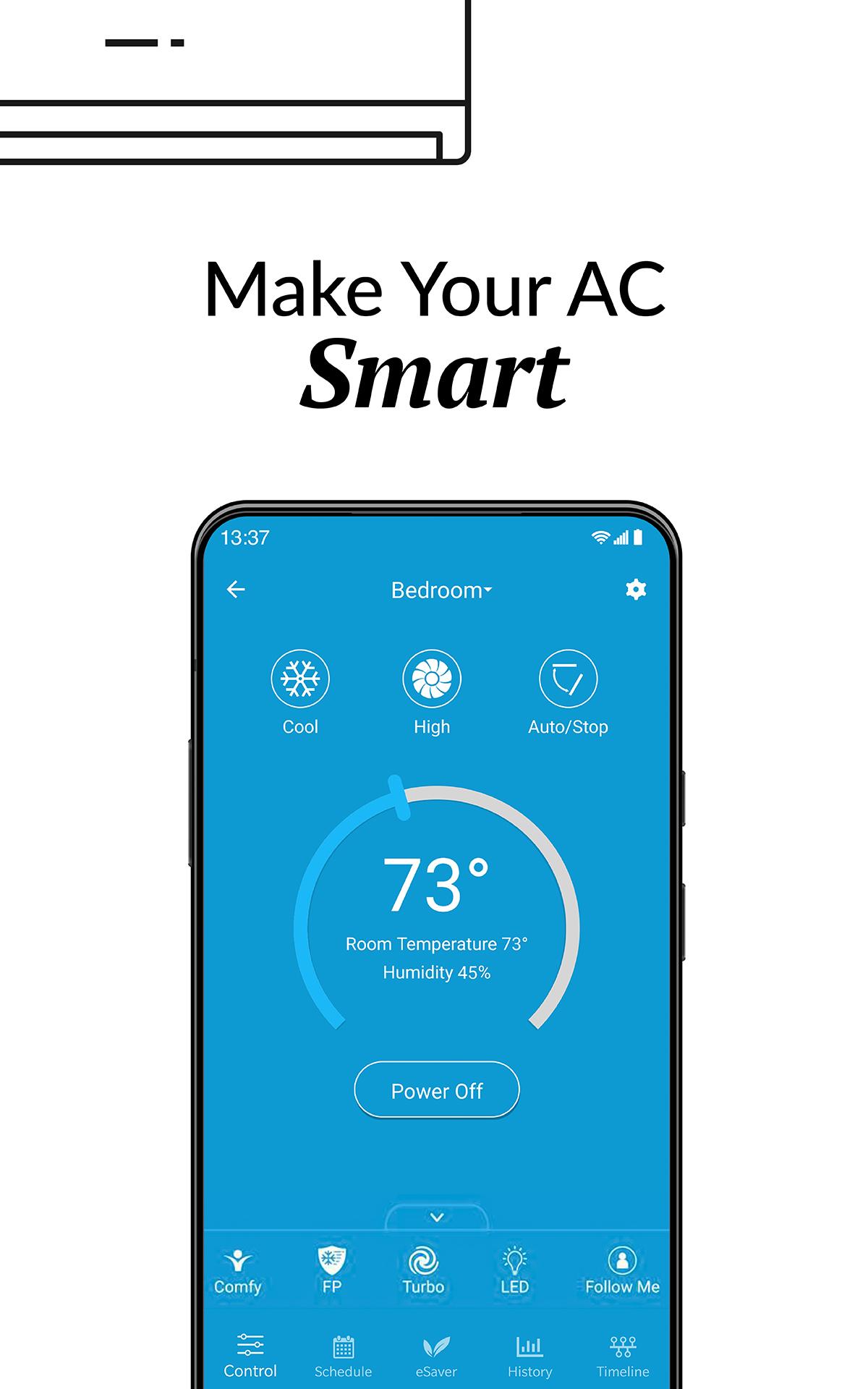
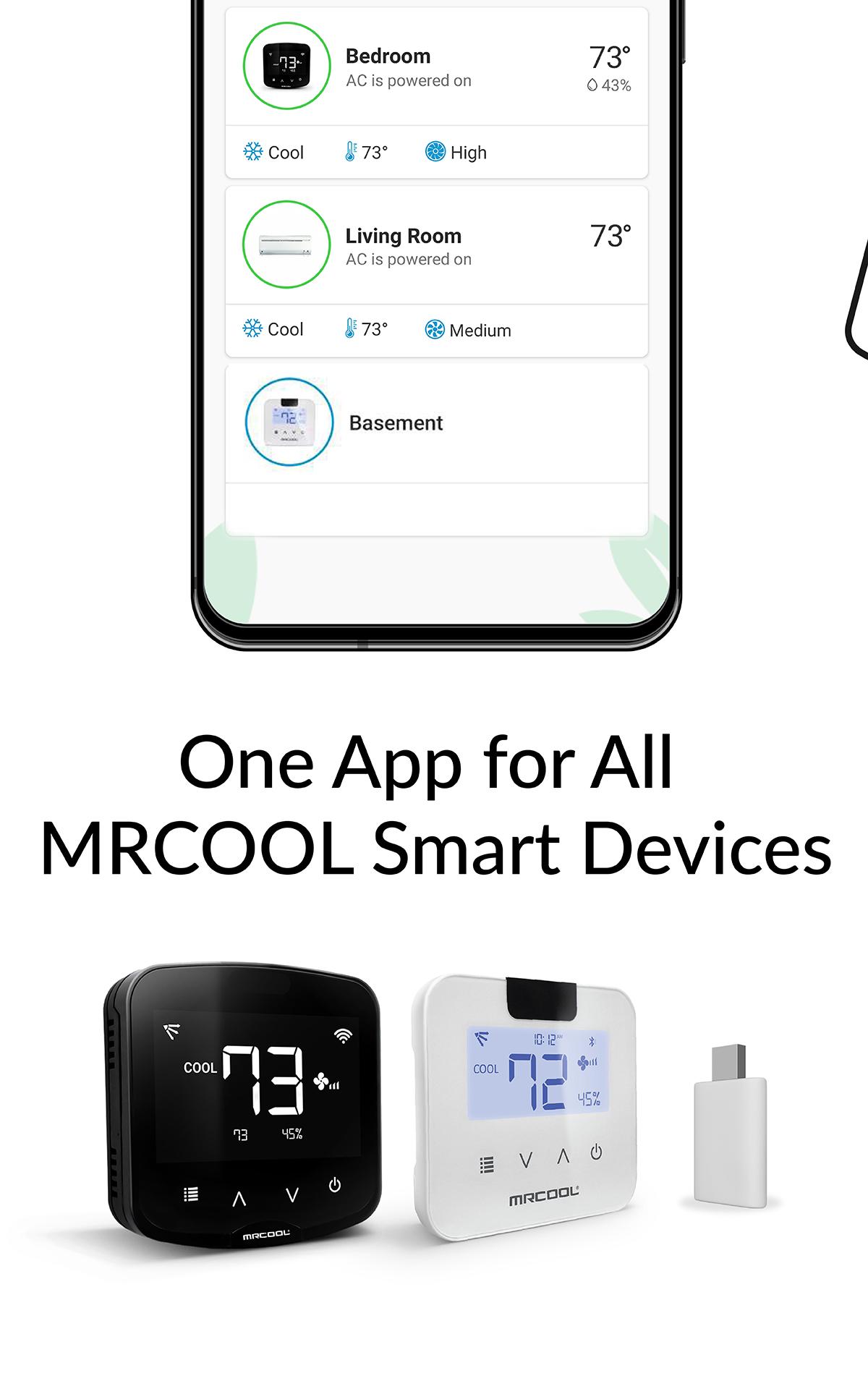
MRCOOL SmartHVAC App works with MRCOOL Smart Controllers to convert MRCOOL Air Conditioners & Heat Pumps to smart ones. Our smart controllers work with this App to help you convert your existing or new ACs to smart ACs. You can control your MRCOOL ACs through your smartphone or simple voice commands (our smart controllers are Alexa & Google Home enabled).
These DIY controllers are extremely easy to setup. You can automatically turn the air conditioner or heat pump OFF when you leave the premises and start to cool/heat once you arrive as per your settings. This App gives you complete control of your heating and cooling. It figures out when you're at home and when you're out and adjusts the settings to provide comfort and energy savings.
You can set weekly schedules for your air conditioners, monitor usage history, set air conditioning action in relation to your locations, see the air filter status of your AC and lot more. You can set intelligent temperature based triggers for your air conditioners by using the ‘Comfy’ feature under ‘My Rules’ section of the app. Comfy lets you set triggers to personalize the operation of your AC. It helps you automatically change your AC settings if room temperature goes above or falls below a pre-set value. It helps you reduce your energy bills with lot of convenience.
Avance
Etiquetas
Estilo de vidaInformación
Desarrollador
Cielo WiGle Inc
La última versión
6.1.6
Última actualización
2025-08-19
Categoría
Estilo de vida
Disponible en
Google Play
Mostrar más
Cómo jugar MRCOOL SmartHVAC con GameLoop en PC
1. Descargue GameLoop desde el sitio web oficial, luego ejecute el archivo exe para instalar GameLoop.
2. Abra GameLoop y busque "MRCOOL SmartHVAC", busque MRCOOL SmartHVAC en los resultados de búsqueda y haga clic en "Instalar".
3. Disfruta jugando MRCOOL SmartHVAC en GameLoop.
Minimum requirements
OS
Windows 8.1 64-bit or Windows 10 64-bit
GPU
GTX 1050
CPU
i3-8300
Memory
8GB RAM
Storage
1GB available space
Recommended requirements
OS
Windows 8.1 64-bit or Windows 10 64-bit
GPU
GTX 1050
CPU
i3-9320
Memory
16GB RAM
Storage
1GB available space