Lennox iComfort Wi-Fi para PC
Lennox Industries
Descarga Lennox iComfort Wi-Fi en PC con GameLoop Emulator
Lennox iComfort Wi-Fi en PC
Lennox iComfort Wi-Fi, proveniente del desarrollador Lennox Industries, se ejecuta en el sistema Android en el pasado.
Ahora, puedes jugar Lennox iComfort Wi-Fi en PC con GameLoop sin problemas.
Descárgalo en la biblioteca de GameLoop o en los resultados de búsqueda. No más mirar la batería o llamadas frustrantes en el momento equivocado nunca más.
Simplemente disfrute de Lennox iComfort Wi-Fi PC en la pantalla grande de forma gratuita!
Lennox iComfort Wi-Fi Introducción
This app is designed to work with Lennox iComfort Wi-Fi Thermostat.
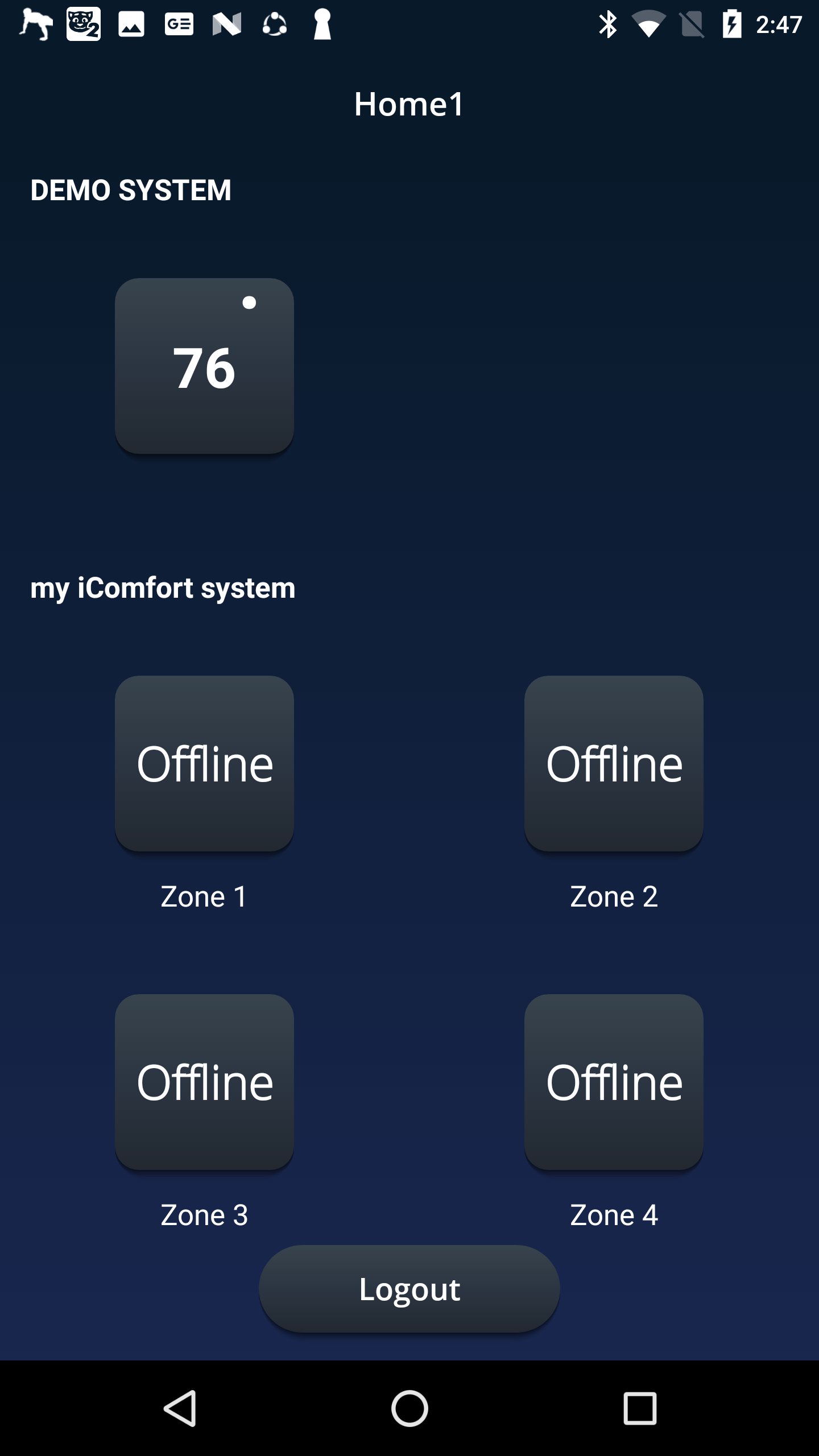
Adjust your home’s temperature anytime, anywhere from your mobile device with the Lennox iComfort Wi-Fi mobile app!
Control the temperature at home using the intuitive temperature dials from anywhere in the world: on the beach, on the slopes, or even from the couch. Already in bed, but want to adjust the temperature? No problem! The Lennox iComfort Wi-Fi app is there to adjust your home’s comfort without requiring you to leave that comfy bed.
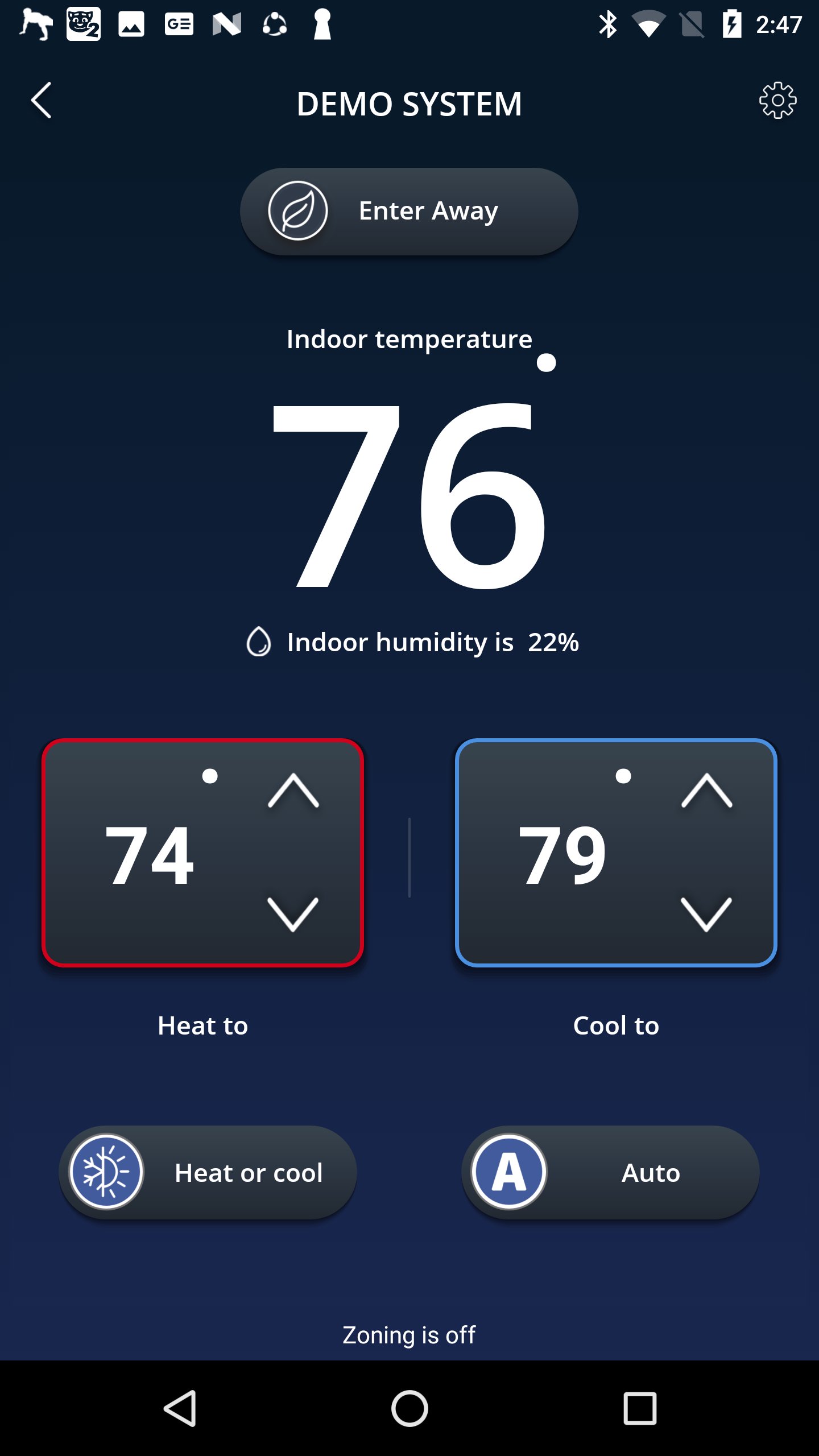
Leave the house and forget to dial back the thermostat? Simply start the app and use the one- touch away mode to save energy the entire time you are gone. Cancel the away mode before you get back to return to a perfectly comfortable home.
App Features
• Adjust the temperature from anywhere
• Change whether your system should heat or cool your home
• Select the program you wish to run
• Put the system into an energy savings away mode when no one is home
• Select your fan to always run (ON) or come on occasionally (circulate)
You must own a Lennox iComfort Wi-Fi® thermostat to use the app. The Lennox iComfort Wi-Fi thermostat must also be connected to your home’s Wi-Fi router before the app can control the settings. For more information about the Lennox iComfort Wi-Fi thermostat or for help connecting to your wireless network, visit www.lennox.com/residential/
We truly appreciate your questions and comments. Please keep sending your suggestions to consumeraffairssocial@lennoxind.com or @AskDaveLennox on Twitter
Avance
Etiquetas
Estilo de vidaInformación
Desarrollador
Lennox Industries
La última versión
2.3.22
Última actualización
2025-10-29
Categoría
Estilo de vida
Disponible en
Google Play
Mostrar más
Cómo jugar Lennox iComfort Wi-Fi con GameLoop en PC
1. Descargue GameLoop desde el sitio web oficial, luego ejecute el archivo exe para instalar GameLoop.
2. Abra GameLoop y busque "Lennox iComfort Wi-Fi", busque Lennox iComfort Wi-Fi en los resultados de búsqueda y haga clic en "Instalar".
3. Disfruta jugando Lennox iComfort Wi-Fi en GameLoop.
Minimum requirements
OS
Windows 8.1 64-bit or Windows 10 64-bit
GPU
GTX 1050
CPU
i3-8300
Memory
8GB RAM
Storage
1GB available space
Recommended requirements
OS
Windows 8.1 64-bit or Windows 10 64-bit
GPU
GTX 1050
CPU
i3-9320
Memory
16GB RAM
Storage
1GB available space