
Commentary study Bible offline para PC
KJV BIBLE
Descarga Commentary study Bible offline en PC con GameLoop Emulator
Commentary study Bible offline en PC
Commentary study Bible offline, proveniente del desarrollador KJV BIBLE, se ejecuta en el sistema Android en el pasado.
Ahora, puedes jugar Commentary study Bible offline en PC con GameLoop sin problemas.
Descárgalo en la biblioteca de GameLoop o en los resultados de búsqueda. No más mirar la batería o llamadas frustrantes en el momento equivocado nunca más.
Simplemente disfrute de Commentary study Bible offline PC en la pantalla grande de forma gratuita!
Commentary study Bible offline Introducción
-Enjoy this new Bible with explanatory notes below the text of Scripture. Each verse has extensive notes that will clarify the meaning of a paragraph. If you find difficult to understand the Scriptures, a study Bible will be very useful.
-This app contains the King James Version with notes and commentaries of Cyrus Ingerson Scofield. He is the author of the Scofield Reference Bible, an annotated Bible conceived to help the Bible reader in understanding and studying the text. His aim was to explain the biblical text. First published in 1909, notes were very successful among conservative Protestants. He died in 1921, but his work lived on. It had several later editions.
- This app is totally free of charge. Download it, use it, read it and share it with your family and friends
- Bible commentaries app works offline, once downloaded you can use the app everywhere, even if you are not connected to the Internet.
- It includes an audio Bible. Touch the audio icon to select the chapter or verse you want to hear. Listen to the Bible and experience the Word of God like never before!
- You can bookmark and highlight verses or passages, add to favorites and access them quickly and easily whenever you want. You can also copy, send and share verses on social networks.
Our mission is to spread the God’s Word and reach a growing number of Christians. It is so good to share the Holy Word with others!
-Add your own notes: turn in your Bible to the verse of your choice and write what you learn about it.
-The app will allow you to quickly increase or decrease the text size for a comfortable reading.
-Every time you open your Bible app, it goes back to the last read verse. It is easy to read and study the Bible. Bible commentaries will become your favorite app!
- Easily change the screen brightness on night/day mode. In Night Mode, the page will be fading to dark and the text will be adjusted to the dark color as well.
In Day Mode, the page and the text will be switched to normal.
Explore your Bible and look for the real meaning of the Scriptures.
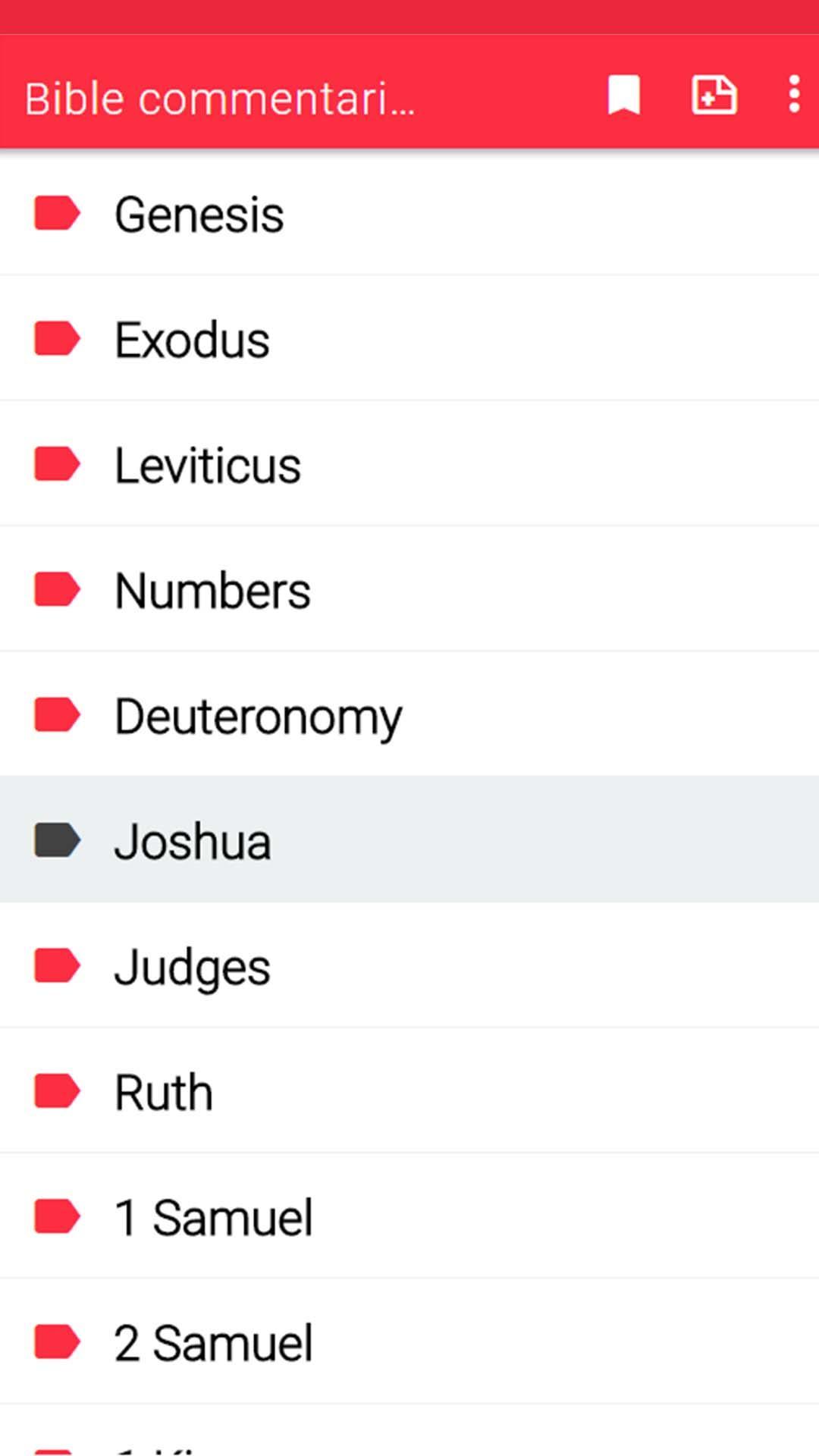
Choose a book, a chapter and a verse and start reading:
The Old Testament is a collection of 39 books and it contains the creation of the universe, the history of the patriarchs, the exodus from Egypt, the formation of Israel as a nation, the decline and fall of the nation, the Prophets (who spoke for God), and the Wisdom Books.
The books are:
Genesis, Exodus, Leviticus, Numbers, Deuteronomy, Joshua, Judges, Ruth, 1 Samuel, 2 Samuel, 1 Kings, 2 Kings, 1 Chronicles, 2 Chronicles, Ezra, Nehemiah, Esther, Job, Psalms, Proverbs, Ecclesiastes, Song of Solomon, Isaiah, Jeremiah, Lamentations, Ezekiel, Daniel, Hosea, Joel, Amos, Obadiah, Jonah, Micah, Nahum, Habakkuk, Zephaniah, Haggai, Zechariah, Malachi.
The New Testament is a collection of 27 books written in Greek. The name refers to the new covenant (or promise) between God and humanity through the death and resurrection of Jesus Christ. The New Testament consists of the narratives of the life and ministry of Jesus, the acts of Apostles, letters called epistles written by various authors and the book of Revelation, which is a book of prophecy.
The books are:
Matthew, Mark, Luke, John, Acts, Romans, 1 Corinthians, 2 Corinthians, Galatians, Ephesians, Philippians, Colossians, 1 Thessalonians, 2 Thessalonians, 1 Timothy, 2 Timothy, Titus, Philemon, Hebrews, James, 1 Peter, 2 Peter, 1 John, 2 John, 3 John, Jude, Revelation.
Avance

Etiquetas
Estilo de vidaInformación
Desarrollador
KJV BIBLE
La última versión
Bible commentaries Free 9.0
Última actualización
2024-09-13
Categoría
Estilo de vida
Disponible en
Google Play
Mostrar más
Cómo jugar Commentary study Bible offline con GameLoop en PC
1. Descargue GameLoop desde el sitio web oficial, luego ejecute el archivo exe para instalar GameLoop.
2. Abra GameLoop y busque "Commentary study Bible offline", busque Commentary study Bible offline en los resultados de búsqueda y haga clic en "Instalar".
3. Disfruta jugando Commentary study Bible offline en GameLoop.
Minimum requirements
OS
Windows 8.1 64-bit or Windows 10 64-bit
GPU
GTX 1050
CPU
i3-8300
Memory
8GB RAM
Storage
1GB available space
Recommended requirements
OS
Windows 8.1 64-bit or Windows 10 64-bit
GPU
GTX 1050
CPU
i3-9320
Memory
16GB RAM
Storage
1GB available space