
ULO app para PC
Vivien Muller
Descarga ULO app en PC con GameLoop Emulator
ULO app en PC
ULO app, proveniente del desarrollador Vivien Muller, se ejecuta en el sistema Android en el pasado.
Ahora, puedes jugar ULO app en PC con GameLoop sin problemas.
Descárgalo en la biblioteca de GameLoop o en los resultados de búsqueda. No más mirar la batería o llamadas frustrantes en el momento equivocado nunca más.
Simplemente disfrute de ULO app PC en la pantalla grande de forma gratuita!
ULO app Introducción
This application requires you to own a ULO camera.
If necessary, visit https://mu-design.lu to acquire one or more.
Ulo is an interactive home monitoring system. The owl blends perfectly with your interior, entertains you with eyes animations and helps you keep an eye out for your home.
Interactivity and customization
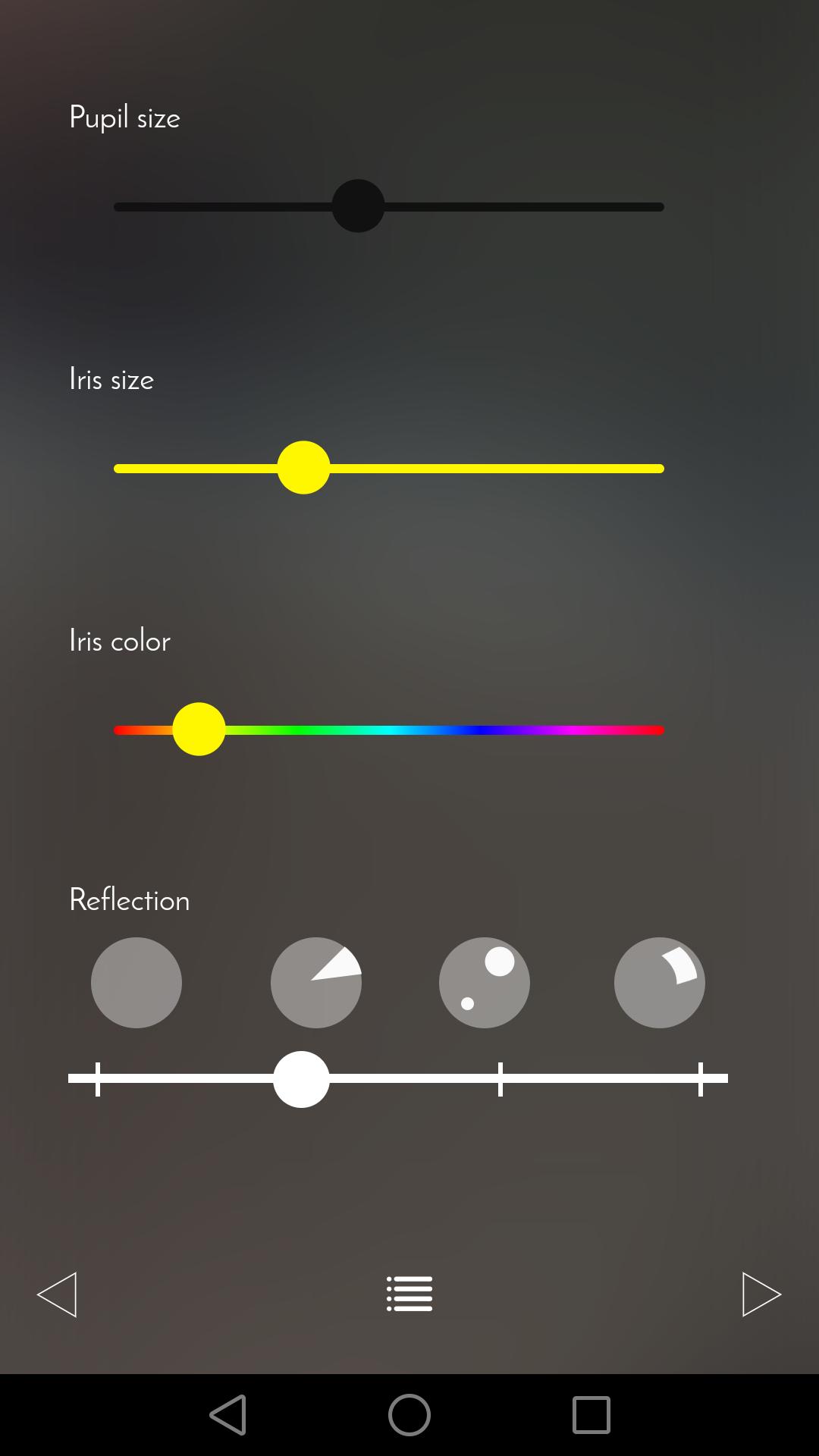
Let yourself be surprised by Ulo’s eyes animations. Change the color of its iris, the size of its pupils or the light reflections as often as you want.
Non-intrusive and secured surveillance
Three different operating modes are available. You can simply use Ulo as a decorative and playful object or make sure your home is under surveillance. Ulo records videos only when it detects a movement. On request, be notified with an email including a short video extract.
The app also allows you to access the live feed and to directly capture snapshots or videos.
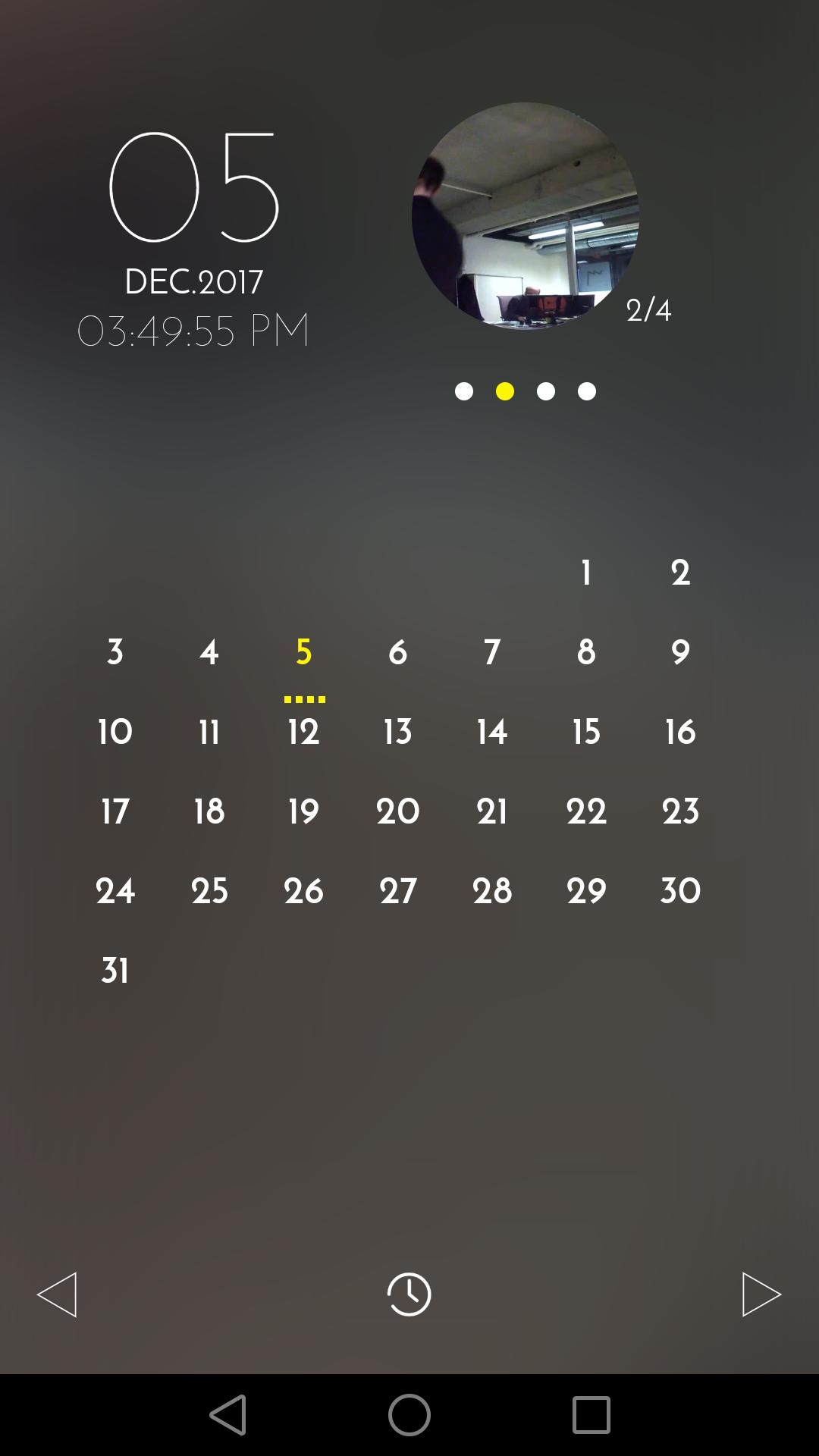
The calendar view makes it easy to find and manage recorded files.
The app will guide you when you first configure Ulo.
For any question or remark, visit our Help center and Community forum: support.ulo.camera
Avance
Etiquetas
House-&Información
Desarrollador
Vivien Muller
La última versión
1.8
Última actualización
2019-02-27
Categoría
House-home
Disponible en
Google Play
Mostrar más
Cómo jugar ULO app con GameLoop en PC
1. Descargue GameLoop desde el sitio web oficial, luego ejecute el archivo exe para instalar GameLoop.
2. Abra GameLoop y busque "ULO app", busque ULO app en los resultados de búsqueda y haga clic en "Instalar".
3. Disfruta jugando ULO app en GameLoop.
Minimum requirements
OS
Windows 8.1 64-bit or Windows 10 64-bit
GPU
GTX 1050
CPU
i3-8300
Memory
8GB RAM
Storage
1GB available space
Recommended requirements
OS
Windows 8.1 64-bit or Windows 10 64-bit
GPU
GTX 1050
CPU
i3-9320
Memory
16GB RAM
Storage
1GB available space