
Omron Wellness para PC
Omron Healthcare Inc
Descarga Omron Wellness en PC con GameLoop Emulator
Omron Wellness en PC
Omron Wellness, proveniente del desarrollador Omron Healthcare Inc, se ejecuta en el sistema Android en el pasado.
Ahora, puedes jugar Omron Wellness en PC con GameLoop sin problemas.
Descárgalo en la biblioteca de GameLoop o en los resultados de búsqueda. No más mirar la batería o llamadas frustrantes en el momento equivocado nunca más.
Simplemente disfrute de Omron Wellness PC en la pantalla grande de forma gratuita!
Omron Wellness Introducción
The following Blood Pressure Monitors can connect to this app.
BP786N, BP761N, BP653, BP654,BP786, BP761
If you are using Evolv (BP7000), please install the OMRON connect US app.
To install OMRON connect US app press the link below
https://play.google.com/store/apps/details?id=com.omronhealthcare.omronconnect
For a complete list of compatible devices, please visit
https://www.OmronHealthcare.com/connected
BE MORE CONNECTED TO YOUR HEALTH
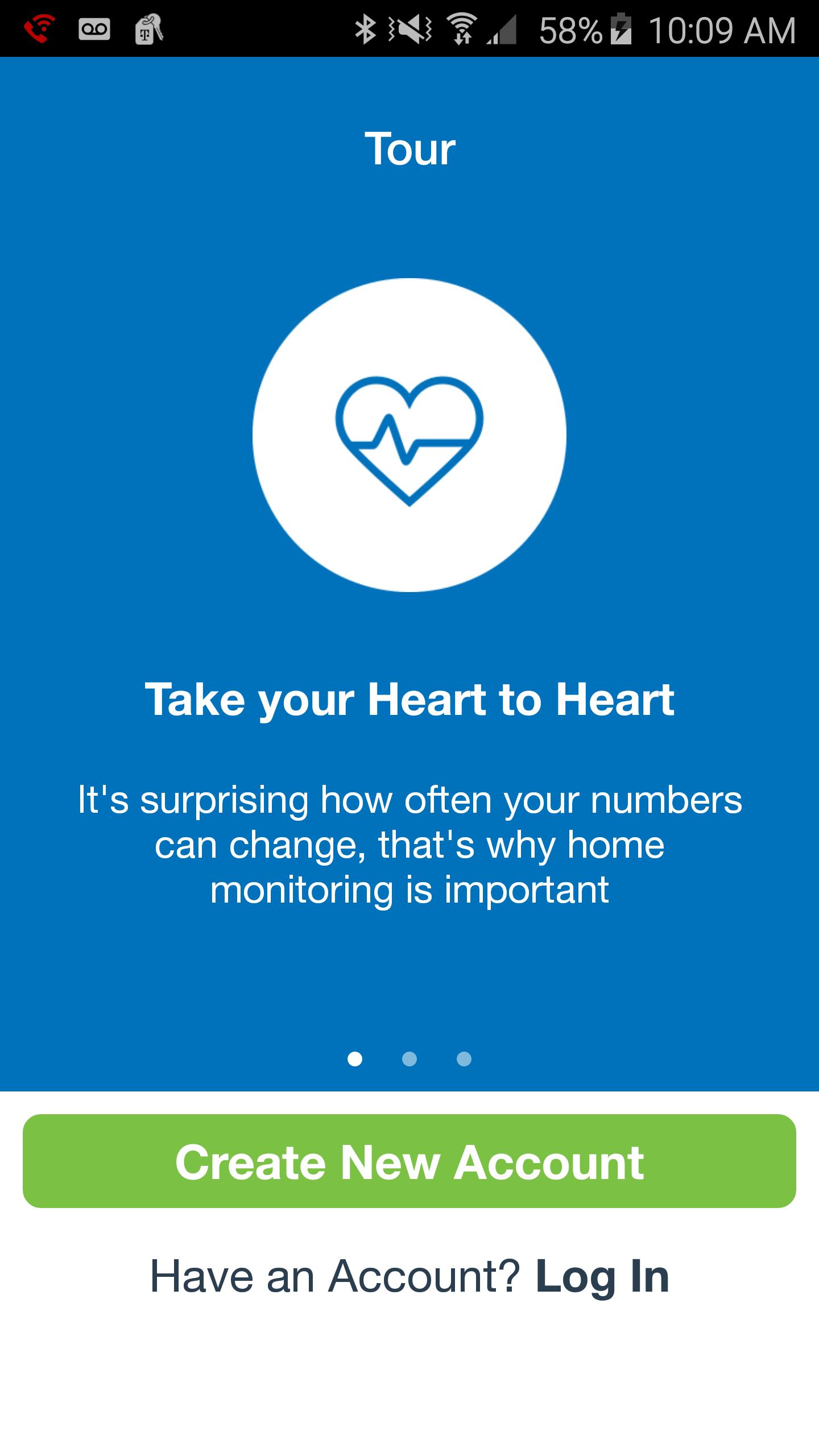
Your well-being is a numbers game. To stay ahead, you need to know your stats, chart your progress and set goals. That's just what the Omron Wellness app and compatible Omron blood pressure monitor can help you do.
Leading a more fulfilling life begins with having a clearer picture of your health. Sign up for FREE—it’s a smart way to track your blood pressure.
With the Omron Wellness app and companion website, you can:
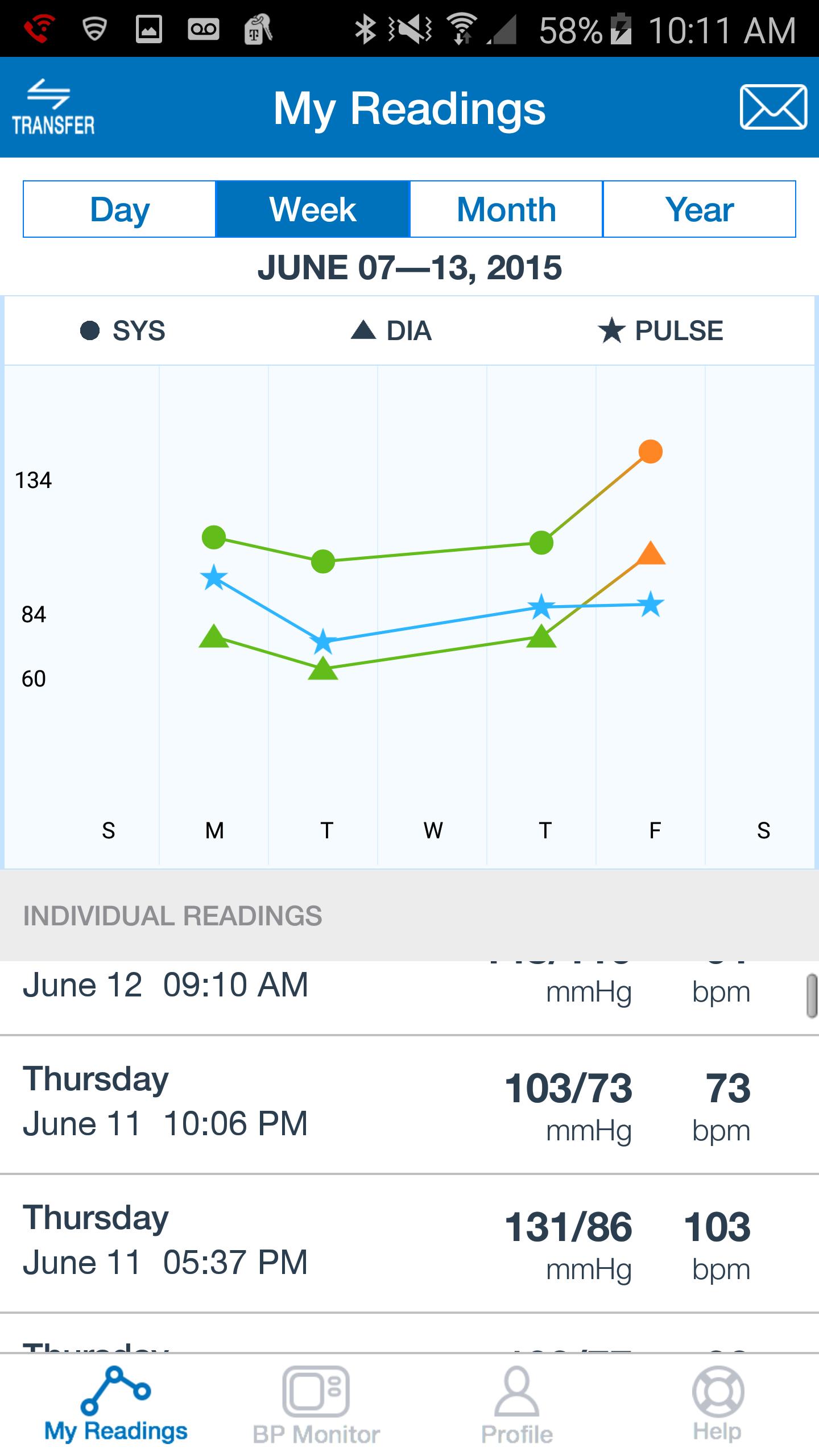
· Track your systolic, diastolic and pulse readings on the go.
· View your current and prior readings at a glance in graph or list view.
· Share your readings with a family member, caregiver or healthcare provider.
· Securely upload your readings to the Omron Wellness cloud.
· Analyze your data, set goals and track your progress over time.
· Set reminders so you won't miss a reading.
Avance
Información
Desarrollador
Omron Healthcare Inc
La última versión
2.5.4
Última actualización
2018-07-18
Categoría
Health-fitness
Disponible en
Google Play
Mostrar más
Cómo jugar Omron Wellness con GameLoop en PC
1. Descargue GameLoop desde el sitio web oficial, luego ejecute el archivo exe para instalar GameLoop.
2. Abra GameLoop y busque "Omron Wellness", busque Omron Wellness en los resultados de búsqueda y haga clic en "Instalar".
3. Disfruta jugando Omron Wellness en GameLoop.
Minimum requirements
OS
Windows 8.1 64-bit or Windows 10 64-bit
GPU
GTX 1050
CPU
i3-8300
Memory
8GB RAM
Storage
1GB available space
Recommended requirements
OS
Windows 8.1 64-bit or Windows 10 64-bit
GPU
GTX 1050
CPU
i3-9320
Memory
16GB RAM
Storage
1GB available space