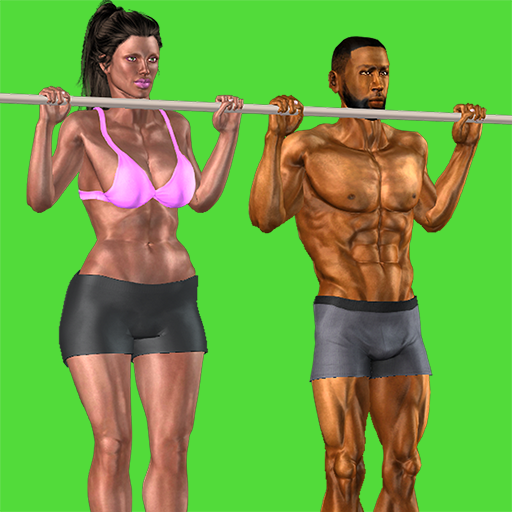
3D Pull Ups Home Workout para PC
ChronoFitness LLC
Descarga 3D Pull Ups Home Workout en PC con GameLoop Emulator
3D Pull Ups Home Workout en PC
3D Pull Ups Home Workout, proveniente del desarrollador ChronoFitness LLC, se ejecuta en el sistema Android en el pasado.
Ahora, puedes jugar 3D Pull Ups Home Workout en PC con GameLoop sin problemas.
Descárgalo en la biblioteca de GameLoop o en los resultados de búsqueda. No más mirar la batería o llamadas frustrantes en el momento equivocado nunca más.
Simplemente disfrute de 3D Pull Ups Home Workout PC en la pantalla grande de forma gratuita!
3D Pull Ups Home Workout Introducción
***PLEASE, READ BEFORE INSTALLING***
This app is FREE , but you can choose to upgrade to the PRO version and unlock all content ONLY IF YOU WANT TO. Please, do not install if you do not agree. Otherwise, thanks for the support and enjoy the app!
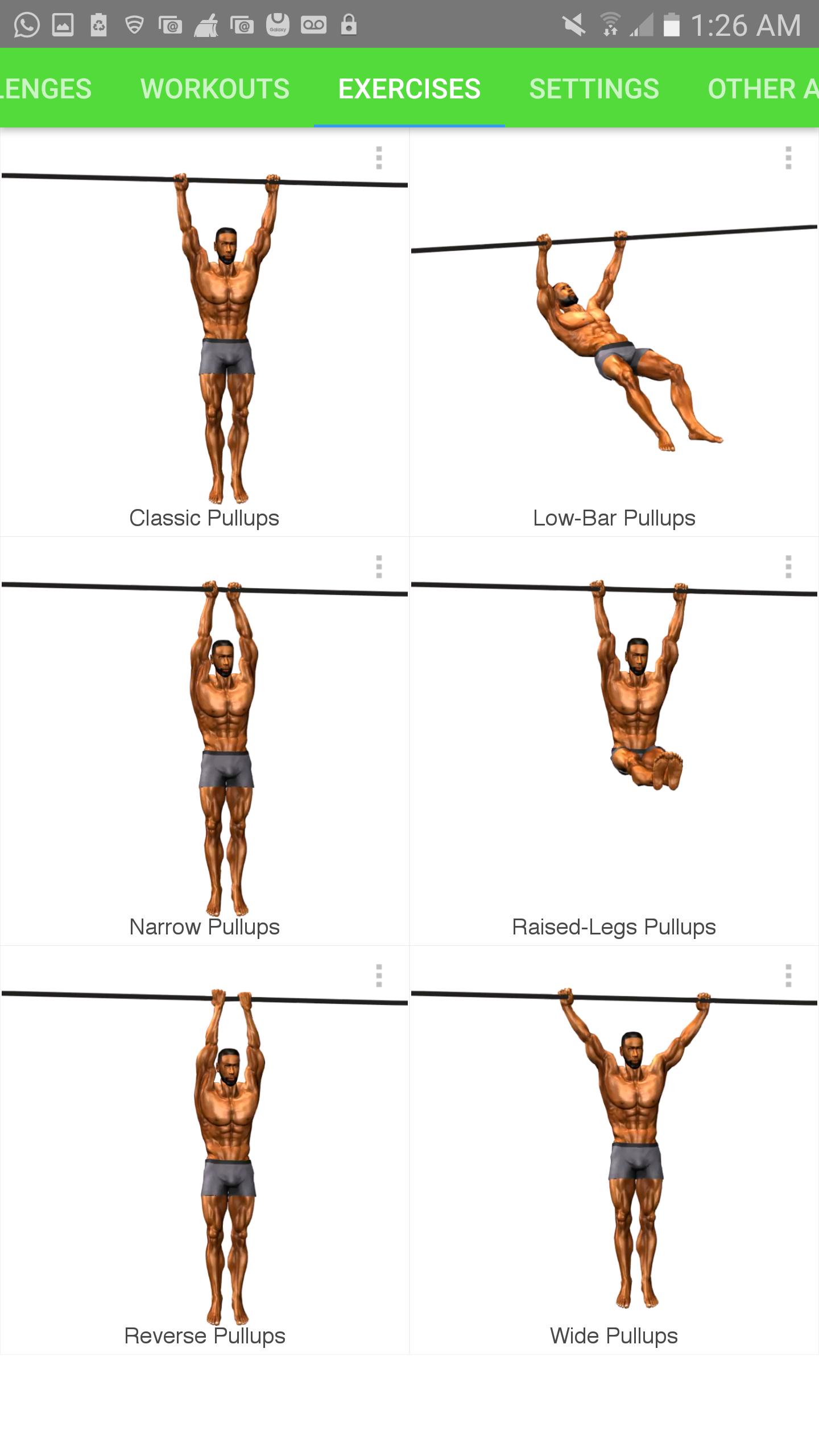
Get Fit and Increase your pull up count and endurance. Perform as many pull up as you can while following a 3D trainer. Several pull up variations included. During the workouts the exercises are animated so you can see a demonstration on how to perform the exercise. You can track your progress and add notes, so that you can push yourself further during each new workout session.
Features:
• Take Challenges
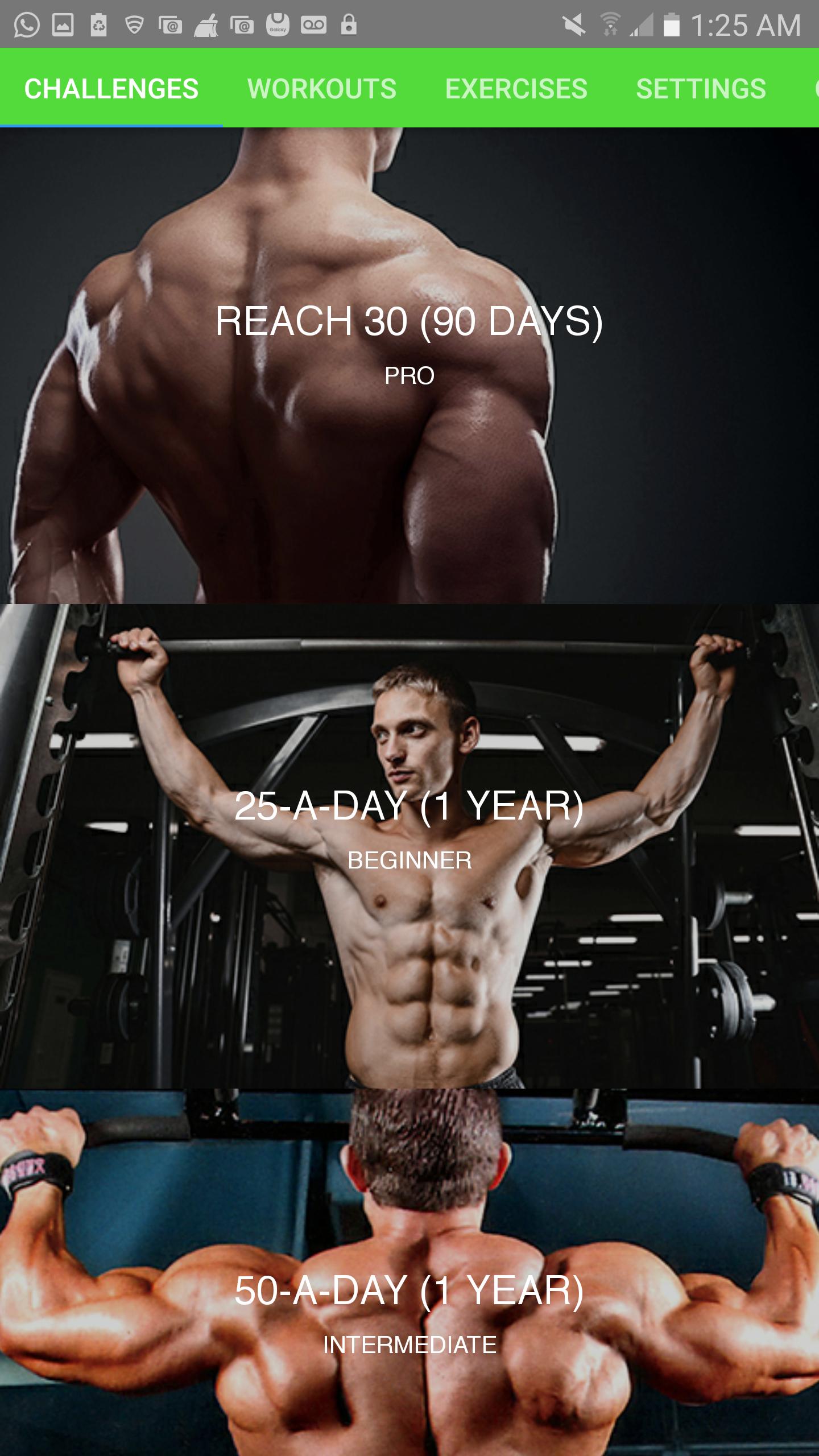
There are several challenges for you to choose from to help you achieve your fitness goals. The challenges have various length and goals. You tell the app what your current fitness level is and it customizes the challenge specifically for you!
• Create multiple workouts
You can create custom workouts and choose which one you would like to perform.
• Add exercises to your workout
You can customize each workout by selecting which exercises you would like to perform and how many reps you think you can perform at each exercise. This allows you to push yourself to your max while building muscle and endurance at the same time.
• Add breaks between exercises
You have the option of taking breaks between exercises by setting how long the break should be so that you recover before the next exercise.
Taking breaks ensures that you have plenty of energy to perform the next exercise with good form.
• Follow your 3D animated workout partner
Each exercise feature a 3D model that in some sort works out with you by showing you how the exercise should be performed.
• Voice announcements during workouts
The apps give you the option to have voice announcement during the workout to let you know where they are in the workout.
• Pause the workout
You can pause the workout at any time and resume it whenever you’re ready again.
• Share your accomplishment with others
At the end of the workout you can decide to share your accomplishment with friends and family on social media or other apps.
• Add notes about any exercise
You can decide to create some notes about how you performed a particular exercise and what you can do to improve your performance next time.
• Option to login using Facebook
You can decide to login to Facebook so you can share your accomplishment on Facebook.
• Very beautiful user interfaces
Avance
Etiquetas
Health-&Información
Desarrollador
ChronoFitness LLC
La última versión
2.2.0
Última actualización
2022-05-17
Categoría
Health-fitness
Disponible en
Google Play
Mostrar más
Cómo jugar 3D Pull Ups Home Workout con GameLoop en PC
1. Descargue GameLoop desde el sitio web oficial, luego ejecute el archivo exe para instalar GameLoop.
2. Abra GameLoop y busque "3D Pull Ups Home Workout", busque 3D Pull Ups Home Workout en los resultados de búsqueda y haga clic en "Instalar".
3. Disfruta jugando 3D Pull Ups Home Workout en GameLoop.
Minimum requirements
OS
Windows 8.1 64-bit or Windows 10 64-bit
GPU
GTX 1050
CPU
i3-8300
Memory
8GB RAM
Storage
1GB available space
Recommended requirements
OS
Windows 8.1 64-bit or Windows 10 64-bit
GPU
GTX 1050
CPU
i3-9320
Memory
16GB RAM
Storage
1GB available space